
 Video Download Helper
Download videos from the web. …
Firefox

EasySubs EN
Nitrino · Firefox
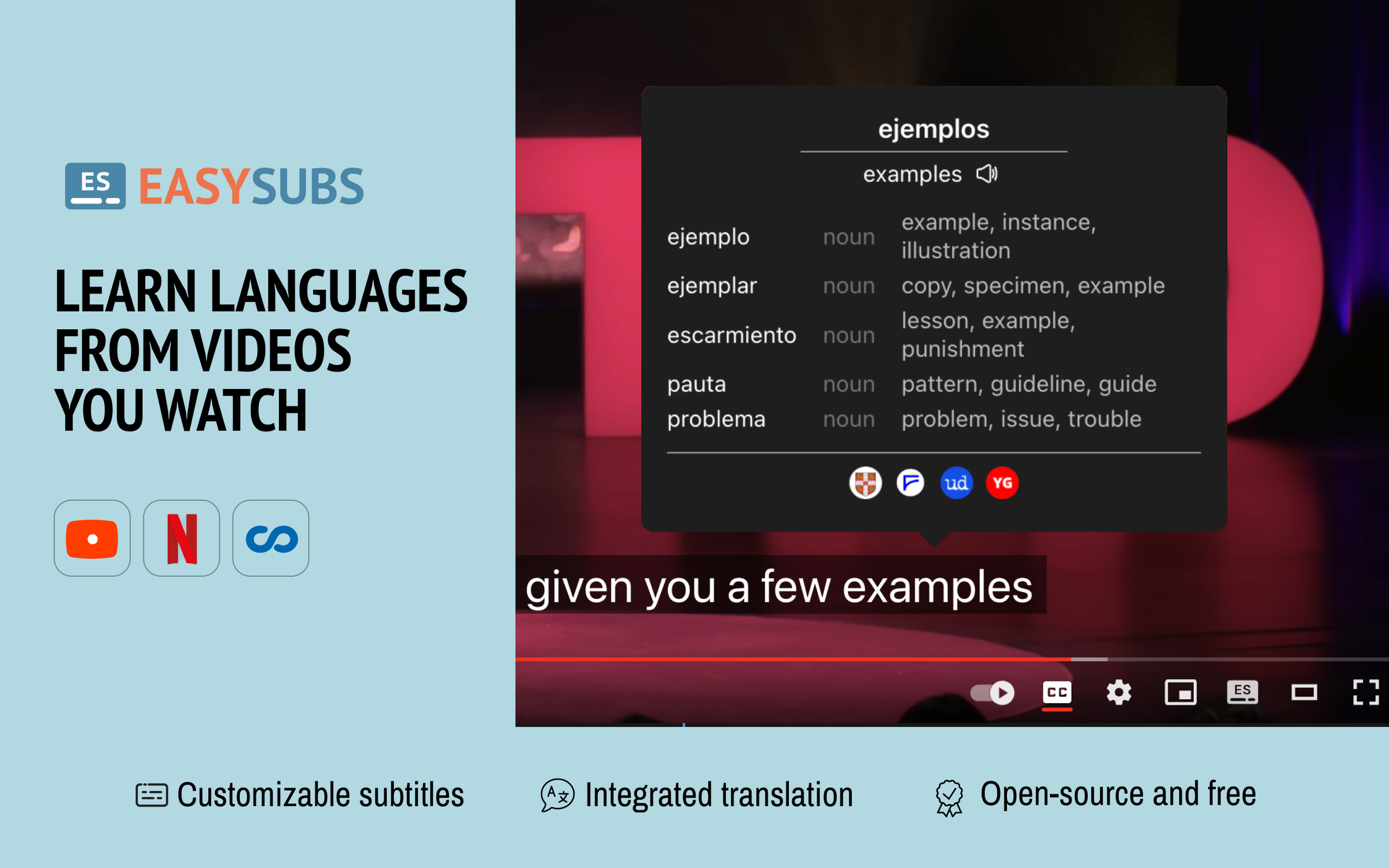
Learn languages by watching films and series. Customizable subtitles and a popup dictionary to master your vocabulary while watching YouTube or Netflix. Open-source and free.
3.9/5
16 人评分
205用户
v3.1.3当前版本
截图
简介
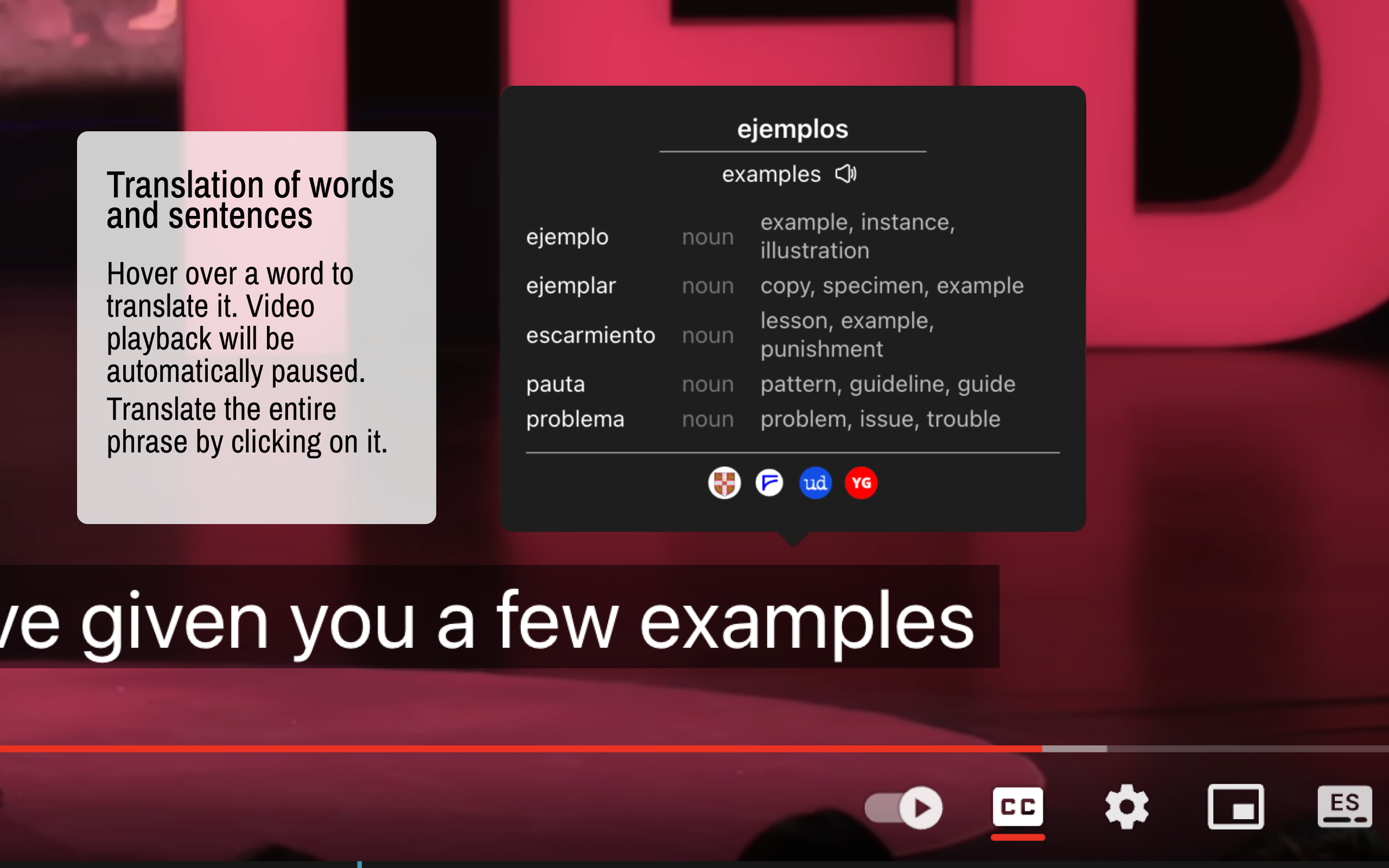
Improve your language skills by watching TV shows and movies with subtitles. Enjoy seamless experience – point over a word to get it translated, the video playback will be automatically paused. You can even translate the whole phrase by clicking on it.
Do you have a subtitle file in your native language? Upload it and easily sync it with the video if needed.
🚀 LANGUAGE LEARNING
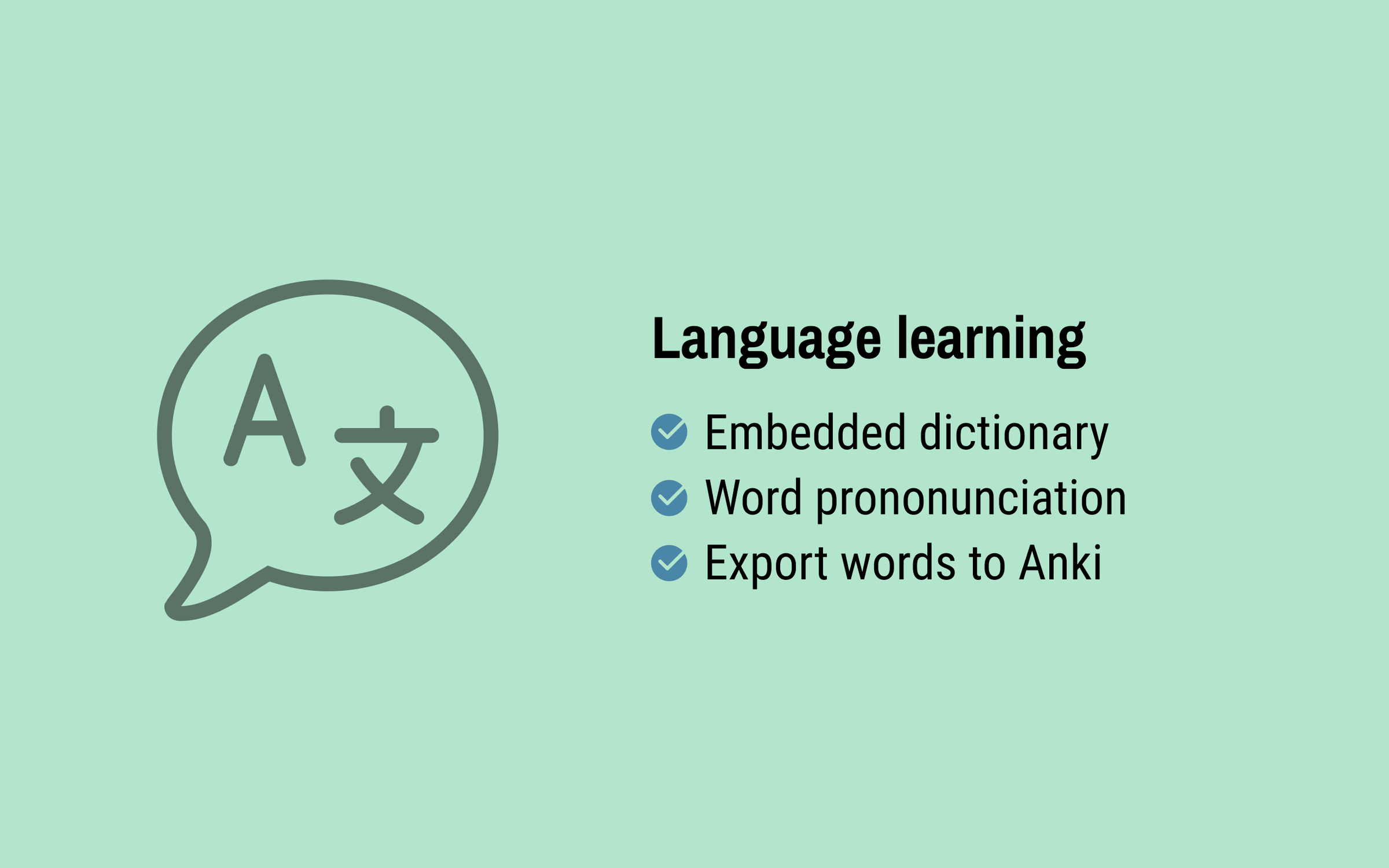
– TRANSLATION: Hover over or click on subtitles for single-word or full-sentence translations.
– WORD PRONUNCIATION: Improve your listening and speaking skills with correct pronunciations.
– VOCABULARY EXPORT: Export words to language learning services like Anki, LinguaLeo, and Puzzle English.
📺 SUBTITLES
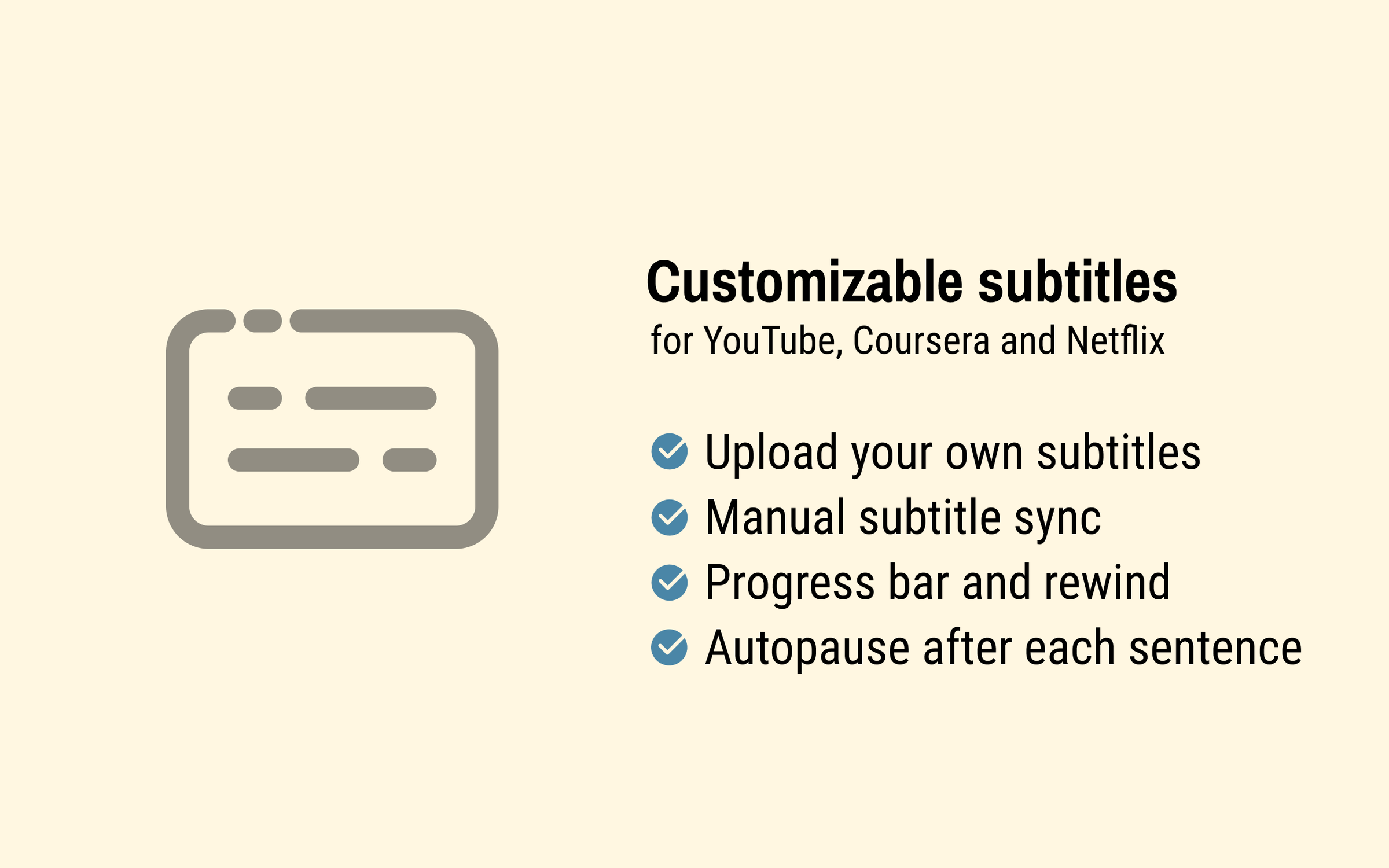
– UPLOAD YOUR OWN SUBTITLES: Supports .SRT and .VTT formats.
– SMART AUTO-PAUSE: Hover over a word, and the video will pause automatically.
– SUBTITLE PROGRESS BAR: Navigate subtitles easily. Click to rewind the video to the desired point.
– MANUAL SUBTITLE SYNC: Adjust subtitles if they’re out of sync with the video.
– REWIND AND FAST-FORWARD BY SUBTITLES: Use the right arrow key to replay the last sentence.
– SHOW ALL AVAILABLE SUBTITLES: Access all subtitles and audio tracks on Netflix, regardless of region.
🌐 STREAMING PLATFORMS
– YouTube (videos and originals)
– Netflix
– Coursera
– KinoPub
…and more coming soon.
Please note that some services may not be available in your region or may require a subscription (e.g., Netflix). We are not affiliated with these services.
❤️ QUESTIONS AND FEEDBACK
EasySubs is a completely free, open-source Chrome extension with no ads or hidden costs. If you like it, please leave a positive review – it helps a lot.
– Send your feedback to support@easysubs.cc
– Ask your question in our Telegram group: @easysubs_ext
– Contribute to the project – find more details on our GitHub page: https://github.com/Nitrino/easysubs
EasySubs 是做什么的
EasySubs 是一款面向 Firefox 的语言辅助类扩展,主要用来划词翻译、语法校对、词典查询。官方对它的介绍是:Learn languages by watching films and series. Customizable subtitles and a popup dictionary to master your vocabulary while watching YouTube or Netflix. Open-source and free.在Firefox 附加组件商店(AMO)上,它当前版本 3.1.3,评分 3.88(16 人评价),约 205 名用户。
适合什么人用
从功能定位看,EasySubs 更适合需要阅读外文资料或写英文内容的用户。如果你平时只是偶尔遇到相关需求,用浏览器自带功能也能凑合;但如果这件事每天都发生,装一个专门处理它的扩展通常比手动操作省事得多。
怎么安装 EasySubs
- 打开Firefox 附加组件商店(AMO)上的官方页面;
- 点「添加到浏览器」并确认权限提示;
- 装好后在扩展列表里固定图标,方便随时开关。
本站只做索引与介绍,安装包来自官方商店。如果商店页面提示当前地区不可用,说明该扩展未在你所在区域上架。
常见问题
EasySubs 是免费的吗?
EasySubs 在Firefox 附加组件商店(AMO)免费提供下载。它是浏览器扩展,装上就能直接用,不需要注册账号。
EasySubs 安全吗?
它只申请了 0 项权限,范围比较克制,没有申请「读取所有网站数据」这种大权限。
EasySubs 支持哪些浏览器?
当前收录的版本来自Firefox 附加组件商店(AMO),适用于 Firefox。同一个扩展在其他商店可能有对应版本,但功能与版本号不一定相同。
怎么卸载 EasySubs?
在扩展管理页找到 EasySubs,点移除即可。它在本地保存的设置会一起清掉,不会残留数据。
权限清单 来自 manifest.json 原文
接口权限 3
activeTabscriptingstorage
标签 点标签看同类扩展
Video Download Helper
Download videos from the web. …
Firefox
 Ghostery – 隐私广告拦截工具
Ghostery 是强大的隐私保护扩展程序。拦截广告,停止跟…
Firefox
 Return YouTube Dislike
Returns ability to see dislike…
Firefox
 SponsorBlock - Skip Sponsorships on YouTube
Easily skip YouTube video spon…
Firefox
 Enhancer for YouTube™
控制并提升您的 YouTube 用户体验!
Firefox
 BetterTTV
Enhances Twitch and YouTube wi…
Firefox
 Easy Youtube Video Downloader Express
A simple extension for superfa…
Firefox
 YouTube NonStop
Tired of getting that "Video p…
Firefox