
电子表格编辑器 MyXls
OffiCloud · Firefox
创建或编辑使用 OpenDocument 格式 (ODF) 和 Microsoft Excel xls/xlsx 格式的电子表格。
截图
简介
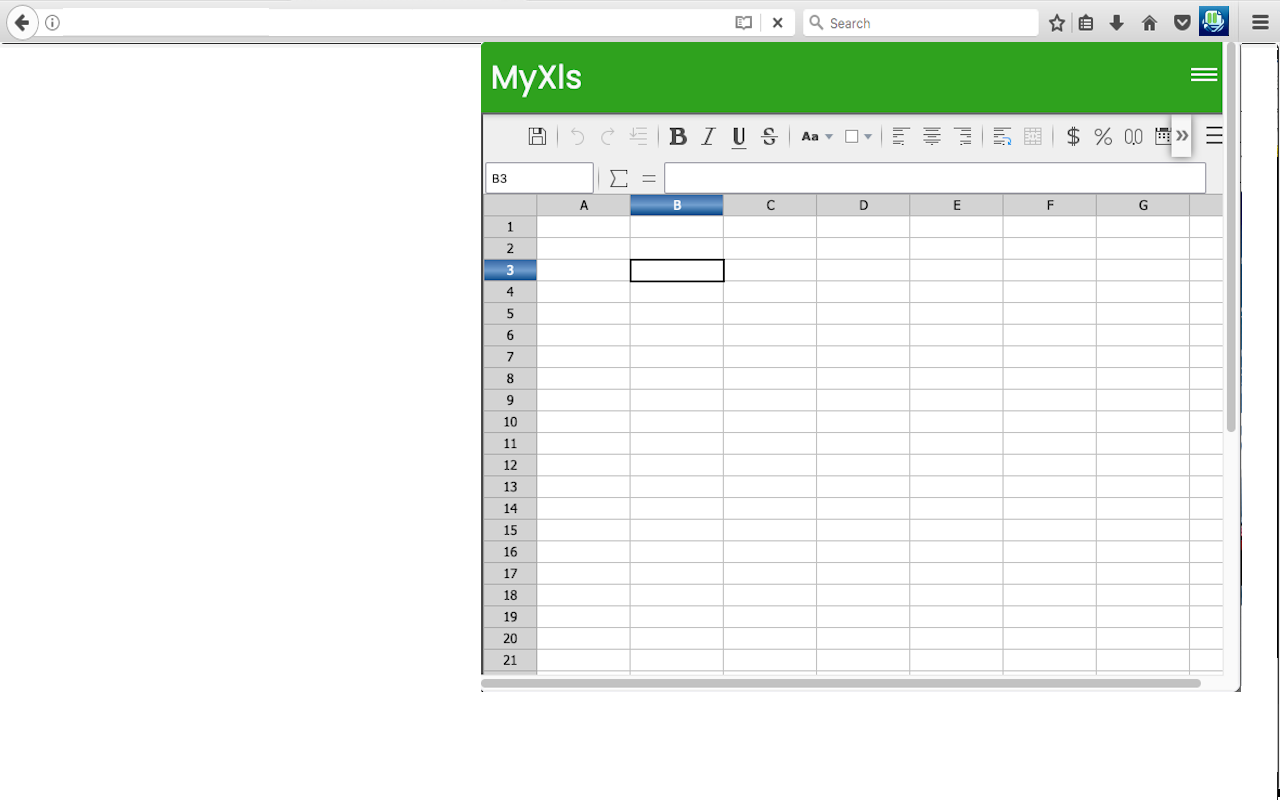
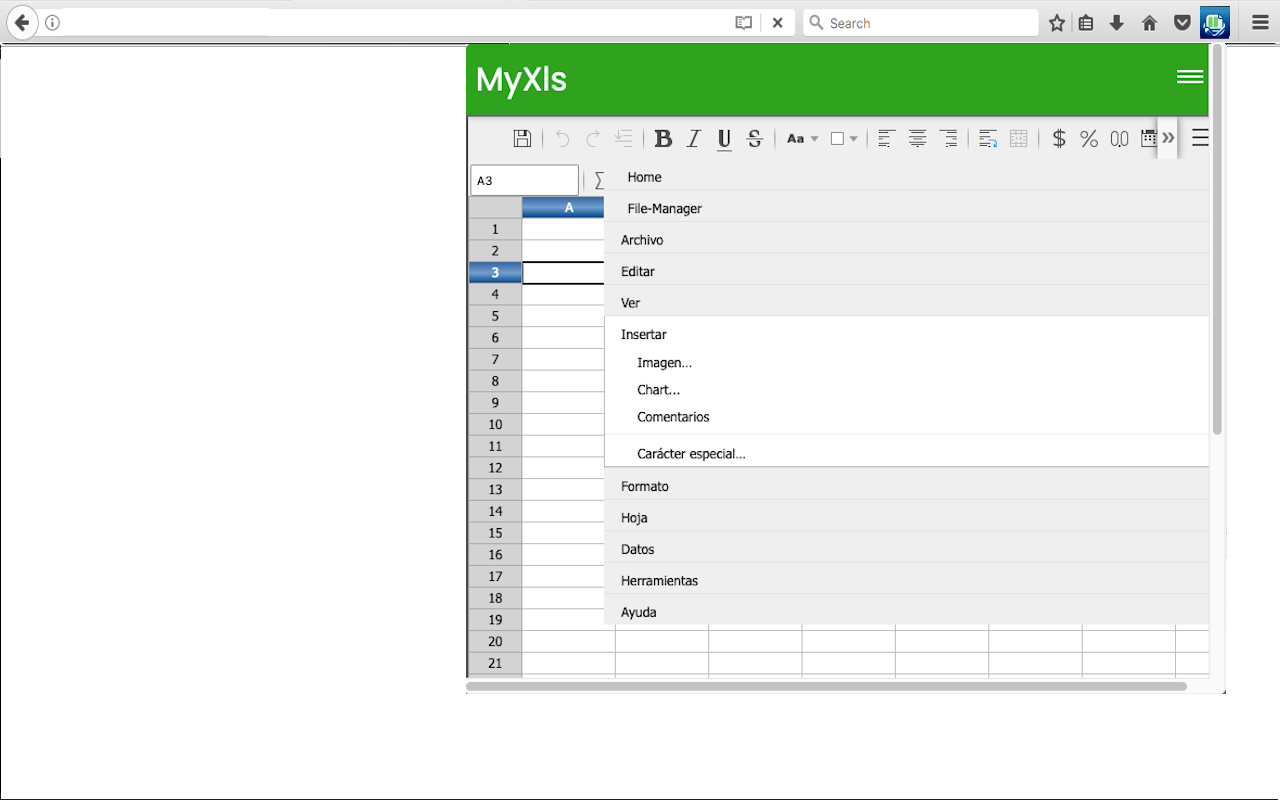
This XlsCloud extension allows users to create and edit any XLS or XLSX spreadsheet like Microsoft Excel because it is an editor that can handle such spreadsheets in multiple formats, including the standardized OpenDocument format (ODF), and the mentioned Microsoft Excel .xls and .xlsx formats.
Its main features are:
• Is it like a Microsoft Excel online but all the XlsCloud features are available using a web browser.
• XlsCloud provides you with functions, including statistical and banking functions, that you can use to create formulas to perform complex calculations on your data.
• You can also use the Function Wizard to help you create your formulas.
• It provides What-If Calculations, an interesting feature is to be able to immediately view the results of changes made to one factor of calculations that are composed of several factors. For instance, you can see how changing the time period in a loan calculation affects the interest rates or repayment amounts. Furthermore, you can manage larger tables by using different predefined scenarios.
• It provides database functions. Use spreadsheets to arrange, store, and filter your data.
• It allows arranging data. With a few mouse-clicks, you can reorganize your spreadsheet to show or hide certain data ranges, or to format ranges according to special conditions, or to quickly calculate subtotals and totals.
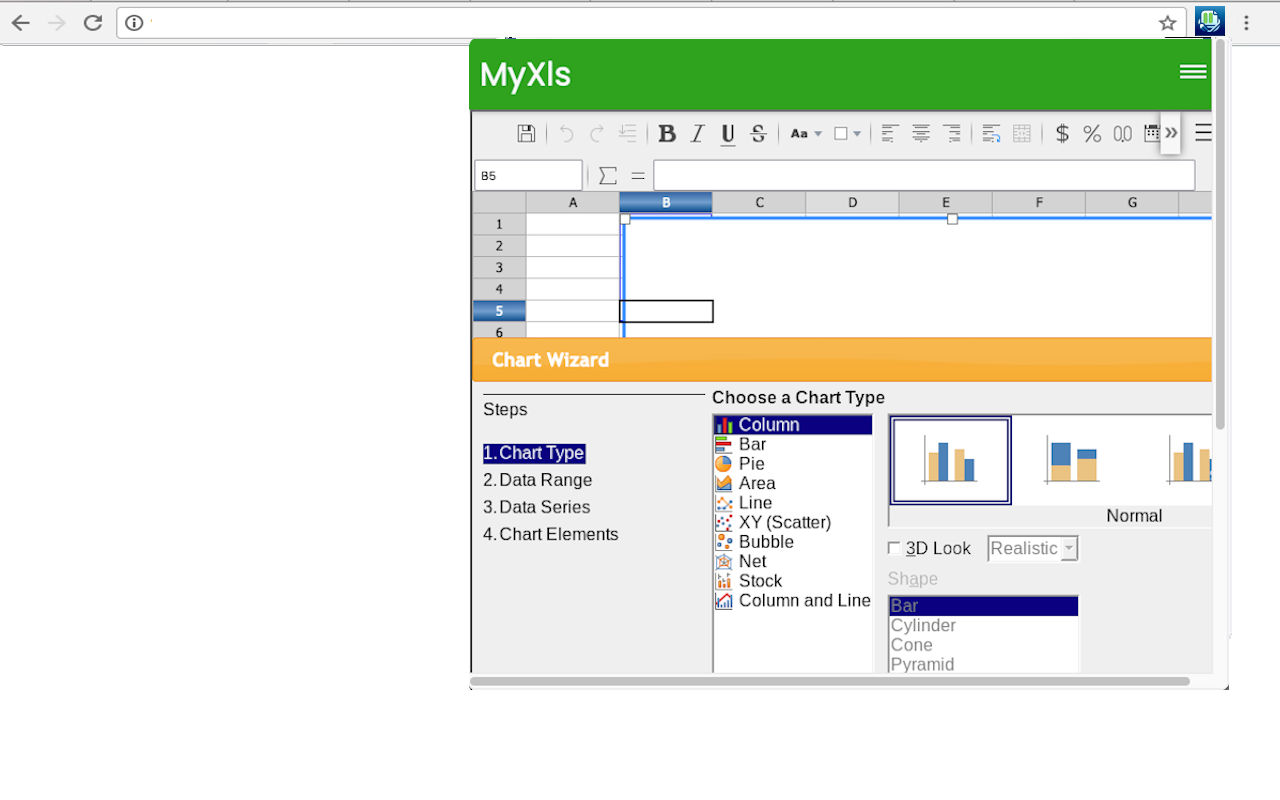
• It includes dynamic charts. XlsCloud lets you present spreadsheet data in dynamic charts that update automatically when the data changes.
• It allows to opening and save Microsoft Excel Files. Use the XlsCloud filters to convert Excel files, or to open and save in a variety of other formats.
This extension XlsCloud also includes access to a file manager to upload and download the spreadsheets created or to be edited.
电子表格编辑器 MyXls 是做什么的
电子表格编辑器 MyXls 是一款面向 Firefox 的社交通讯类扩展,主要用来增强社交网站功能、管理消息与通知。官方对它的介绍是:创建或编辑使用 OpenDocument 格式 (ODF) 和 Microsoft Excel xls/xlsx 格式的电子表格。在Firefox 附加组件商店(AMO)上,它当前版本 1.2.2,评分 5(1 人评价),约 97 名用户。
适合什么人用
从功能定位看,电子表格编辑器 MyXls 更适合重度使用社交平台的用户。如果你平时只是偶尔遇到相关需求,用浏览器自带功能也能凑合;但如果这件事每天都发生,装一个专门处理它的扩展通常比手动操作省事得多。
怎么安装 电子表格编辑器 MyXls
- 打开Firefox 附加组件商店(AMO)上的官方页面;
- 点「添加到浏览器」并确认权限提示;
- 装好后在扩展列表里固定图标,方便随时开关。
本站只做索引与介绍,安装包来自官方商店。如果商店页面提示当前地区不可用,说明该扩展未在你所在区域上架。
常见问题
电子表格编辑器 MyXls 是免费的吗?
电子表格编辑器 MyXls 在Firefox 附加组件商店(AMO)免费提供下载。它是浏览器扩展,装上就能直接用,不需要注册账号。
电子表格编辑器 MyXls 安全吗?
它只申请了 0 项权限,范围比较克制,没有申请「读取所有网站数据」这种大权限。
电子表格编辑器 MyXls 支持哪些浏览器?
当前收录的版本来自Firefox 附加组件商店(AMO),适用于 Firefox。同一个扩展在其他商店可能有对应版本,但功能与版本号不一定相同。
怎么卸载 电子表格编辑器 MyXls?
在扩展管理页找到 电子表格编辑器 MyXls,点移除即可。它在本地保存的设置会一起清掉,不会残留数据。
权限清单 来自 manifest.json 原文
接口权限 2
storagewebNavigation