
Undo Close Tab EN
Manuel Reimer · Firefox
Allows you to restore the tab you just closed with a single click—plus it can offer a list of recently closed tabs within a convenient context menu.
截图
简介
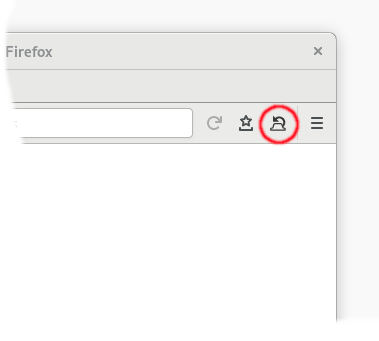
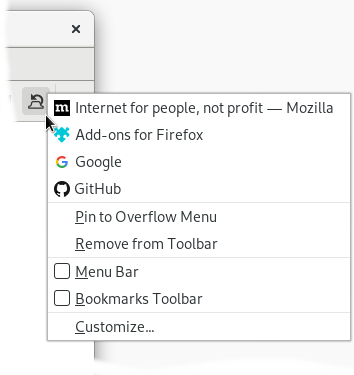
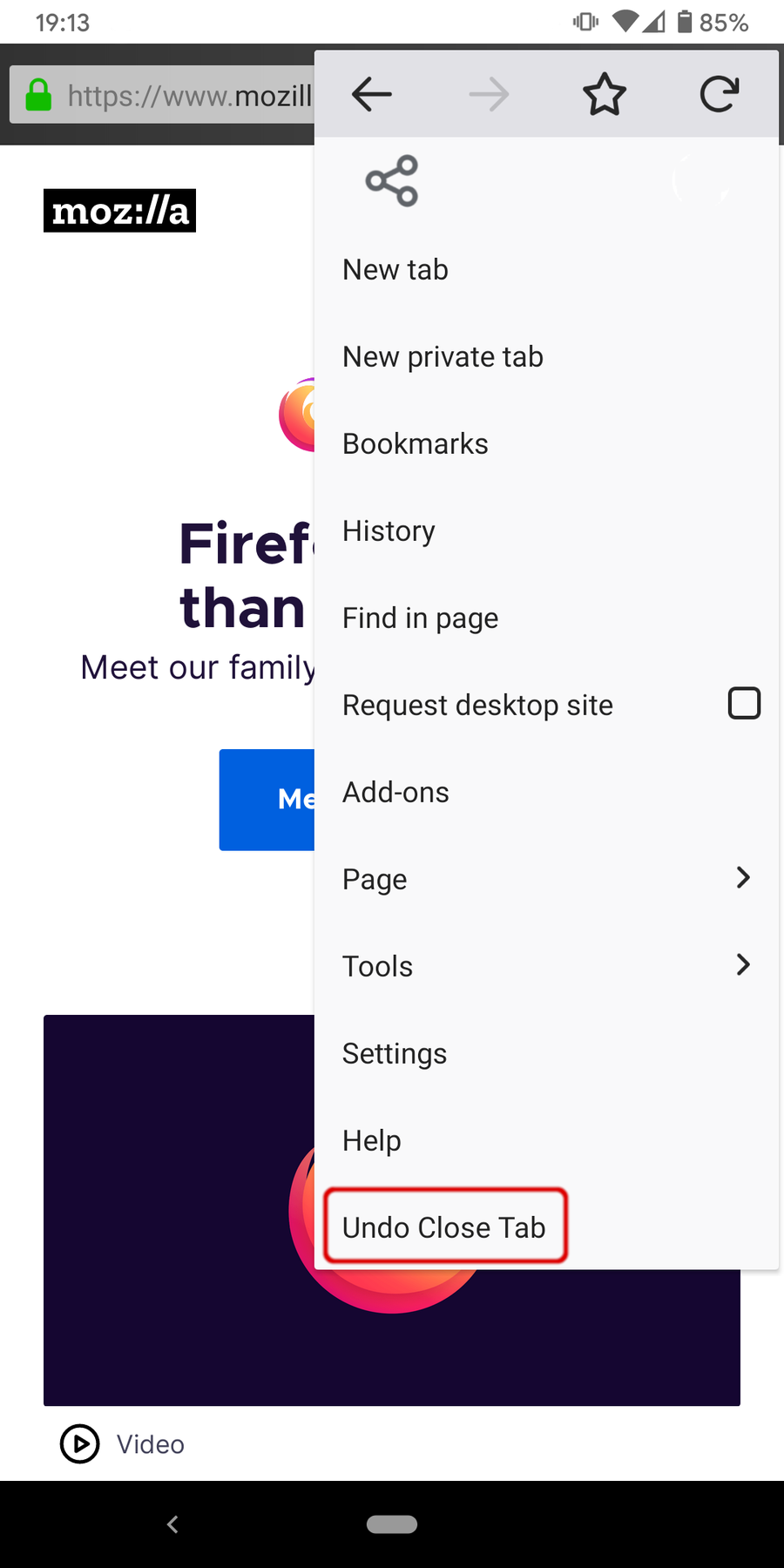
Undo Close Tab allows you to restore the most recently closed tab with a single button click and gives you access to the list of recently closed tabs in a context menu.
Top features:
- Restore your most recently closed tab with a single click of a toolbar button
- Quick access to up to 25 recently closed tabs in the context menu (right click on toolbar button)
- Optional access to the recently closed tab list in the page or tab context menu
- Integrates nicely with Firefox preset icons and also adapts to nearly every Firefox theme.
Please note:
- There is a known bug in Firefox which may cause Undo Close Tab to not work at all. To revive the addon, you have to reset your browser session
- If there are more than 6 items in the "last closed tab history", then a submenu "More items" is created. This is to workaround a technical limitation of the WebExtension API.
- The default setting in Firefox is to only store information for a maximum of 10 closed tabs. If you want to reach the maximum of 25 tabs, which again is a limitation of the WebExtensions API, then you have to increase the value of the browser.sessionstore.max_tabs_undo preference via about:config.
For an overview of changes, here is the extension commit history.
Undo Close Tab 是做什么的
Undo Close Tab 是一款面向 Firefox 的外观主题类扩展,主要用来更换浏览器配色、给网页加深色模式、调整界面观感。官方对它的介绍是:Allows you to restore the tab you just closed with a single click—plus it can offer a list of recently closed tabs within a convenient context menu.在Firefox 附加组件商店(AMO)上,它当前版本 8.1.1,评分 4.74(598 人评价),约 45,945 名用户。
适合什么人用
从功能定位看,Undo Close Tab 更适合长时间对着屏幕、希望降低眼睛负担的用户。如果你平时只是偶尔遇到相关需求,用浏览器自带功能也能凑合;但如果这件事每天都发生,装一个专门处理它的扩展通常比手动操作省事得多。
怎么安装 Undo Close Tab
- 打开Firefox 附加组件商店(AMO)上的官方页面;
- 点「添加到浏览器」并确认权限提示;
- 装好后在扩展列表里固定图标,方便随时开关。
本站只做索引与介绍,安装包来自官方商店。如果商店页面提示当前地区不可用,说明该扩展未在你所在区域上架。
常见问题
Undo Close Tab 是免费的吗?
Undo Close Tab 在Firefox 附加组件商店(AMO)免费提供下载。它是浏览器扩展,装上就能直接用,不需要注册账号。
Undo Close Tab 安全吗?
它只申请了 0 项权限,范围比较克制,没有申请「读取所有网站数据」这种大权限。
Undo Close Tab 支持哪些浏览器?
当前收录的版本来自Firefox 附加组件商店(AMO),适用于 Firefox。同一个扩展在其他商店可能有对应版本,但功能与版本号不一定相同。
怎么卸载 Undo Close Tab?
在扩展管理页找到 Undo Close Tab,点移除即可。它在本地保存的设置会一起清掉,不会残留数据。
权限清单 来自 manifest.json 原文
接口权限 5
menussessionsstoragetabstheme