
Talkie
Joel Purra · Firefox
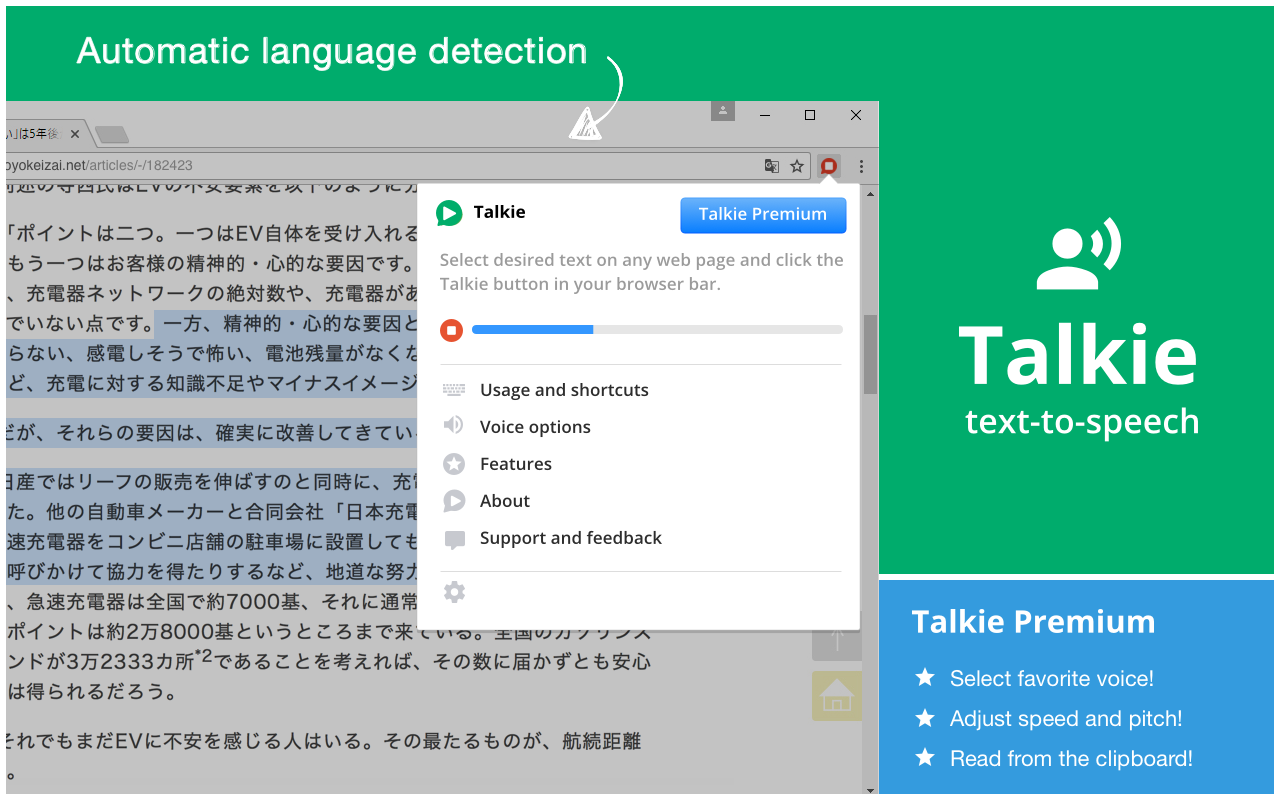
在任何网页上选择文字,并让计算机大声读出来,只需点击对讲机按钮。
截图

简介
Install additional voices
New voices, languages, dialects can be downloaded for free for your operating system from for example Microsoft and Apple. Once installed correctly just restart your computer, and Talkie will auto-detect the voices.
- Windows 11: Settings → Time & Language → Language & Region
- Windows 10: Settings → Time & Language → Language
- Windows 8: Control Panel → Language → Add a Language
- Windows 7:
- ChromeOS: Settings → Manage accessibility features → Text-to-Speech voice settings → Speech Engines
- macOS: System Preferences → Accessibility → Speech → System voice → Customize...
Upgrade to Talkie Premium!
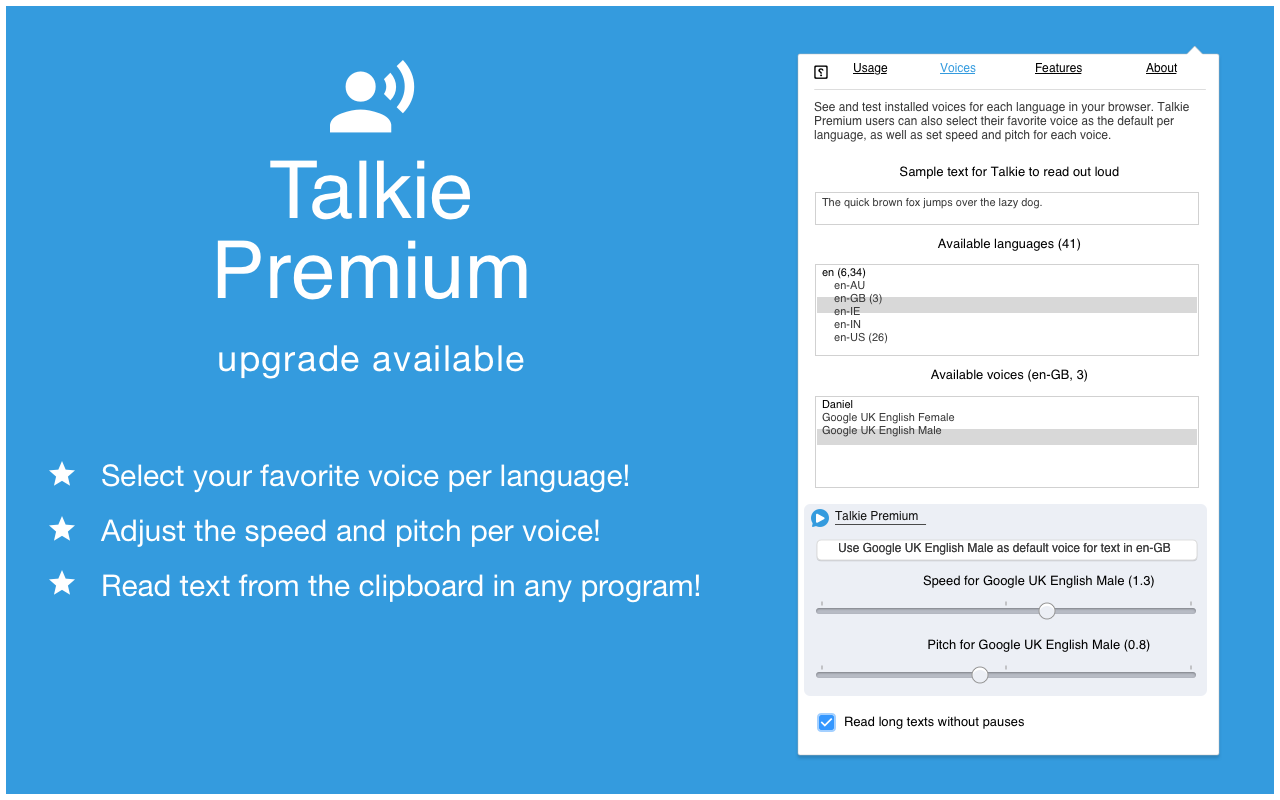
- Select your favorite voice per language!
- Adjust the speed and pitch per language!
- Read text from the clipboard!
- See the extension options page to upgrade.
Usage
- Select desired text on any web page.
- Click the Talkie button in your browser bar
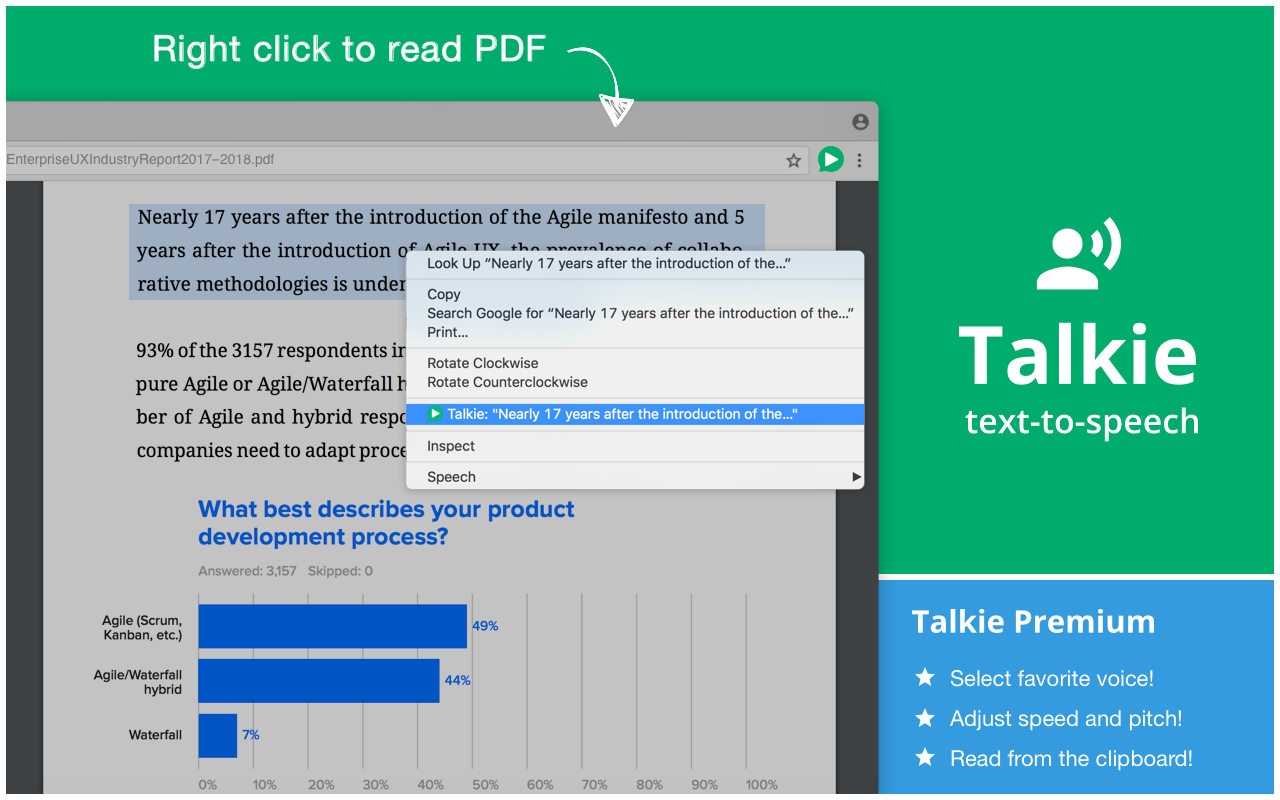
You can also select the text, then right click on it, and choose Talkie in the menu. This way also works in PDF-files and some special types of pages in Firefox.
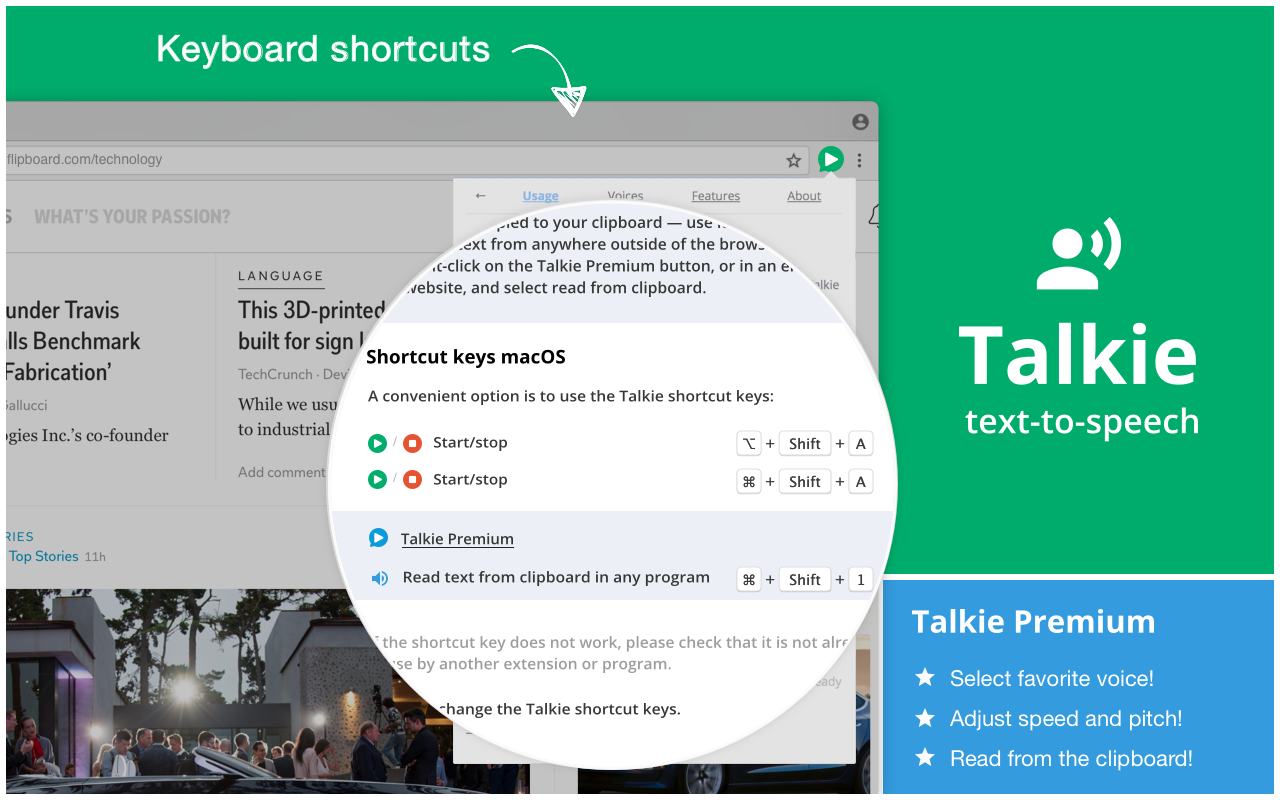
A convenient option is to use the Talkie shortcut key: <kbd>Alt+Shift+A</kbd> on Windows, macOS, Linux, Chrome OS
If the key does not work, please check that it is not already in use by another extension.
Features
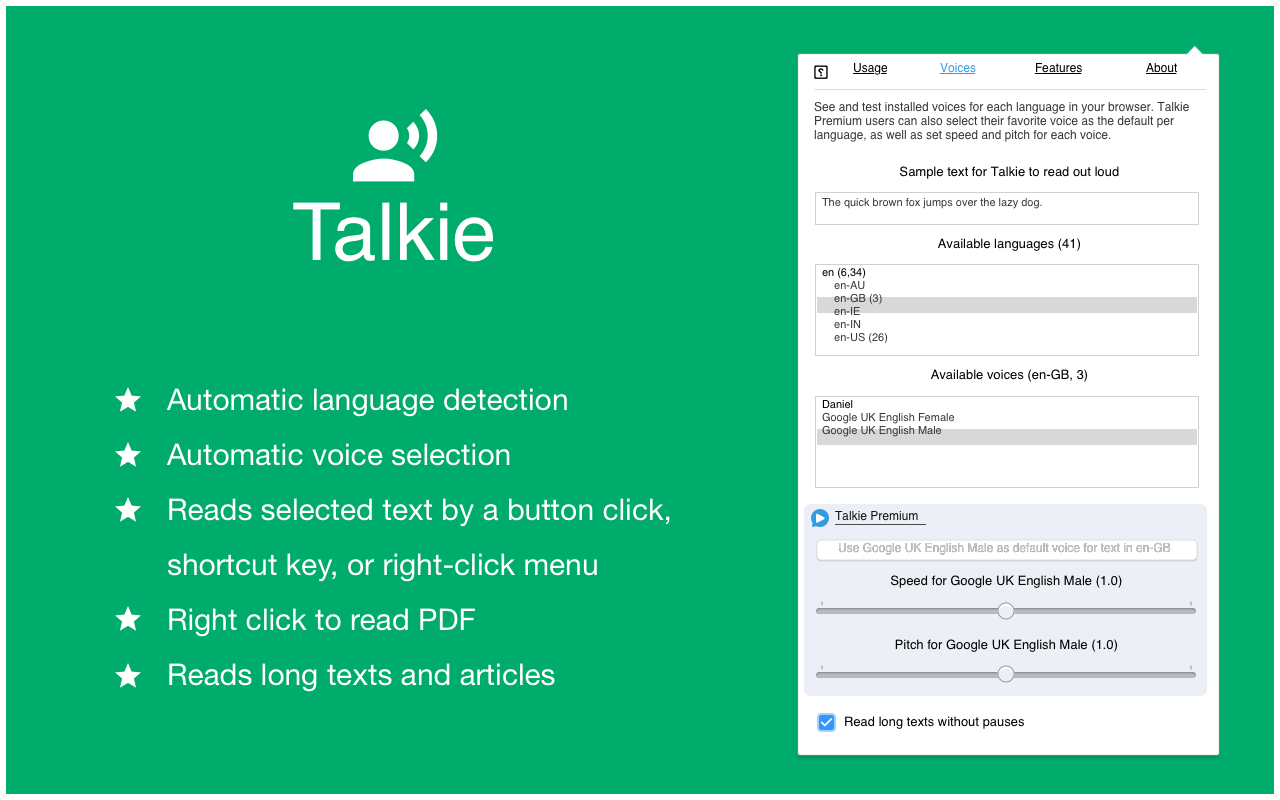
- Lets you listen to the selected text on any part of a page -- a short snippet or an entire news article. Just highlight what you want to hear read aloud and hit play.
- Automatically detects the text language per-page, and chooses a voice in the same language to match it.
- Privacy aware -- no unnecessary tracking or external services.
Please note
- Does not require any invasive browser permissions.
- Uses your browser's built-in Web Speech API for text-to-speech (TTS) known as Speech Synthesis.
- While ultimately depending on your specific browser and system settings, text and voice processing is generally expected to be done on your own machine. Voices which require an internet connection are listed as "online" voices in the user interface.
- Please rate the extension and leave feedback.
Support
Please report any problems you have as a new Github issue. Please include relevant information:
- Which browser and version you are using.
- Which website the problem occurred on. If possible, include the full link.
- Which text/part of the website you want spoken.
- Which language the text was expected to be spoken in.
- Any other information you think might be relevant in tracking down the issue.
Voices
The voices for each language are provided by your browser. For this reason the list may differ depending on your browser, browser version, operating system, and any other installed extensions/software.
Talkie 是做什么的
Talkie 是一款面向 Firefox 的外观主题类扩展,主要用来更换浏览器配色、给网页加深色模式、调整界面观感。官方对它的介绍是:在任何网页上选择文字,并让计算机大声读出来,只需点击对讲机按钮。在Firefox 附加组件商店(AMO)上,它当前版本 8.0.3,评分 3.31(64 人评价),约 3,847 名用户。
适合什么人用
从功能定位看,Talkie 更适合长时间对着屏幕、希望降低眼睛负担的用户。如果你平时只是偶尔遇到相关需求,用浏览器自带功能也能凑合;但如果这件事每天都发生,装一个专门处理它的扩展通常比手动操作省事得多。
怎么安装 Talkie
- 打开Firefox 附加组件商店(AMO)上的官方页面;
- 点「添加到浏览器」并确认权限提示;
- 装好后在扩展列表里固定图标,方便随时开关。
本站只做索引与介绍,安装包来自官方商店。如果商店页面提示当前地区不可用,说明该扩展未在你所在区域上架。
常见问题
Talkie 是免费的吗?
Talkie 在Firefox 附加组件商店(AMO)免费提供下载。它是浏览器扩展,装上就能直接用,不需要注册账号。
Talkie 安全吗?
它只申请了 0 项权限,范围比较克制,没有申请「读取所有网站数据」这种大权限。
Talkie 支持哪些浏览器?
当前收录的版本来自Firefox 附加组件商店(AMO),适用于 Firefox。同一个扩展在其他商店可能有对应版本,但功能与版本号不一定相同。
怎么卸载 Talkie?
在扩展管理页找到 Talkie,点移除即可。它在本地保存的设置会一起清掉,不会残留数据。
权限清单 来自 manifest.json 原文
接口权限 4
activeTabcontextMenusscriptingstorage
接口权限(可选) 1
clipboardRead