
Spotify Player EN
David Nguyen · Firefox
Spotify Player Firefox's extension
截图
简介
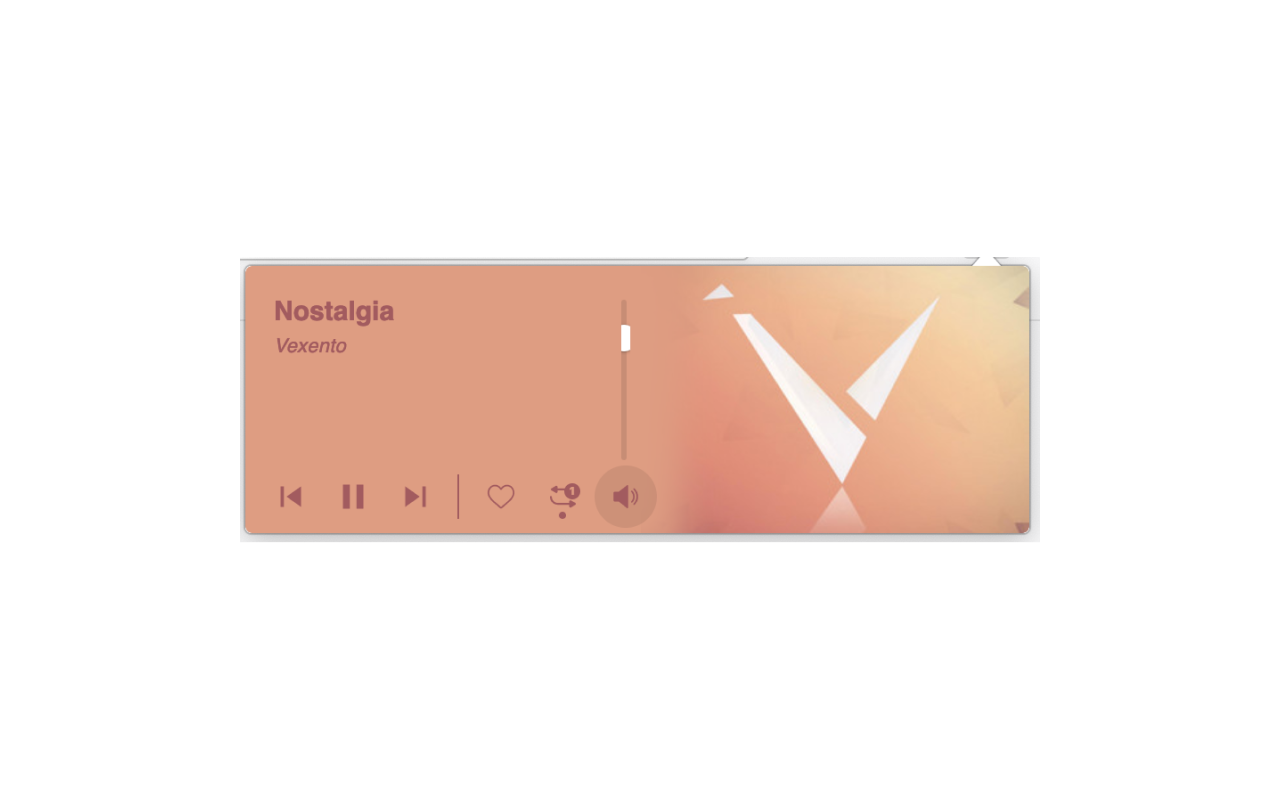
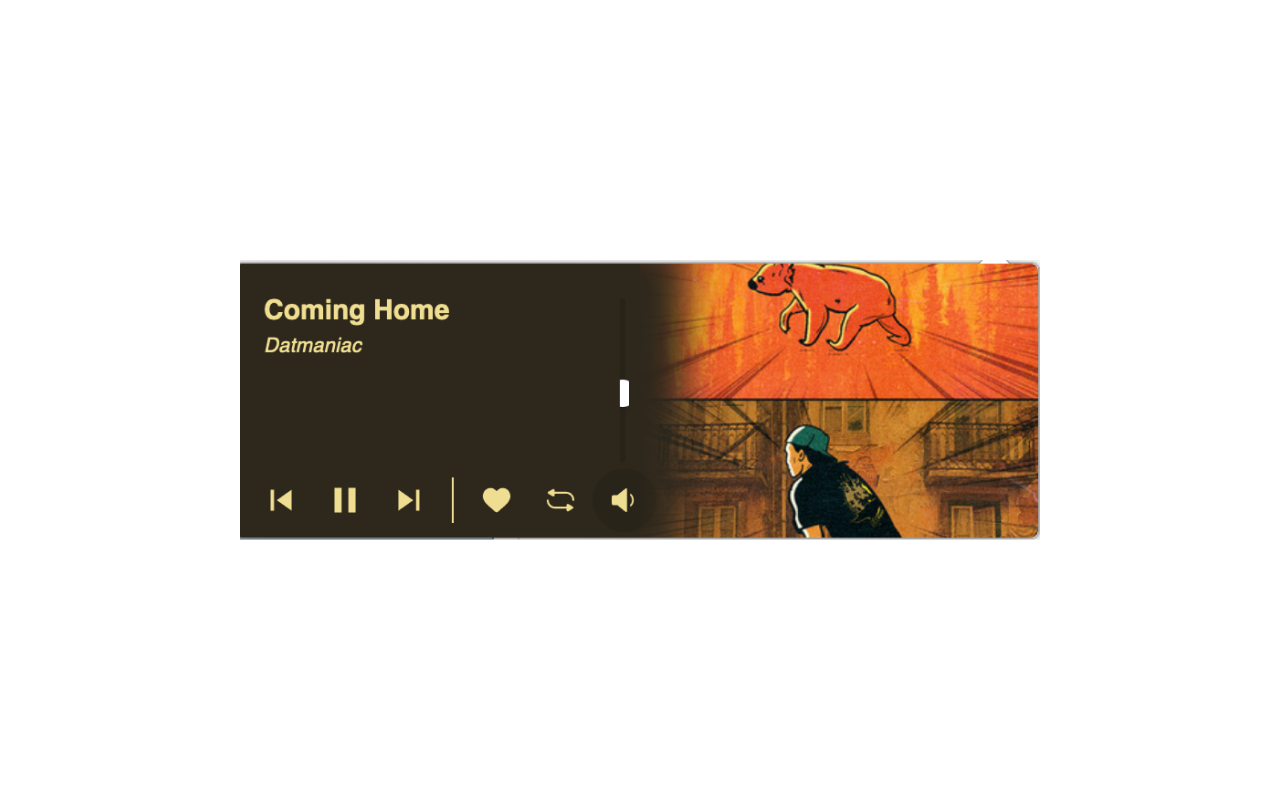
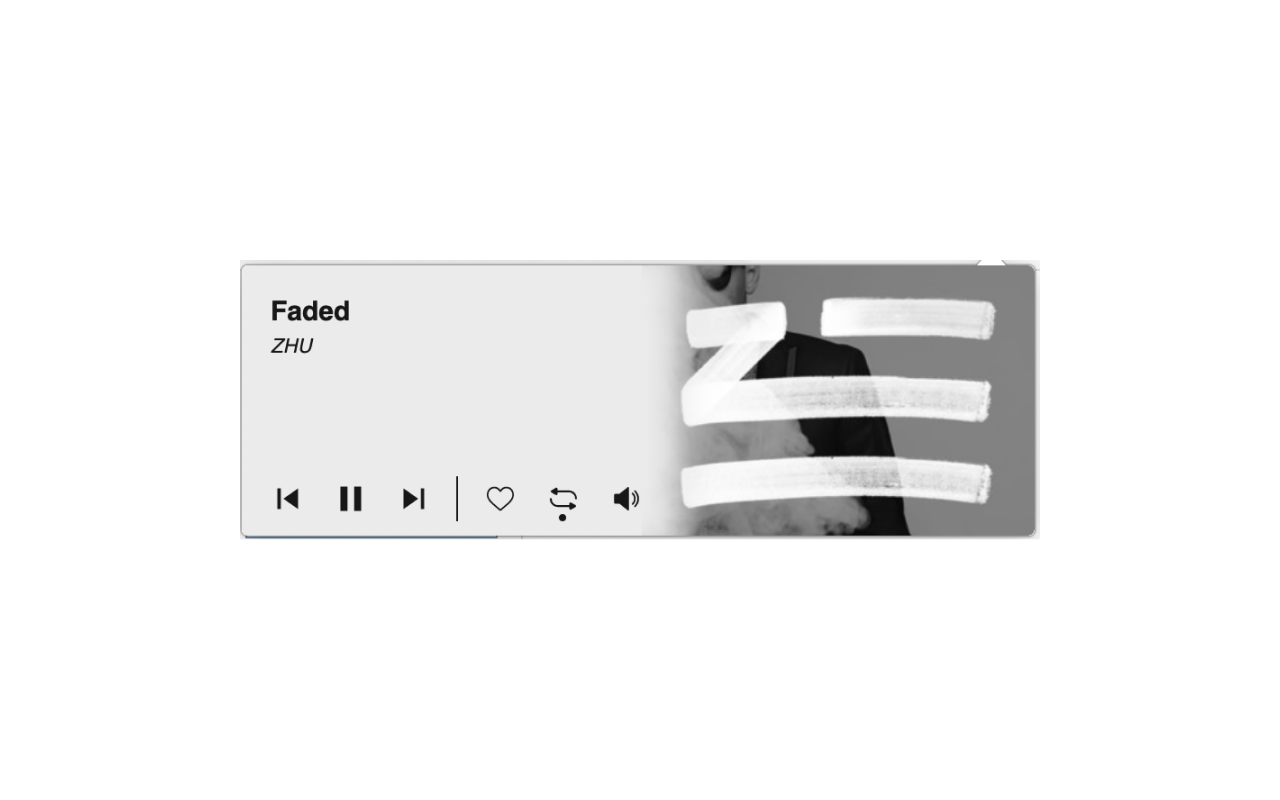
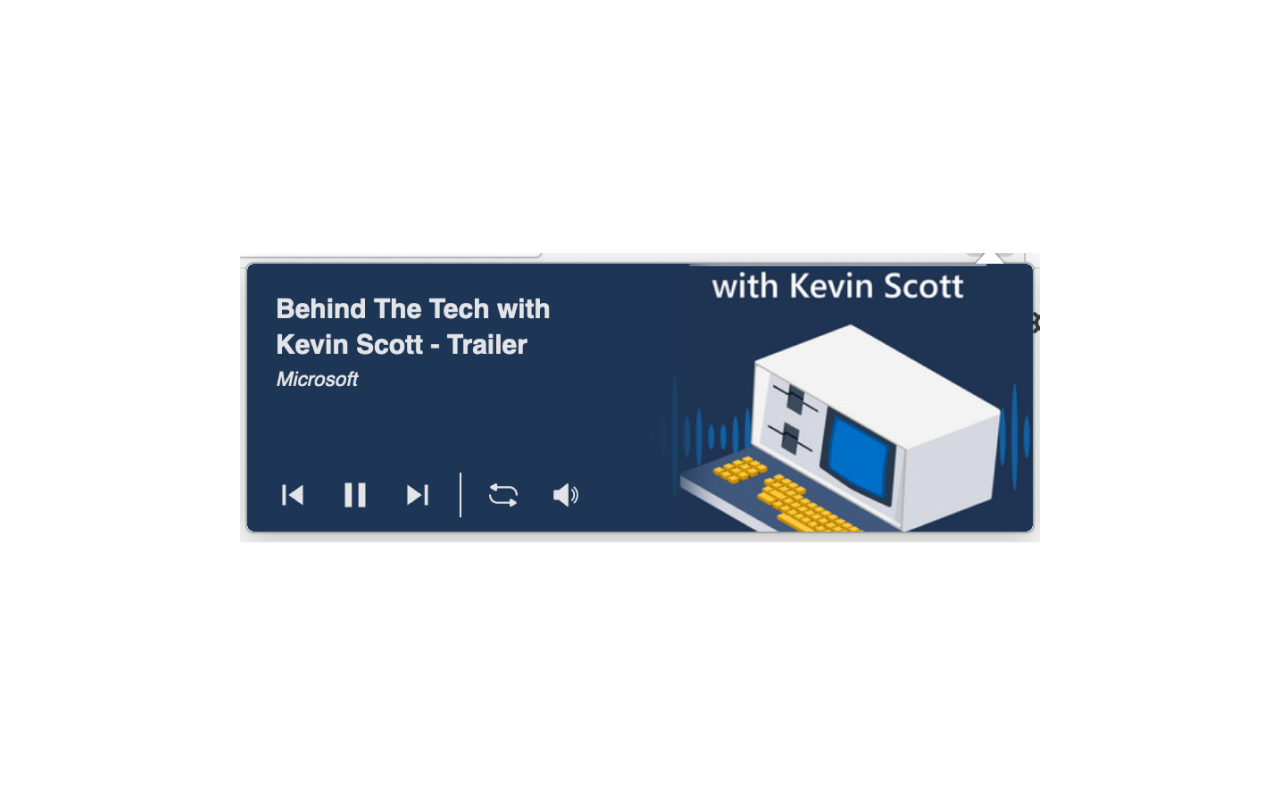
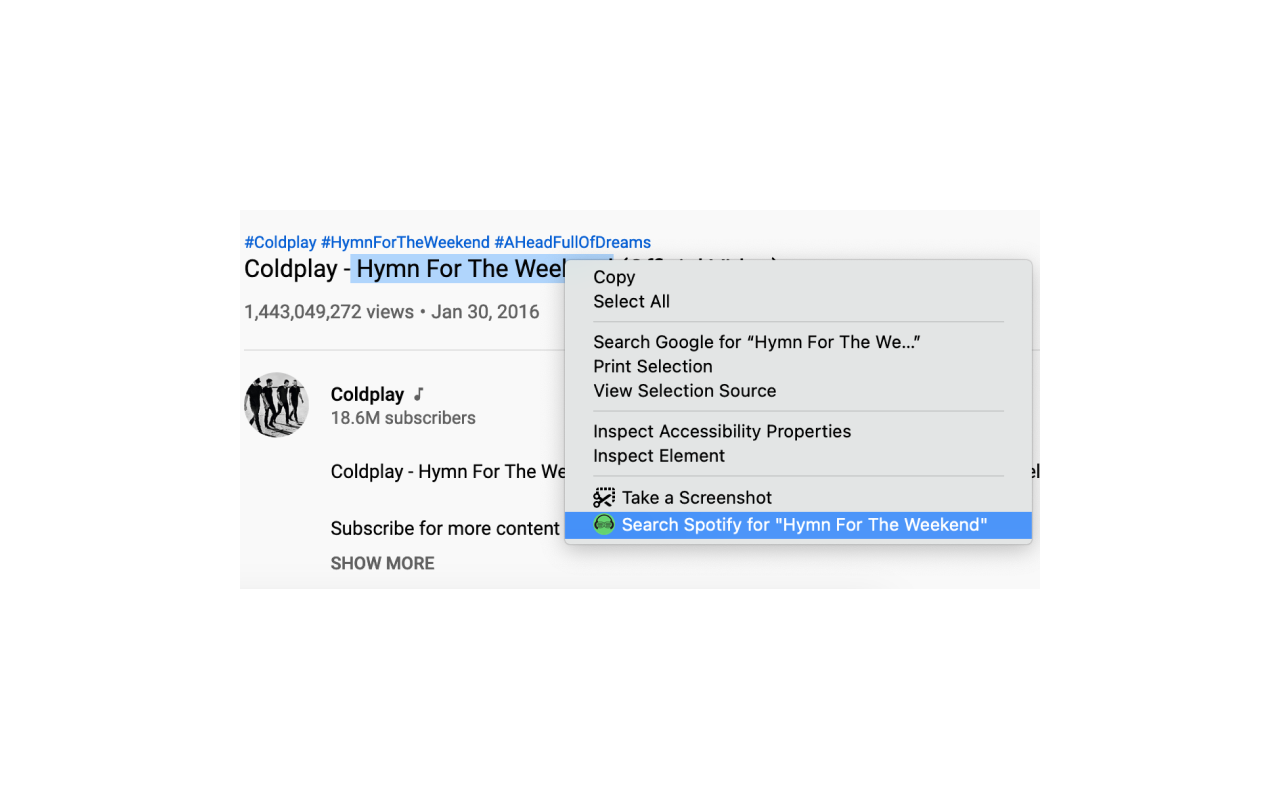
This is a mini Spotify player that allows the user seamlessly play/pause/save or jump to previous or next track while surfing the web without having to navigate to the Spotify user interface. To use this extension you need to:
★ You can find me on https://twitter.com/davidnguyen1791
★ Check the documentation page for more detail: https://www.spotit.page/
★ Buy me a coffee here paypal.me/davidnguyen179
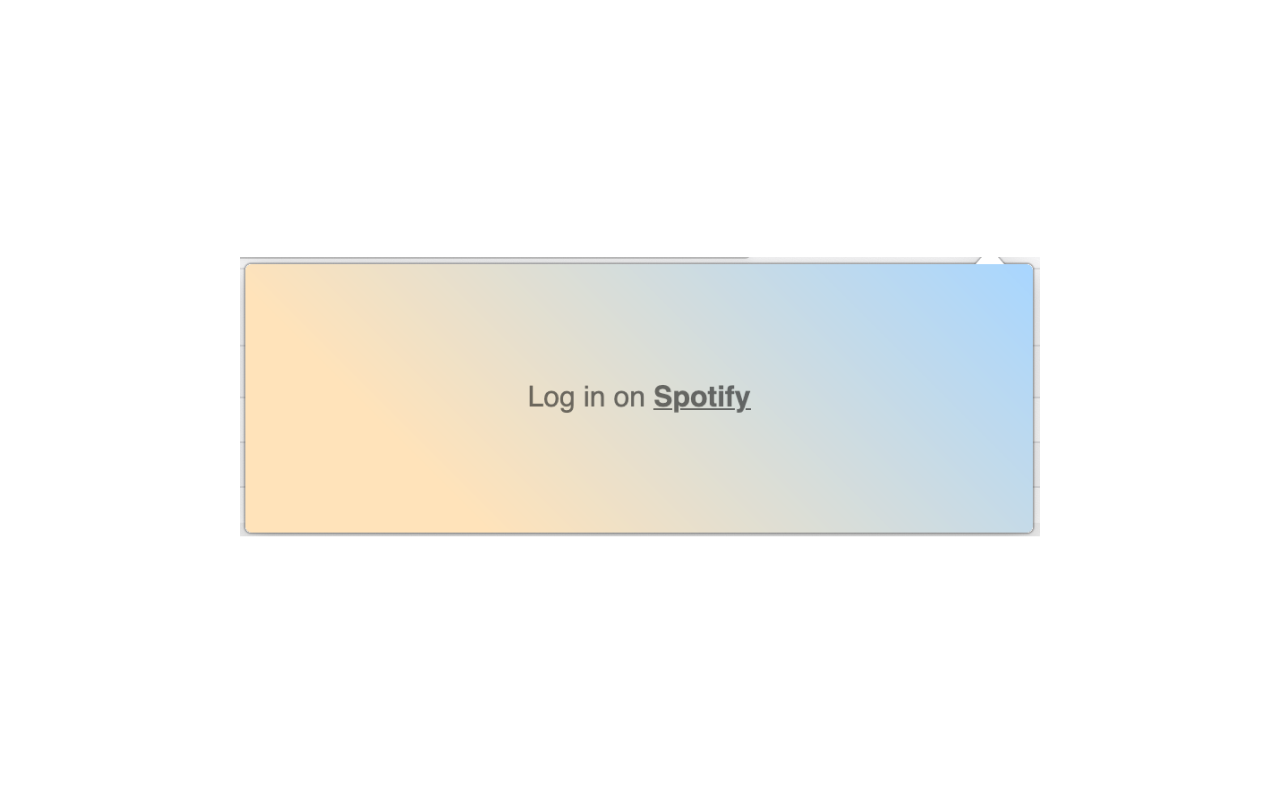
★ Login on the Spotify website https://accounts.spotify.com/login. If you have not logged in, the extension will show the UI to inform you that you need to login to enjoy the extension.
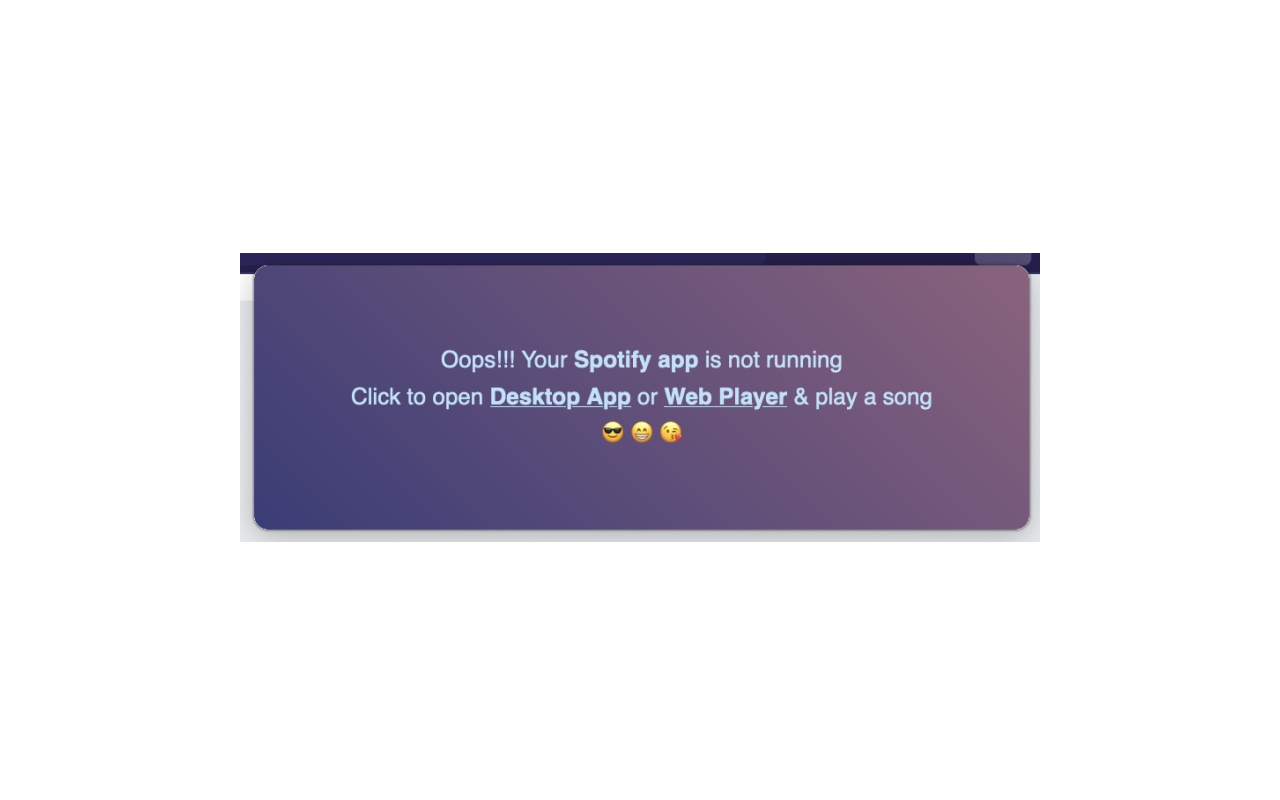
★ Have Spotify's desktop app or web player running. Otherwise the extension will show you UI that say you need to open the app to enjoy the extension.
★ The background & text color are changed by the song photo's palette
Features:
★ Pause, Play, Previous, Next song
★ Control volume (allow using mouse wheel)
★ Like the song
★ Repeat song
★ Open the Spotify desktop app, when it's not opening
Hot keys:
★ Space => Pause / Play
★ Arrow Right => Next song
★ Arrow Left => Previous song
★ Arrow Down => Volume down
★ Arrow Up => Volume up
★ M => Mute / Unmute
★ L => Add to liked songs / Remove from liked songs
★ R => Repeat
Spotify Player 是做什么的
Spotify Player 是一款面向 Firefox 的外观主题类扩展,主要用来更换浏览器配色、给网页加深色模式、调整界面观感。官方对它的介绍是:Spotify Player Firefox's extension在Firefox 附加组件商店(AMO)上,它当前版本 2.4,评分 3.97(69 人评价),约 1,370 名用户。
适合什么人用
从功能定位看,Spotify Player 更适合长时间对着屏幕、希望降低眼睛负担的用户。如果你平时只是偶尔遇到相关需求,用浏览器自带功能也能凑合;但如果这件事每天都发生,装一个专门处理它的扩展通常比手动操作省事得多。
怎么安装 Spotify Player
- 打开Firefox 附加组件商店(AMO)上的官方页面;
- 点「添加到浏览器」并确认权限提示;
- 装好后在扩展列表里固定图标,方便随时开关。
本站只做索引与介绍,安装包来自官方商店。如果商店页面提示当前地区不可用,说明该扩展未在你所在区域上架。
常见问题
Spotify Player 是免费的吗?
Spotify Player 在Firefox 附加组件商店(AMO)免费提供下载。它是浏览器扩展,装上就能直接用,不需要注册账号。
Spotify Player 安全吗?
它只申请了 0 项权限,范围比较克制,没有申请「读取所有网站数据」这种大权限。
Spotify Player 支持哪些浏览器?
当前收录的版本来自Firefox 附加组件商店(AMO),适用于 Firefox。同一个扩展在其他商店可能有对应版本,但功能与版本号不一定相同。
怎么卸载 Spotify Player?
在扩展管理页找到 Spotify Player,点移除即可。它在本地保存的设置会一起清掉,不会残留数据。
权限清单 来自 manifest.json 原文
接口权限 1
menus