
Session Sync EN
Gabriel Ivanica · Firefox
Save sessions as bookmarks and access them across devices. Advanced Session Manager: edit, save, change, restore. It can also be your best Bookmark Manager
截图

简介
THIS ADDON IS NOT INTENDED FOR AUTO-SAVING OF SESSIONS!
Save sessions as bookmarks and access them across devices
Using Session Sync you can save sessions as bookmarks.
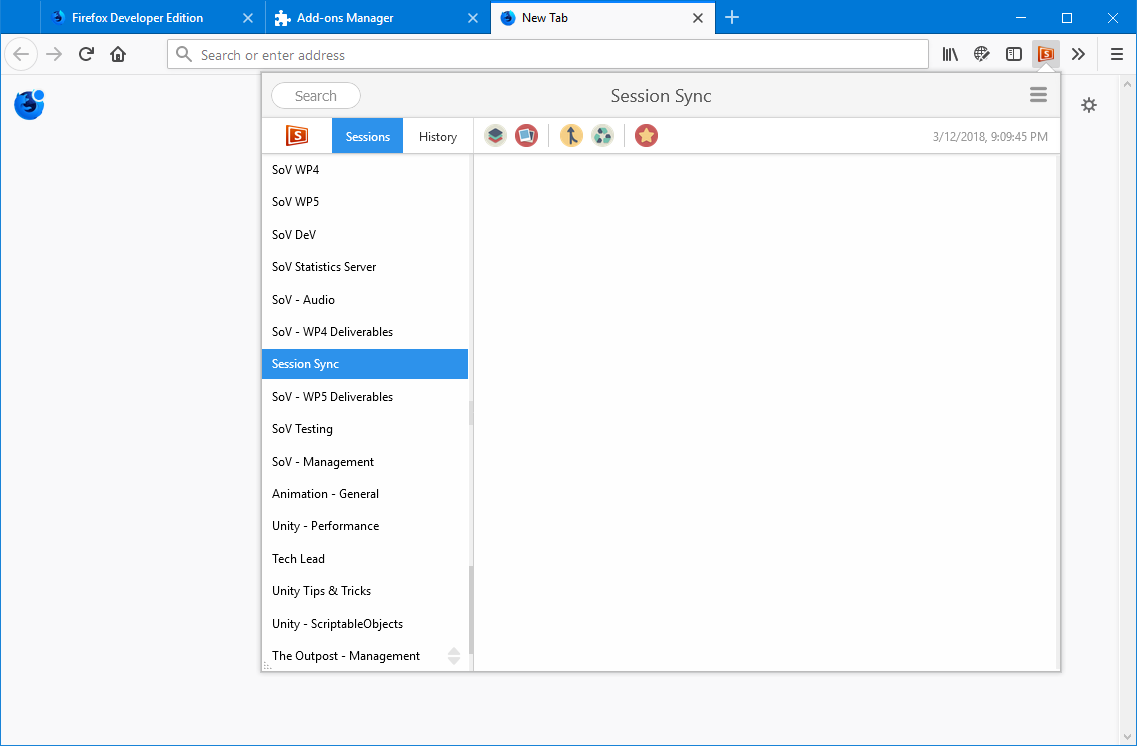
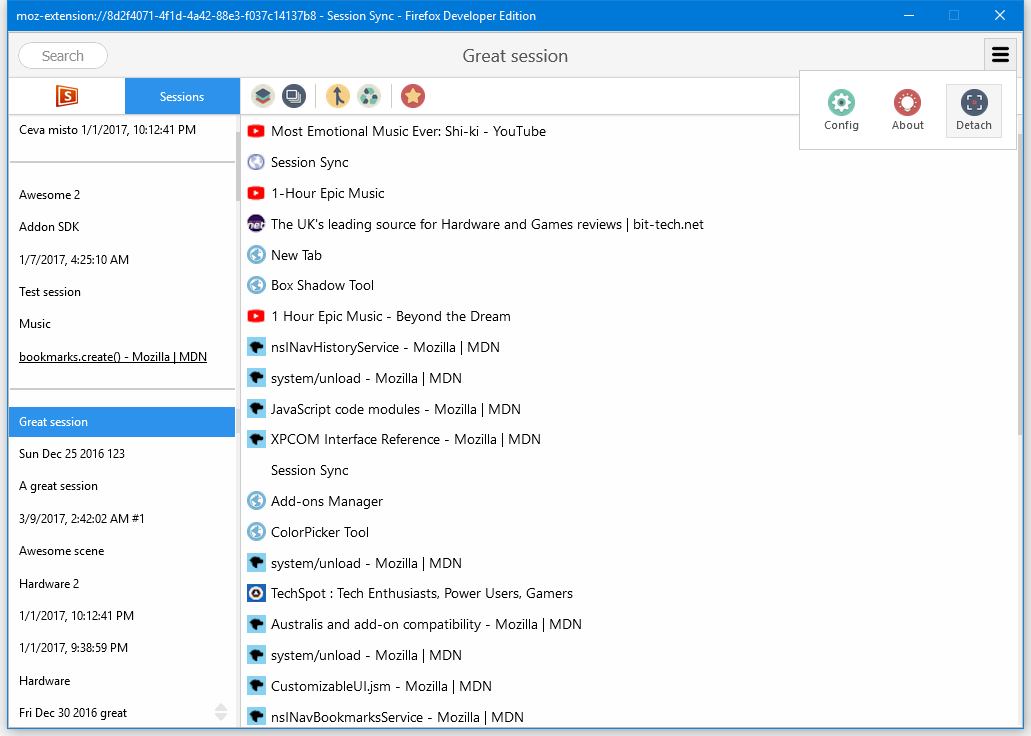
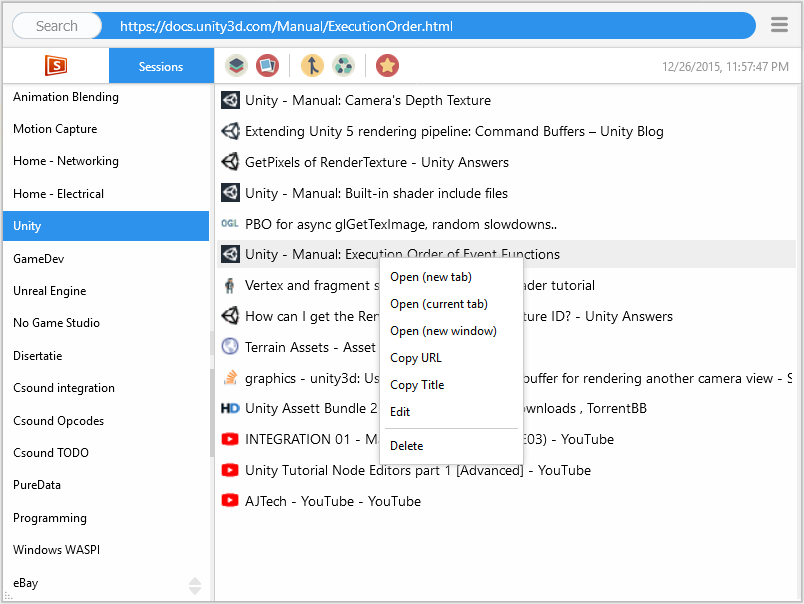
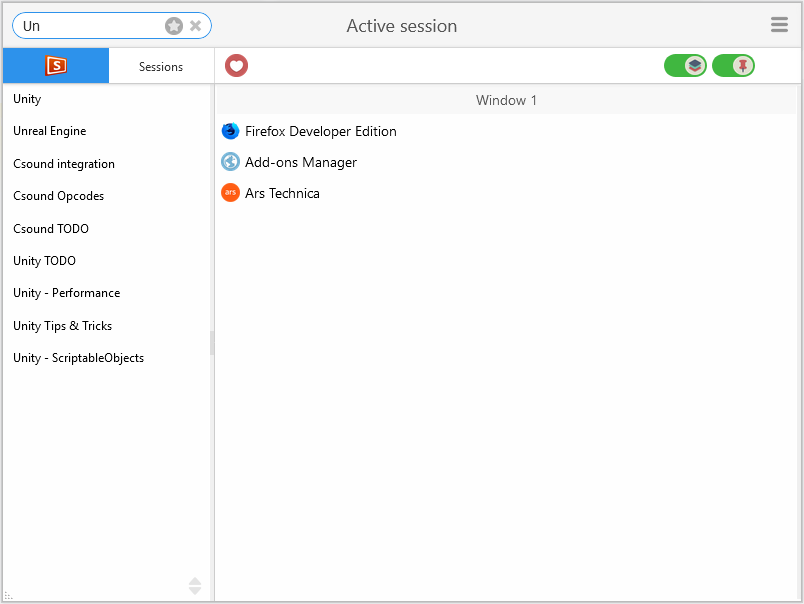
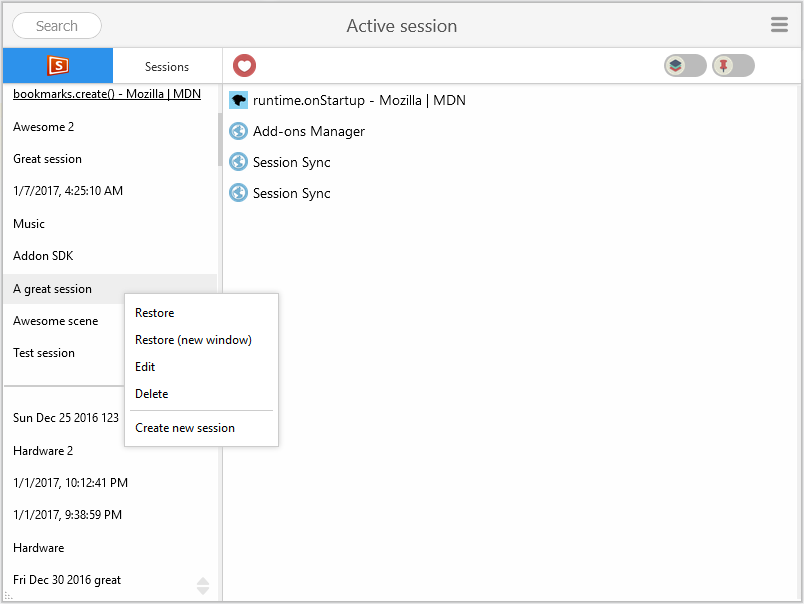
Use the rich user interface for session management: create, restore, open, edit or delete sessions/bookmarks or add new tabs to a certain session.
Why save sessions as bookmarks?
- all the data saved will be there no matter what addon you may use in the feature
- when using the url bar, Firefox will automatically suggest links based on your bookmarks
- easy access/edit/backup and then restore saved data using the integrated Bookmark Manager (even on smartphone / tablet) even if the addon is not installed
Shortcut keys
- CTRL+SHIFT+F - open the Widget UI
- CTRL+SHIFT+V - open the Tab View
- CTRL+SHIFT+U - open the Window View
- Shortcuts configuration can be changed from configuration (Firefox 60 and up, lower version do not offer the API required)
The sync functionality works with any bookmark synchronization service like:
- Firefox Sync Account (recommended)
- EverSync
Session Sync will automatically detect new updates and display the updated sessions list across multiple machines.
General features
- active session management (move around tabs)
- advanced bookmark management
- session restore with lazy-loading
- session auto-saving (not backed by Bookmarks)
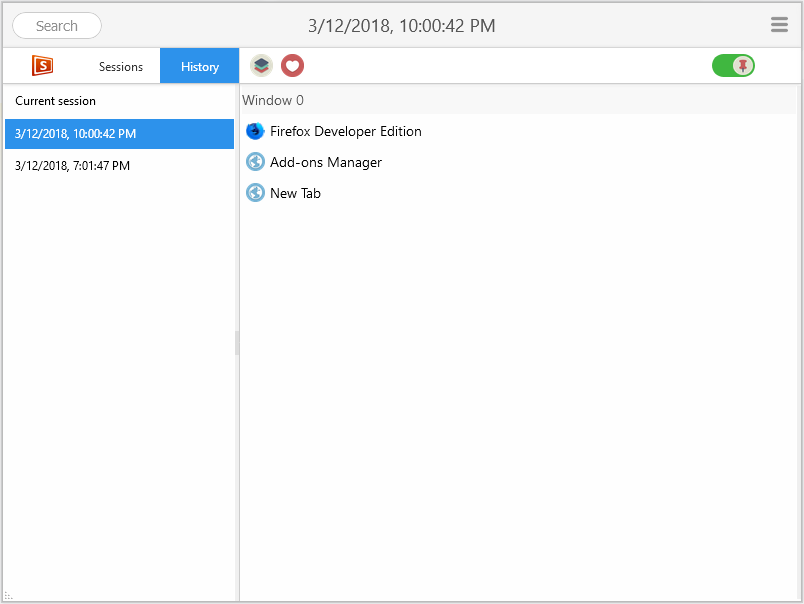
- history list - session can be saved later as classic bookmark sessions
- private windows are ignored by auto-save
- auto-saving is only intended as a nice addition and is not full-featured (please look for other addons for complete auto-saving support)
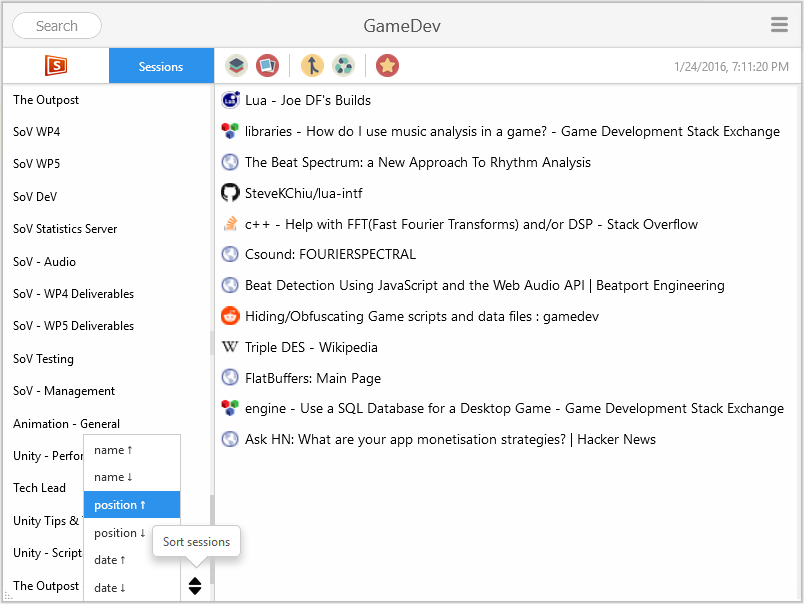
- session filtering (search text) and sorting by name/position/date
- advanced drag-n-drop UI with fluid animations
- advance UI scaling for individual UI areas (session list, bookmark list, session header and toolbar)
- 3 working modes: Panel, Tab View, Window View
- many other customization
Required permission explained:
- Read and modify bookmarks - required for storing sessions as bookmarks as well as interacting with them
- Input data to the clipboard - required for right-click menu in order to copy bookmark title/URL
- Access browser tabs - required in order to be able to read/save browsing session information. (This provides only tab properties and not actual browsing content)
- Store unlimited amount of client-side data - Required for addon Settings, favicon caching, auto-saved history as well as additional information for sessions
All data is stored local and/or is synced on your Firefox Account (bookmarks).
Session Sync 是做什么的
Session Sync 是一款面向 Firefox 的书签管理类扩展,主要用来整理书签、查重、批量导入导出。官方对它的介绍是:Save sessions as bookmarks and access them across devices. Advanced Session Manager: edit, save, change, restore. It can also be your best Bookmark Manager在Firefox 附加组件商店(AMO)上,它当前版本 3.3.1,评分 4.47(237 人评价),约 6,195 名用户。
适合什么人用
从功能定位看,Session Sync 更适合收藏了大量网页、需要定期整理的用户。如果你平时只是偶尔遇到相关需求,用浏览器自带功能也能凑合;但如果这件事每天都发生,装一个专门处理它的扩展通常比手动操作省事得多。
怎么安装 Session Sync
- 打开Firefox 附加组件商店(AMO)上的官方页面;
- 点「添加到浏览器」并确认权限提示;
- 装好后在扩展列表里固定图标,方便随时开关。
本站只做索引与介绍,安装包来自官方商店。如果商店页面提示当前地区不可用,说明该扩展未在你所在区域上架。
常见问题
Session Sync 是免费的吗?
Session Sync 在Firefox 附加组件商店(AMO)免费提供下载。它是浏览器扩展,装上就能直接用,不需要注册账号。
Session Sync 安全吗?
它只申请了 0 项权限,范围比较克制,没有申请「读取所有网站数据」这种大权限。
Session Sync 支持哪些浏览器?
当前收录的版本来自Firefox 附加组件商店(AMO),适用于 Firefox。同一个扩展在其他商店可能有对应版本,但功能与版本号不一定相同。
怎么卸载 Session Sync?
在扩展管理页找到 Session Sync,点移除即可。它在本地保存的设置会一起清掉,不会残留数据。
权限清单 来自 manifest.json 原文
接口权限 8
bookmarksclipboardWritecontextualIdentitiescookiesstoragetabGroupstabsunlimitedStorage