
Scrapyard Bookmarks EN
gchristnsn · Firefox
Scrapyard is a page-archiving bookmark manager suitable for heavy scrapbooking. With its friendly user experience and simple configuration it may be an excellent replacement for the legacy ScrapBook and even for the built-in bookmark manager.
<all_urls>),意味着它可以读取你在任意站点的页面内容,包括已登录的页面。这是许多扩展正常工作的必要条件,但也值得你确认来源可信。
截图
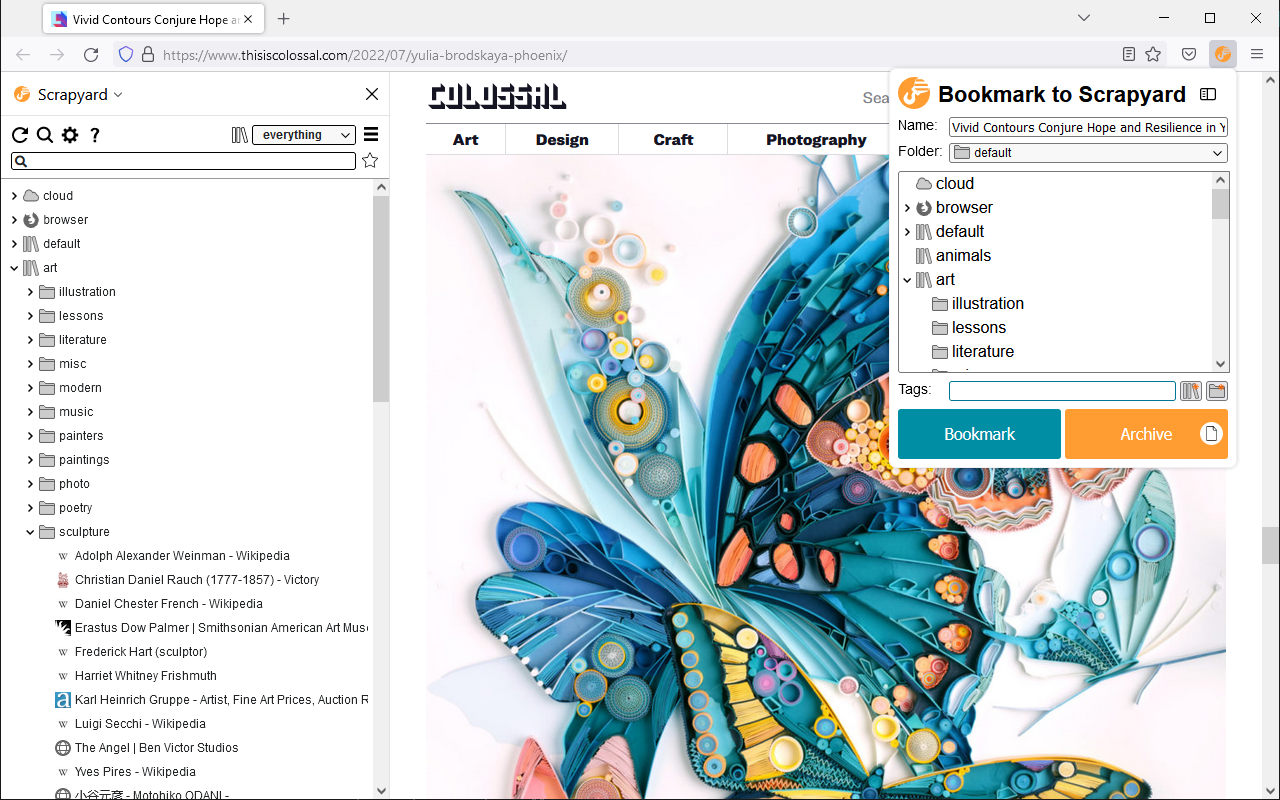
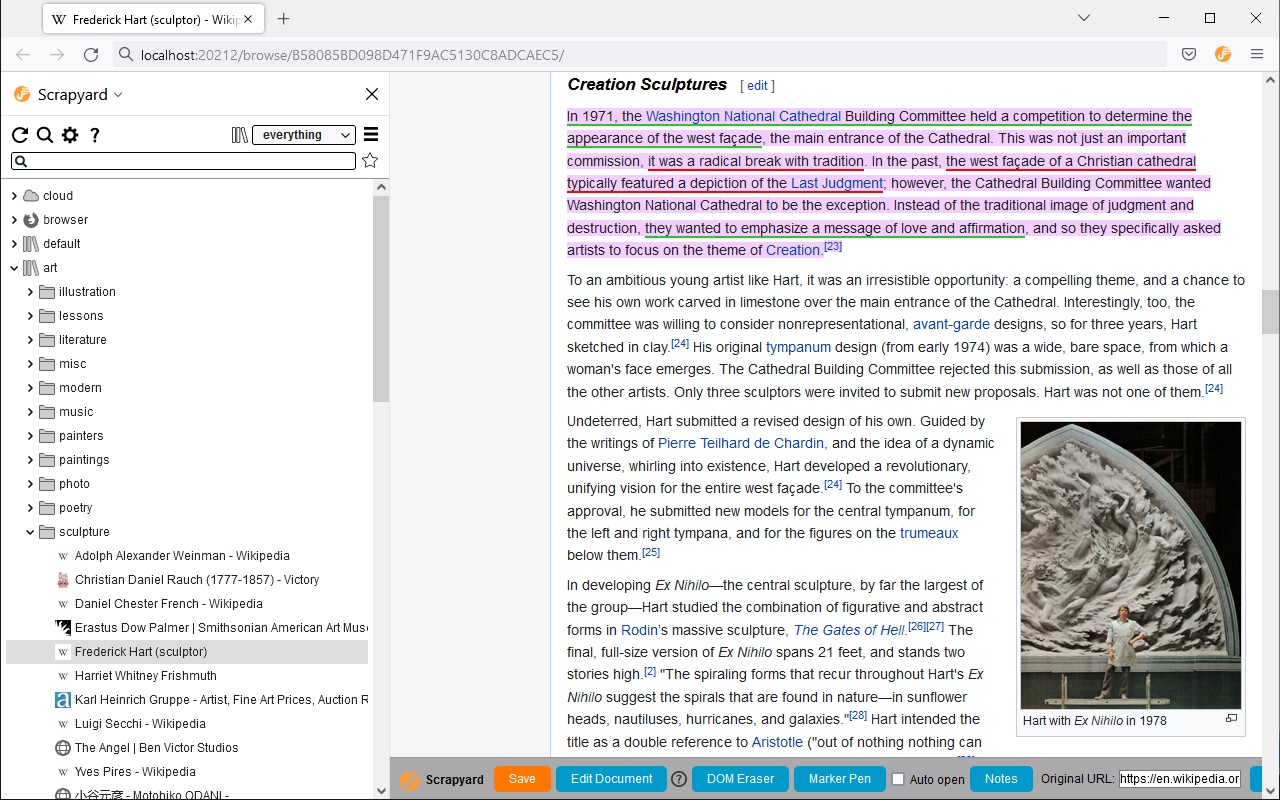
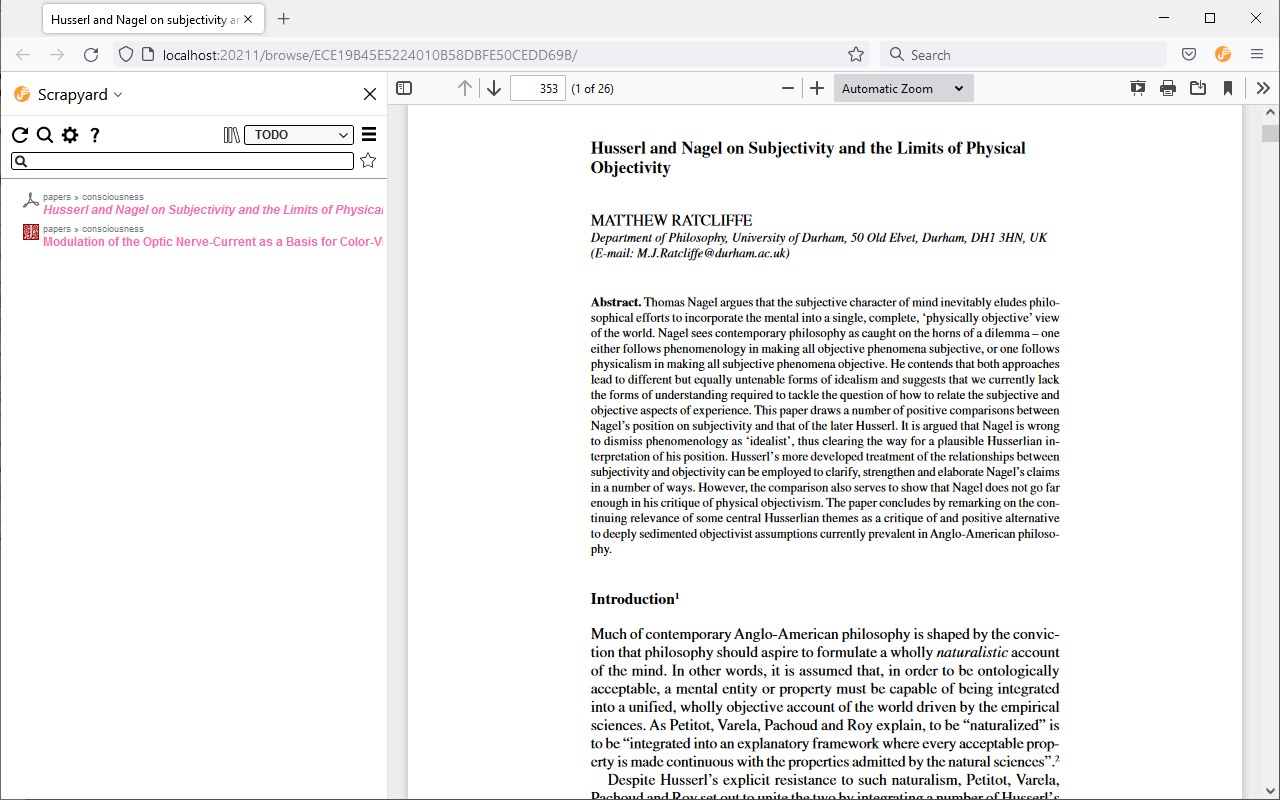
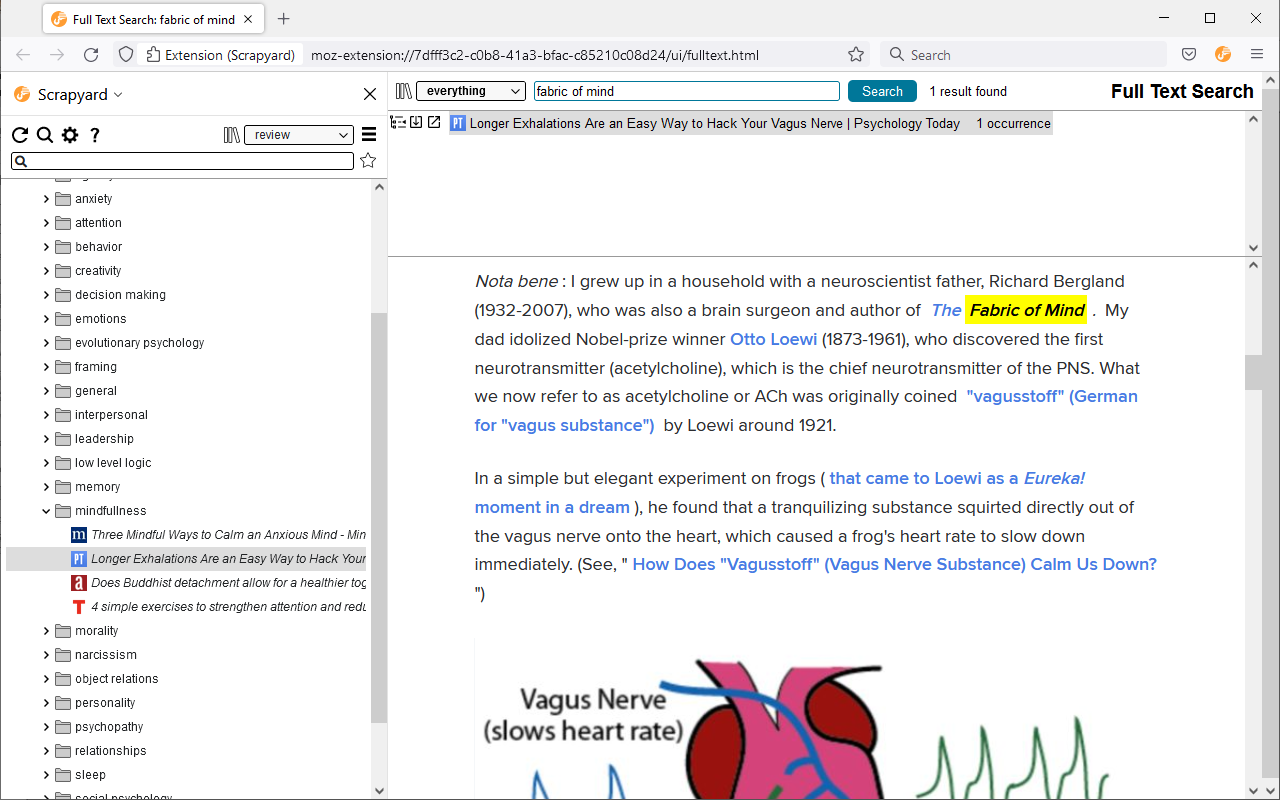
简介
Scrapyard is a bookmarking extension where you can store and organize bookmarks, page fragments, complete HTML pages and PDF documents, or take notes. It is intended as a modern alternative to the legacy ScrapBook add-on. Scrapyard also supports the import of RDF archives of the legacy ScrapBook. See the online help for a more detailed description of the add-on features.
Please, do not use the reviews to report bugs, since the author rarely reads them. Report bugs here.
Key Features
- Friendly user experience close to the original ScrapBook.
- Firefox bookmark integration.
- Multiple bookmark shelves (collections).
- It is possible to attach text notes to any bookmark or archived page.
- Cloud bookmarking.
- TODO functionality.
- iShell integration.
Storage Modes
The add-on has three storage modes which could be selected through the "Content location" dropdown list on the main settings page:
- Filesystem - in this mode, all archived content is stored inside a user-specified directory in the filesystem. This mode requires installation of the Scrapyard backend application on a local computer.
- Server - in this mode, all archived content is stored inside a user-specified directory on a remote server. This mode requires self-hosting of the Scrapyard backend application in LAN, or in the Internet. The use of VPN is advised in the recent case.
- Browser internal storage - in this mode, all archived content is stored inside the browser profile. Although the installation of the backend application is not required, some advanced features are not available without it due to restrictions imposed by the WebExtensions API.
Q&A
Q: If I choose the "Browser internal storage" mode, how can I physically access the archived content?
A: In this case, the archived content is stored in IndexedDB and is managed by the browser. It is not intended for access through the filesystem. Please use Scrapyard import/export facilities to migrate existing bookmarks. If you are into backup, please backup your entire Firefox profile. The path to the current Firefox profile could be found on the about:support page. Note that in this mode, all archived data is removed when the add-on is uninstalled.
Q: I've lost all my data. What can I do?
A: Generally, nothing could be done about this. There may be bugs in Scrapyard, cloud file version conflicts, OS crashes, hardware failures, your antivirus may mess with IndexedDB, a cat may eat it. Please back up your data regularly, possibly using third-party software for automation.
Q: Suddenly, a half of my data went missing. It seems, that items have disappeared randomly. Is there any hope?
A: These are signs that the index file of the filesystem storage was corrupted by a faulty disk operation. Although the probability of this is pretty low, there are no technical means to prevent this from happening. This may happen when Firefox crashes or exits at an inappropriate moment. Luckily, the storage index could be completely restored with the "Rebuild index.jsbk from objects" link at the "Advanced" settings tab.
Q: My browser says: "The backend application on port 20202 is not available" what does this mean?
This means that the port used by the backend application web server is taken by some other application or an already running instance of the backend application from an another browser. This may happen if the browser has crashed. There are several possible solutions of this issue. At first, try to reboot the computer. If this does not help, it is possible to change the backend application port in the Scrapyard settings.
Q: Why I can't save pages from support.mozilla.org?
A: Firefox WebExtensions have no access to this domain. Although it is possible to exclude it from the extensions.webextensions.restrictedDomains setting in about:config.
Scrapyard Bookmarks 是做什么的
Scrapyard Bookmarks 是一款面向 Firefox 的书签管理类扩展,主要用来整理书签、查重、批量导入导出。官方对它的介绍是:Scrapyard is a page-archiving bookmark manager suitable for heavy scrapbooking. With its friendly user experience and simple configuration it may be an excellent replacement for the legacy ScrapBook and even for the built-in bookmark manager.在Firefox 附加组件商店(AMO)上,它当前版本 2.3.2,评分 4.22(32 人评价),约 192 名用户。
适合什么人用
从功能定位看,Scrapyard Bookmarks 更适合收藏了大量网页、需要定期整理的用户。如果你平时只是偶尔遇到相关需求,用浏览器自带功能也能凑合;但如果这件事每天都发生,装一个专门处理它的扩展通常比手动操作省事得多。需要注意的是它作用于所有网站,装上后建议先观察一两天,确认不影响常用站点的正常使用。
怎么安装 Scrapyard Bookmarks
- 打开Firefox 附加组件商店(AMO)上的官方页面;
- 点「添加到浏览器」并确认权限提示;
- 装好后在扩展列表里固定图标,方便随时开关。
本站只做索引与介绍,安装包来自官方商店。如果商店页面提示当前地区不可用,说明该扩展未在你所在区域上架。
常见问题
Scrapyard Bookmarks 是免费的吗?
Scrapyard Bookmarks 在Firefox 附加组件商店(AMO)免费提供下载。它是浏览器扩展,装上就能直接用,不需要注册账号。
Scrapyard Bookmarks 安全吗?
它只申请了 0 项权限,范围比较克制,没有申请「读取所有网站数据」这种大权限。
Scrapyard Bookmarks 支持哪些浏览器?
当前收录的版本来自Firefox 附加组件商店(AMO),适用于 Firefox。同一个扩展在其他商店可能有对应版本,但功能与版本号不一定相同。
怎么卸载 Scrapyard Bookmarks?
在扩展管理页找到 Scrapyard Bookmarks,点移除即可。它在本地保存的设置会一起清掉,不会残留数据。
权限清单 来自 manifest.json 原文
站点访问 1
<all_urls>
接口权限 18
activeTabalarmsbookmarkscontextMenuscontextualIdentitiescookiesdownloadsmanagementmenusnativeMessagingnotificationsstoragetabHidetabsunlimitedStoragewebNavigationwebRequestwebRequestBlocking