
Eye-Able® - Visual Aid EN
Web Inclusion GmBH · Firefox
Your visual assistant: Eye-Able®! Eye-Able® will let you see any website the way you need to. Visual impairments and other visual limitations can be compensated for by individualizing the content as desired.
<all_urls>),意味着它可以读取你在任意站点的页面内容,包括已登录的页面。这是许多扩展正常工作的必要条件,但也值得你确认来源可信。
截图
简介
★ 𝗪𝗵𝘆 𝗶𝘀 𝘁𝗵𝗶𝘀 𝗲𝘅𝘁𝗲𝗻𝘀𝗶𝗼𝗻 𝘂𝘀𝗲𝗳𝘂𝗹 𝗳𝗼𝗿 𝘆𝗼𝘂?
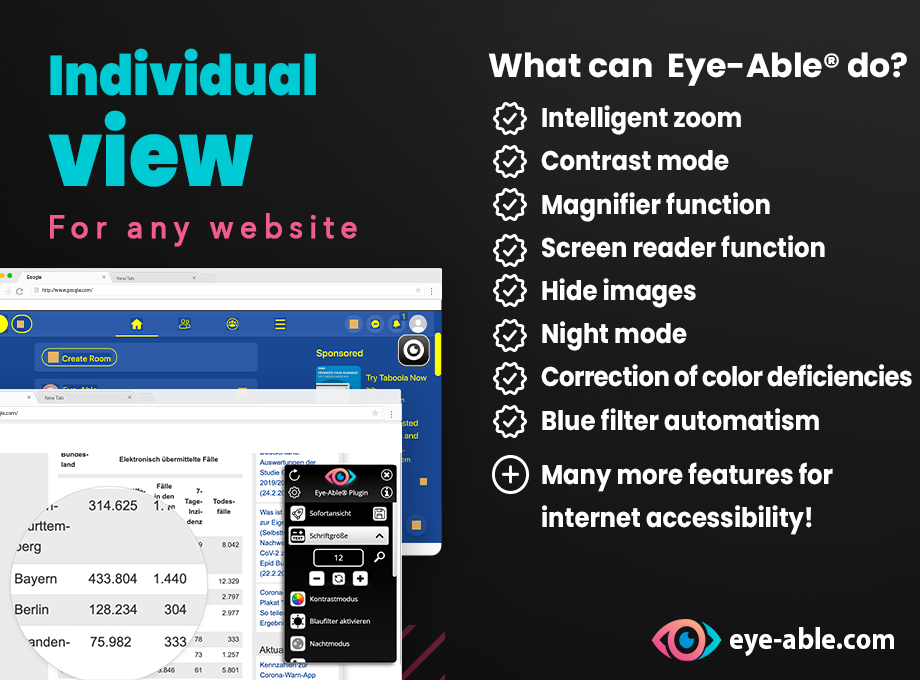
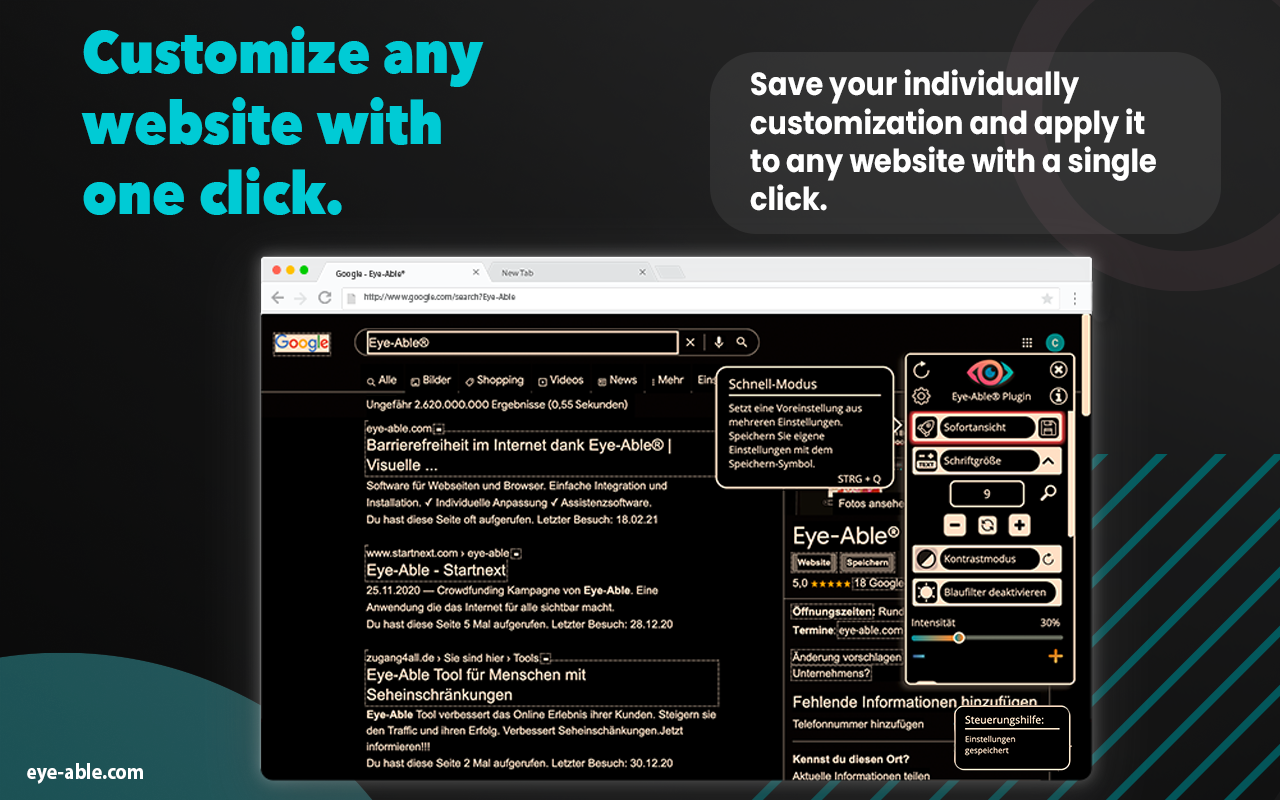
Eye-Able® is a Chrome extension whose large variety of features allows you to customize any website according to your needs with one click. We want you to see every website exactly the way you need to.
All people should have easy and barrier-free access to information on the internet.
★ 𝗛𝗼𝘄 𝗱𝗼 𝘆𝗼𝘂 𝗼𝘃𝗲𝗿𝗰𝗼𝗺𝗲 𝗯𝗮𝗿𝗿𝗶𝗲𝗿𝘀 𝗺𝗼𝗿𝗲 𝗲𝗮𝘀𝗶𝗹𝘆 𝘄𝗶𝘁𝗵 𝗘𝘆𝗲-𝗔𝗯𝗹𝗲®?
We make websites visible, readable and therefore accessible. With Eye-Able® you can configure every website according to your very own needs. Visual impairments, including color deficiencies and other visual limitations can be compensated for by customizing the content elements as desired. For this purpose we have developed a contrast mode, intelligent font enlargement, a screen reader and several other features.
★ 𝗜𝗺𝗽𝗼𝗿𝘁𝗮𝗻𝘁 𝗰𝗼𝗿𝗲 𝗳𝗲𝗮𝘁𝘂𝗿𝗲𝘀:
✓ Font enlargement
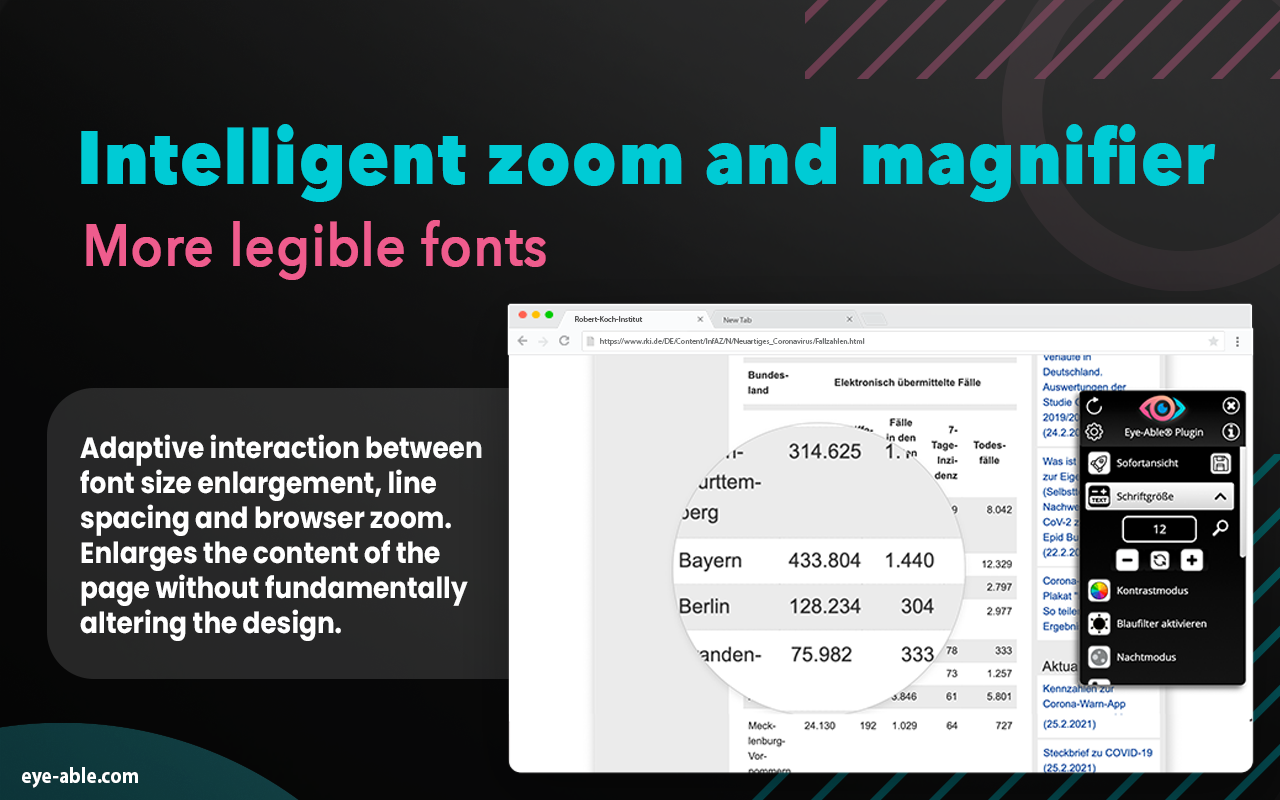
Unlike the normal browser zoom, the intelligent Eye-Able® zoom offers you the possibility to enjoy a website in the same design, only with a larger font. To put it simply: Our zoom recognizes which content should be enlarged, and how much. The original page layout remains the same, but you can read the content with ease.
✓ Contrast mode
In our numerous interviews with users with visual disabilities, we learned which contrast combinations allow the most accessible view. We provide these modes to our users as options for background and font color. You can configure both the foreground and the background of every website just as you need it.
✓ Intuitive screen reader (audio output)
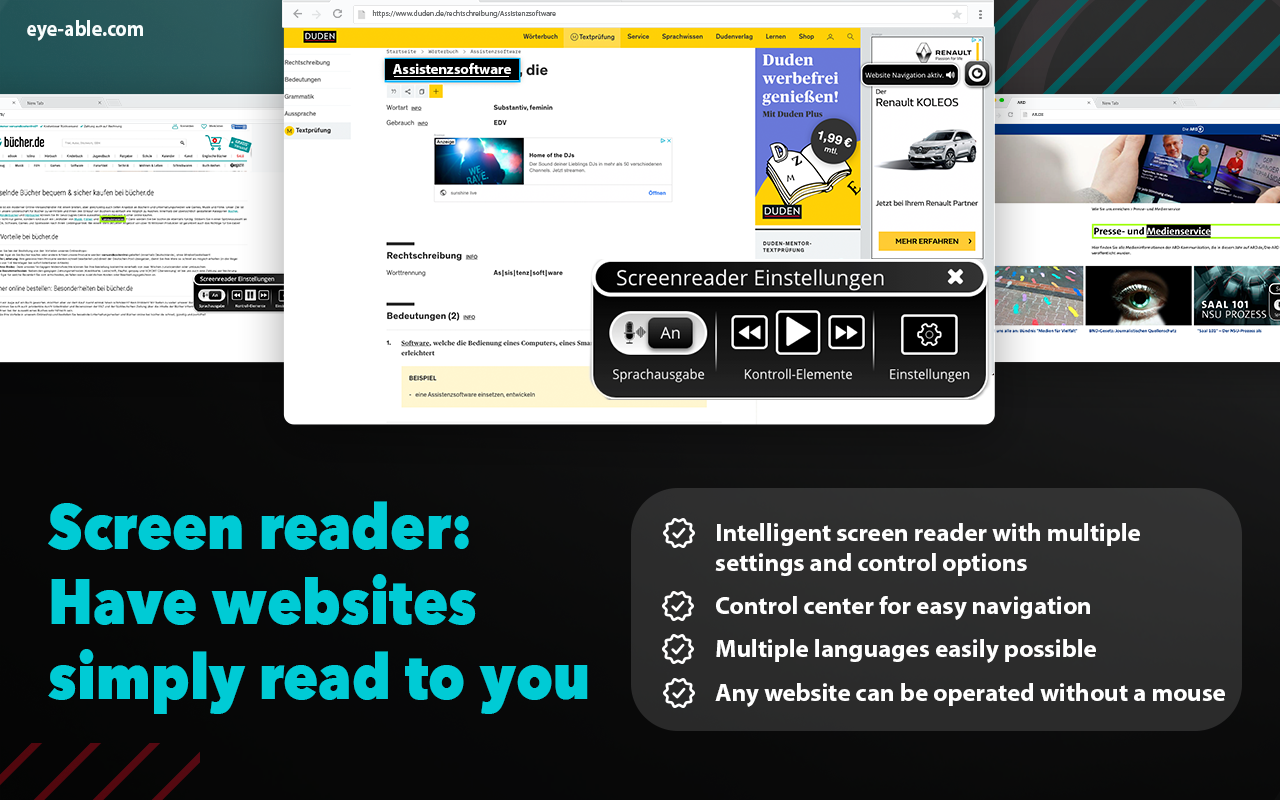
With our intuitive “read-aloud” function you can simply have the text content read to you. You are able to choose which content shall be read, or you can just listen to the whole page at once.
✓ Navigation via keyboard
In combination with our friendly audio output you can browse the internet without using a mouse or a screen. You can decide yourself which content you want to navigate via your keyboard.
★ 𝗠𝗼𝗿𝗲 𝗳𝗲𝗮𝘁𝘂𝗿𝗲𝘀 𝗮𝘁 𝗮 𝗴𝗹𝗮𝗻𝗰𝗲:
✓ Color deficiency compensation (red/green/blue deficiencies, as well as other contrast and color gradation modes)
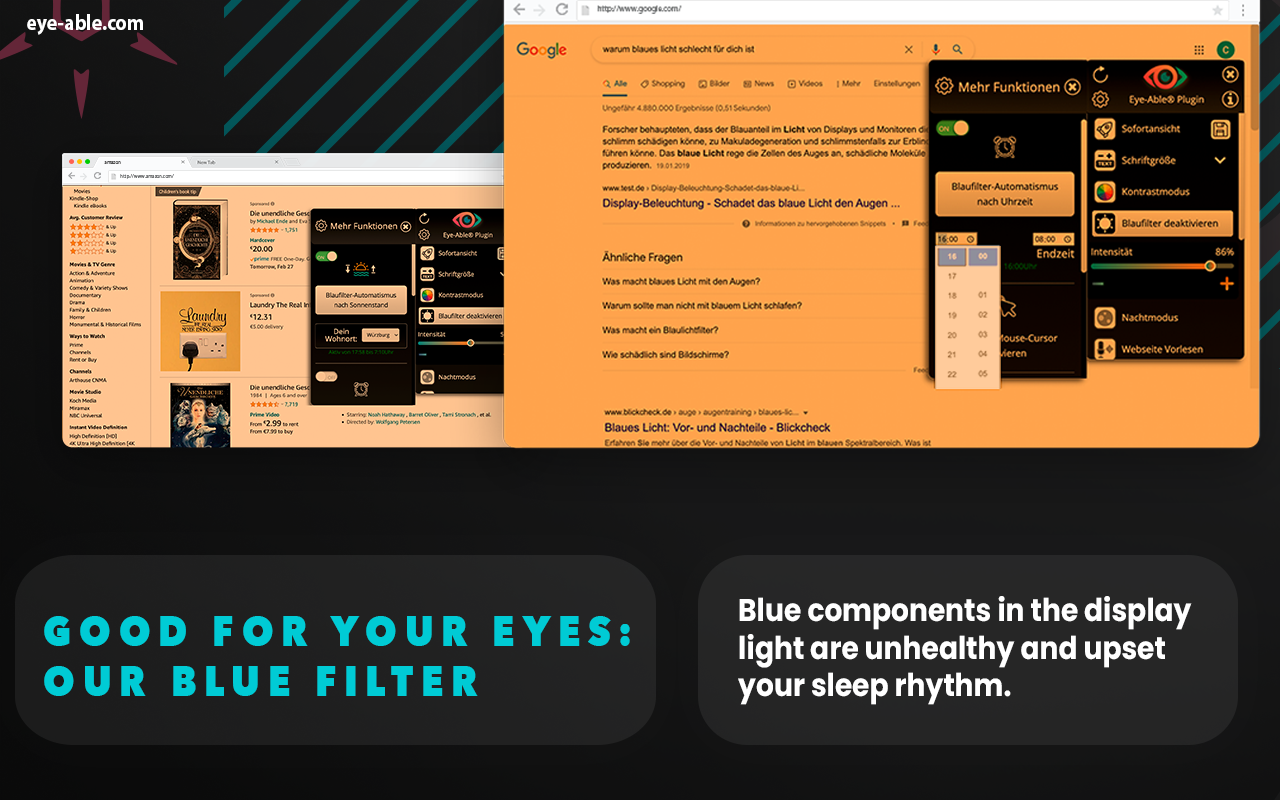
✓ Intelligent blue filter according to position of the sun and time of the day
✓ Magnifier
✓ Hiding all images and animations
✓ Night mode
✓ Enlarged mouse pointer
✓ Accessible fonts for every website
In total, you have over 22 features available to make the internet more accessible for you.
For an extensive test of our tool, we provide our pro version free of charge for a limited period of time. You can use the full version three days after your installation. (By the way, the full version does not even cost 2 € per month.)
★ 𝗙𝗲𝗮𝘁𝘂𝗿𝗲𝘀 𝗶𝗻 𝘁𝗵𝗲 𝗳𝗿𝗲𝗲 𝘃𝗲𝗿𝘀𝗶𝗼𝗻:
✓ Tab navigation
✓ Font enlargement
✓ Night mode
✓ Blue filter
★ 𝗪𝗵𝗼 𝗯𝗲𝗻𝗲𝗳𝗶𝘁𝘀 𝗳𝗿𝗼𝗺 𝗘𝘆𝗲-𝗔𝗯𝗹𝗲®?
Accessibility is beneficial to many, for example:
✓ Those with visual impairments
✓ Those with learning disabilities
✓ The elderly
✓ Those who surf online a lot
★ 𝗪𝗵𝘆 𝗶𝘀 𝗶𝗻𝘁𝗲𝗿𝗻𝗲𝘁 𝗮𝗰𝗰𝗲𝘀𝘀𝗶𝗯𝗶𝗹𝗶𝘁𝘆 𝘀𝗼 𝗶𝗺𝗽𝗼𝗿𝘁𝗮𝗻𝘁?
It is our vision to reduce the barriers on the internet significantly. This is exactly why we have developed our tool. In future, its range of features will continue to grow steadily, and of course your license includes all further updates!
★ 𝗪𝗵𝗮𝘁 𝗘𝘆𝗲-𝗔𝗯𝗹𝗲® 𝗨𝘀𝗲𝗿𝘀 𝘀𝗮𝘆 𝗮𝗯𝗼𝘂𝘁 𝘁𝗵𝗲 𝘁𝗼𝗼𝗹:
“Finally, I can participate in the digital world, in spite of having only 10% residual vision – especially the contrast mode helps me a lot.”
- Marcel, 24, student
“As an administrative assistant, I am extremely fond of the night mode and the intelligent blue filter. They are a relief for all who otherwise cannot escape the blue light! :)“
- Luis, 32, administrative assistant
“For me, the screen reader is so convenient. When studying, I often like to have content read to me, which is mega easy with this tool.”
- Ina, 23, student
𝗙𝗶𝗻𝗱 𝗺𝗼𝗿𝗲 𝗶𝗻𝗳𝗼𝗿𝗺𝗮𝘁𝗶𝗼𝗻, 𝗻𝘂𝗺𝗲𝗿𝗼𝘂𝘀 𝘃𝗶𝗱𝗲𝗼𝘀 𝗮𝗻𝗱 𝗮 𝗱𝗲𝗺𝗼𝗻𝘀𝘁𝗿𝗮𝘁𝗶𝗼𝗻 𝗼𝗳 𝘁𝗵𝗲 𝘁𝗼𝗼𝗹 𝗮𝘁:
eye-able.com
Stop by and give it a try!
𝗦𝘂𝗽𝗽𝗼𝗿𝘁:
If you have any questions, we are happy to help – just drop us a line at support@eye-able.com
Support: https://eye-able.com/support
Eye-Able® - Visual Aid 是做什么的
Eye-Able® - Visual Aid 是一款面向 Firefox 的外观主题类扩展,主要用来更换浏览器配色、给网页加深色模式、调整界面观感。官方对它的介绍是:Your visual assistant: Eye-Able®! Eye-Able® will let you see any website the way you need to. Visual impairments and other visual limitations can be compensated for by individualizing the content as desired.在Firefox 附加组件商店(AMO)上,它当前版本 1.9.27,评分 4.67(3 人评价),约 59 名用户。
适合什么人用
从功能定位看,Eye-Able® - Visual Aid 更适合长时间对着屏幕、希望降低眼睛负担的用户。如果你平时只是偶尔遇到相关需求,用浏览器自带功能也能凑合;但如果这件事每天都发生,装一个专门处理它的扩展通常比手动操作省事得多。需要注意的是它作用于所有网站,装上后建议先观察一两天,确认不影响常用站点的正常使用。
怎么安装 Eye-Able® - Visual Aid
- 打开Firefox 附加组件商店(AMO)上的官方页面;
- 点「添加到浏览器」并确认权限提示;
- 装好后在扩展列表里固定图标,方便随时开关。
本站只做索引与介绍,安装包来自官方商店。如果商店页面提示当前地区不可用,说明该扩展未在你所在区域上架。
常见问题
Eye-Able® - Visual Aid 是免费的吗?
Eye-Able® - Visual Aid 在Firefox 附加组件商店(AMO)免费提供下载。它是浏览器扩展,装上就能直接用,不需要注册账号。
Eye-Able® - Visual Aid 安全吗?
它只申请了 0 项权限,范围比较克制,没有申请「读取所有网站数据」这种大权限。
Eye-Able® - Visual Aid 支持哪些浏览器?
当前收录的版本来自Firefox 附加组件商店(AMO),适用于 Firefox。同一个扩展在其他商店可能有对应版本,但功能与版本号不一定相同。
怎么卸载 Eye-Able® - Visual Aid?
在扩展管理页找到 Eye-Able® - Visual Aid,点移除即可。它在本地保存的设置会一起清掉,不会残留数据。
权限清单 来自 manifest.json 原文
站点访问 1
<all_urls>
接口权限 1
storage