
DF YouTube (Distraction Free) EN
RickyV · Firefox
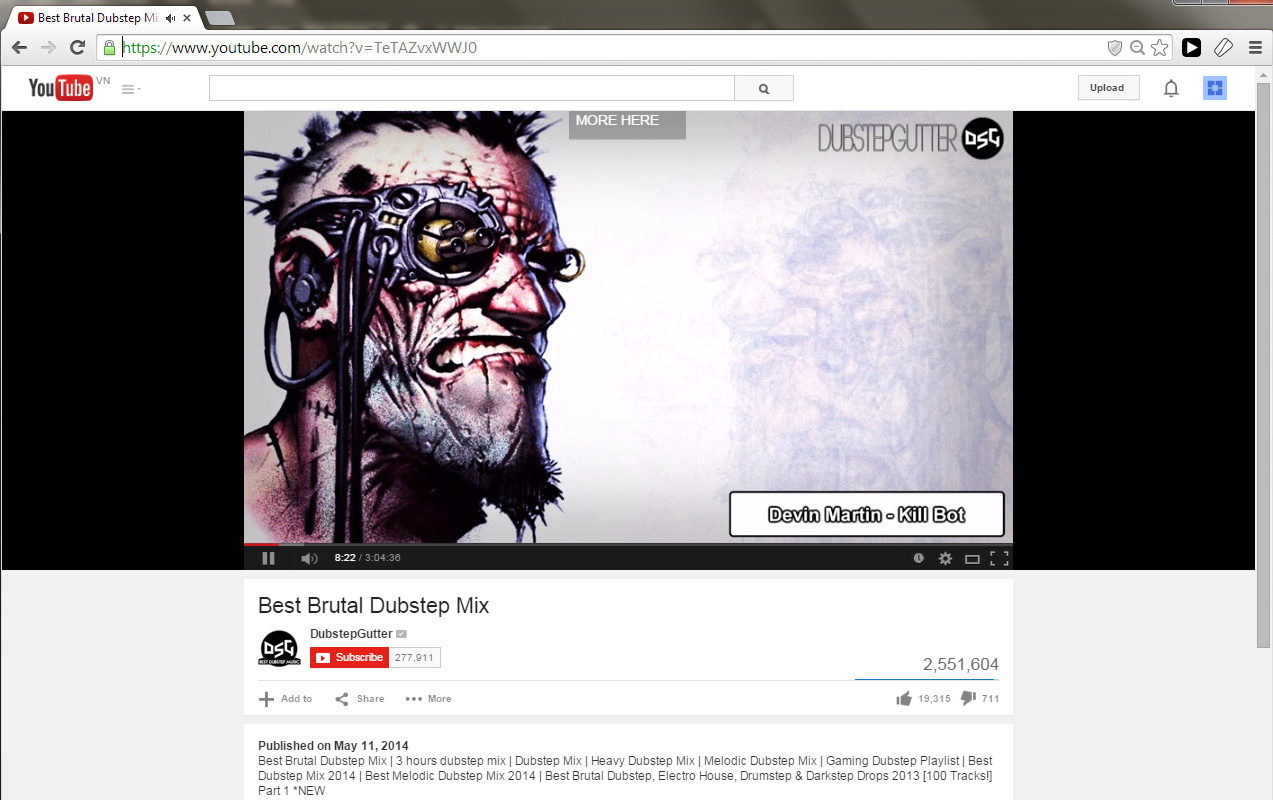
Allow yourself to focus while using YouTube for work, recreation or education. Disable autoplay, remove sidebar, hide feed, comments, and more.
截图


简介
Everyone should use uBlock Origin in combination with this add-on! I have no affiliation with uBlock Origin. It's just an awesome extension for blocking ads across the internet, including on YouTube™...yes, that means you can say goodbye to video ads forever!
NOT WORKING?
Please use the feedback button to alert me if YouTube™ is not being displayed properly. YouTube™ occasionally updates its styling which may break DF Tube. I also recently ported this to Firefox from Chrome so let me know if there are issues on FF.
REGARDING PRIVACY
I do not read, examine or track your browser history or any other personal information. The only permissions I ask for are "tabs" to insert the functionality and "storage" to store your settings. I am a strong believer in privacy. This extension is just a tool to help remove the distracting elements from YouTube™.
The permissions used by this extensions are 1) Storage - to store your preferences, 2) Tabs - to load the DF YouTube script on each YouTube™ tab you open, 3) Notifications - probably for compatibility with the Chrome version, and 4) https://api.mailgun.net/* domain - which is a service I use to send your feedback to my email.
***
YouTube is directly incentivized to create as many views and ad clicks as possible. As a result we are inundated with tasty thumbnails and advertisements from every angle. While this is good for someone looking to kill time, it's not so good for those of us intending to focus on educational content, do research, or simply find some relaxing music to groove to.
After using DF YouTube for a few days, you realize the extent to which the pattern of click, watch, scan mindlessly for a new video, click, watch, and repeat, has been ingrained in us by YouTube's design. DF YouTube breaks that cycle.
By default, DF YouTube hides the video recommendations sidebar as well as the related videos that appear at the end of videos. It also removes the grid of recommended videos that appear on your homepage. These settings are all configurable. It can also hide comments and disable playlists sitewide.
I hope DF YouTube allows you to focus on the content *you* want to focus on. Give it a try and be sure to report any suggestions or bugs!
***UPDATES*** (11/18/2019)
- Fixed issue where feed shows for a moment before being hidden
DF YouTube (Distraction Free) 是做什么的
DF YouTube (Distraction Free) 是一款面向 Firefox 的外观主题类扩展,主要用来更换浏览器配色、给网页加深色模式、调整界面观感。官方对它的介绍是:Allow yourself to focus while using YouTube for work, recreation or education. Disable autoplay, remove sidebar, hide feed, comments, and more.在Firefox 附加组件商店(AMO)上,它当前版本 1.13.504,评分 4.56(267 人评价),约 9,930 名用户。
适合什么人用
从功能定位看,DF YouTube (Distraction Free) 更适合长时间对着屏幕、希望降低眼睛负担的用户。如果你平时只是偶尔遇到相关需求,用浏览器自带功能也能凑合;但如果这件事每天都发生,装一个专门处理它的扩展通常比手动操作省事得多。
怎么安装 DF YouTube (Distraction Free)
- 打开Firefox 附加组件商店(AMO)上的官方页面;
- 点「添加到浏览器」并确认权限提示;
- 装好后在扩展列表里固定图标,方便随时开关。
本站只做索引与介绍,安装包来自官方商店。如果商店页面提示当前地区不可用,说明该扩展未在你所在区域上架。
常见问题
DF YouTube (Distraction Free) 是免费的吗?
DF YouTube (Distraction Free) 在Firefox 附加组件商店(AMO)免费提供下载。它是浏览器扩展,装上就能直接用,不需要注册账号。
DF YouTube (Distraction Free) 安全吗?
它只申请了 0 项权限,范围比较克制,没有申请「读取所有网站数据」这种大权限。
DF YouTube (Distraction Free) 支持哪些浏览器?
当前收录的版本来自Firefox 附加组件商店(AMO),适用于 Firefox。同一个扩展在其他商店可能有对应版本,但功能与版本号不一定相同。
怎么卸载 DF YouTube (Distraction Free)?
在扩展管理页找到 DF YouTube (Distraction Free),点移除即可。它在本地保存的设置会一起清掉,不会残留数据。
权限清单 来自 manifest.json 原文
接口权限 3
notificationsstoragetabs