
Bookmark Dial EN
Sebastian Blask · Firefox
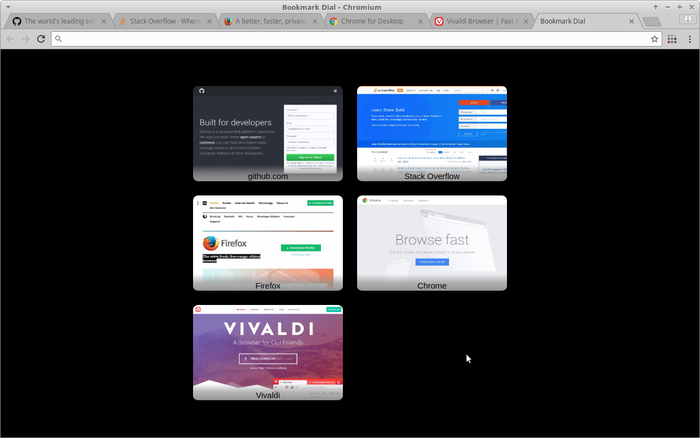
Replaces the default New Tab page and displays the contents of a bookmark folder including a thumbnail every time you open a new tab. The homepage is also replaced unless you choose not to. Check out the screenshots
截图
简介
Bookmark dial
=============
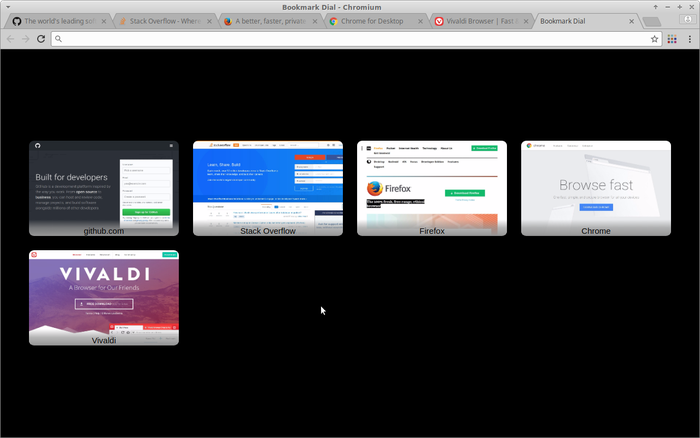
Displays the contents of a bookmark folder including a thumbnail when you start
the browser and open a new tab (instead of frequently visited sites,
suggestions and sponsored links). Similar extensions call this speed dial. In
most cases they do not use bookmarks and/or require you to manually tweak
settings to change the layout of the thumbnails.
By default, Bookmark Dial arranges and sizes (up to a maximum size) the
thumbnails to be as big as possible while covering as much space as possible.
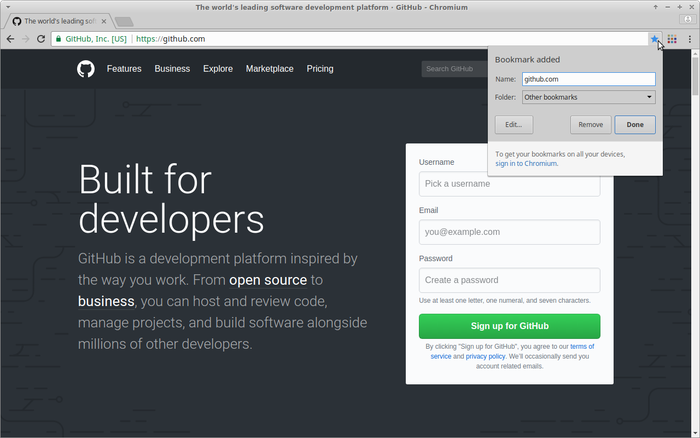
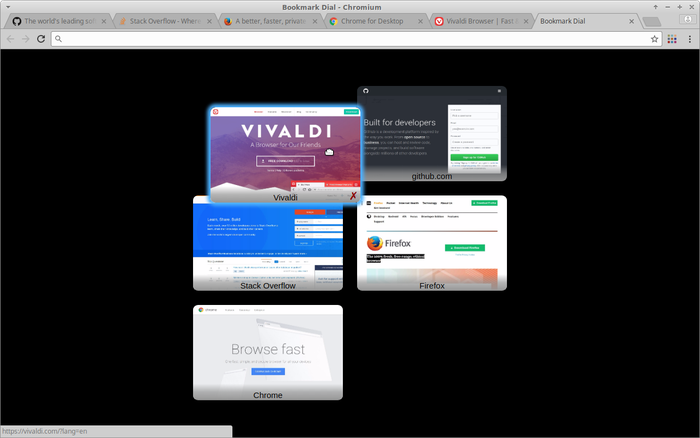
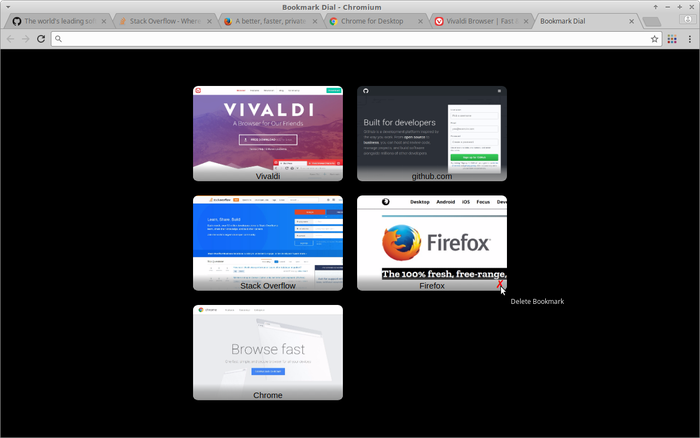
As a bookmark folder is used, sync comes with your browser and you can use the
usual keyboard shortcuts, menu entries and buttons for bookmark handling to
add, edit and delete dial items. You can drag and drop thumbnails to change the
order.
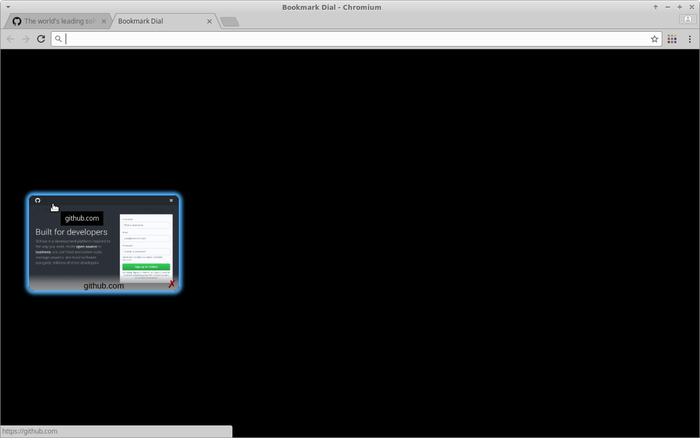
Thumbnails are generated from a snapshot of the visible area of a bookmarked
webpage. If a bookmark has no thumbnail yet, a snapshot is taken automatically
when the bookmark is opened in the currently active tab or if it is loaded in a
background tab and the tab becomes active. To ensure the best result, the
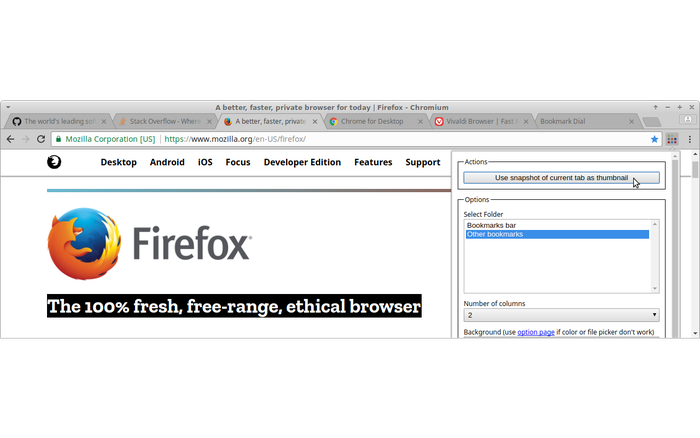
generation starts when the page has completed loading. There is also a button
in the popup opened from the toolbar icon that allows you to create a new
snapshot (disabled for URLs that do not belong to bookmarks from the configured
folder). The latter allows you to capture the part of a webpage that you want
as you can scroll and resize the window before taking the snapshot.
Getting Started
---------------
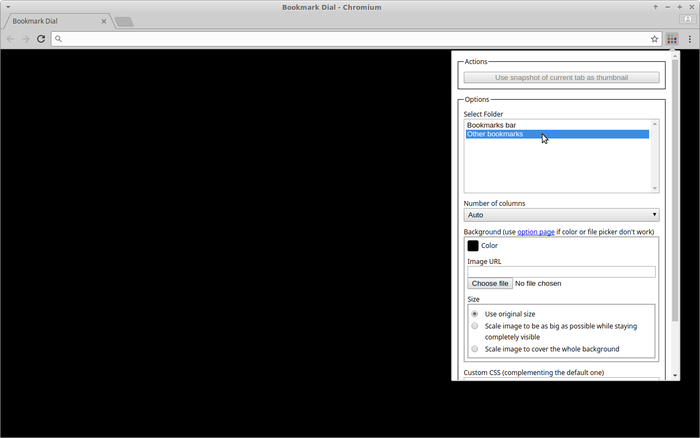
Configure the bookmark folder and check available settings in the popup opened
from the toolbar icon or from the extension page in your browser's extension
manager. Open a new tab.
Customisation
-------------
You can set a background colour and/or image (including sizing) in the
preferences. There is also a text field to provide custom CSS.
Known Issues
------------
- if a bookmark redirects to another page, thumbnail generation will fail as
the URL of the bookmark will not match the page in the currently active tab
- color chooser and file chooser close the popup - to change settings using
them, go to the extension page in your browser's extension manager
- Firefox:
- the location bar is not cleared when a new tab is opened - this should be
fixed in Firefox 57
(https://bugzilla.mozilla.org/show_bug.cgi?id=1372996)
- compatibility issues with New Tab Override extension (https://addons.mozilla.org/en-US/firefox/addon/new-tab-override/)
- special URLs like about: chrome: file: etc can cause problems - thumbnail
generation might fail or bookmarks won't open - due to limitations in the
webextension API
Feedback
--------
You can report bugs or make feature requests on
https://github.com/sblask/webextension-bookmark-dial
Patches are welcome.
Bookmark Dial 是做什么的
Bookmark Dial 是一款面向 Firefox 的外观主题类扩展,主要用来更换浏览器配色、给网页加深色模式、调整界面观感。官方对它的介绍是:Replaces the default New Tab page and displays the contents of a bookmark folder including a thumbnail every time you open a new tab. The homepage is also replaced unless you choose not to. Check out the screenshots在Firefox 附加组件商店(AMO)上,它当前版本 3.1.1,评分 3.3(43 人评价),约 216 名用户。
适合什么人用
从功能定位看,Bookmark Dial 更适合长时间对着屏幕、希望降低眼睛负担的用户。如果你平时只是偶尔遇到相关需求,用浏览器自带功能也能凑合;但如果这件事每天都发生,装一个专门处理它的扩展通常比手动操作省事得多。
怎么安装 Bookmark Dial
- 打开Firefox 附加组件商店(AMO)上的官方页面;
- 点「添加到浏览器」并确认权限提示;
- 装好后在扩展列表里固定图标,方便随时开关。
本站只做索引与介绍,安装包来自官方商店。如果商店页面提示当前地区不可用,说明该扩展未在你所在区域上架。
常见问题
Bookmark Dial 是免费的吗?
Bookmark Dial 在Firefox 附加组件商店(AMO)免费提供下载。它是浏览器扩展,装上就能直接用,不需要注册账号。
Bookmark Dial 安全吗?
它只申请了 0 项权限,范围比较克制,没有申请「读取所有网站数据」这种大权限。
Bookmark Dial 支持哪些浏览器?
当前收录的版本来自Firefox 附加组件商店(AMO),适用于 Firefox。同一个扩展在其他商店可能有对应版本,但功能与版本号不一定相同。
怎么卸载 Bookmark Dial?
在扩展管理页找到 Bookmark Dial,点移除即可。它在本地保存的设置会一起清掉,不会残留数据。
权限清单 来自 manifest.json 原文
接口权限 4
bookmarksscriptingstorageunlimitedStorage