
SBAHJifier EN
Isaiah Odhner · Firefox
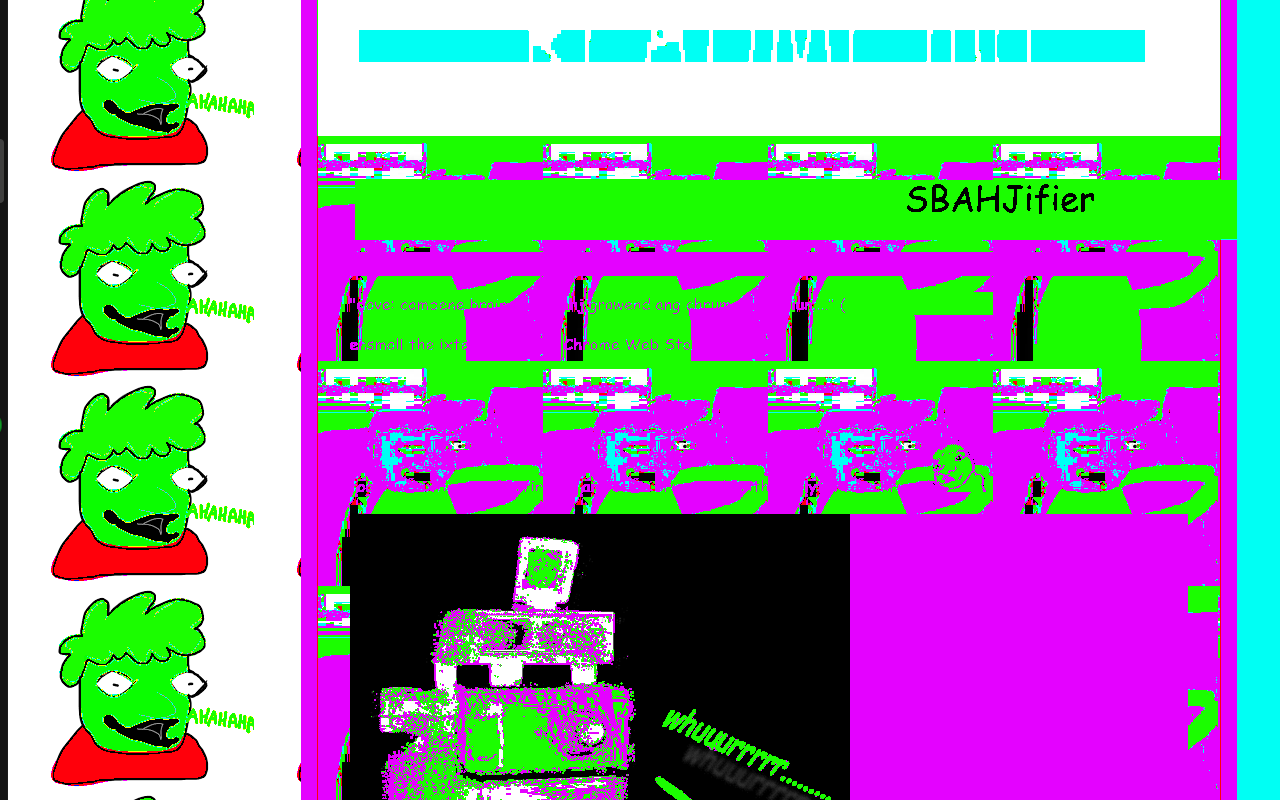
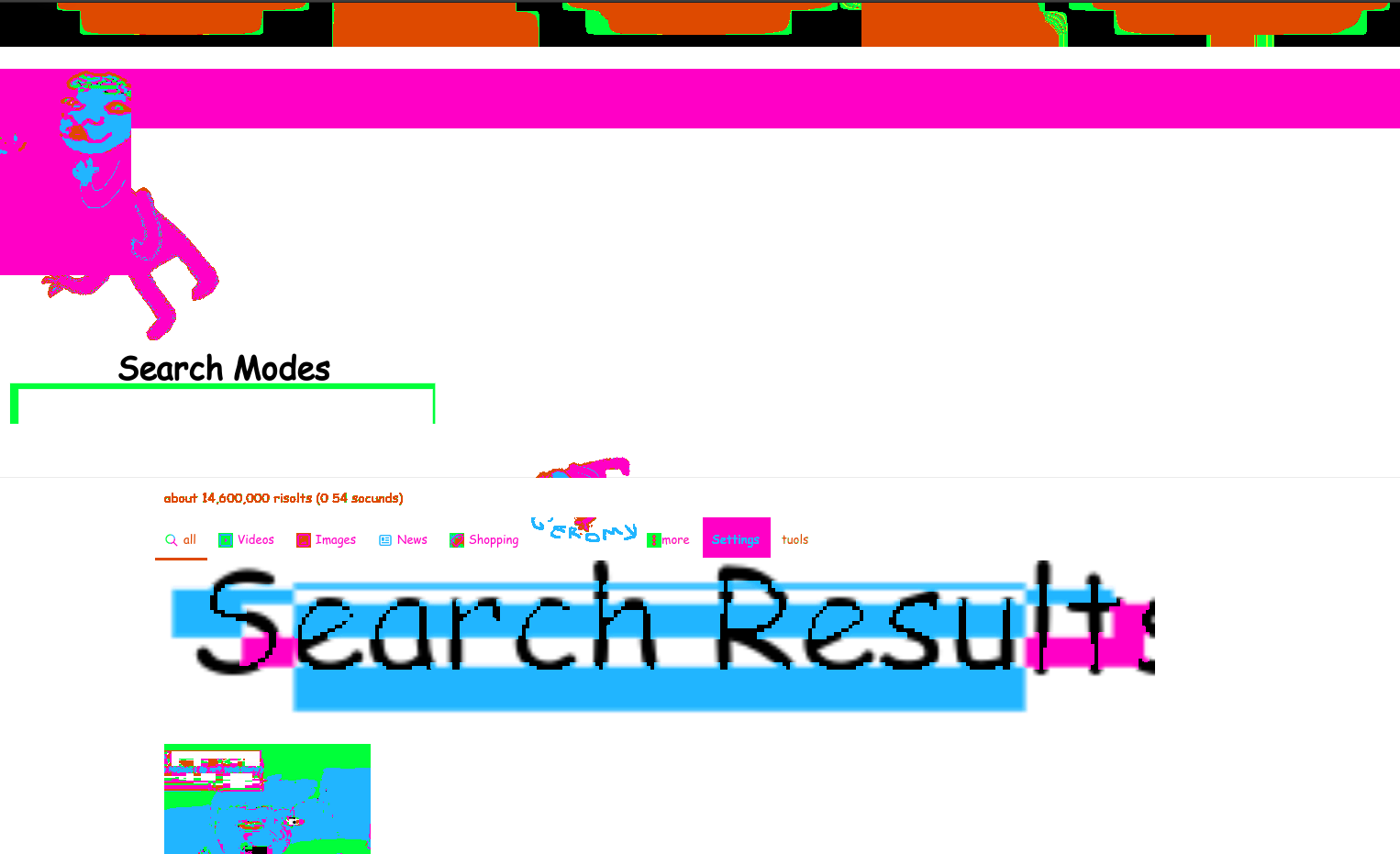
Make any page look like SWEET BRO AND HELLA JEFF.
截图

简介
Dave: Combine brain and SBaHJ drawing and chrome extension.
(relevant comic page)
Make any website look like a sweet bro and hella jeff comic with the press of a button. THAT IS A GOOD THING.
Webpages being too slow? Probably because they're NOT TRYING TO COMPUTE ENOUGH FILTERS!
Click the button multiple times to make the page worse and worse!
Features:
- Injects sbahj related images into the page
- Replaces some images similarly
- Adds other things......... like ellipses..... dot dot dot.............
- Removes much superfluous, uncalled-for, and undesirable quality
- Spells things wrong, automaticaly!
- Typography nerds fear not, as it uses only Comic Sans.
- Replaces headings with much stupid ugly geometry (like the image at the very top of the sbahj comics)
- ...Is that Geromy?
Open source on GitHub (MIT licensed)
Also available on the Chrome Web Store
Todo:
- Options??
- Moaar animated gifs
- Bro-speakize the text instead of just misspelling it, maybe? nah
I am not affiliated with http://www.mspaintadventures.com/sweetbroandhellajeff/
Sweet Bro and Hella Jeff, the icon, etc. are probably copyright of Andrew Hussie.
SBAHJifier 是做什么的
SBAHJifier 是一款面向 Firefox 的外观主题类扩展,主要用来更换浏览器配色、给网页加深色模式、调整界面观感。官方对它的介绍是:Make any page look like SWEET BRO AND HELLA JEFF.在Firefox 附加组件商店(AMO)上,它当前版本 1.1.3,评分 5(3 人评价),约 90 名用户。
适合什么人用
从功能定位看,SBAHJifier 更适合长时间对着屏幕、希望降低眼睛负担的用户。如果你平时只是偶尔遇到相关需求,用浏览器自带功能也能凑合;但如果这件事每天都发生,装一个专门处理它的扩展通常比手动操作省事得多。
怎么安装 SBAHJifier
- 打开Firefox 附加组件商店(AMO)上的官方页面;
- 点「添加到浏览器」并确认权限提示;
- 装好后在扩展列表里固定图标,方便随时开关。
本站只做索引与介绍,安装包来自官方商店。如果商店页面提示当前地区不可用,说明该扩展未在你所在区域上架。
常见问题
SBAHJifier 是免费的吗?
SBAHJifier 在Firefox 附加组件商店(AMO)免费提供下载。它是浏览器扩展,装上就能直接用,不需要注册账号。
SBAHJifier 安全吗?
它只申请了 0 项权限,范围比较克制,没有申请「读取所有网站数据」这种大权限。
SBAHJifier 支持哪些浏览器?
当前收录的版本来自Firefox 附加组件商店(AMO),适用于 Firefox。同一个扩展在其他商店可能有对应版本,但功能与版本号不一定相同。
怎么卸载 SBAHJifier?
在扩展管理页找到 SBAHJifier,点移除即可。它在本地保存的设置会一起清掉,不会残留数据。
权限清单 来自 manifest.json 原文
接口权限 1
activeTab