
Page Mail EN
John Navas · EEdge MV3
Send the current page by email with title, selected text, and URL.
截图
简介
Send the current page by your system’s email app (mailto), Gmail® or Outlook®—with the page title, selected text, and URL—easily.
OVERVIEW
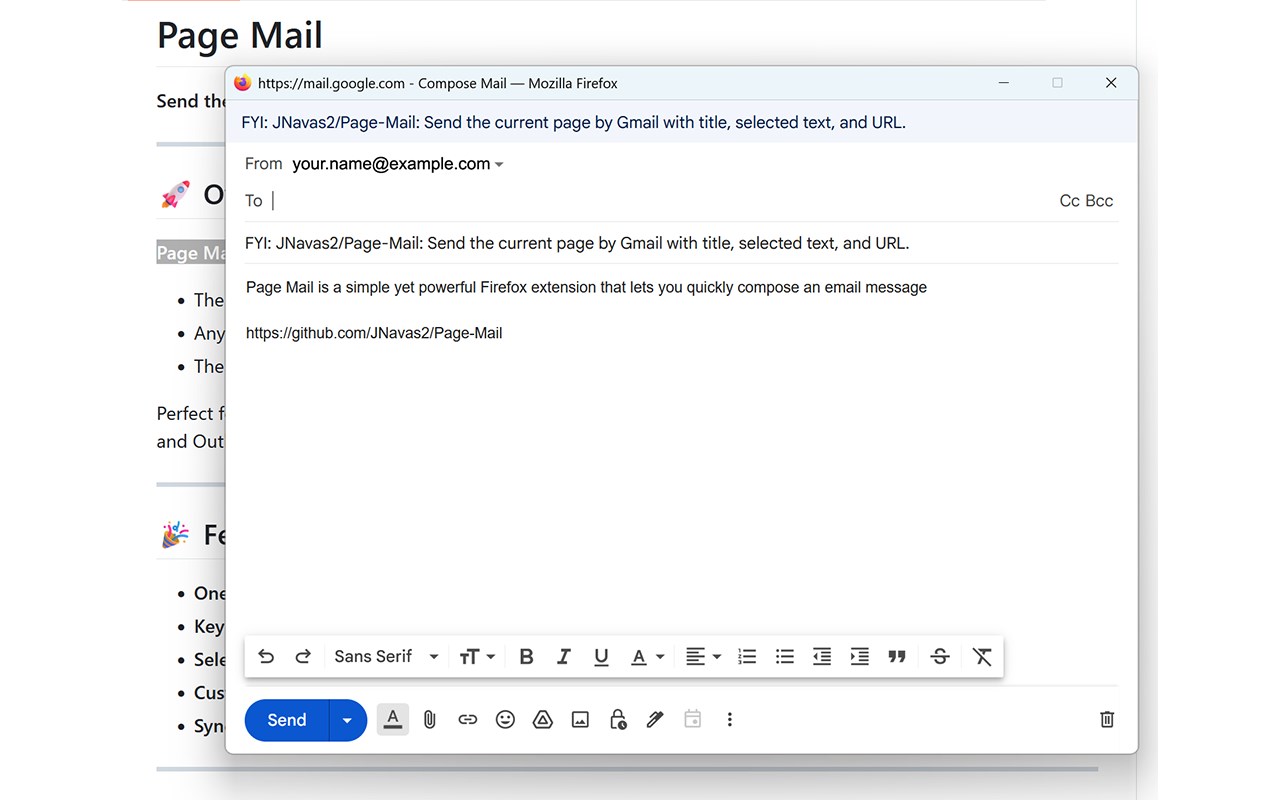
Page Mail is a simple yet powerful extension that lets you quickly compose an email message containing:
- The current page’s title
- Any text you’ve selected
- The page URL
Perfect for sharing articles, research, or anything you find online—right from your browser! Supports Email link handler (mailto), Gmail® and Outlook®.
WHAT'S NEW
- 1.1.1: Fix zombie window issue with Thunderbird
- 1.1.0: Fix blank popup issue.
FEATURES
- One-click sharing: Click the extension button to open your system’s Email link handler (mailto), Gmail® or Outlook® with the page details pre-filled.
- Keyboard shortcut: Use Ctrl+Alt+P (customizable) to open the extension popup.
- Selected text support: Highlight text on a page to include it in your email.
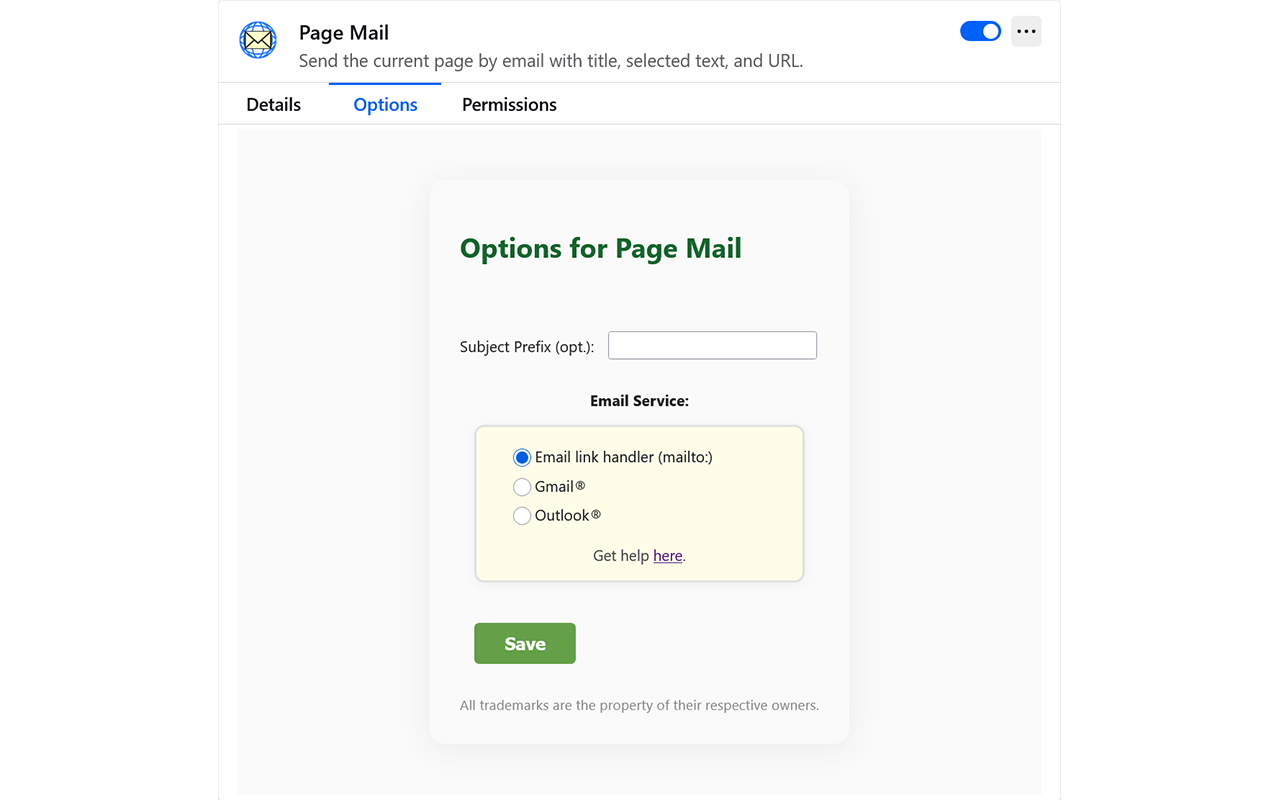
- Custom subject prefix: Personalize your email subject line via the options page.
- Syncs across devices: Your subject prefix and service choice can be saved with your browser account.
USAGE
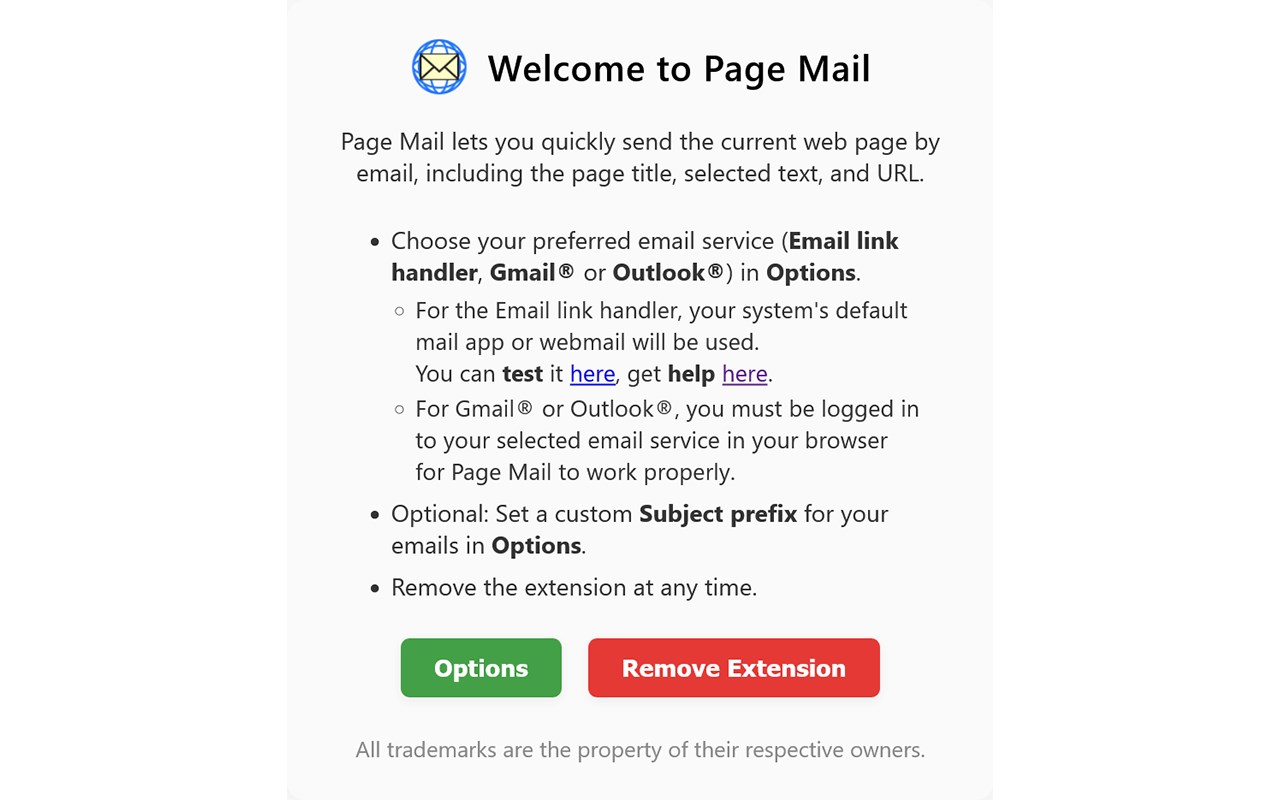
1. Choose your email provider (Email link handler [mailto], Gmail® or Outlook®) in Options.
2. (Optional) Highlight text on the page to include it in your email.
3. Open the popup by clicking the extension icon or using Ctrl+Alt+P (customizable in browser's extension manager).
4. You must initiate sending from the new message popup.
OPTIONS
- Access the options page via the onboarding page, the extension’s context menu, or browser add-on manager.
- Set a subject prefix (e.g., “FYI: ”) to be added to every email subject.
- Choose Email link handler (mailto), Gmail® or Outlook® as your preferred provider.
- Settings can sync with your browser account.
CONFIGURING mailto
When you select Email link handler (mailto) in Page Mail’s options, the extension uses browser’s configured handler for `mailto` links. This can be your operating system’s default email app or a webmail service (like Gmail or Outlook.com).
To change your mailto handler in browser, see: https://support.procore.com/faq/how-do-i-change-my-web-browsers-default-email-client-for-mailto-links
PRIVACY & PERMISSIONS
- Page Mail does not collect or transmit any personal data.
- No tracking, no analytics, no ads—just email your pages, privately.
- Permissions: activeTab, storage, scripting.
- Open source: View code at https://github.com/JNavas2/Page-Mail
COMPATIBILITY
- Currently available for Chrome™, Edge™ and Firefox®.
- Both desktop and Android™ are supported on Firefox.
KNOWN ISSUES & LIMITATIONS
- The extension cannot access special pages (e.g., about:, chrome:, edge:).
- You must be logged in to your selected email service (Email link handler [mailto], Gmail® or Outlook®) in the browser for Page Mail to work properly.
- The amount of selected text you can include is limited by the maximum URL length supported by browsers and email providers. Large selections may be truncated or fail to open in the email composer.
FAQ
Q: Can I change the keyboard shortcut?
A: Yes! Use the browser's extension manager.
Q: Does this work with other email providers?
A: It supports Email link handler (mailto) in addition to Gmail® and Outlook®.
Q: Is my browsing data sent anywhere?
A: No. The extension only opens your chosen email service with data you see; nothing is sent to third parties.
SUPPORT
- For questions, suggestions, or bug reports, please open an Issue: https://github.com/JNavas2/Page-Mail/issues
DISCLAIMERS
- This extension is not affiliated with or endorsed by Google, Mozilla, Microsoft or Apple.
- THIS SOFTWARE IS PROVIDED “AS IS,” WITHOUT WARRANTY OF ANY KIND. USE AT YOUR OWN RISK. NOT RESPONSIBLE FOR ERRORS, OMISSIONS OR DAMAGES. BY INSTALLING OR USING THIS EXTENSION, YOU AGREE TO THESE TERMS.
Enjoy fast, private sharing with Page Mail!
All trademarks are the property of their respective owners.
Page Mail 是做什么的
Page Mail 是一款面向 Edge 的实用工具类扩展,主要用来解决浏览器里某类具体的小问题。官方对它的介绍是:Send the current page by email with title, selected text, and URL.在微软 Edge 加载项商店上,它当前版本 1.1.1,评分 5(1 人评价),约 92 名用户。
适合什么人用
从功能定位看,Page Mail 更适合想补上浏览器原生缺失功能的用户。如果你平时只是偶尔遇到相关需求,用浏览器自带功能也能凑合;但如果这件事每天都发生,装一个专门处理它的扩展通常比手动操作省事得多。
怎么安装 Page Mail
- 打开微软 Edge 加载项商店上的官方页面;
- 点「添加到浏览器」并确认权限提示;
- 装好后在扩展列表里固定图标,方便随时开关。
本站只做索引与介绍,安装包来自官方商店。如果商店页面提示当前地区不可用,说明该扩展未在你所在区域上架。
常见问题
Page Mail 是免费的吗?
Page Mail 在微软 Edge 加载项商店免费提供下载。它是浏览器扩展,装上就能直接用,不需要注册账号。
Page Mail 安全吗?
它只申请了 0 项权限,范围比较克制,没有申请「读取所有网站数据」这种大权限。
Page Mail 支持哪些浏览器?
当前收录的版本来自微软 Edge 加载项商店,适用于 Edge。同一个扩展在其他商店可能有对应版本,但功能与版本号不一定相同。
怎么卸载 Page Mail?
在扩展管理页找到 Page Mail,点移除即可。它在本地保存的设置会一起清掉,不会残留数据。
权限清单 来自 manifest.json 原文
接口权限 3
activeTabscriptingstorage