
MailDecor EN
Mr. Satish Kunwar · EEdge MV3
Compose brand-colored HTML emails and inject them into Gmail, Outlook, Yahoo & any Webmail with 1 click. By Satish Kunwar.
截图
简介
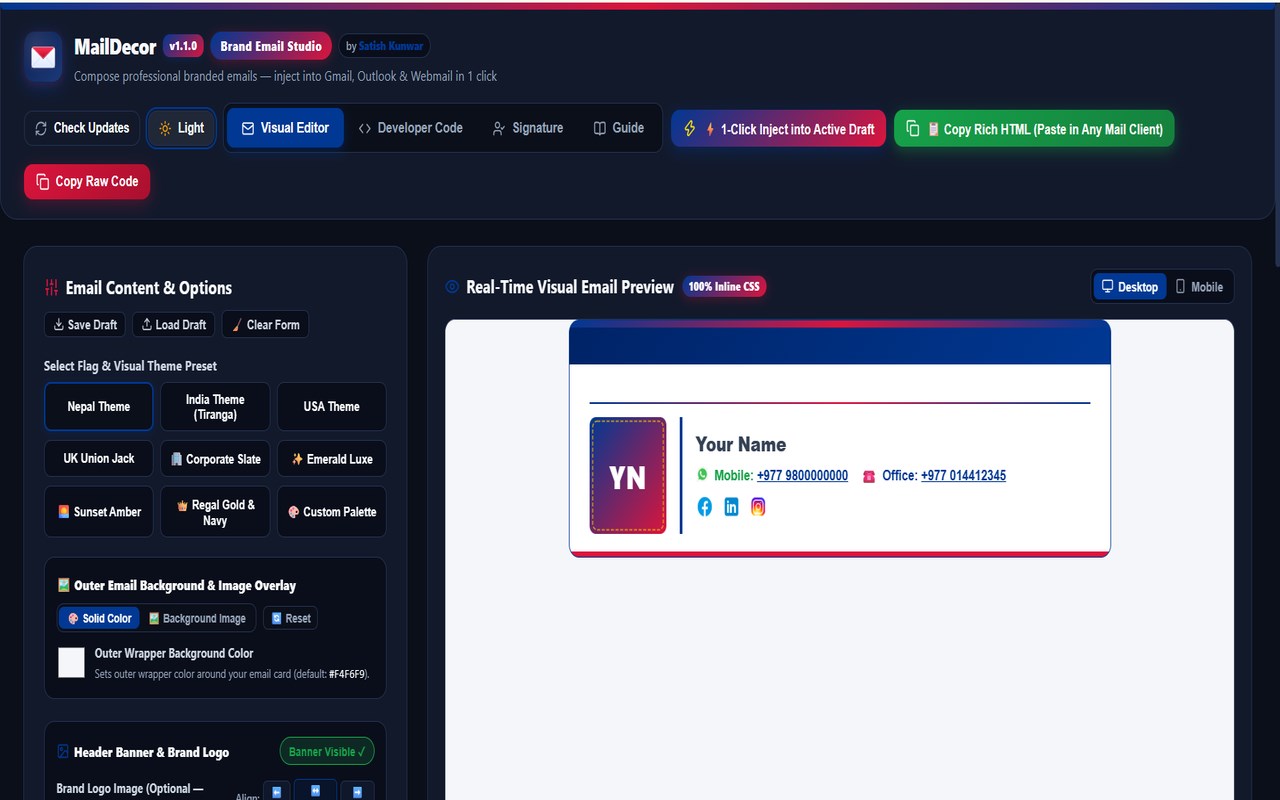
MailDecor is a powerful, privacy-first browser extension that lets you visually design stunning, brand-colored HTML emails with 100% inline CSS and inject them directly into your compose window with 1 click — no coding required.
Whether you use Microsoft Outlook, Gmail, Yahoo Mail, Proton Mail, Zoho Mail, Fastmail, AOL, iCloud, or any custom webmail, MailDecor transforms your everyday email communication into elegant, professional brand cards.
==================================================
✨ KEY FEATURES & CAPABILITIES
==================================================
📧 1-Click Webmail Injection & Rich HTML Copy
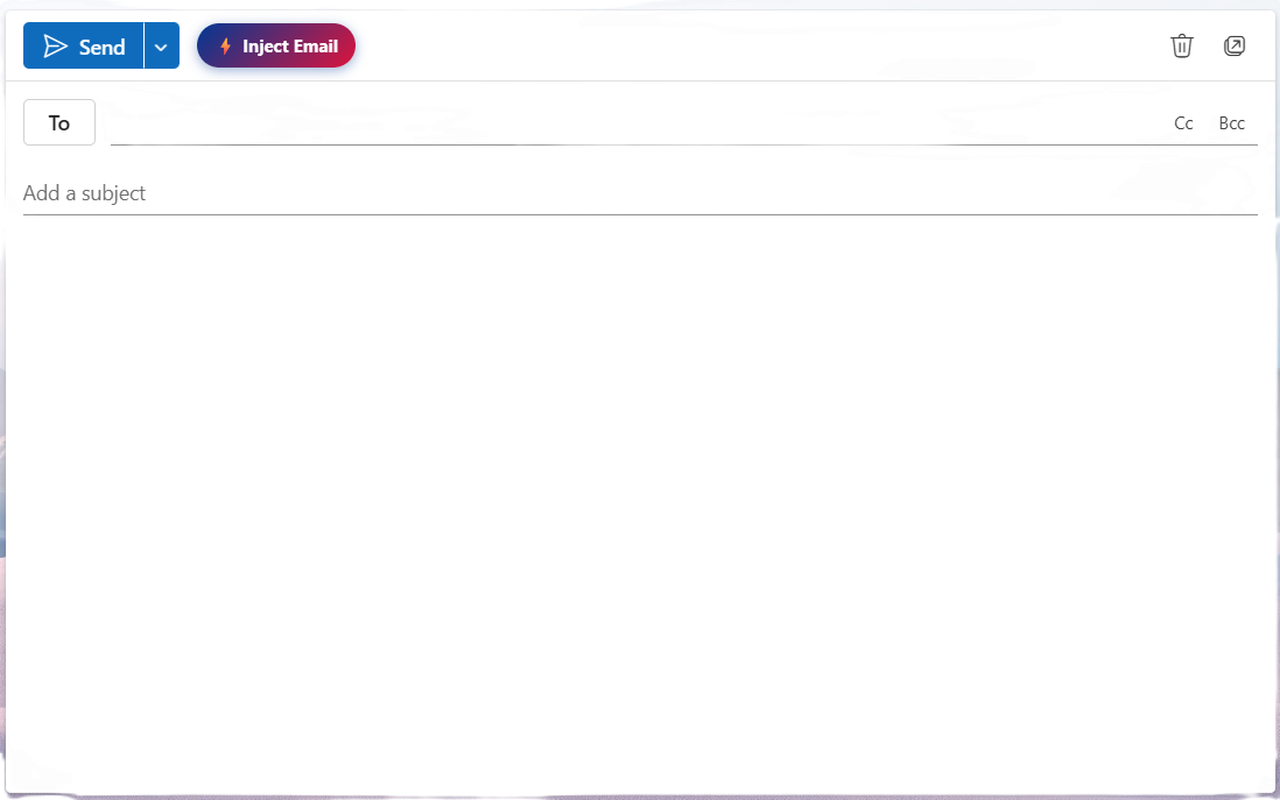
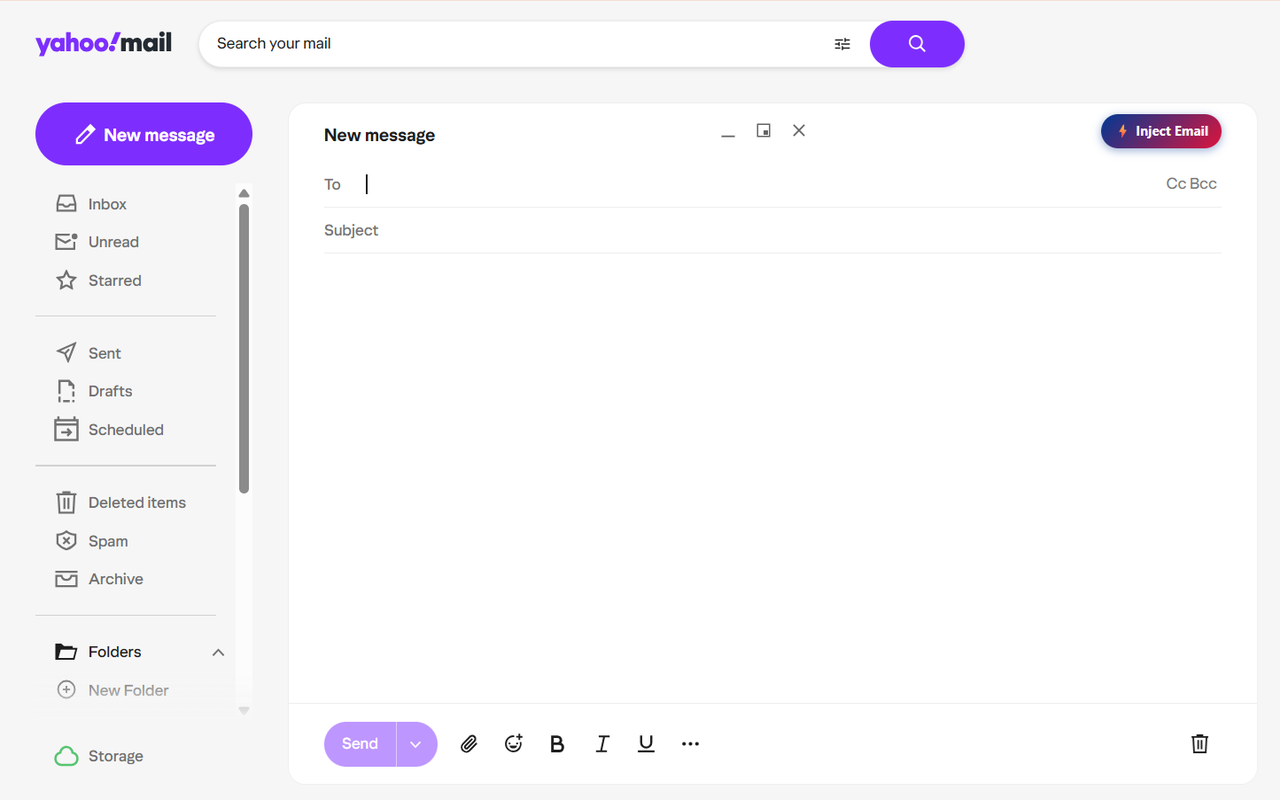
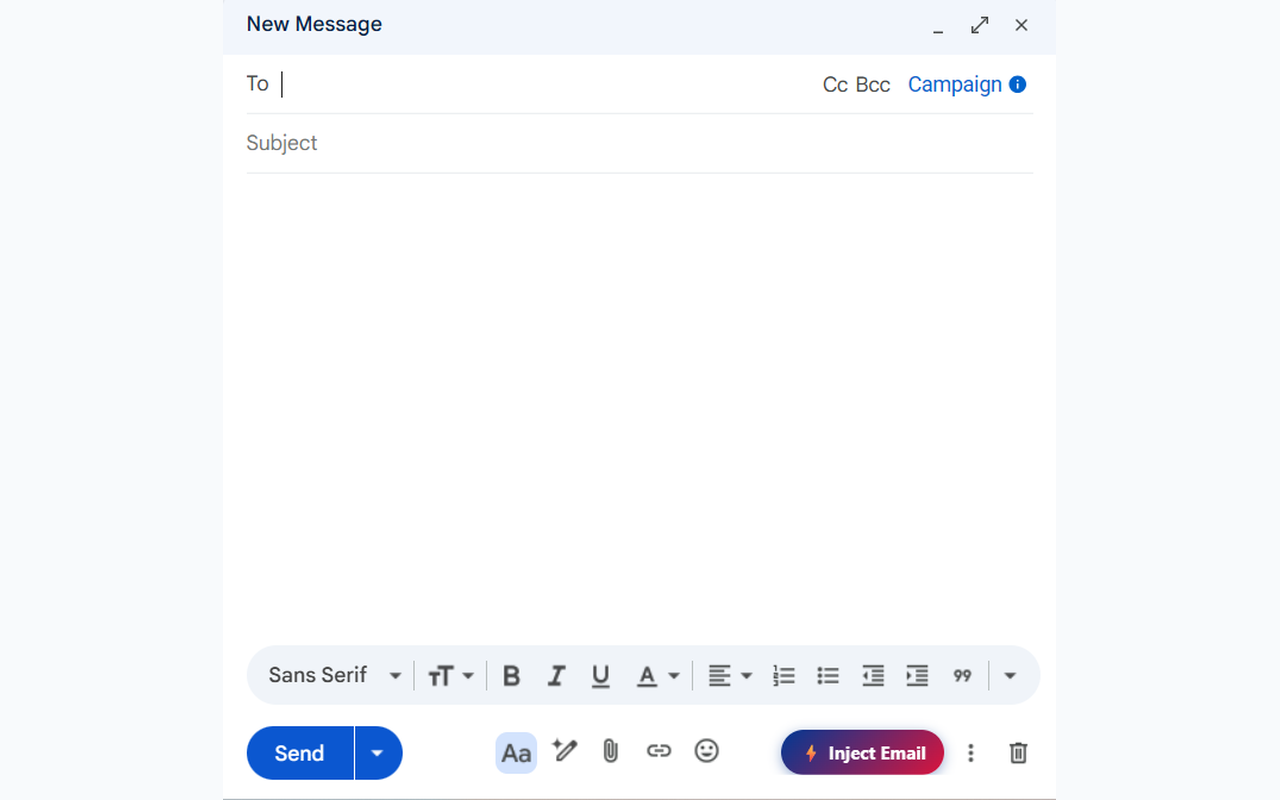
• Injects directly into active compose windows on Microsoft Outlook Web / 365, Gmail, Yahoo Mail, Proton Mail, Zoho Mail, AOL, Fastmail, iCloud, and custom webmail interfaces.
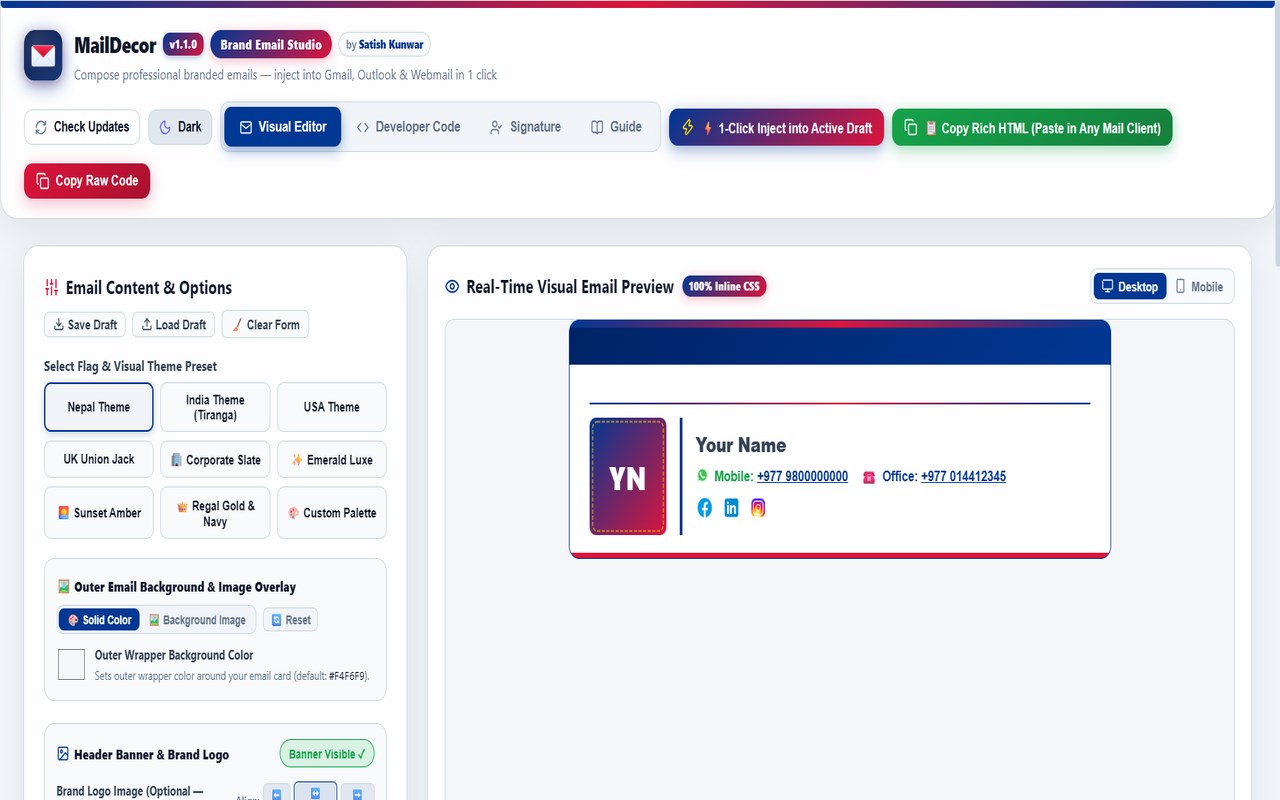
• Includes "📋 Copy Rich HTML" to paste with Ctrl+V into any desktop email client (Outlook Desktop, Apple Mail, Thunderbird).
🎨 10+ Built-in Brand Themes & Custom Color Palette
• Choose from professional presets (Nepal, India, USA, UK, Corporate Slate, Emerald Luxe, Sunset Amber, Regal Gold, etc.).
• Build your own custom brand palette with real-time color pickers for headers, background gradients, text, and ribbons.
✍️ Professional Signature Builder & WhatsApp Chat
• Create clean email signatures with profile photo, name, designation, and address.
• Add multiple dynamic phone numbers with country codes and 1-click WhatsApp highlighting with direct chat links.
• Include 20+ social media icons (LinkedIn, GitHub, Twitter/X, Facebook, YouTube, etc.).
• Empty fields are cleanly hidden from the output.
🖼️ Complete Image & Animated GIF Hosting
• Support for logos, photos (.jpg, .png, .webp, .svg), and full 60fps animated GIFs (.gif via Giphy, Postimages, Imgur).
• Add outer background images with custom opacity sliders (5% to 100%).
🔤 Rich Text Formatting & Devanagari Unicode
• Format bold, italics, underline, fonts, text alignment, and bulleted lists.
• Retains MS Word, Excel, and Google Docs formatting when pasting.
• Auto-detects Devanagari numerals (१. २. ३.) for Nepali and Hindi content.
==================================================
🔒 100% PRIVACY & SECURITY GUARANTEED
==================================================
• 100% Offline & Local: All drafts, templates, and signature details are stored strictly in your browser's local storage.
• Zero Telemetry: No analytics, tracking pixels, crash reporting, or external servers.
• Safe & Sanitized: Strict XSS protection and zero unsafe remote code.
==================================================
🚀 3-STEP QUICK START
==================================================
1. Open MailDecor from your Microsoft Edge extensions toolbar.
2. Choose your brand colors, write your message, and build your signature.
3. Click "⚡ 1-Click Inject" or paste into your compose draft!
--------------------------------------------------
Developed by Satish Kunwar
Website: https://satishkunwar.com.np
Version 1.1.0 | Manifest V3 | Microsoft Edge Ready
MailDecor 是做什么的
MailDecor 是一款面向 Edge 的实用工具类扩展,主要用来解决浏览器里某类具体的小问题。官方对它的介绍是:Compose brand-colored HTML emails and inject them into Gmail, Outlook, Yahoo & any Webmail with 1 click. By Satish Kunwar.在微软 Edge 加载项商店上,它当前版本 1.1.0,约 7 名用户。
适合什么人用
从功能定位看,MailDecor 更适合想补上浏览器原生缺失功能的用户。如果你平时只是偶尔遇到相关需求,用浏览器自带功能也能凑合;但如果这件事每天都发生,装一个专门处理它的扩展通常比手动操作省事得多。
怎么安装 MailDecor
- 打开微软 Edge 加载项商店上的官方页面;
- 点「添加到浏览器」并确认权限提示;
- 装好后在扩展列表里固定图标,方便随时开关。
本站只做索引与介绍,安装包来自官方商店。如果商店页面提示当前地区不可用,说明该扩展未在你所在区域上架。
常见问题
MailDecor 是免费的吗?
MailDecor 在微软 Edge 加载项商店免费提供下载。它是浏览器扩展,装上就能直接用,不需要注册账号。
MailDecor 安全吗?
它只申请了 0 项权限,范围比较克制,没有申请「读取所有网站数据」这种大权限。
MailDecor 支持哪些浏览器?
当前收录的版本来自微软 Edge 加载项商店,适用于 Edge。同一个扩展在其他商店可能有对应版本,但功能与版本号不一定相同。
怎么卸载 MailDecor?
在扩展管理页找到 MailDecor,点移除即可。它在本地保存的设置会一起清掉,不会残留数据。
权限清单 来自 manifest.json 原文
接口权限 3
activeTabscriptingstorage