
Email Checker for Gmail™ EN
Calendar extension · EEdge MV3
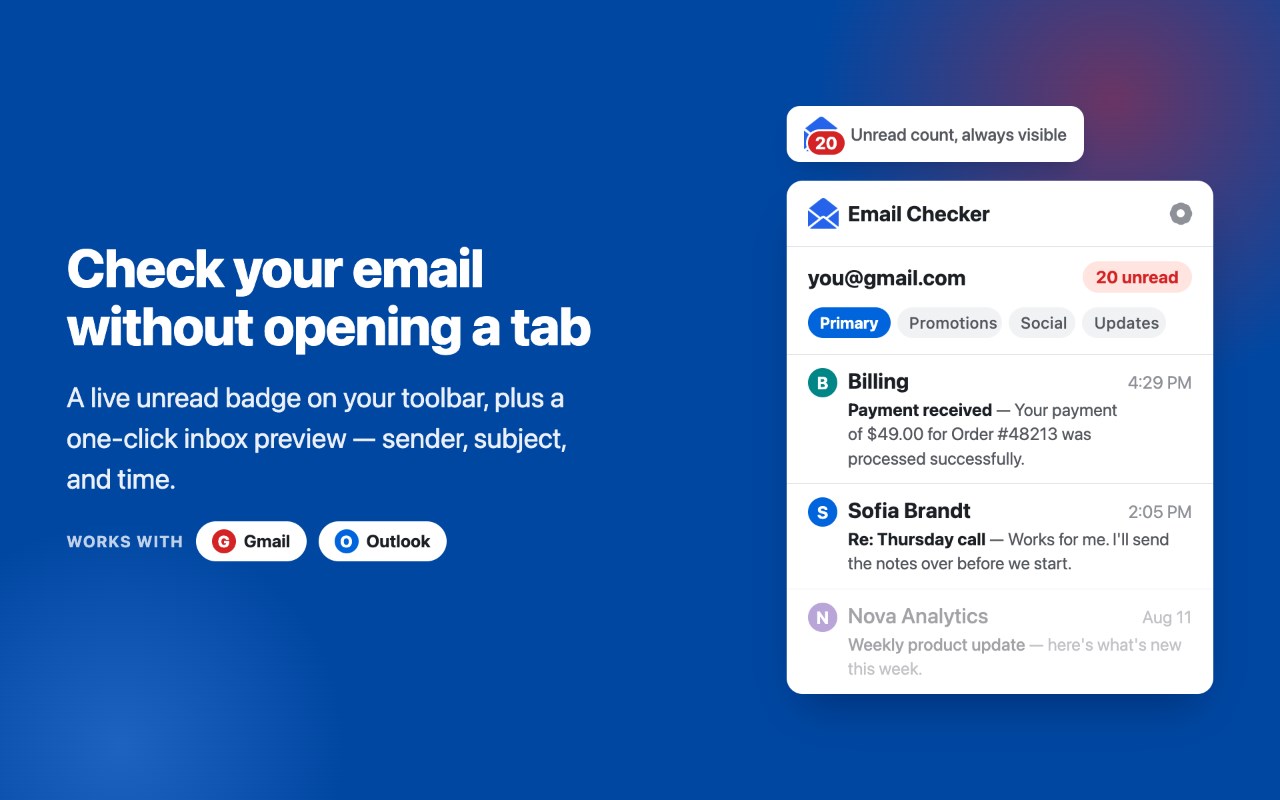
Use the Gmail, Outlook & Hotmail email checker and notifier: unread count on your toolbar badge, instant new-mail alerts.
截图
简介
Email Checker for Gmail is a lightweight Gmail checker and notifier for your toolbar: it shows how many unread emails are waiting in your inbox and alerts you the moment new mail arrives. Outlook is supported too: connect it once and all your mailboxes share one badge, one panel and one set of alerts.
No more keeping a mail tab open just to check your email. This inbox tracker keeps checking email for you: the badge, the desktop alerts and the side panel answer one question at a glance — is there new mail, and is it worth opening?
WHAT IT DOES
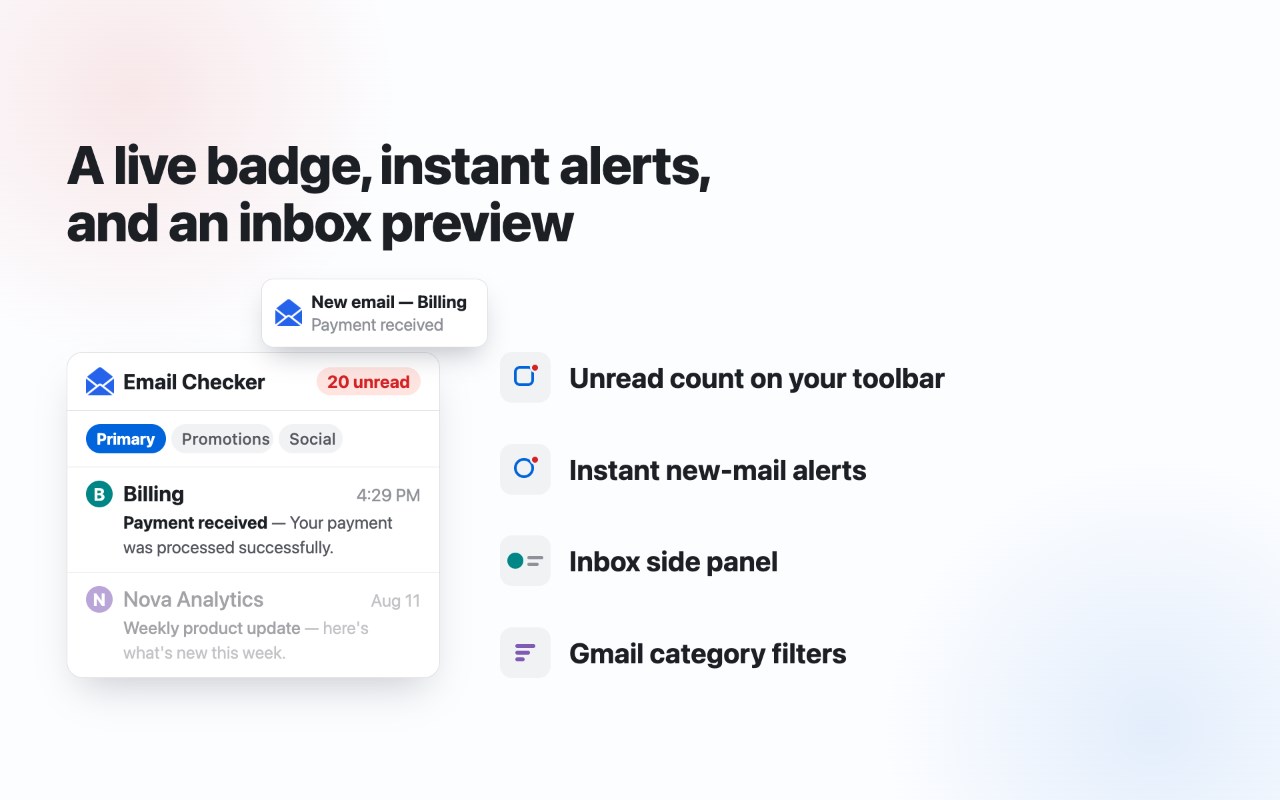
- Live unread counter on the toolbar badge, refreshed every 30 seconds to 5 minutes. The badge can track every unread email in the mailbox, or only the ones listed in the panel.
- Desktop notifier with a subtle chime: when a new message arrives you get a notification — click it to open the email directly.
- A minimal side panel to check your Gmail inbox without switching tabs: sender, full subject, preview text and time. Unread emails are bold, mail you have read stays in the list greyed out, just like in Gmail. Click any row to open it.
- Category filters: Primary, Promotions, Social, Updates — the badge and notifications follow the selected filter, so you can get alerts for Primary mail only and ignore newsletters.
- Conversation grouping: multiple unread messages in one thread are shown as a single row with a count.
- Read tracking is automatic: open an email, read it, and within seconds the badge drops and the row turns grey. No manual refresh, no marking anything by hand.
- Finds every Google account signed in to this browser profile on its own (up to six) and lets you tick which ones are checked — keep work and personal in the counter, leave a test account out.
- Outlook and Microsoft 365 email checker: connect an Outlook.com, Hotmail, Live or work account and its unread mail joins the same list as Gmail, with the same notifier and the same unread counter.
- Configurable check interval, notifications and sound each on/off.
- Optional reminders: if a message you were notified about is still unread, the extension nudges you again every 5, 15, 30 or 60 minutes until you read it.
- Light and dark theme: follows your system by default, or pick one in settings.
HOW TO USE
1. Install the extension and make sure you are signed in to Gmail in this browser, or connect an Outlook mailbox from the mailbox menu in the panel header.
2. Click the icon to check your mail in the side panel — unread emails in inbox order, newest at the top in bold.
3. New mail updates the badge and triggers a desktop notification automatically.
That is the whole Gmail setup: no account creation, no sign-up forms, no OAuth screens — the extension works with the session you already have. Outlook uses the standard Microsoft sign-in, and the token never leaves your computer.
WHO IT IS FOR
- You wait for an important reply and want a mail check without a Gmail tab pinned all day. The badge tells you when it actually arrives, and the reminder makes sure you do not forget to answer it.
- You keep asking yourself how to check unread emails in Gmail, or how to find unread emails in Gmail buried under promotions: the panel lists them in one place, newest first, grouped by conversation.
- You miss the classic Gmail notifier: this email checker is a notifier and mail tracker for Gmail built into the modern browser — one glance at the toolbar instead of another "check my email" round trip.
- You run several inboxes and check emails across work, personal and a side project: with multi-account support the tracker follows unread mail from each account in one list, and you jump straight to the right message.
- You get too much mail: point the counter at Primary only, and social or promo messages stop generating noise, while real conversations still trigger an instant alert.
- You use Outlook or Hotmail as well: this Outlook notifier checks Outlook.com, Hotmail and Microsoft 365 mail from the same toolbar icon — one unread email counter for every mailbox, and no second extension to install just to check Outlook mail.
The goal is simple: "how do I check my email quickly?" stops being a question. You should not spend the day checking the mailbox to find out there is nothing new. The mailbox should tell you when something worth reading shows up — quietly, through a small number on the badge and a short chime you can switch off at any time.
TIPS
- Pin the extension icon to the toolbar so the unread counter is always visible; the panel opens with one click on the icon.
- Set the interval to 30 seconds while you wait for something urgent, then relax it back to a few minutes — unread tracking stays accurate either way.
- Wondering how to see unread emails in Gmail from one category only? Pick the tab in the panel: the badge, the list and the alerts all follow it.
- The chime is optional: keep visual alerts on and mute the sound for a silent Gmail desktop notifier.
PERMISSIONS, IN PLAIN WORDS
Alarms schedule the periodic check. Notifications show the new-mail alert. Storage keeps your settings and the local message cache. Offscreen exists only to play the chime, because a background service worker cannot play audio. Side panel is the interface itself. Identity runs the Microsoft sign-in window, and only when you click Connect — Gmail never uses it. Access to mail.google.com, graph.microsoft.com and login.microsoftonline.com is optional and requested at the moment you connect that mailbox, not at install time.
PRIVACY
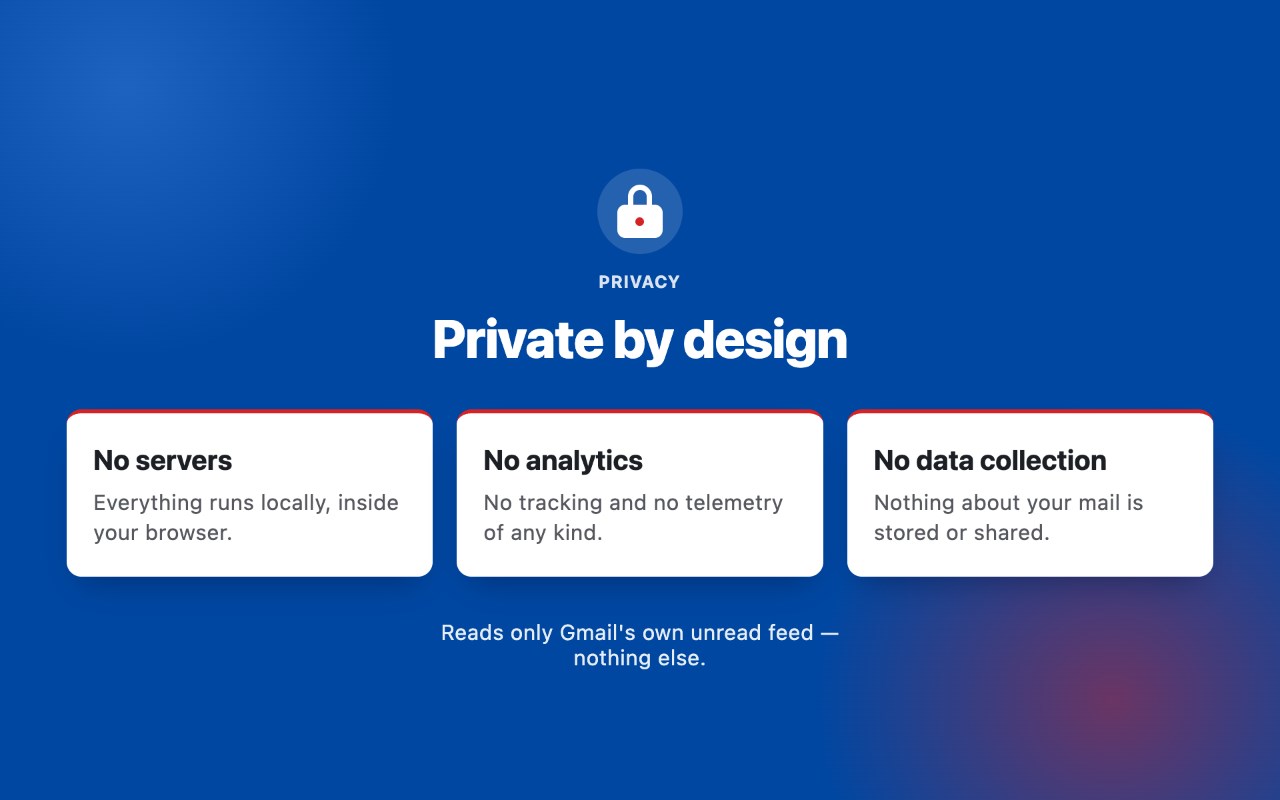
The extension tracks your inbox, not you. It reads only Gmail's built-in unread-mail feed (mail.google.com) using your existing browser session. Nothing is sent anywhere: no external servers, no analytics, no accounts, no data collection, no third parties. Message data is displayed and cached locally so the panel can show read mail greyed out; all settings live in your browser and never leave it. Outlook mail is read through the official Microsoft Graph API with read-only sc…
Email Checker for Gmail™ 是做什么的
Email Checker for Gmail™ 是一款面向 Edge 的实用工具类扩展,主要用来解决浏览器里某类具体的小问题。官方对它的介绍是:Use the Gmail, Outlook & Hotmail email checker and notifier: unread count on your toolbar badge, instant new-mail alerts.在微软 Edge 加载项商店上,它当前版本 1.1.4,评分 2.3(3 人评价),约 17 名用户。
适合什么人用
从功能定位看,Email Checker for Gmail™ 更适合想补上浏览器原生缺失功能的用户。如果你平时只是偶尔遇到相关需求,用浏览器自带功能也能凑合;但如果这件事每天都发生,装一个专门处理它的扩展通常比手动操作省事得多。
怎么安装 Email Checker for Gmail™
- 打开微软 Edge 加载项商店上的官方页面;
- 点「添加到浏览器」并确认权限提示;
- 装好后在扩展列表里固定图标,方便随时开关。
本站只做索引与介绍,安装包来自官方商店。如果商店页面提示当前地区不可用,说明该扩展未在你所在区域上架。
常见问题
Email Checker for Gmail™ 是免费的吗?
Email Checker for Gmail™ 在微软 Edge 加载项商店免费提供下载。它是浏览器扩展,装上就能直接用,不需要注册账号。
Email Checker for Gmail™ 安全吗?
它只申请了 0 项权限,范围比较克制,没有申请「读取所有网站数据」这种大权限。
Email Checker for Gmail™ 支持哪些浏览器?
当前收录的版本来自微软 Edge 加载项商店,适用于 Edge。同一个扩展在其他商店可能有对应版本,但功能与版本号不一定相同。
怎么卸载 Email Checker for Gmail™?
在扩展管理页找到 Email Checker for Gmail™,点移除即可。它在本地保存的设置会一起清掉,不会残留数据。
权限清单 来自 manifest.json 原文
接口权限 6
alarmsidentitynotificationsoffscreensidePanelstorage