
WebPage Editor EN
PANKAJ ASWAL · Firefox
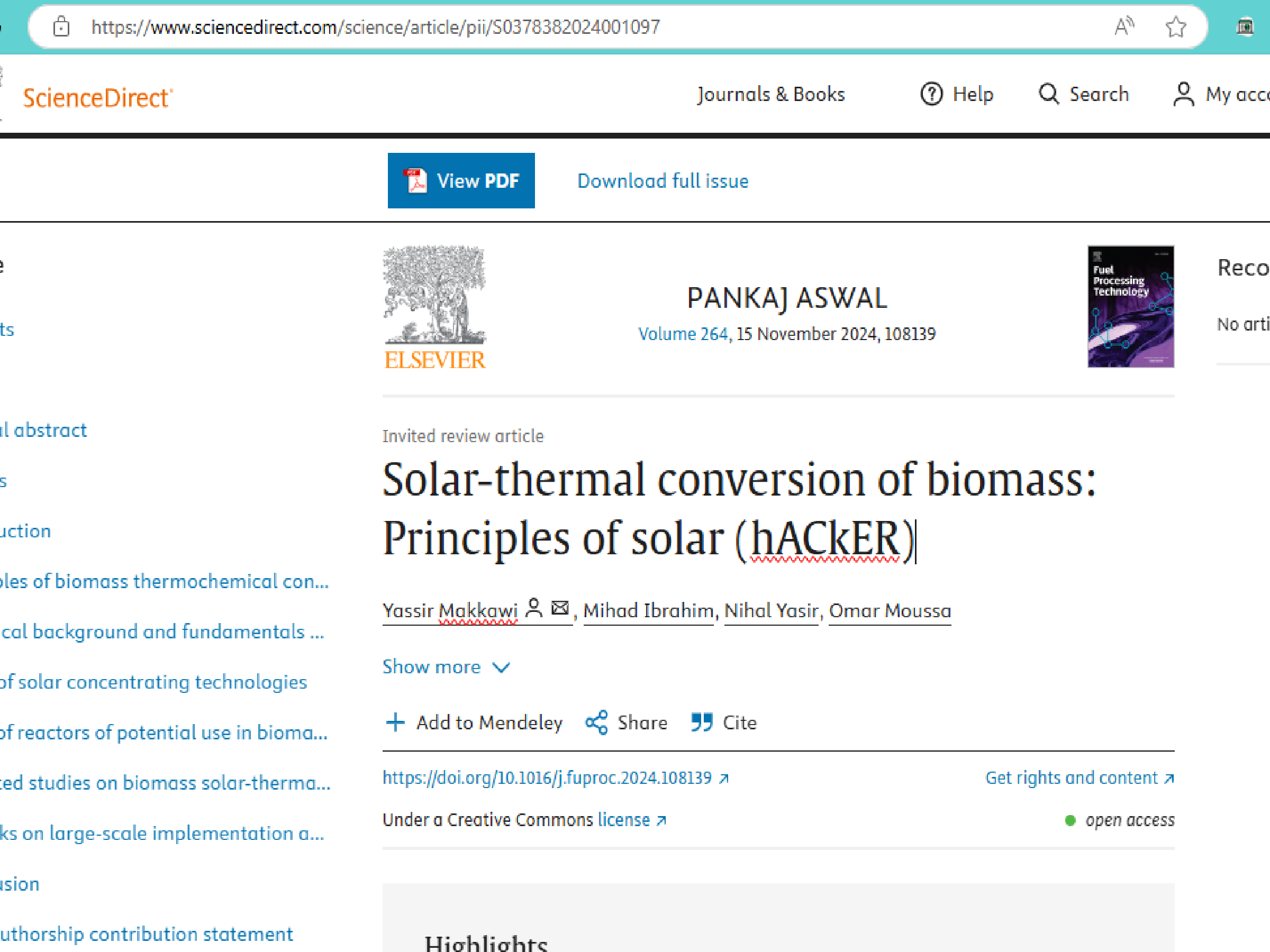
Edit any Webpage with ease Temporarily
截图

简介
Overview
The Webpage Editor extension is a browser tool that allows users to create temporary editable versions of any webpage. It injects editing functionality directly into the page, making it perfect for quick prototypes, mockups, or testing design changes. The edits made using this extension are temporary, meaning they only persist until the page is refreshed.
Key Features
Instant Edit Mode: Easily toggle between view-only and edit mode on any webpage.
Temporary Edits: All changes are client-side and do not affect the actual content or code of the webpage.
Word Count Comparison: Track original and edited word counts dynamically.
Simple Toggle Button: An intuitive button embedded with an SVG icon for enabling/disabling the edit mode.
Installation
From the Chrome Web Store (or relevant browser store)
Go to the [Chrome Web Store link] or relevant extension marketplace.
Click "Add to Chrome" (or your browser's equivalent) to install the Webpage Editor.
Once installed, you’ll see the Webpage Editor icon in your browser's extension toolbar.
Manual Installation
Clone or download the repository.
Open your browser’s extension settings (e.g., in Chrome, navigate to chrome://extensions/).
Enable Developer Mode.
Click Load Unpacked and select the folder containing the extension files.
The Webpage Editor icon will appear in your extension toolbar.
How to Use
Click the Webpage Editor icon in your browser toolbar.
The "Edit Mode" button will be injected into the current webpage.
Click the button labeled editGPT to enable edit mode:
Editable areas will appear, allowing you to modify the content.
Word counts for the original and revised text are displayed dynamically.
Once you're done, click editGPT again to toggle off edit mode and revert the page to its original state.
Refresh the page to discard all edits.
Functions
toggleEditorMode(isEnabled): Switches between editable and non-editable modes.
insertMarkupElement(markup, element, index): Adds new elements, such as word count stats, for better tracking.
getCleanText(array): Extracts clean text from the page for edits.
Development Setup
To modify or contribute to the project:
Clone the repository:
bash
git clone https://github.com/PankPanther/Webpage-Editor
Open the folder in your code editor.
Make changes to the source code (JavaScript, HTML, CSS).
Reload the extension in your browser by going to the extensions settings and clicking Reload after editing.
Contribution Guidelines
Fork the repository.
Make your changes in a new branch.
Submit a pull request for review.
Ensure your code follows the project's coding standards.
Known Issues
Temporary Changes: All changes are discarded upon refreshing the page or navigating away.
Limited Editing Areas: Certain dynamically loaded content or elements may not be editable, depending on page structure.
WebPage Editor 是做什么的
WebPage Editor 是一款面向 Firefox 的开发者工具类扩展,主要用来调试页面、查看样式与请求、测试接口、辅助前端开发。官方对它的介绍是:Edit any Webpage with ease Temporarily在Firefox 附加组件商店(AMO)上,它当前版本 1.0.1,约 27 名用户。
适合什么人用
从功能定位看,WebPage Editor 更适合前端工程师、测试与需要经常查看页面结构的用户。如果你平时只是偶尔遇到相关需求,用浏览器自带功能也能凑合;但如果这件事每天都发生,装一个专门处理它的扩展通常比手动操作省事得多。
怎么安装 WebPage Editor
- 打开Firefox 附加组件商店(AMO)上的官方页面;
- 点「添加到浏览器」并确认权限提示;
- 装好后在扩展列表里固定图标,方便随时开关。
本站只做索引与介绍,安装包来自官方商店。如果商店页面提示当前地区不可用,说明该扩展未在你所在区域上架。
常见问题
WebPage Editor 是免费的吗?
WebPage Editor 在Firefox 附加组件商店(AMO)免费提供下载。它是浏览器扩展,装上就能直接用,不需要注册账号。
WebPage Editor 安全吗?
它只申请了 0 项权限,范围比较克制,没有申请「读取所有网站数据」这种大权限。
WebPage Editor 支持哪些浏览器?
当前收录的版本来自Firefox 附加组件商店(AMO),适用于 Firefox。同一个扩展在其他商店可能有对应版本,但功能与版本号不一定相同。
怎么卸载 WebPage Editor?
在扩展管理页找到 WebPage Editor,点移除即可。它在本地保存的设置会一起清掉,不会残留数据。
权限清单 来自 manifest.json 原文
接口权限 2
activeTabtabs