
 Video Download Helper
Download videos from the web. …
Firefox

Tweaks for VSCO EN
InzkDev · Firefox
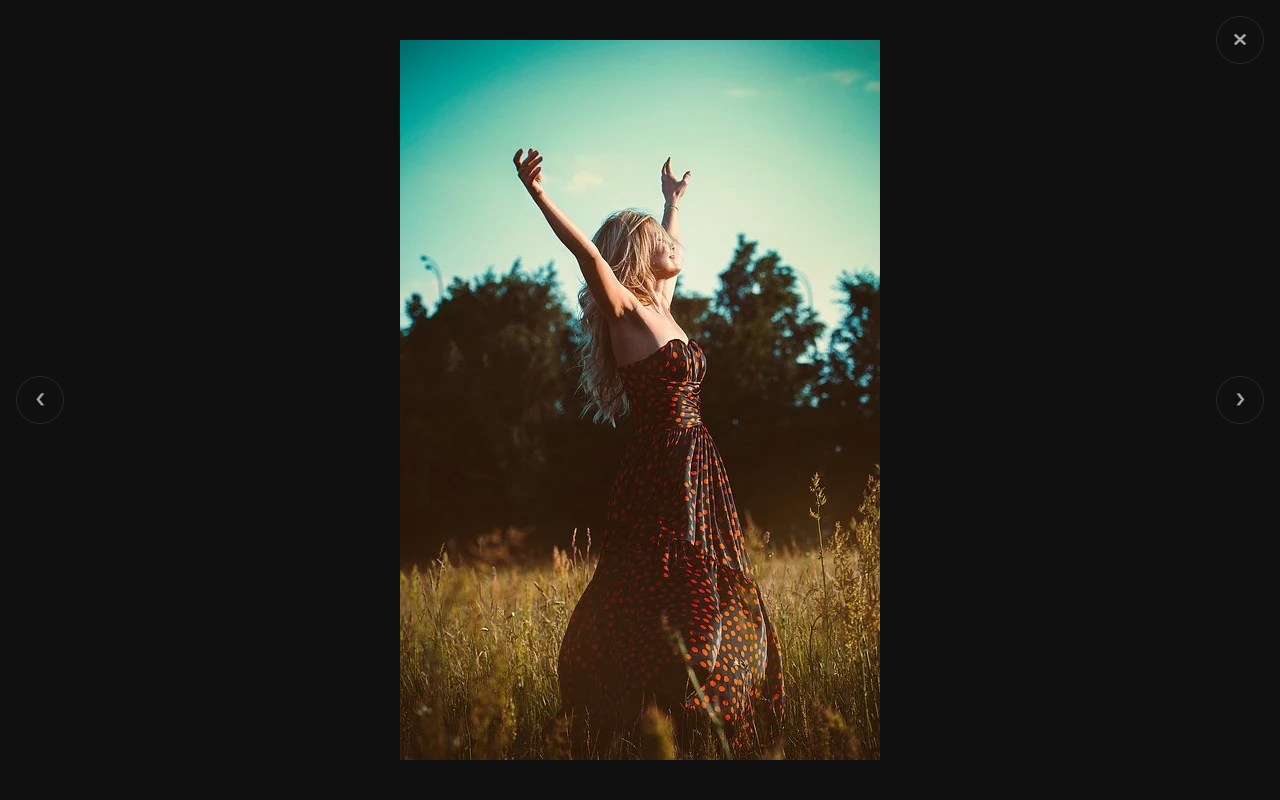
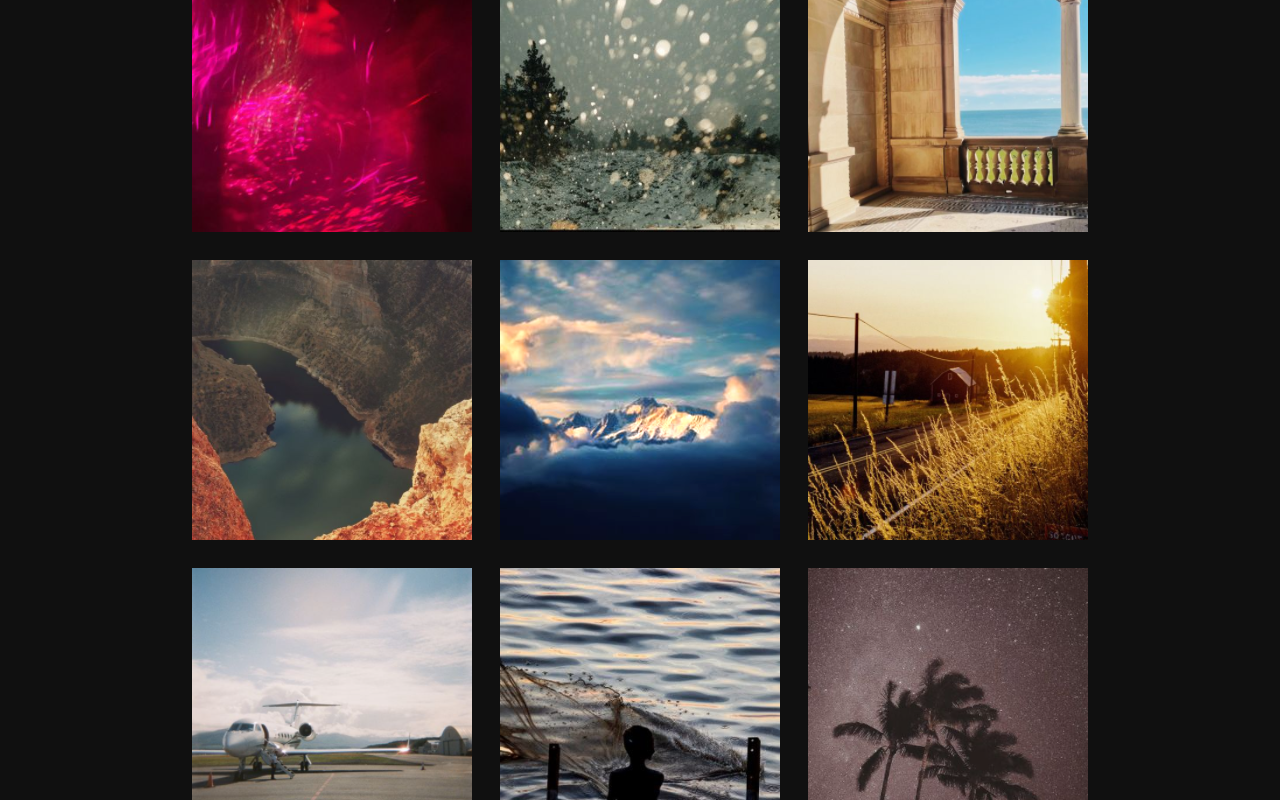
View full-size images (including profile images) on vsco.co website, and download them with a single click. It includes a custom gallery viewer that lets you change the theme, thumbnail size, and more.
4.4/5
7 人评分
781用户
v3.7.0当前版本
截图
简介
View full-size images (including profile images) on vsco.co website, and download them with a single click. It includes a custom gallery viewer that lets you change the theme, thumbnail size, and more.
Tweaks for VSCO is an independent project and is not endorsed by VSCO.
------------------------------------------------
Controls
------------------------------------------------
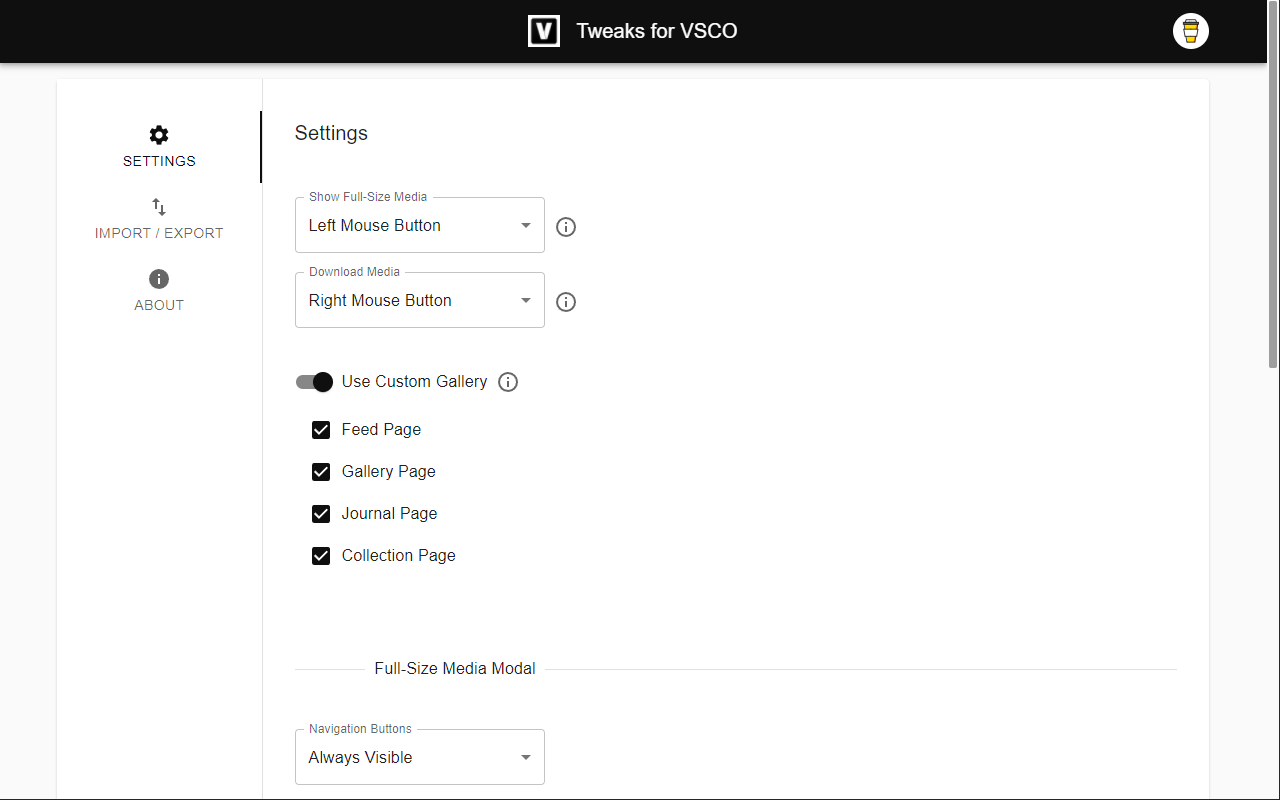
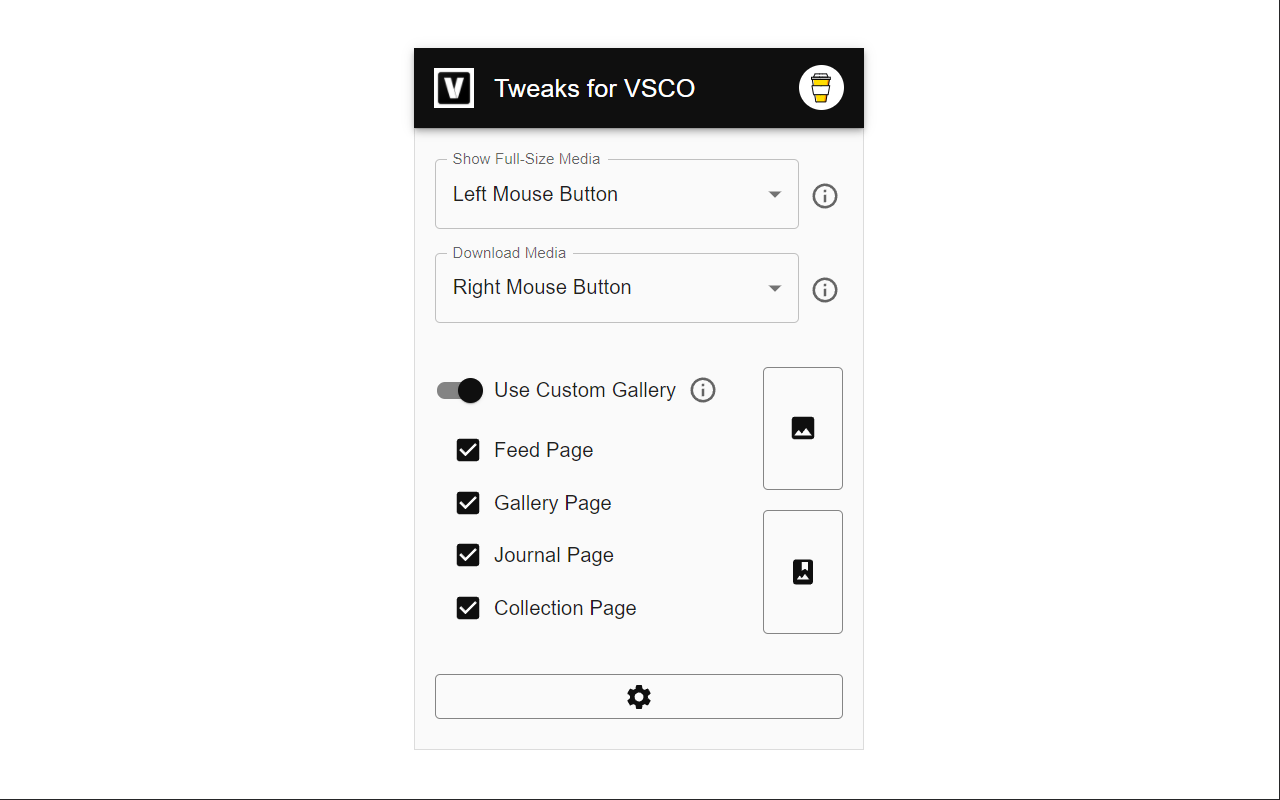
Open full-size media
- Left/Middle/Right Mouse Button
Save media
- Middle/Right Mouse Button
Go to next or previous media item
- Mouse Wheel
- Arrow Left, Arrow Right
Zoom
- Ctrl + Mouse Wheel
- Right Mouse Button + Mouse Wheel
------------------------------------------------
Permissions
------------------------------------------------
Storage - for storing extension settings
Downloads - for downloading media files
Site Access
- vsco.co
------------------------------------------------
Privacy Policy
------------------------------------------------
This extension does not collect personal data from users, and it does not send any user data to a remote server. The only data it collects are extension settings, and this is stored locally on your PC.
Tweaks for VSCO 是做什么的
Tweaks for VSCO 是一款面向 Firefox 的影音图像类扩展,主要用来处理图片、调节音量、增强播放器功能。官方对它的介绍是:View full-size images (including profile images) on vsco.co website, and download them with a single click. It includes a custom gallery viewer that lets you change the theme, thumbnail size, and more.在Firefox 附加组件商店(AMO)上,它当前版本 3.7.0,评分 4.43(7 人评价),约 781 名用户。
适合什么人用
从功能定位看,Tweaks for VSCO 更适合经常在网页上看视频、听音乐或处理图片的用户。如果你平时只是偶尔遇到相关需求,用浏览器自带功能也能凑合;但如果这件事每天都发生,装一个专门处理它的扩展通常比手动操作省事得多。
怎么安装 Tweaks for VSCO
- 打开Firefox 附加组件商店(AMO)上的官方页面;
- 点「添加到浏览器」并确认权限提示;
- 装好后在扩展列表里固定图标,方便随时开关。
本站只做索引与介绍,安装包来自官方商店。如果商店页面提示当前地区不可用,说明该扩展未在你所在区域上架。
常见问题
Tweaks for VSCO 是免费的吗?
Tweaks for VSCO 在Firefox 附加组件商店(AMO)免费提供下载。它是浏览器扩展,装上就能直接用,不需要注册账号。
Tweaks for VSCO 安全吗?
它只申请了 0 项权限,范围比较克制,没有申请「读取所有网站数据」这种大权限。
Tweaks for VSCO 支持哪些浏览器?
当前收录的版本来自Firefox 附加组件商店(AMO),适用于 Firefox。同一个扩展在其他商店可能有对应版本,但功能与版本号不一定相同。
怎么卸载 Tweaks for VSCO?
在扩展管理页找到 Tweaks for VSCO,点移除即可。它在本地保存的设置会一起清掉,不会残留数据。
权限清单 来自 manifest.json 原文
接口权限 2
downloadsstorage
标签 点标签看同类扩展
Video Download Helper
Download videos from the web. …
Firefox
 IDM Integration Module
Download files with Internet D…
Firefox
 Easy Youtube Video Downloader Express
A simple extension for superfa…
Firefox
 Download All Images
Easily save images with a wide…
Firefox
 SingleFile | 将完整的页面保存到一个 HTML 文件中
SingleFile 网页保存(Save Page)扩展,离…
Firefox
 Popup Blocker (strict)
Strictly block all popup reque…
Firefox
 Obsidian Web Clipper
Save and highlight web pages i…
Firefox
 Turbo Download Manager
A download manager with the ab…
Firefox