
Transkriptor: Transcribe Audio to Text EN
Transkriptor · Firefox
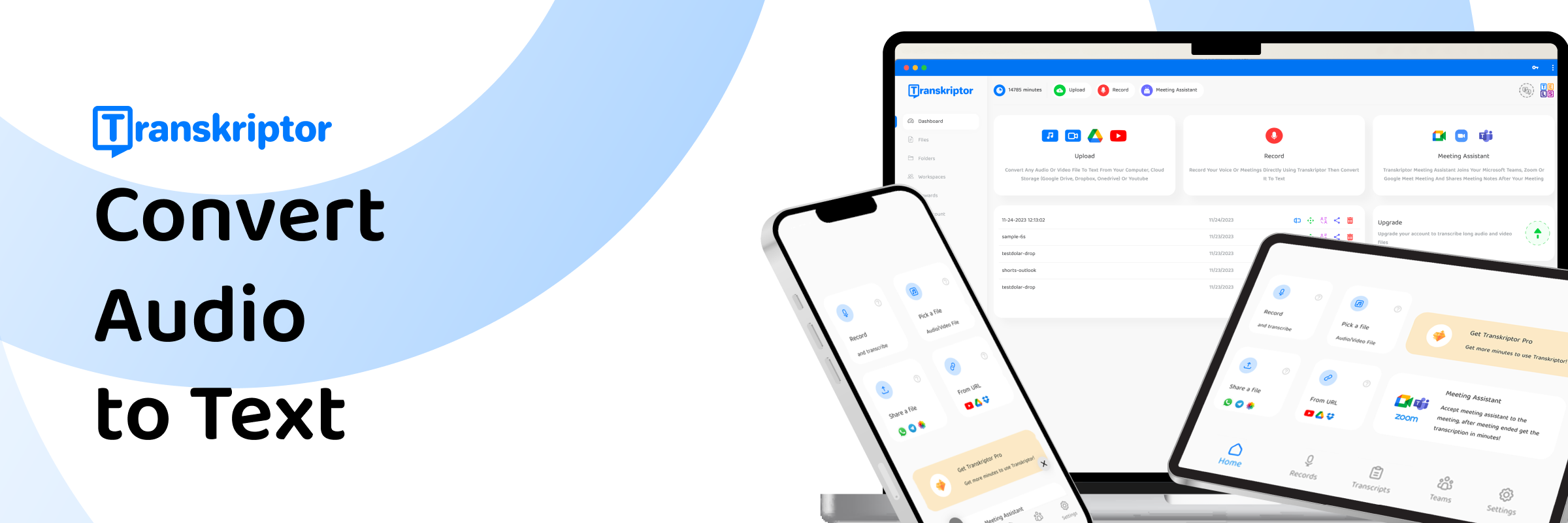
Transkriptor, a browser extension powered by AI, revolutionizes transcription by making it fast, efficient, and user-friendly. Developed by expert engineers, it simplifies converting audio to text directly in your browser without extra software.
截图
简介
Transkriptor Description:
Transkriptor is an advanced transcription solution leveraging AI technology to convert speech into text with speed and accuracy. It is the ultimate tool for transcribing meetings, videos, and voice to text effortlessly, supporting a wide range of file formats for comprehensive accessibility. With 90 minutes of free transcription offered, users can explore the accuracy and efficiency of Transkriptor without initial investment.
Why Should You Use Transkriptor?
Fast Speech to Text Converter: Automatic transcription is just as accurate as manual transcription, and it requires less time. Unlike other speech to text converters, Transkriptor combines speed, accuracy, and affordability.
Effortless Transcription: Convert a range of formats, including M4A, WAV, MP4, and MP3 to text. You can convert even YouTube videos to text and generate subtitles automatically with autocap. Transkriptor simplifies voice to text processes with diverse export options such as .srt, .txt, and .docx.
Cost-Effective Text Conversion: Access high-quality audio and video to text conversion at competitive prices. Test our services with 90 minutes’ worth of free credits upon sign-up. Experience the full range of features and assess the quality of Transkriptor firsthand.
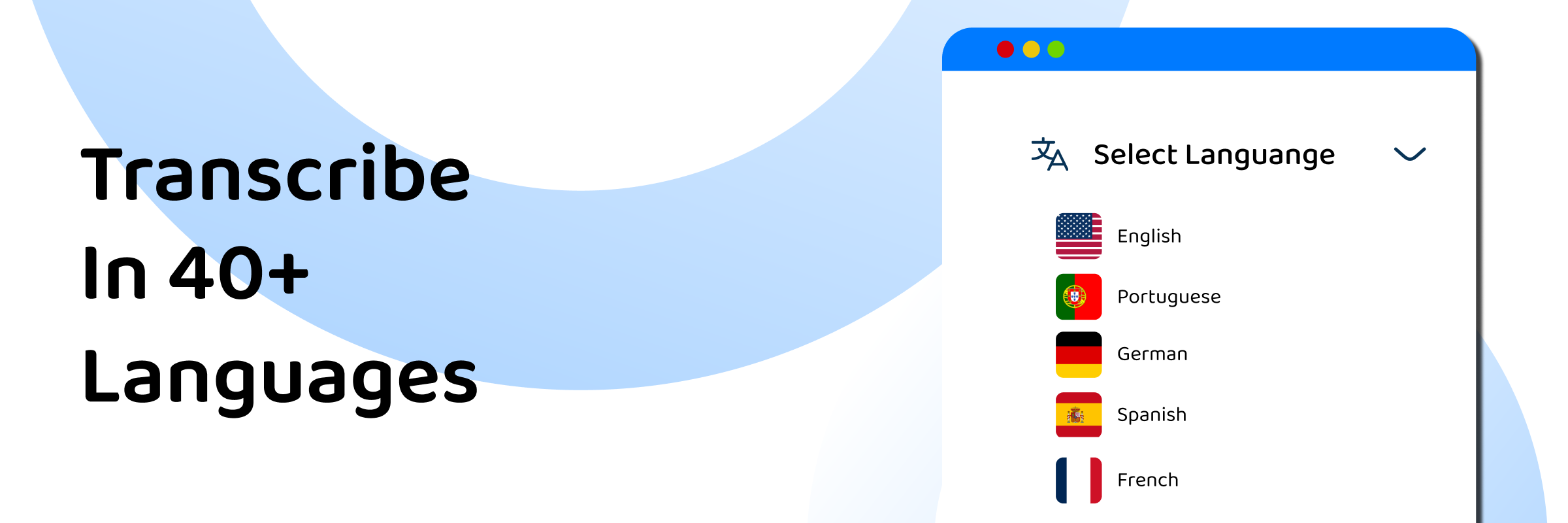
Accurate Dictation to Text: Our A.I. algorithm learns speech patterns, ensuring accuracy of up to 99% when converting speech to text. The platform offers transcription in more than 100 languages, serving a global user base.
Meeting Platforms Integration: Transkriptor integrates with various platforms, such as Zoom, Microsoft Teams, and Google Meet. So, you can be sure that every spoken word is precisely captured.
Multilingual Translation and Subtitling: Easily translate your transcribed text into multiple languages. This feature is ideal for creating multi-lingual subtitles, expanding your content's reach to a broader audience.
Key Features:
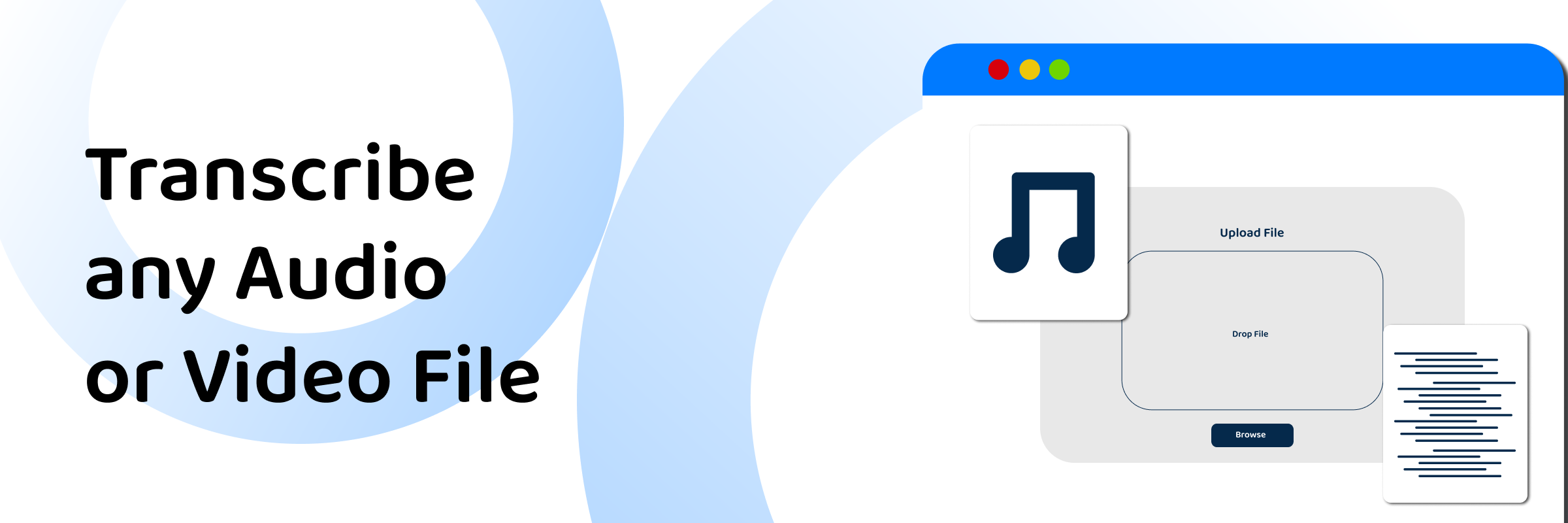
★ Audio to Text Converter: Upload your files and transcribe MP4 or MP3 to text
★ Record & Transcribe: Record your voice and convert speech to text
★ AI-Powered Meeting Notes: Transkriptor's meeting assistant can automatically join, record, and transcribe meetings, alleviating the need for manual note-taking.
★ Transcribe Video to Text: Upload your video files and convert mp4 to text
★ Multiple Speakers Recognition: Transkriptor detects and separates different speakers in a recording for clear, accurate transcriptions.
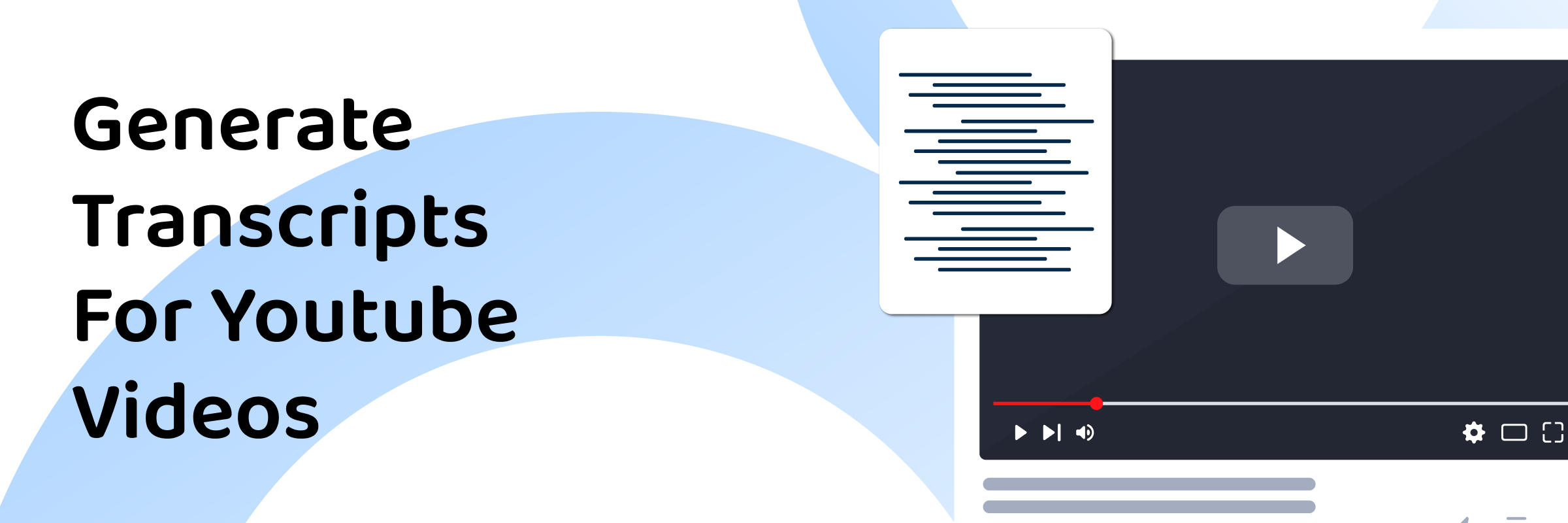
★ Convert YouTube to Text: Paste URL and dictate YouTube Video to Text
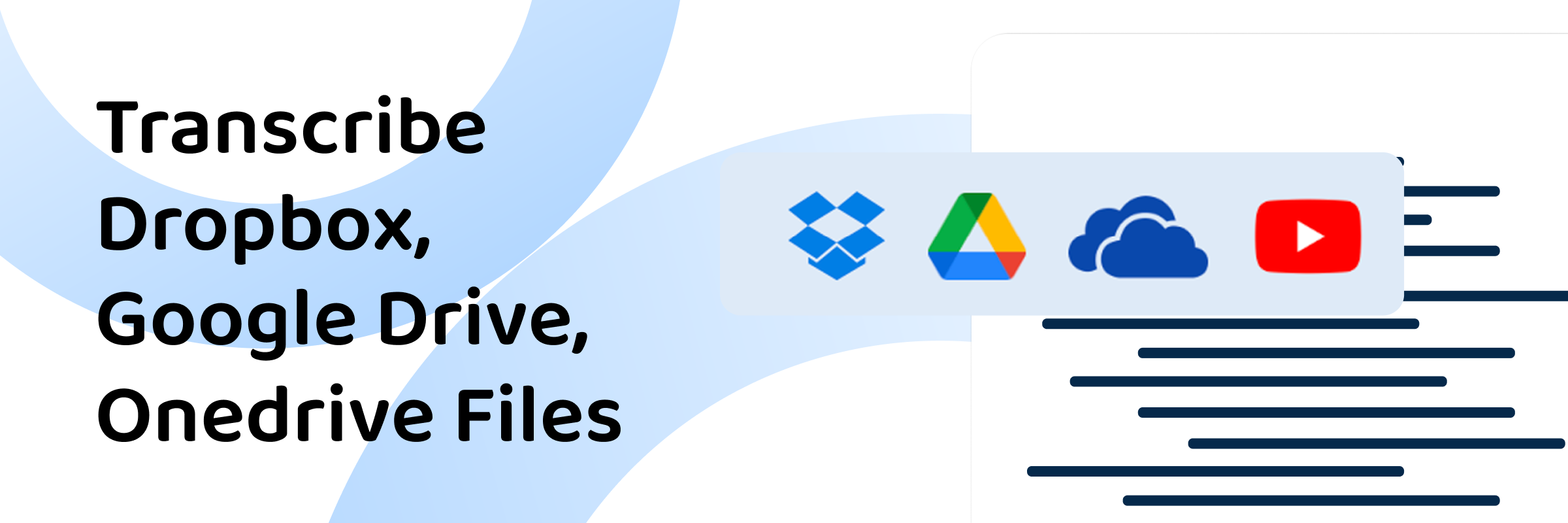
★ Google Drive to Text: Share your files through Drive link and transcribe speech to text automatically
Transkriptor: Transcribe Audio to Text 是做什么的
Transkriptor: Transcribe Audio to Text 是一款面向 Firefox 的语言辅助类扩展,主要用来划词翻译、语法校对、词典查询。官方对它的介绍是:Transkriptor, a browser extension powered by AI, revolutionizes transcription by making it fast, efficient, and user-friendly. Developed by expert engineers, it simplifies converting audio to text directly in your browser without extra software.在Firefox 附加组件商店(AMO)上,它当前版本 2.0,评分 1.31(13 人评价),约 1,600 名用户。
适合什么人用
从功能定位看,Transkriptor: Transcribe Audio to Text 更适合需要阅读外文资料或写英文内容的用户。如果你平时只是偶尔遇到相关需求,用浏览器自带功能也能凑合;但如果这件事每天都发生,装一个专门处理它的扩展通常比手动操作省事得多。
怎么安装 Transkriptor: Transcribe Audio to Text
- 打开Firefox 附加组件商店(AMO)上的官方页面;
- 点「添加到浏览器」并确认权限提示;
- 装好后在扩展列表里固定图标,方便随时开关。
本站只做索引与介绍,安装包来自官方商店。如果商店页面提示当前地区不可用,说明该扩展未在你所在区域上架。
常见问题
Transkriptor: Transcribe Audio to Text 是免费的吗?
Transkriptor: Transcribe Audio to Text 在Firefox 附加组件商店(AMO)免费提供下载。它是浏览器扩展,装上就能直接用,不需要注册账号。
Transkriptor: Transcribe Audio to Text 安全吗?
它只申请了 0 项权限,范围比较克制,没有申请「读取所有网站数据」这种大权限。
Transkriptor: Transcribe Audio to Text 支持哪些浏览器?
当前收录的版本来自Firefox 附加组件商店(AMO),适用于 Firefox。同一个扩展在其他商店可能有对应版本,但功能与版本号不一定相同。
怎么卸载 Transkriptor: Transcribe Audio to Text?
在扩展管理页找到 Transkriptor: Transcribe Audio to Text,点移除即可。它在本地保存的设置会一起清掉,不会残留数据。
权限清单 来自 manifest.json 原文
接口权限 3
activeTabscriptingstorage