
Toggl Track: Productivity & Time Tracker EN
Toggl · Firefox
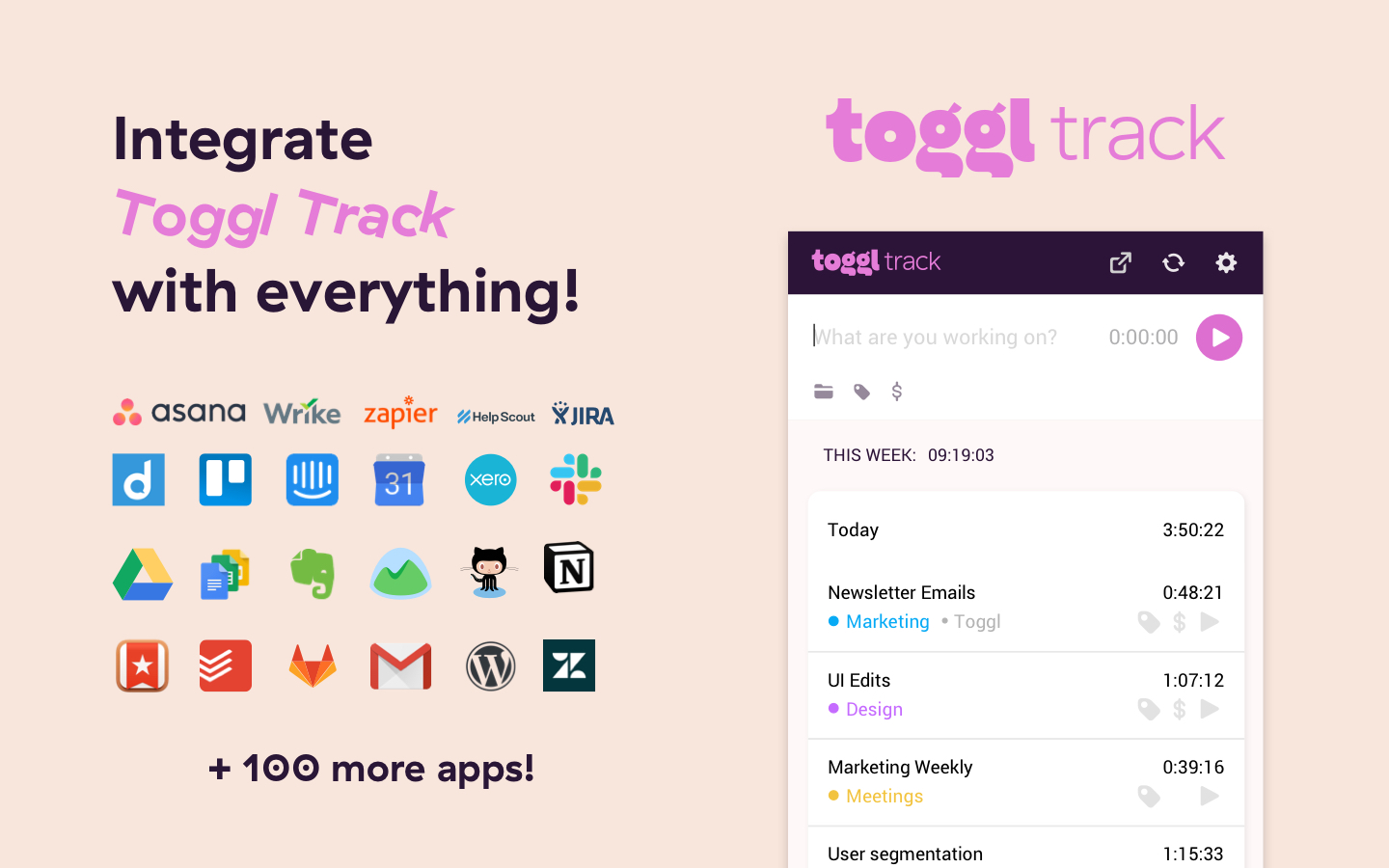
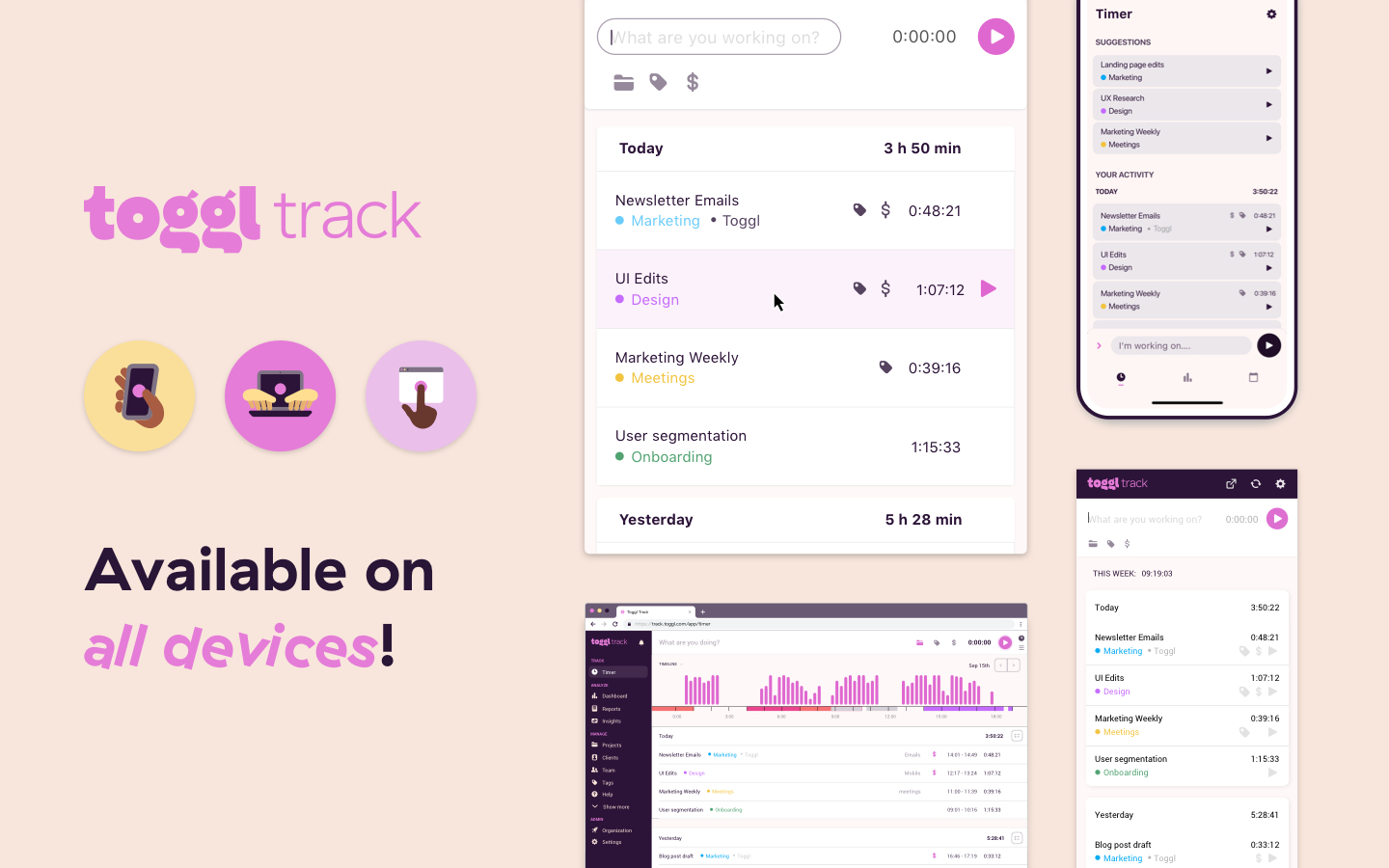
Puts a timer into any web tool and allows quick real time productivity tracking with all the data stored on your Toggl Track account. Time tracking has never been easier!
截图
简介
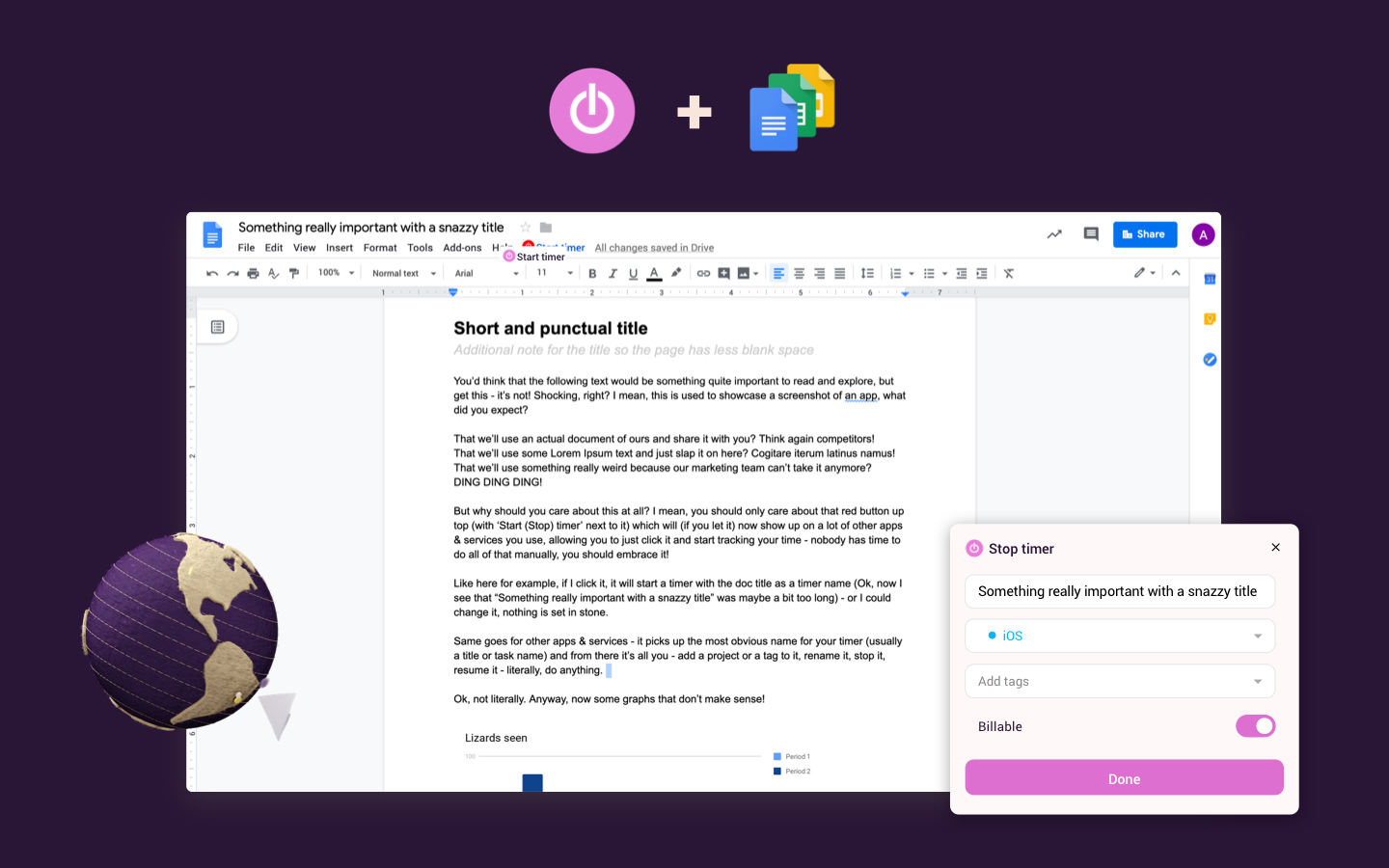
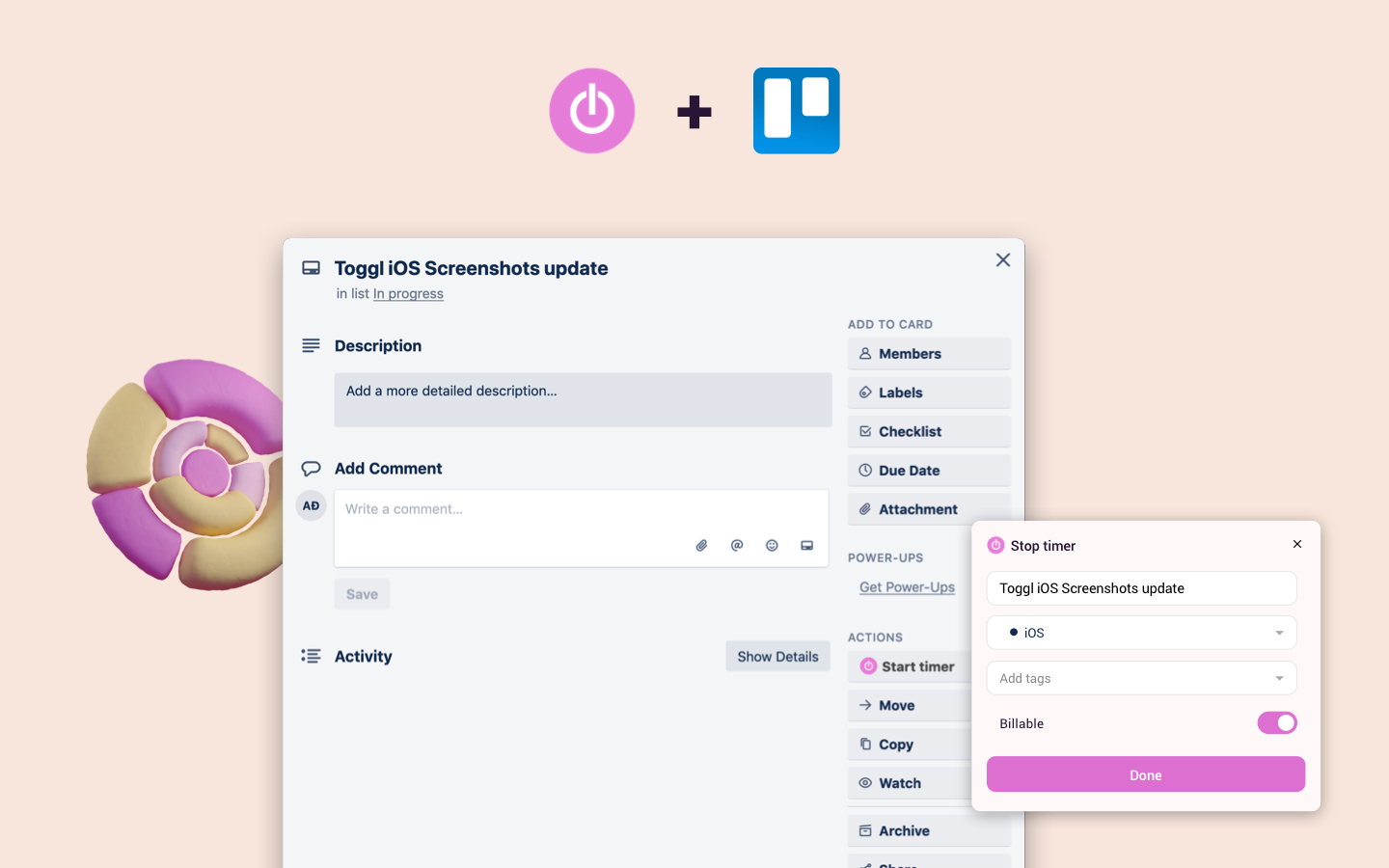
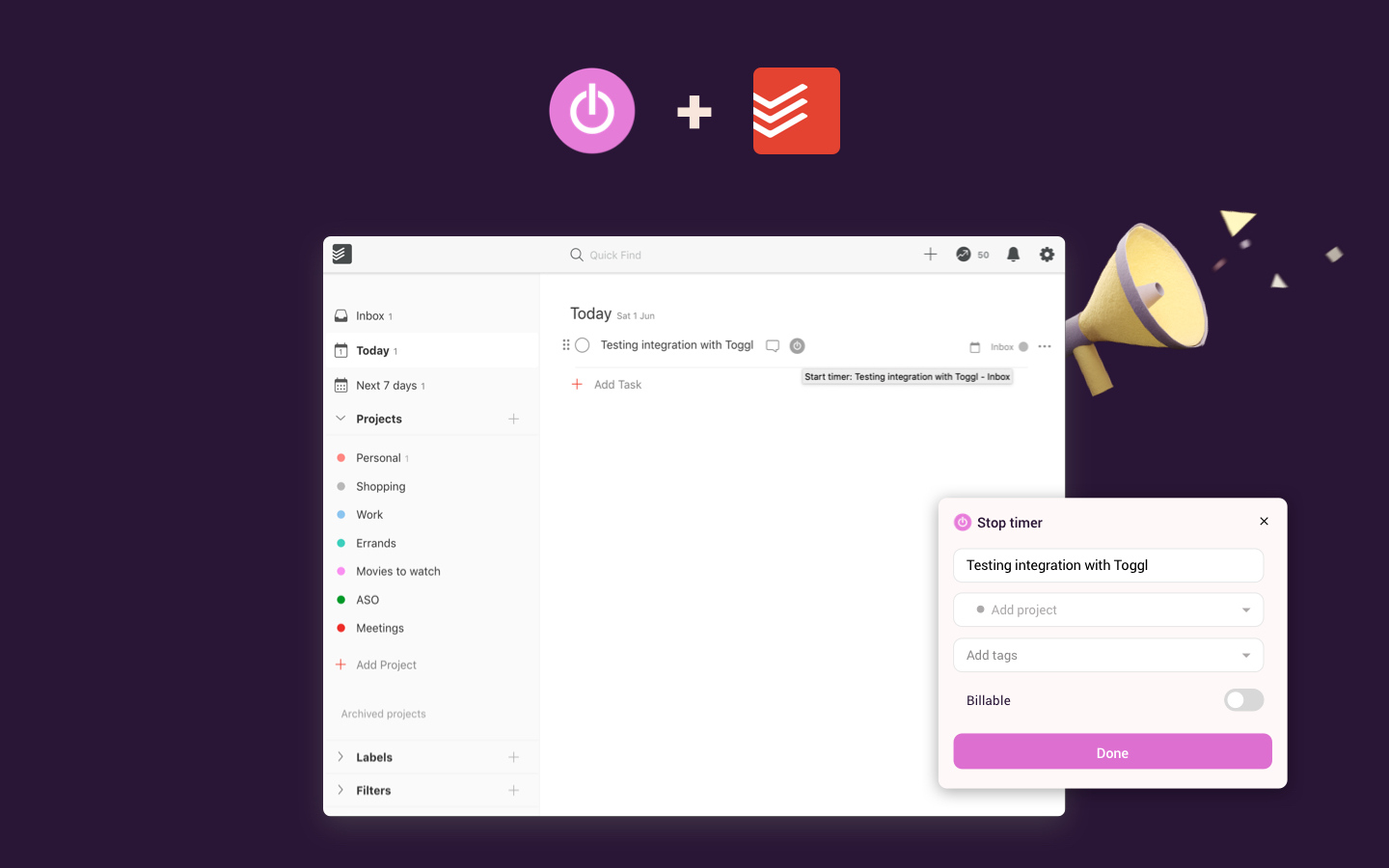
Whether you use Salesforce, Producteev, Slack, Trello, Todoist, Asana, Basecamp, Google Drive or one of the 90+ integrated tools, start tracking time without opening a new tab. Toggl Track timer can now also fill your Pomodoro needs through automated reminders.
If you were looking for Toggl Button, you're in the right place -> we've just rebranded as Toggl Track, but the functionality of the extension remains the same (and we also switched colors a bit as well).
Toggl Track extension is already available in: Toggl Plan, Pivotal Tracker, Github, Asana, Unfuddle, Gitlab, Trello, Worksection, Redbooth, Podio, Basecamp, JIRA, Producteev, Bitbucket, Stifer, Google Docs, Redmine, YouTrack, CapsuleCRM, Xero, Zendesk, Any.do, Todoist, Trac, Wunderlist, Toodledo, Teamwork.com, Google Mail, Taiga, Habitica, Axosoft, Countersoft Gemini, Drupal, Esa, Help Scout, Flow, Sprintly, Google Calendar, TestRail, Bugzilla, Breeze, BamBam, GQueue, Wrike, Assembla, Waffle, Codeable, Salesforce, Salesforce Lightning, Draftin, FogBugz, Google Keep, Gingko, Google Inbox, Wordpress, Kanbanery, Planbox, Zoho Books, Slack, Doit.im, Sunrise Calendar, Cloudes, eProject.me, Freshdesk, Newsletter2Go, Gogs, DevDocs, LiquidPlanner, SourceLair, Remember The Milk, Evernote, MantisHub, TargetProcess, VisualStudioOnline (TFS), SmartBoard, Phabricator, OpenProject, SherpaDesk, miniCRM, AgenoCRM, Zube, Rindle, TickTick, Bitrix24, Exana.io, Workfront, OnlyOffice, MeisterTask, Overv.io, Clubhouse.io, Desk.
- Click "+ Add to Firefox".
- Log in to Toggl Track from the extension menu
- You will quickly start noticing the Toggl Track extension in your favorite productivity tools
- Start timer inside one of the supported web tools and the task’s name and project will be added to your Toggl Track time entry.
- Tracking your time will help boost productivity in no time
Toggl Track extension also has advanced features like:
* Pomodoro timer
* Idle detection
* Tracking reminder
Toggl Track extension is open source and we welcome all your contributions, check out our Github repo - https://github.com/toggl/toggl-button
You can check out the change log here - http://toggl.github.io/toggl-button
Introduction article is available at: https://support.toggl.com/en/articles/2206984-toggl-track-button-browser-extension
Privacy
The extension sends your Toggl Track account details and the time entries you track (including descriptions picked up from the page you start a timer on) to Toggl. This is required for it to work.
Usage statistics (via PostHog) and error reports (via Sentry) are optional and off by default. Usage statistics include your Toggl account ID, extension version, browser and operating system details, and which features and integrations you use. Error reports include the error message and stack trace, your Toggl user ID, extension version, and browser and operating system details. Neither ever includes page URLs, page content or time entry details. Both can be turned off at any time in the extension settings under Telemetry.
The data collected in the add-on is also covered by the policies in our Privacy Policy: https://toggl.com/legal/privacy
Toggl Track Overview
Toggl Track is the leading online time management tool for teams and solo users. It allows users to track the time spent on various projects and analyze productivity. You can use Toggl Track on the web, as a desktop widget or on your mobile – all your data gets synced in real time.
Toggl Track is the ultimate simple online timer. Whether you need to track your work, time online and offline activities or just need a simple stopwatch from time to time, add Toggl Track extension to your browser and see the benefits for yourself.
Join over 3 million productive Togglers!
Toggl Track: Productivity & Time Tracker 是做什么的
Toggl Track: Productivity & Time Tracker 是一款面向 Firefox 的实用工具类扩展,主要用来解决浏览器里某类具体的小问题。官方对它的介绍是:Puts a timer into any web tool and allows quick real time productivity tracking with all the data stored on your Toggl Track account. Time tracking has never been easier!在Firefox 附加组件商店(AMO)上,它当前版本 4.11.24,评分 3.94(159 人评价),约 9,200 名用户。
适合什么人用
从功能定位看,Toggl Track: Productivity & Time Tracker 更适合想补上浏览器原生缺失功能的用户。如果你平时只是偶尔遇到相关需求,用浏览器自带功能也能凑合;但如果这件事每天都发生,装一个专门处理它的扩展通常比手动操作省事得多。
怎么安装 Toggl Track: Productivity & Time Tracker
- 打开Firefox 附加组件商店(AMO)上的官方页面;
- 点「添加到浏览器」并确认权限提示;
- 装好后在扩展列表里固定图标,方便随时开关。
本站只做索引与介绍,安装包来自官方商店。如果商店页面提示当前地区不可用,说明该扩展未在你所在区域上架。
常见问题
Toggl Track: Productivity & Time Tracker 是免费的吗?
Toggl Track: Productivity & Time Tracker 在Firefox 附加组件商店(AMO)免费提供下载。它是浏览器扩展,装上就能直接用,不需要注册账号。
Toggl Track: Productivity & Time Tracker 安全吗?
它只申请了 0 项权限,范围比较克制,没有申请「读取所有网站数据」这种大权限。
Toggl Track: Productivity & Time Tracker 支持哪些浏览器?
当前收录的版本来自Firefox 附加组件商店(AMO),适用于 Firefox。同一个扩展在其他商店可能有对应版本,但功能与版本号不一定相同。
怎么卸载 Toggl Track: Productivity & Time Tracker?
在扩展管理页找到 Toggl Track: Productivity & Time Tracker,点移除即可。它在本地保存的设置会一起清掉,不会残留数据。
权限清单 来自 manifest.json 原文
接口权限 8
activeTabalarmscontextMenusidlenotificationsscriptingstorageunlimitedStorage
接口权限(可选) 1
tabs