
Tip Tab EN
William Wng · Firefox
Visual and textual navigation of the browser tabs. Tab manager.
<all_urls>),意味着它可以读取你在任意站点的页面内容,包括已登录的页面。这是许多扩展正常工作的必要条件,但也值得你确认来源可信。
截图
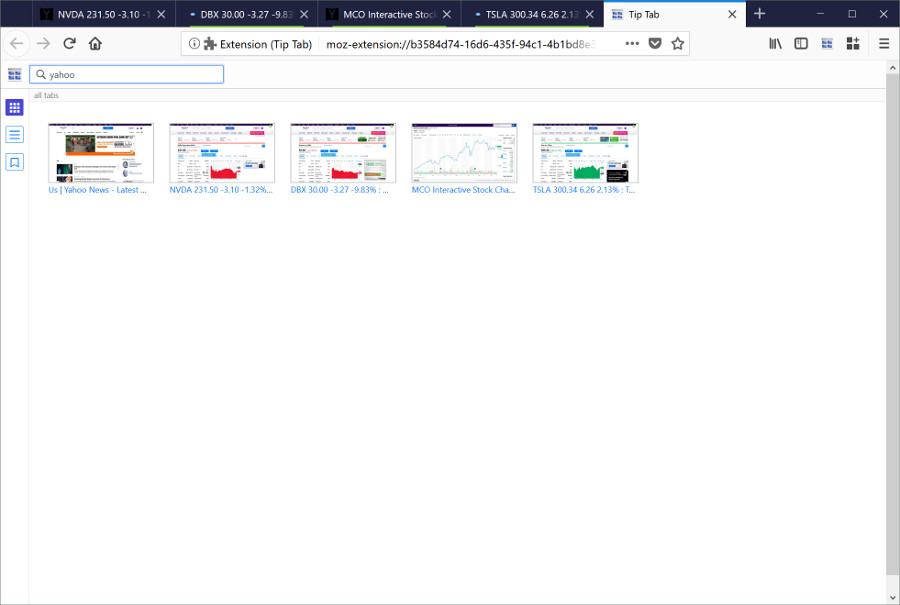
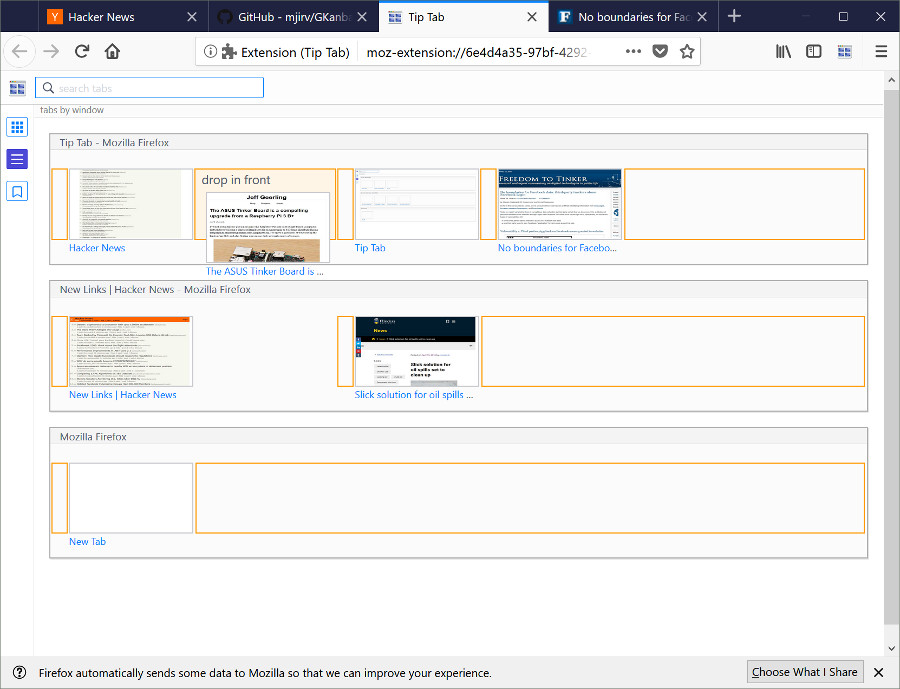
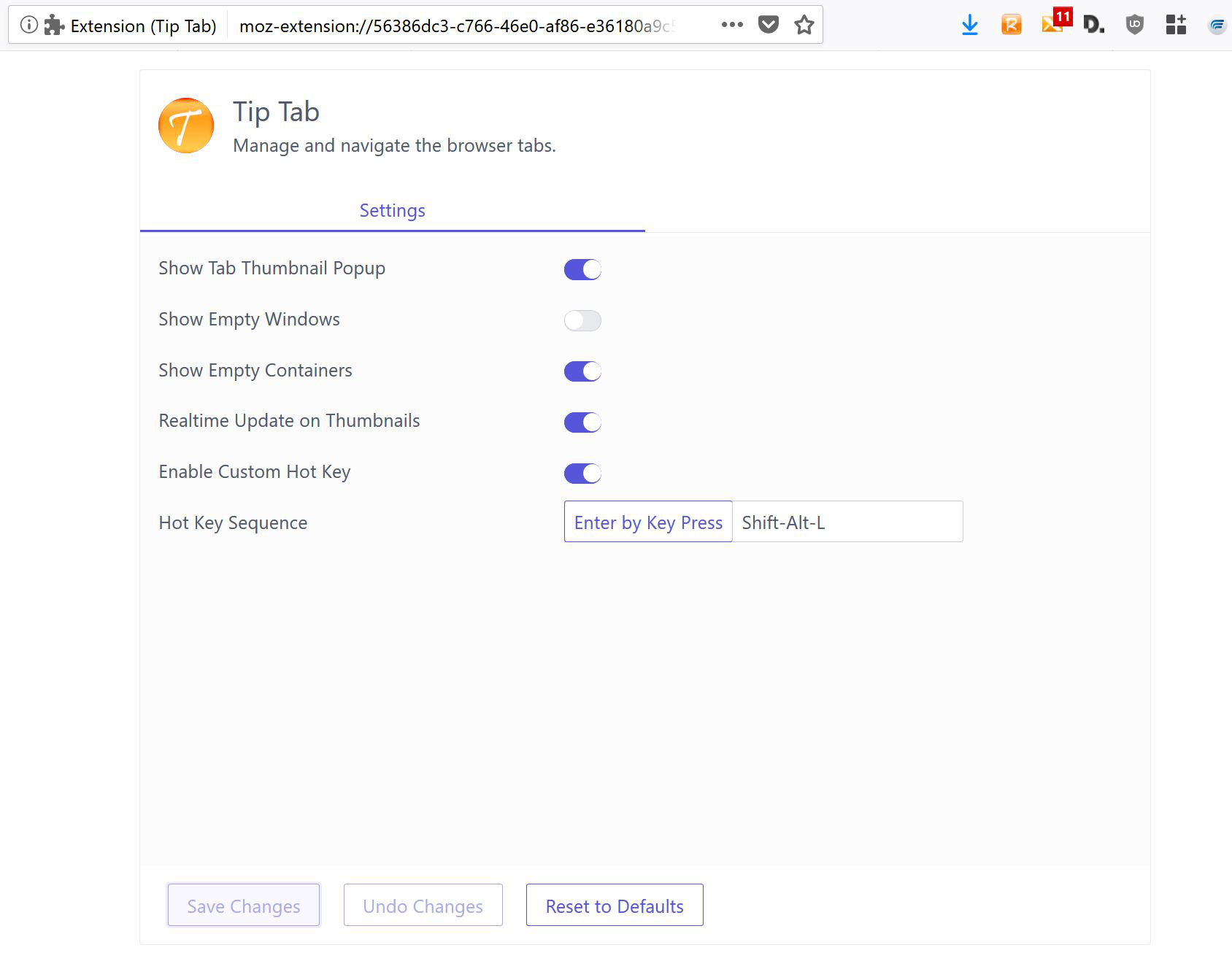
简介
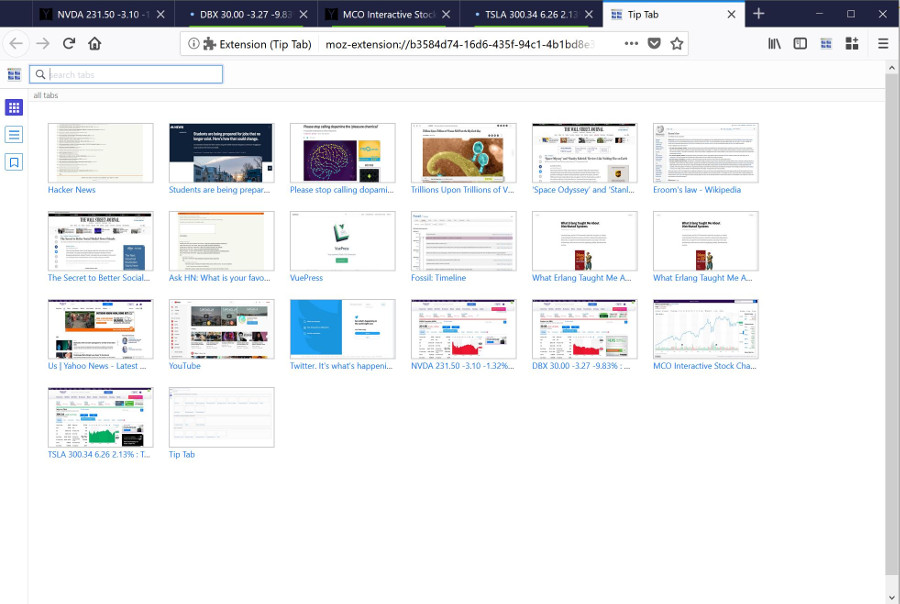
Tip Tab let you manage and navigate the open browser tabs visually, similar to the Exposé feature on Mac OS.
NOTE: Starting from version 2.15, Tip Tab requires Firefox 67, to utilize the ES6 module feature.
Bonus in 2.16: Smart New Tab shortcut - create a new tab in the container of the current tab, with Ctrl+Alt+T.
Feature Highlight:
- Visual tab navigation.
- Textual tab navigation.
- Visual/textual tab navigation with keyboard.
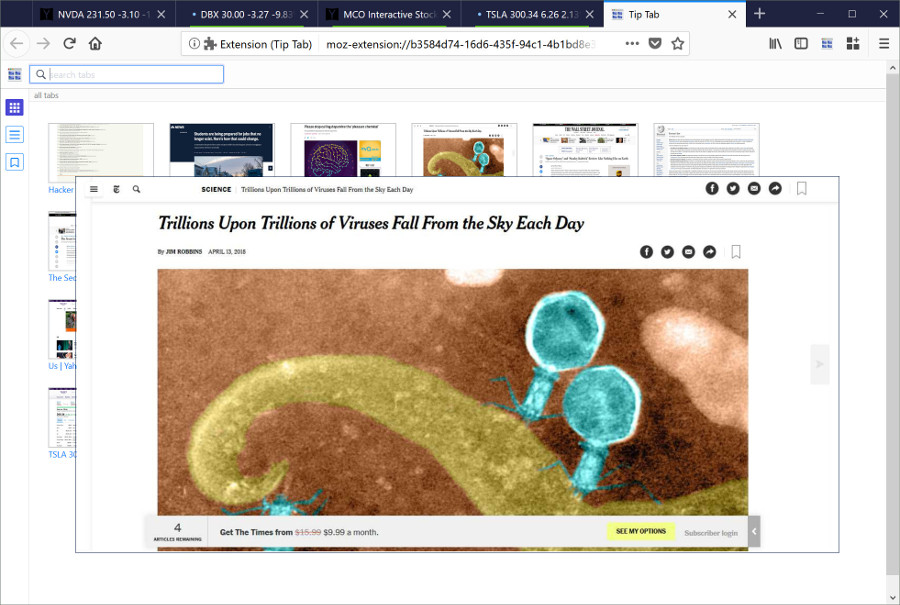
- Tab preview on popup.
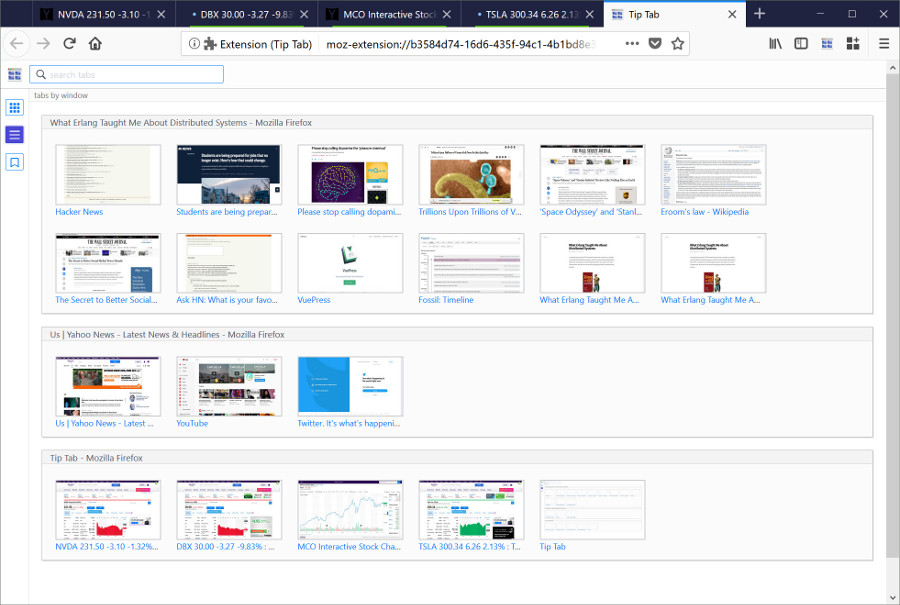
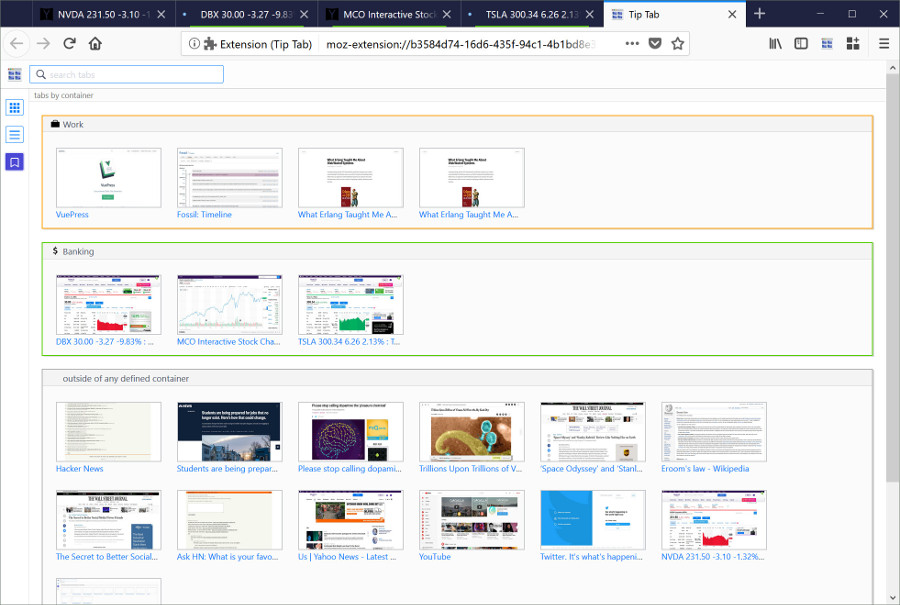
- Showing tabs by all, by windows, or by containers.
- Search tabs by searching words in titles.
- Filter tabs by status (audible, muted, pinned, hidden).
- Save search keywords to build pre-set tab filters.
- Showing tab attributes with decoration, colors, and status icons.
- Tab commands: reload, hide, mute, pin, copy, screenshot download, various flavors of close commands, etc.
- Window commands, applying to all the tabs in a window.
- Global commands, applying to all the tabs.
- Drag and drop to re-arrange tabs within a window or a container.
- Drag and drop to move tabs across windows and containers.
- Drag and drop to copy tabs across different domains (containers and private windows).
- Live sync of outside tab events and window events (create, move, close, etc).
- Live sync of website navigation on tab.
- Custom sizes of tab thumbnails.
- Custom hot key.
- Options page.
- Bonus: Smart New Tab shortcut - create a new tab in the container of the current tab, with Ctrl+Alt+T.
Permissions Usage Disclosure:
(This extension requires the following permissions to function properly.)
- The "tabs" permission is needed to access the properties of the tabs.
- The "storage" permission is needed to save settings.
- The "cookies" permission is needed to get the "cookieStoreId" property in a tab, which is the tab's container Id. (Note: the "cookies" permission will cause the display of the notice, "It requires permission to: Access your data for all websites," during installation.)
- The "contextualIdentities" permission is required to retrieve the container information.
- The "sessions" permission is used to undo closed tab.
- The "downloads" permission is used to let user download the tab window screenshot.
- The "tabHide" permission is used to hide and show tabs.
Information:
- Ctrl+Shift+L is the default hotkey to activate Tip Tab; also for cycling through the tab focus.
- Ctrl+Shift+F is the default hotkey to search Tip Tab.
- Custom hotkeys can be set up in the Options page to override the default ones.
- The Options page can be brought up from Firefox's addon manager or from the dropdown menu at upper right hand corner.
- Reload the Tip Tab page (or the Refresh All command) to refresh all the tabs.
- This extension requires Firefox 61 and up.
- Dragging and dropping tabs across security domains (containers and normal/private windows) would only copy the tab's url and open it as new.
The tab history and cookies are NOT copied, to maintain the security isolation of the tabs.
Issues:
- For keyboard navigation, the Tab key will cycle the focus through the tabs, plus onto the Firefox controls on the frame, such as the address bar, the search bar.
Cycling the focus to outside controls is part of the normal handling on the Tab key by Firefox and cannot be changed.
The hotkey will only cycle the focus through the tabs and Tip Tab's search field.
Tip Tab 是做什么的
Tip Tab 是一款面向 Firefox 的搜索增强类扩展,主要用来补充搜索结果、切换搜索引擎、过滤无效结果。官方对它的介绍是:Visual and textual navigation of the browser tabs. Tab manager.在Firefox 附加组件商店(AMO)上,它当前版本 2.21,评分 4.22(37 人评价),约 285 名用户。
适合什么人用
从功能定位看,Tip Tab 更适合每天大量搜索、希望结果更干净准确的用户。如果你平时只是偶尔遇到相关需求,用浏览器自带功能也能凑合;但如果这件事每天都发生,装一个专门处理它的扩展通常比手动操作省事得多。需要注意的是它作用于所有网站,装上后建议先观察一两天,确认不影响常用站点的正常使用。
怎么安装 Tip Tab
- 打开Firefox 附加组件商店(AMO)上的官方页面;
- 点「添加到浏览器」并确认权限提示;
- 装好后在扩展列表里固定图标,方便随时开关。
本站只做索引与介绍,安装包来自官方商店。如果商店页面提示当前地区不可用,说明该扩展未在你所在区域上架。
常见问题
Tip Tab 是免费的吗?
Tip Tab 在Firefox 附加组件商店(AMO)免费提供下载。它是浏览器扩展,装上就能直接用,不需要注册账号。
Tip Tab 安全吗?
它只申请了 0 项权限,范围比较克制,没有申请「读取所有网站数据」这种大权限。
Tip Tab 支持哪些浏览器?
当前收录的版本来自Firefox 附加组件商店(AMO),适用于 Firefox。同一个扩展在其他商店可能有对应版本,但功能与版本号不一定相同。
怎么卸载 Tip Tab?
在扩展管理页找到 Tip Tab,点移除即可。它在本地保存的设置会一起清掉,不会残留数据。
权限清单 来自 manifest.json 原文
站点访问 1
<all_urls>
接口权限 8
alarmscontextualIdentitiescookiesdownloadssessionsstoragetabHidetabs