
The Beagle Button - sustainable shopping helper EN
Beagle · Firefox
The Beagle Button helps you buy more sustainably online by finding ethical and sustainable alternatives to the products you see when you shop online.
<all_urls>),意味着它可以读取你在任意站点的页面内容,包括已登录的页面。这是许多扩展正常工作的必要条件,但也值得你确认来源可信。
截图


简介
The Beagle Button - the magic way to shop sustainably
As seen in The Mirror, Daily Mail, You Magazine and The Vegan Review, the Beagle Button fetches you amazing planet-friendly alternatives instantly!
How it works:
🛒 You shop as normal - browse the shops you already use
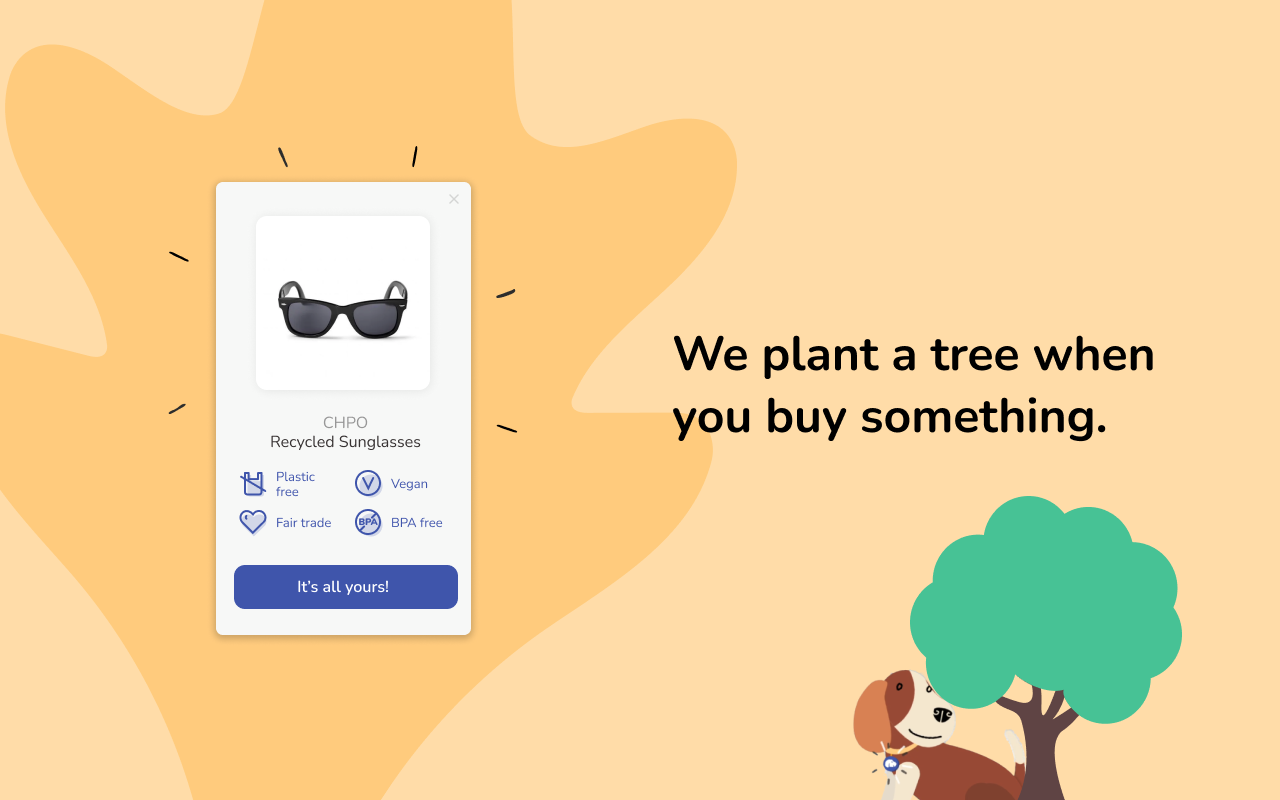
✨ If there’s a better product than the one you’re looking at, Beagle shows up! MAGIC
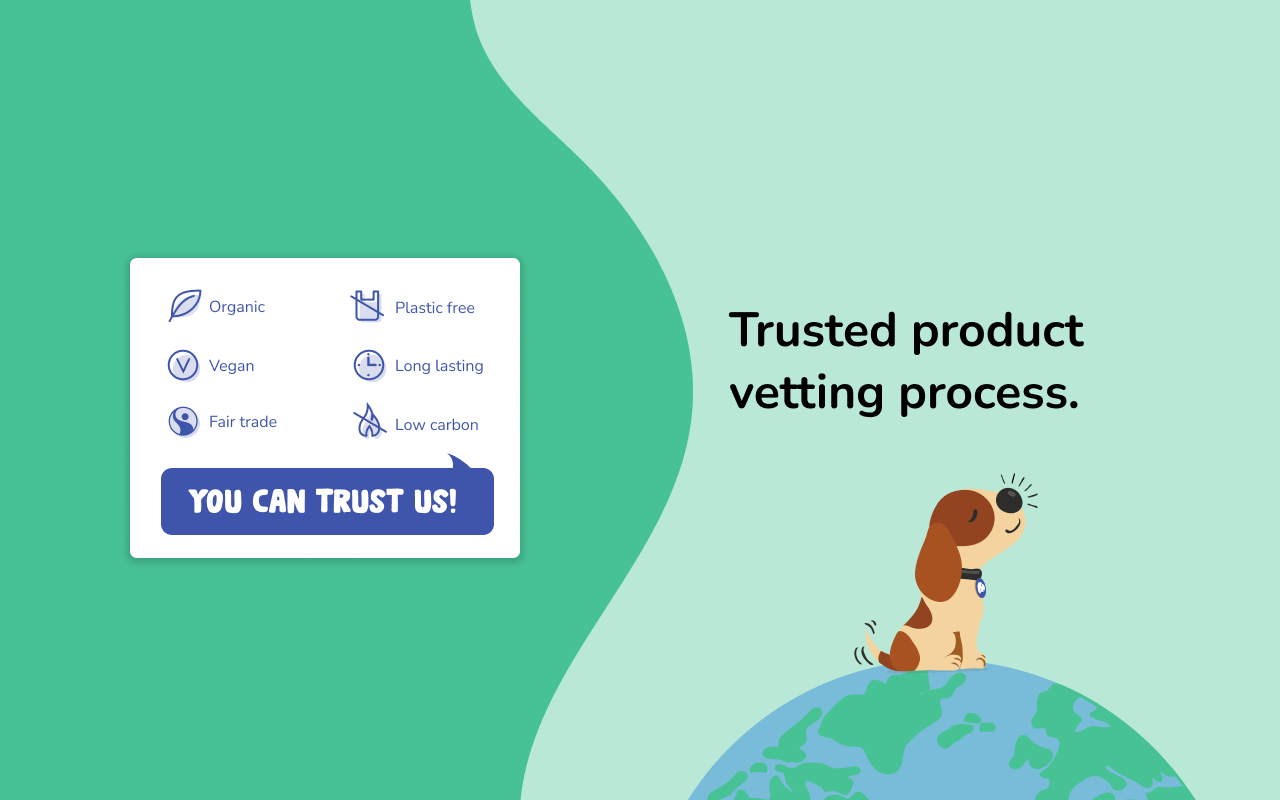
🔭 We have done all the research so you don’t have to, finding thousands of the most ethical and sustainable products in the world
Sustainable shopping can take time, energy and research - plus it’s hard to find the latest ethical products if you don’t even know they exist!
We believe sustainable shopping should be as easy as the old way to shop and we’re making that happen. Join our mission to change the way the world shops!
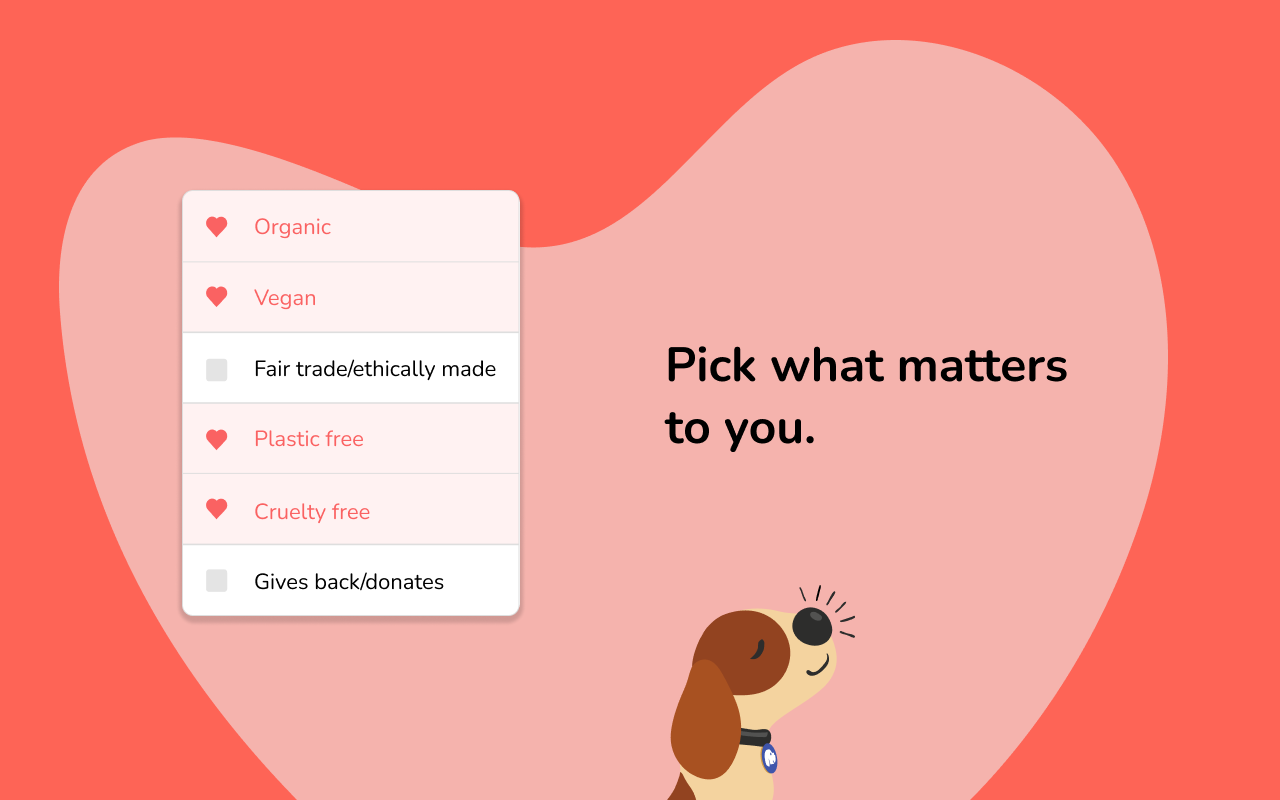
TIP: Set your preferences to see products that align most closely with your values ❤️
- Organic
- Plastic-free
- Vegan
- Longer-lasting
- Ethically made
- Low-Carbon
- Women-Run
- Gives Back
- Made in the UK
- Minority owned
- Second hand
Our pledge:
🌍 Beagle is free and working for you & the planet
💾 We will not sell your personal data - privacy is sacred
🔍 Our product research is independent and based on our own strict sustainability criteria
🥇 We never accept money to show products, and only the best get listed
At Beagle, like any good doggy, we’re always striving to be better, so let us know if there’s anything we can improve 🐶
@thebeaglebutton
-------------------------------------------
By using this add-on you agree to the terms and conditions available at joinbeagle.com/terms-and-conditions
- We send anonymized data from the retail sites you visit, such as the url, page title and price to our API in order to allow us to recommend a relevant alternative. This data does not contain any personally identifiable information such as email addresses, but may include data supplied by the browser such as useragent and IP address (but these are not shared).
- We communicate the extension's installation status when you visit our website, joinbeagle.com, so features such as login and onboarding can work.
- We log unexpected errors to help our team continuously improve the product.
- We send action data, such as when you click on a recommendation we give, or pause the add-on, to our analytics partner Mixpanel and our API in order to understand and improve the product’s performance.
Our full privacy policy is available at: joinbeagle.com/privacy-policy
Our sustainability criteria is are available at: joinbeagle.com/blog/guide-to-the-beagle-buttons-sustainability-values
The Beagle Button - sustainable shopping helper 是做什么的
The Beagle Button - sustainable shopping helper 是一款面向 Firefox 的购物比价类扩展,主要用来比价、查历史价格、自动套用优惠券、返现。官方对它的介绍是:The Beagle Button helps you buy more sustainably online by finding ethical and sustainable alternatives to the products you see when you shop online.在Firefox 附加组件商店(AMO)上,它当前版本 0.0.41,评分 5(2 人评价),约 27 名用户。
适合什么人用
从功能定位看,The Beagle Button - sustainable shopping helper 更适合经常网购、想在下单前确认是否真便宜的用户。如果你平时只是偶尔遇到相关需求,用浏览器自带功能也能凑合;但如果这件事每天都发生,装一个专门处理它的扩展通常比手动操作省事得多。需要注意的是它作用于所有网站,装上后建议先观察一两天,确认不影响常用站点的正常使用。
怎么安装 The Beagle Button - sustainable shopping helper
- 打开Firefox 附加组件商店(AMO)上的官方页面;
- 点「添加到浏览器」并确认权限提示;
- 装好后在扩展列表里固定图标,方便随时开关。
本站只做索引与介绍,安装包来自官方商店。如果商店页面提示当前地区不可用,说明该扩展未在你所在区域上架。
常见问题
The Beagle Button - sustainable shopping helper 是免费的吗?
The Beagle Button - sustainable shopping helper 在Firefox 附加组件商店(AMO)免费提供下载。它是浏览器扩展,装上就能直接用,不需要注册账号。
The Beagle Button - sustainable shopping helper 安全吗?
它只申请了 0 项权限,范围比较克制,没有申请「读取所有网站数据」这种大权限。
The Beagle Button - sustainable shopping helper 支持哪些浏览器?
当前收录的版本来自Firefox 附加组件商店(AMO),适用于 Firefox。同一个扩展在其他商店可能有对应版本,但功能与版本号不一定相同。
怎么卸载 The Beagle Button - sustainable shopping helper?
在扩展管理页找到 The Beagle Button - sustainable shopping helper,点移除即可。它在本地保存的设置会一起清掉,不会残留数据。
权限清单 来自 manifest.json 原文
站点访问 2
http://*/*https://*/*
接口权限 2
storagetabs