
Table Capture EN
GeorgeMike.com · Firefox
Copies HTML tables to the clipboard or exports them to Microsoft Excel, CSV, Google Sheets, Office 365, etc.
<all_urls>),意味着它可以读取你在任意站点的页面内容,包括已登录的页面。这是许多扩展正常工作的必要条件,但也值得你确认来源可信。
截图

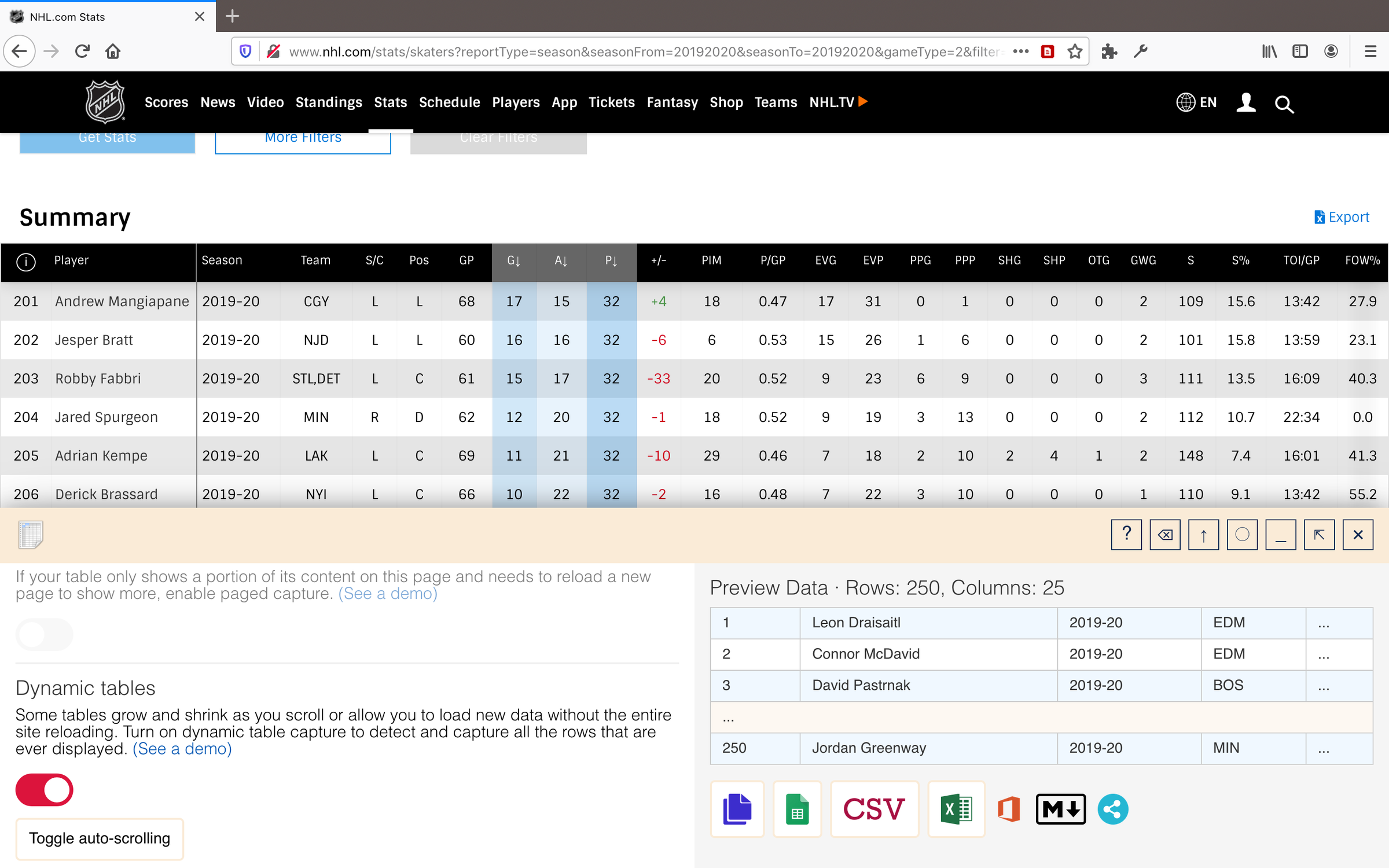
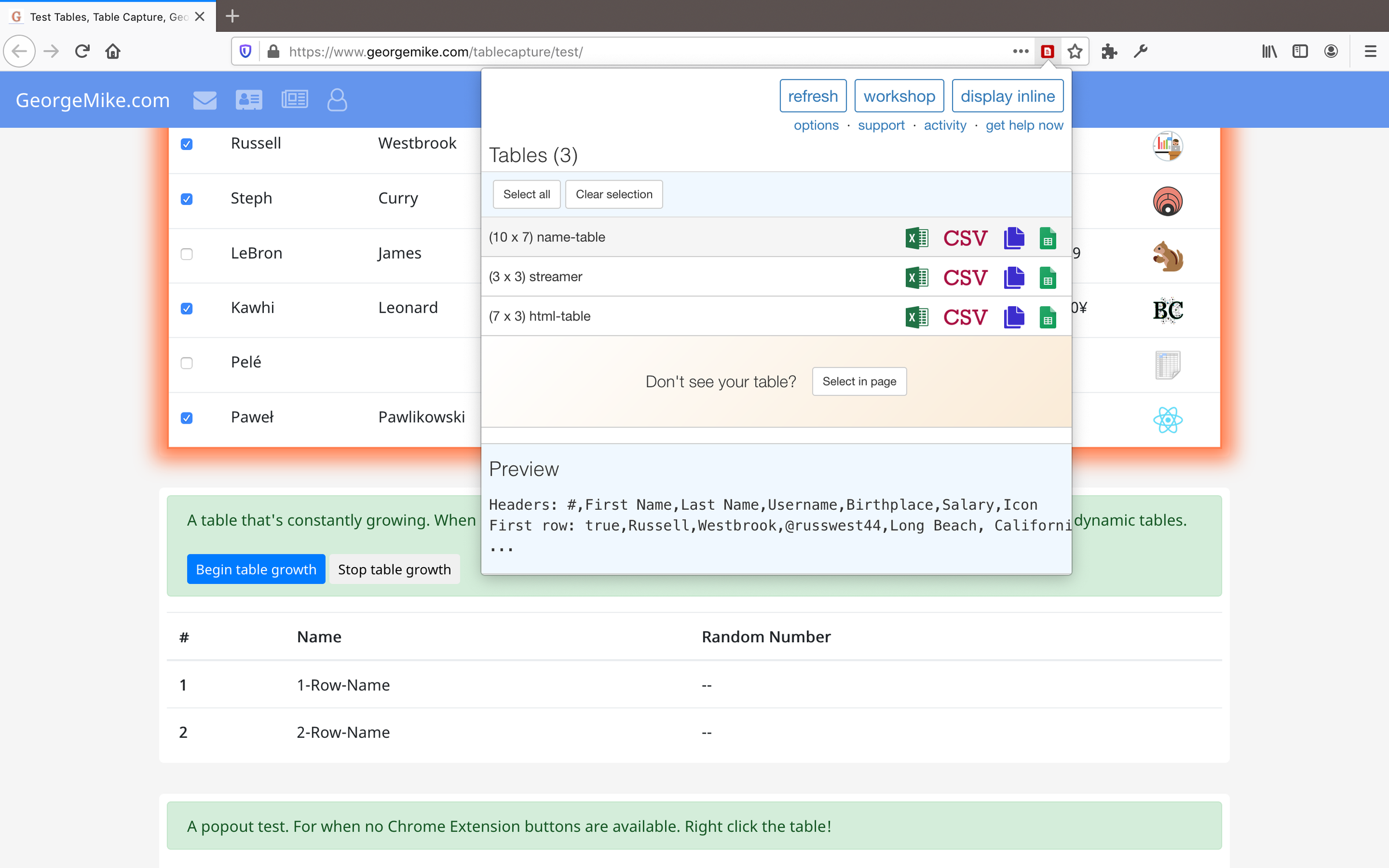
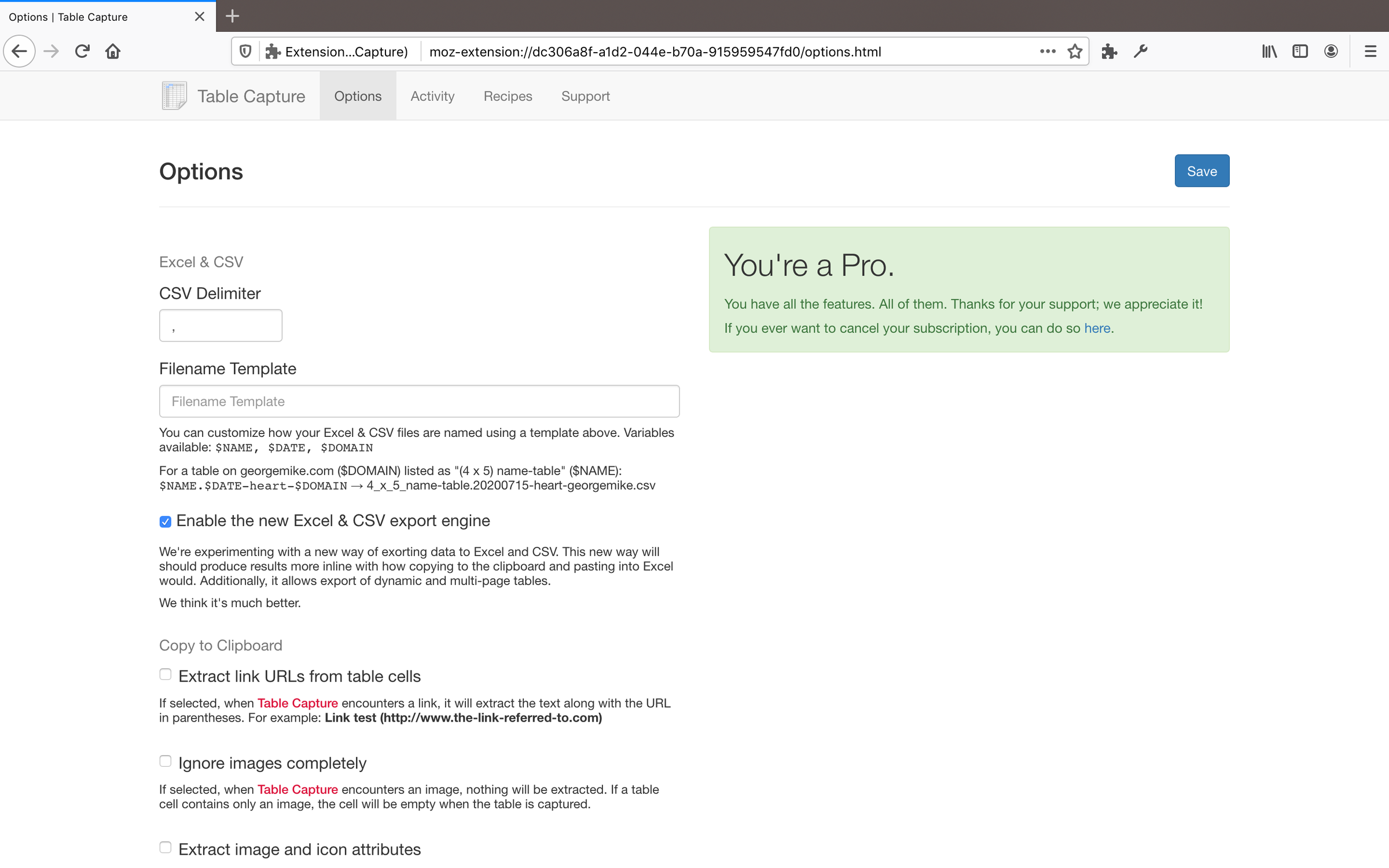
简介
Table Capture gives you the ability to easily capture HTML tables for use in a spreadsheet, whether using Microsoft Excel, Office 365, Open Office, Google Sheets, etc.
There are no trackers or superfluous scripts added and there never will be.
Last updated: 8/6/2022
Features:
- Copy tables to the clipboard with the necessary column & row separators (tab and newline respectively)
- Batch table operations: Copy multiple tables to the clipboard simultaneously.
- Easily create a Google Sheets or Office 365 document from an HTML table
- Capture div-based tables (or any repeating items in a website) by selecting text and launching the Table Capture Workshop
- Cross-platform: Table Capture is also available for Google Chrome and Microsoft Edge
Pro Features: ($12/year)
- Download tables directly as an Excel spreadsheet or as a CSV file
- Capture tables that load as you scroll and multi-page tables with the Workshop
- Copy tables to the clipboard as Markdown text
- Recipes to be able to write your own capture logic for specific sites
Support & Testing:
- E-mail me for support: support@georgemike.com
- Please test the extension on the tables provided here: https://www.georgemike.com/tablecapture/test/
- Please keep in mind: All spreadsheet apps are different and it's difficult to ensure correct behavior among them.
One last note: Reviews are great and much appreciated, but emailing me is so much more helpful when it comes to improving the extension.
Table Capture 是做什么的
Table Capture 是一款面向 Firefox 的实用工具类扩展,主要用来解决浏览器里某类具体的小问题。官方对它的介绍是:Copies HTML tables to the clipboard or exports them to Microsoft Excel, CSV, Google Sheets, Office 365, etc.在Firefox 附加组件商店(AMO)上,它当前版本 1.33,评分 4.27(67 人评价),约 5,761 名用户。
适合什么人用
从功能定位看,Table Capture 更适合想补上浏览器原生缺失功能的用户。如果你平时只是偶尔遇到相关需求,用浏览器自带功能也能凑合;但如果这件事每天都发生,装一个专门处理它的扩展通常比手动操作省事得多。需要注意的是它作用于所有网站,装上后建议先观察一两天,确认不影响常用站点的正常使用。
怎么安装 Table Capture
- 打开Firefox 附加组件商店(AMO)上的官方页面;
- 点「添加到浏览器」并确认权限提示;
- 装好后在扩展列表里固定图标,方便随时开关。
本站只做索引与介绍,安装包来自官方商店。如果商店页面提示当前地区不可用,说明该扩展未在你所在区域上架。
常见问题
Table Capture 是免费的吗?
Table Capture 在Firefox 附加组件商店(AMO)免费提供下载。它是浏览器扩展,装上就能直接用,不需要注册账号。
Table Capture 安全吗?
它只申请了 0 项权限,范围比较克制,没有申请「读取所有网站数据」这种大权限。
Table Capture 支持哪些浏览器?
当前收录的版本来自Firefox 附加组件商店(AMO),适用于 Firefox。同一个扩展在其他商店可能有对应版本,但功能与版本号不一定相同。
怎么卸载 Table Capture?
在扩展管理页找到 Table Capture,点移除即可。它在本地保存的设置会一起清掉,不会残留数据。
权限清单 来自 manifest.json 原文
站点访问 2
http://*/*https://*/*
接口权限 5
clipboardWritecontextMenusstoragetabswebNavigation