

 DuckDuckGo Privacy Essentials
⚡保护您的数据。支持可选 AI 的私密搜索、私密浏览和广告拦…
Firefox

Steam : Game finder EN
Nebukam · Firefox
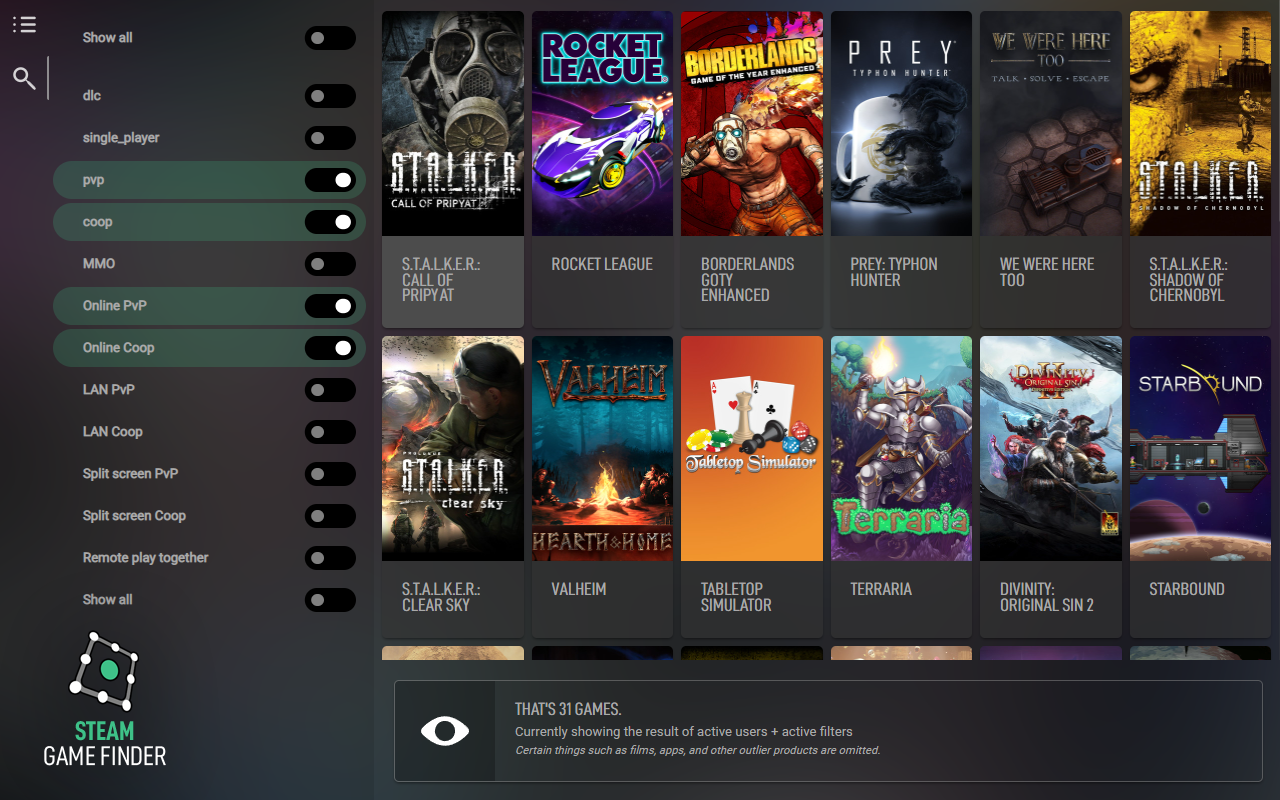
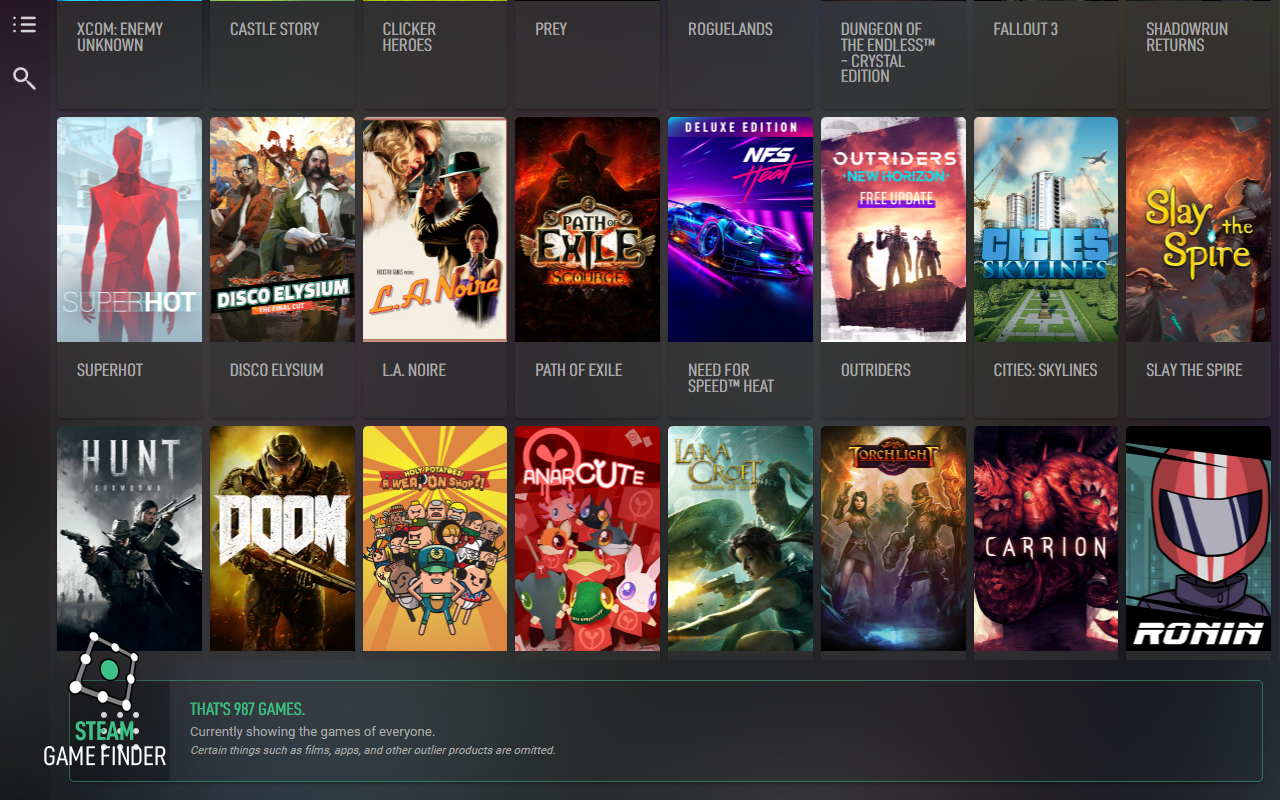
Steam : Game Finder allows you to find which multiplayer games are shared within a group of steam users
5.0/5
2 人评分
33用户
v1.0.5当前版本
截图
简介
Simply add a user using its nickname, or if it doesn't work, paste a link to her/his community profile page (for example : https://steamcommunity.com/profiles/76561197970839736 or https://steamcommunity.com/id/nebukam/ ) and you're good to go from there !
Note that a user data is stored on your computer for later use : if after some time you find that some games recently purchased are missing, make sure to click the "refresh profiles" button :)
Steam : Game finder 是做什么的
Steam : Game finder 是一款面向 Firefox 的社交通讯类扩展,主要用来增强社交网站功能、管理消息与通知。官方对它的介绍是:Steam : Game Finder allows you to find which multiplayer games are shared within a group of steam users在Firefox 附加组件商店(AMO)上,它当前版本 1.0.5,评分 5(2 人评价),约 33 名用户。
适合什么人用
从功能定位看,Steam : Game finder 更适合重度使用社交平台的用户。如果你平时只是偶尔遇到相关需求,用浏览器自带功能也能凑合;但如果这件事每天都发生,装一个专门处理它的扩展通常比手动操作省事得多。
怎么安装 Steam : Game finder
- 打开Firefox 附加组件商店(AMO)上的官方页面;
- 点「添加到浏览器」并确认权限提示;
- 装好后在扩展列表里固定图标,方便随时开关。
本站只做索引与介绍,安装包来自官方商店。如果商店页面提示当前地区不可用,说明该扩展未在你所在区域上架。
常见问题
Steam : Game finder 是免费的吗?
Steam : Game finder 在Firefox 附加组件商店(AMO)免费提供下载。它是浏览器扩展,装上就能直接用,不需要注册账号。
Steam : Game finder 安全吗?
它只申请了 0 项权限,范围比较克制,没有申请「读取所有网站数据」这种大权限。
Steam : Game finder 支持哪些浏览器?
当前收录的版本来自Firefox 附加组件商店(AMO),适用于 Firefox。同一个扩展在其他商店可能有对应版本,但功能与版本号不一定相同。
怎么卸载 Steam : Game finder?
在扩展管理页找到 Steam : Game finder,点移除即可。它在本地保存的设置会一起清掉,不会残留数据。
权限清单 来自 manifest.json 原文
接口权限 1
storage
接口权限(可选) 1
unlimitedStorage
标签 点标签看同类扩展
DuckDuckGo Privacy Essentials
⚡保护您的数据。支持可选 AI 的私密搜索、私密浏览和广告拦…
Firefox
 Search by Image
A powerful reverse image searc…
Firefox
 SteamDB
在 Steam 商店和社区页面中添加 SteamDB 链接和…
Firefox
 Qwant - Search engine
With this extension, Qwant bec…
Firefox
 Popup Blocker (strict)
Strictly block all popup reque…
Firefox
 Indie Wiki Buddy
Helping you discover quality, …
Firefox
 Tabliss - New Tab
A beautiful New Tab page with …
Firefox
 Block Site
A customizable, password-prote…
Firefox