 uBlock Origin
一款高效的网络请求过滤工具,占用极低的内存和 CPU。
Firefox

Private Notes EN
Juraj Mäsiar · Firefox
Private Notes gives you safe, fully encrypted place for your Top Secret notes! Ideal for storing recovery codes, WiFi passwords, access tokens, server configs...
4.7/5
28 人评分
155用户
v4.2当前版本
截图
简介
Private Notes allows you to write password-protected, fully encrypted notes.
Your notes can be synchronized with encrypted (again!) Firefox Sync. engine with other devices.
Ideal for storing the most sensitive information, like Recovery codes, Wi-Fi passwords, server configs, etc...
Privacy and permissions:
- There are no permissions - this addon can't make any remote requests or submit any data!
- All data are always encrypted and then synchronized by Firefox build-in End-to-End encrypted "Firefox Sync" engine (yes, data are double encrypted!).
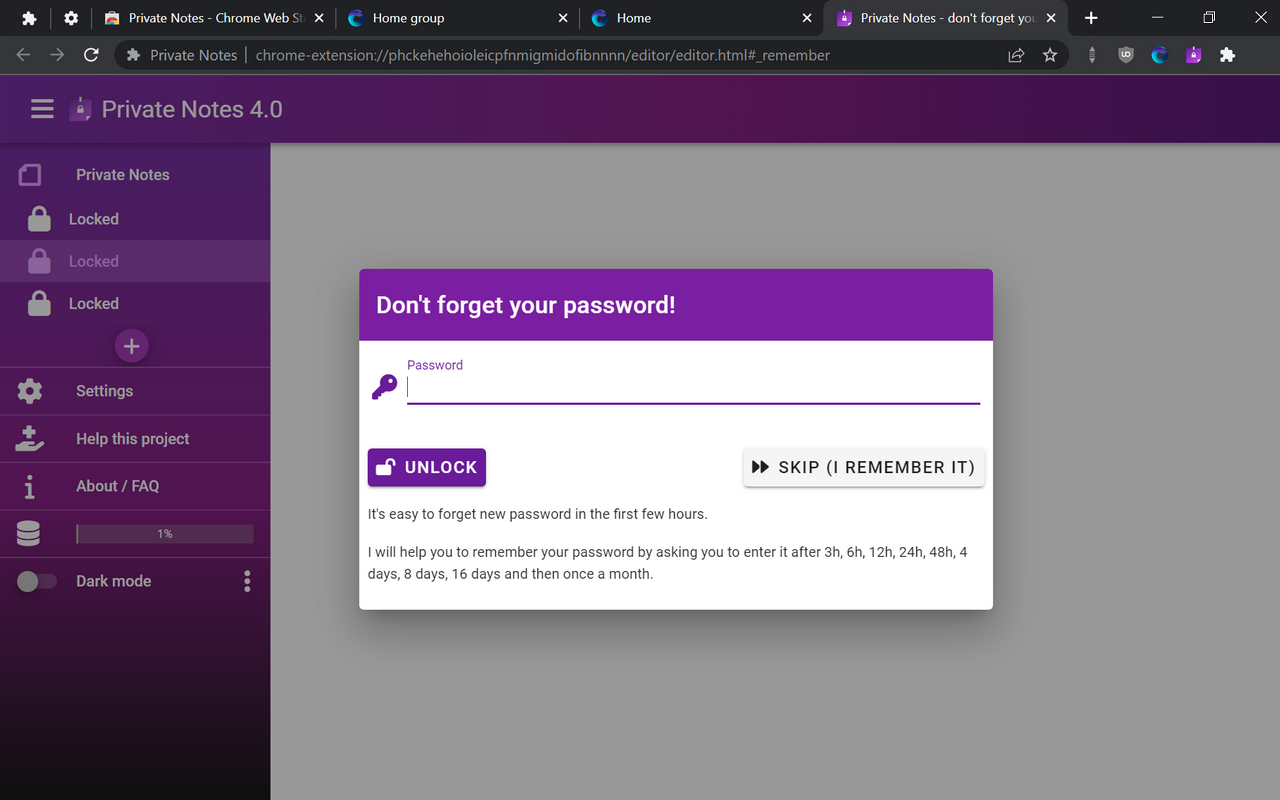
- Your password is NOT stored at all. It's hashed using advanced PBKDF2 function with 100k iterations and strong salt.
- Unlocked notes and decryption keys are never stored on drive - they stay in the system RAM memory (not accessible by any other app and cleared when browser is closed).
- Even if someone gains physical access to your PC, he won't be able to access your notes nor password. This is one of the safest place ever created!
Top features:
- Encrypted notes - all your notes are always stored encrypted!
- Auto-lock - will help you keep your notes locked when you leave your PC
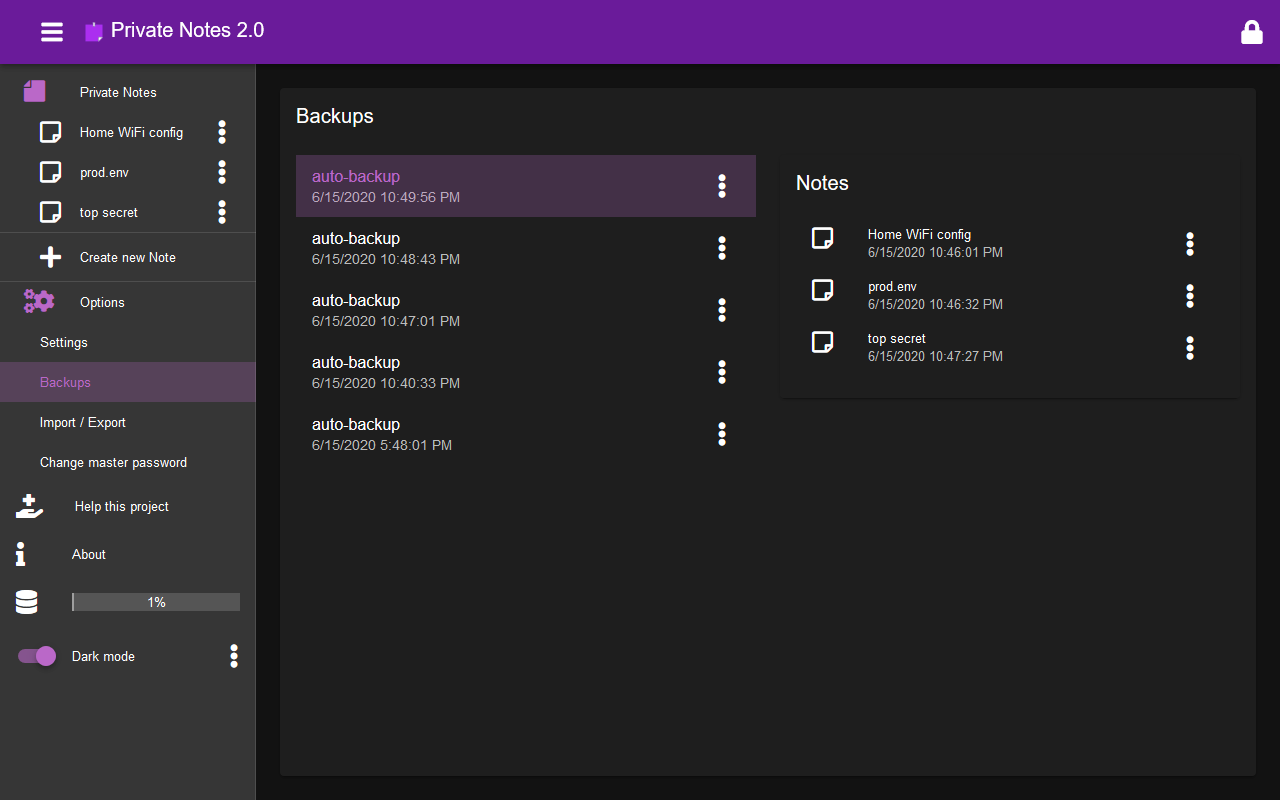
- Automatic backups - each device creates encrypted local backups of your notes. Plus Firefox Sync engine keeps encrypted backup in Firefox cloud.
- End to End encryption - all transferred data are again encrypted thanks to Firefox Sync between your Firefox browsers.
- No need to create additional account - Firefox Sync will handle everything
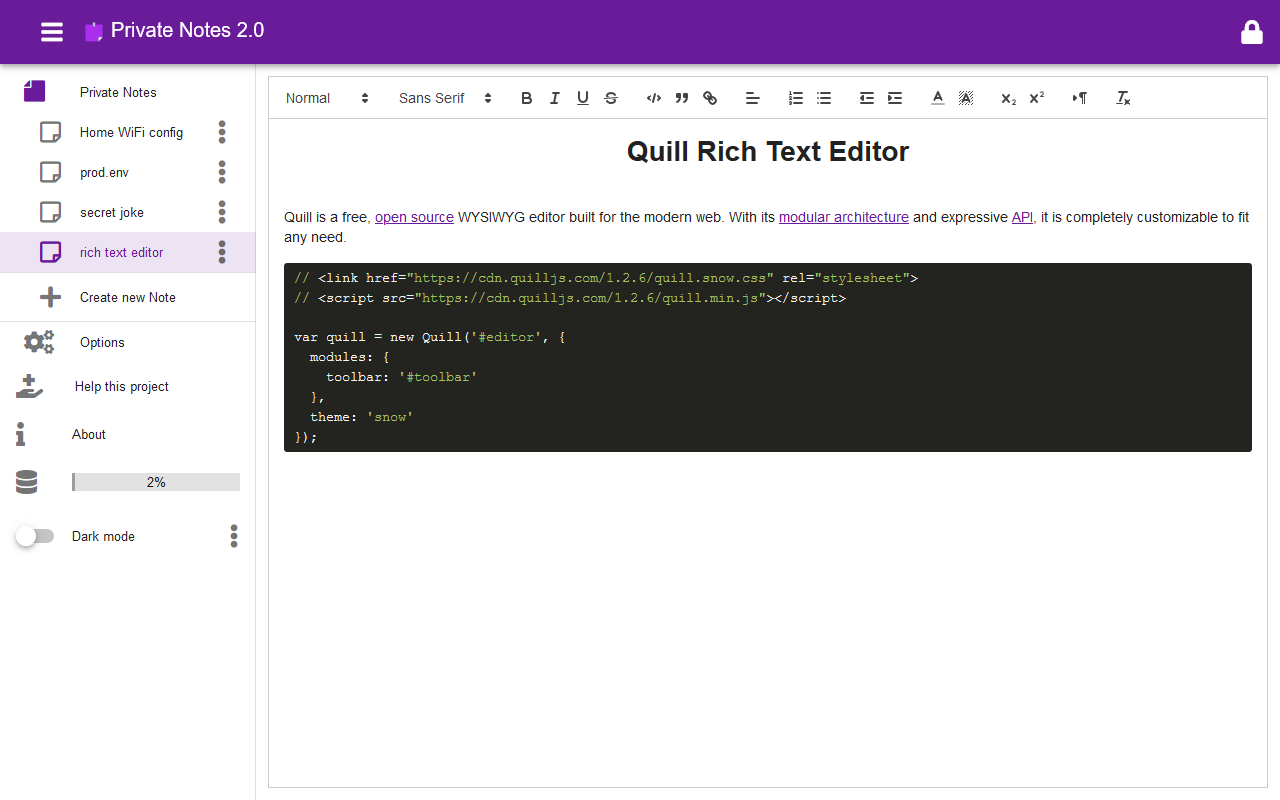
- Advanced Text Editor - supports many advanced text features
- Code highlight for many popular languages and configs
- Compression - all notes are compressed to save space
To synchronize your encrypted notes between devices:
- enable Firefox Sync feature - just login to your Firefox account using toolbar icon
- enable "Add-ons" synchronization - in the Firefox Options page ("about:preferences#sync") on the "Sync" tab check "Add-ons" checkbox
Limitations of Firefox Sync engine:
- No Android! Firefox Sync cannot synchronize addons data on Android :(
- Firefox Sync can handle only 100KB of data - so you can't store huge notes. However thanks to build in compression, you should be able to store more than 100,000 characters of text.
- Single note only 8KB size limit - each note can have only up to 8,000 characters - again thanks to compression this should be more.
- Slow synchronization - sometimes it takes several minutes to synchronize your new notes to / from the cloud. You can trigger sync. manually from your account toolbar menu.
Support independent developer:
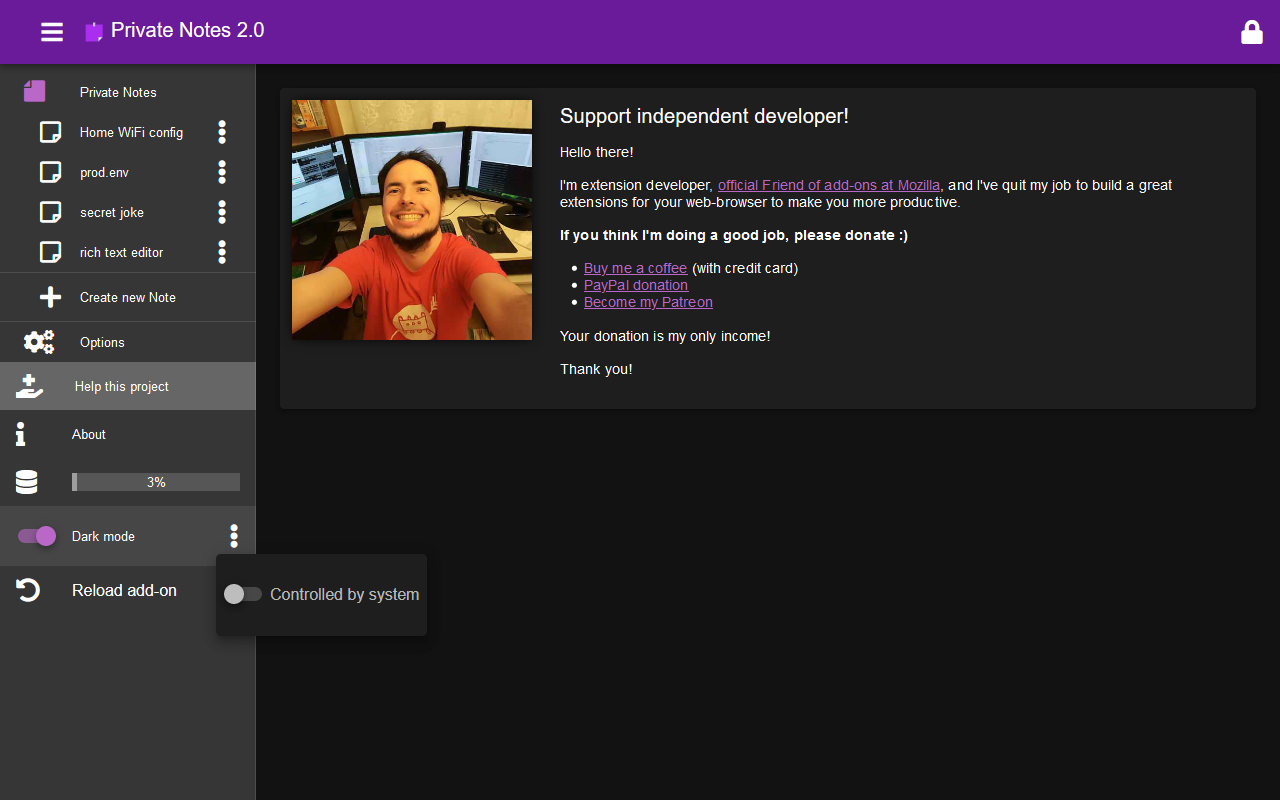
- I'm full-time add-on developer and your donations is my only income. There are no ads in my add-ons!
Please support my work by:
Thank you! :)
Your donation will help me keep this add-on working in future versions of Firefox!
Recently added features:
Tags: private, privacy, note, message, secure, text, sync, synchronization, e2e, encryption, sensitive, Firefox Sync, device, zip, compression, editor, vault, pass, password, crypto, safe
Private Notes 是做什么的
Private Notes 是一款面向 Firefox 的隐私与安全类扩展,主要用来拦截追踪器、屏蔽广告、管理 Cookie、加固浏览器指纹。官方对它的介绍是:Private Notes gives you safe, fully encrypted place for your Top Secret notes! Ideal for storing recovery codes, WiFi passwords, access tokens, server configs...在Firefox 附加组件商店(AMO)上,它当前版本 4.2,评分 4.68(28 人评价),约 155 名用户。
适合什么人用
从功能定位看,Private Notes 更适合在意上网被跟踪、希望减少广告干扰的用户。如果你平时只是偶尔遇到相关需求,用浏览器自带功能也能凑合;但如果这件事每天都发生,装一个专门处理它的扩展通常比手动操作省事得多。
怎么安装 Private Notes
- 打开Firefox 附加组件商店(AMO)上的官方页面;
- 点「添加到浏览器」并确认权限提示;
- 装好后在扩展列表里固定图标,方便随时开关。
本站只做索引与介绍,安装包来自官方商店。如果商店页面提示当前地区不可用,说明该扩展未在你所在区域上架。
常见问题
Private Notes 是免费的吗?
Private Notes 在Firefox 附加组件商店(AMO)免费提供下载。它是浏览器扩展,装上就能直接用,不需要注册账号。
Private Notes 安全吗?
它只申请了 0 项权限,范围比较克制,没有申请「读取所有网站数据」这种大权限。
Private Notes 支持哪些浏览器?
当前收录的版本来自Firefox 附加组件商店(AMO),适用于 Firefox。同一个扩展在其他商店可能有对应版本,但功能与版本号不一定相同。
怎么卸载 Private Notes?
在扩展管理页找到 Private Notes,点移除即可。它在本地保存的设置会一起清掉,不会残留数据。
权限清单 来自 manifest.json 原文
接口权限 2
alarmsstorage
标签 点标签看同类扩展
uBlock Origin
一款高效的网络请求过滤工具,占用极低的内存和 CPU。
Firefox
 AdGuard AdBlocker
AdGuard 广告拦截器可有效的拦截所有网页上的所有类型的…
Firefox
 AdBlocker Ultimate
Completely remove ALL ads. No …
Firefox
 Bitwarden – 免费密码管理器
安全免费的跨平台密码管理器
Firefox
 Malwarebytes Browser Guard
Fast and safe browsing that pr…
Firefox
 Firefox Multi-Account Containers
Firefox Multi-Account Containe…
Firefox
 LastPass Password Manager
LastPass是一款让您的上网浏览更便捷更安全的免费在线密…
Firefox
 1Password: Password Manager
The best way to experience 1Pa…
Firefox