
Passwarden by KeepSolid – Password Manager EN
KeepSolid Inc. · Firefox
Keep all your passwords and other sensitive data in the most secure storage developed by KeepSolid, a cyber-security expert with 9-year experience.
<all_urls>),意味着它可以读取你在任意站点的页面内容,包括已登录的页面。这是许多扩展正常工作的必要条件,但也值得你确认来源可信。
截图
简介
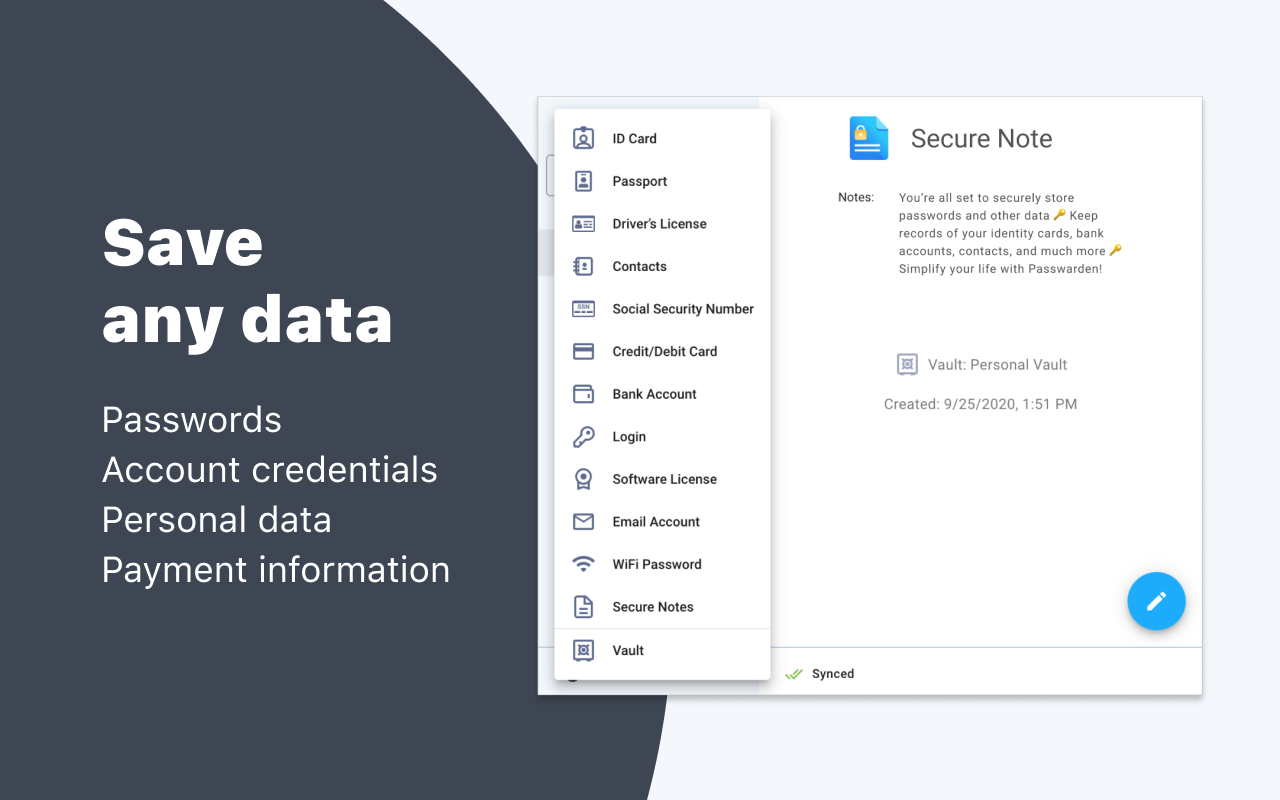
Passwarden is your extra layer for security of your passwords, credentials, payment data, and any other private information. Store all these data in a single extension, access it in a matter of seconds, and remember only one password - that of a Passwarden account.
Passwarden is a part of our brand new security bundle MonoDefense. Apart from Passwarden, MonoDefense includes a reliable solution for unrestricted and secure internet access VPN Unlimited. And the range of MonoDefense solutions will be extended. So stay tuned for updates!
Top features of Passwarden by KeepSolid:
* Bullet-proof encryption
* Secure data sharing
* Duress mode
* Unlimited devices per account
* Two-factor authentication
* Biometric unlock
* Password generator
* Auto-fill of passwords
* Data migration
Why choose Passwarden by KeepSolid:
ENCRYPTED STORAGE
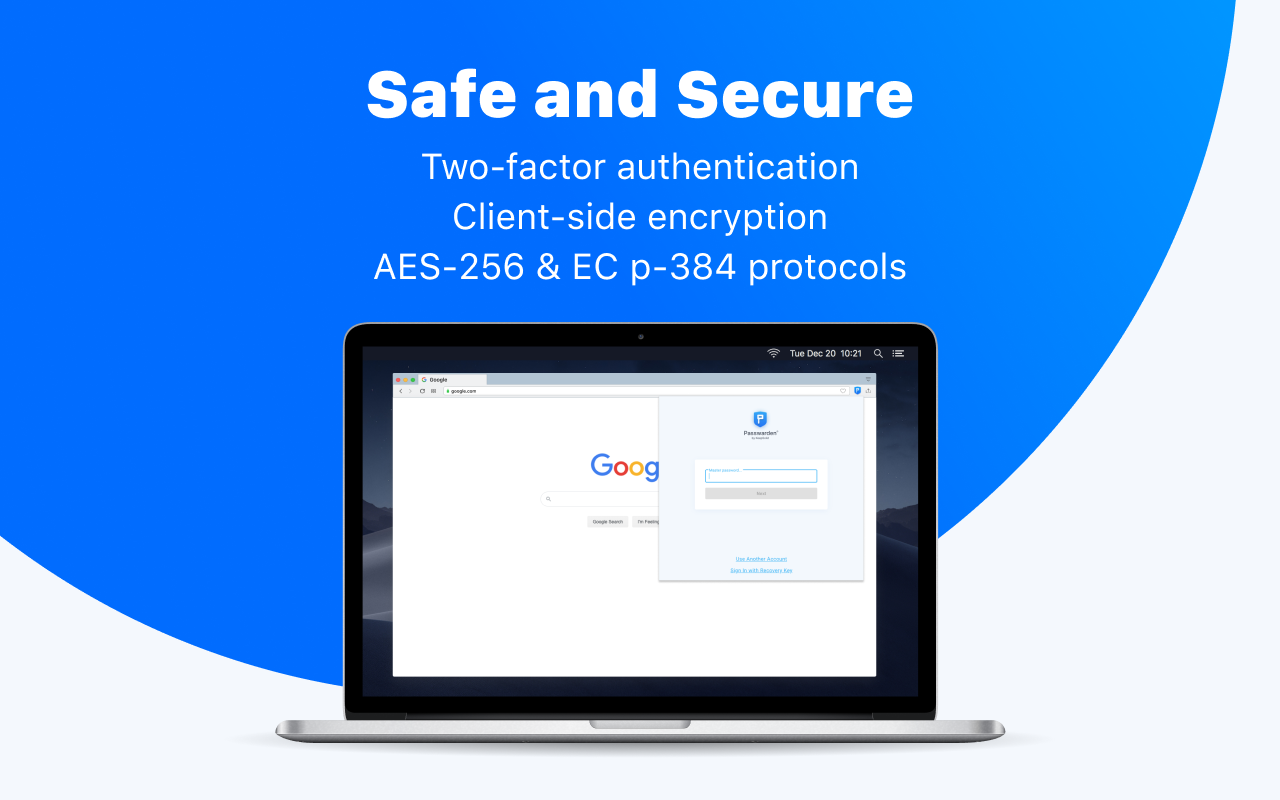
Our Firefox extension employs the most secure client-side encryption via AES-256 and ЕС р-384 algorithm. This encryption is considered to be one of the most uncrackable, so you can be sure your passwords, ID, SSN, Driver’s License, software licenses, online banking information are completely protected in our storage.
ONLY ONE PASSWORD TO REMEMBER
Passwarden remembers all your strong, complicated passwords for any accounts so that you don’t suffer keeping them in mind. Thanks to our extension, your Passwarden account password becomes the only thing you must remember. No need to restore your forgotten passwords as our extension always covers your back.
TWO-FACTOR AUTHENTICATION
With our extension, you can boost your data protection to an even more advanced level. Ensure complete security of your storage by enabling two-factor authentication so that no unauthorized third party is able to gain access to your passwords and all other sensitive info. The available types of 2FA in Passwarden include authenticator app and email one-time passcode.
BIOMETRIC LOGIN
Thanks to this highly secure feature, no one can access your data via your device. Even if someone gets their hands on your smartphone or computer, they won’t be able to pass fingerprint or face ID authentication on your device. With biometric unlock, you are the only one to access the data in our extension.
DURESS MODE
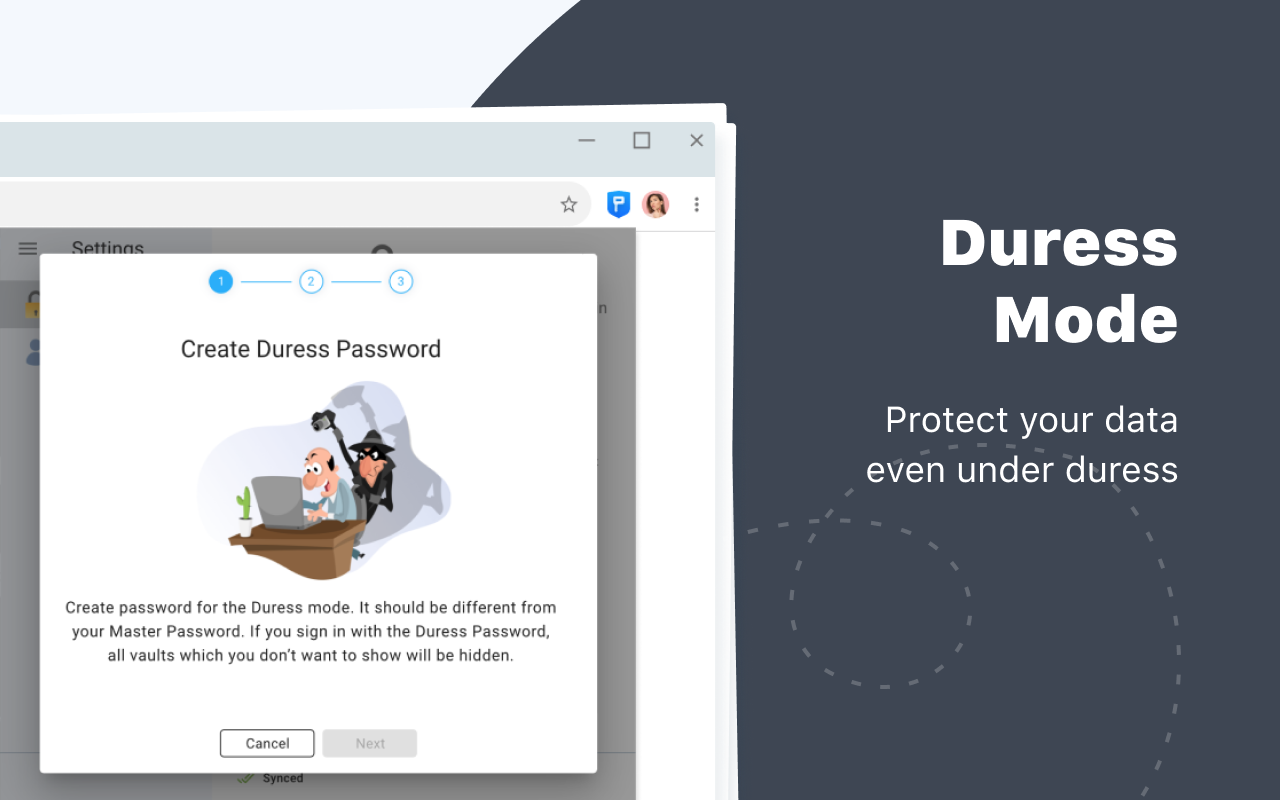
Our Firefox extension safeguards your private data even in emergencies when you’re forced to open it under duress. Duress mode helps you prepare for such situations in advance via defining the data you can show and adding your Duress password that will hide your Vaults in case of an emergency.
UNLIMITED DEVICES PER ACCOUNT
One more great thing about Passwarden is an ability to access your data on unlimited devices. Just add the needed devices to your list and login to your account from these devices whenever you want.
Legal information:
https://www.keepsolid.com/eua
https://www.keepsolid.com/privacy-policy
In case you have any questions or suggestions about Passwarden by KeepSolid, you can always contact us via support@keepsolid.com. Our team is happy to help you 24/7/365!
Passwarden by KeepSolid – Password Manager 是做什么的
Passwarden by KeepSolid – Password Manager 是一款面向 Firefox 的隐私与安全类扩展,主要用来拦截追踪器、屏蔽广告、管理 Cookie、加固浏览器指纹。官方对它的介绍是:Keep all your passwords and other sensitive data in the most secure storage developed by KeepSolid, a cyber-security expert with 9-year experience.在Firefox 附加组件商店(AMO)上,它当前版本 1.3.5,评分 3.5(6 人评价),约 47 名用户。
适合什么人用
从功能定位看,Passwarden by KeepSolid – Password Manager 更适合在意上网被跟踪、希望减少广告干扰的用户。如果你平时只是偶尔遇到相关需求,用浏览器自带功能也能凑合;但如果这件事每天都发生,装一个专门处理它的扩展通常比手动操作省事得多。需要注意的是它作用于所有网站,装上后建议先观察一两天,确认不影响常用站点的正常使用。
怎么安装 Passwarden by KeepSolid – Password Manager
- 打开Firefox 附加组件商店(AMO)上的官方页面;
- 点「添加到浏览器」并确认权限提示;
- 装好后在扩展列表里固定图标,方便随时开关。
本站只做索引与介绍,安装包来自官方商店。如果商店页面提示当前地区不可用,说明该扩展未在你所在区域上架。
常见问题
Passwarden by KeepSolid – Password Manager 是免费的吗?
Passwarden by KeepSolid – Password Manager 在Firefox 附加组件商店(AMO)免费提供下载。它是浏览器扩展,装上就能直接用,不需要注册账号。
Passwarden by KeepSolid – Password Manager 安全吗?
它只申请了 0 项权限,范围比较克制,没有申请「读取所有网站数据」这种大权限。
Passwarden by KeepSolid – Password Manager 支持哪些浏览器?
当前收录的版本来自Firefox 附加组件商店(AMO),适用于 Firefox。同一个扩展在其他商店可能有对应版本,但功能与版本号不一定相同。
怎么卸载 Passwarden by KeepSolid – Password Manager?
在扩展管理页找到 Passwarden by KeepSolid – Password Manager,点移除即可。它在本地保存的设置会一起清掉,不会残留数据。
权限清单 来自 manifest.json 原文
站点访问 2
*://*/*<all_urls>
接口权限 3
alarmsstoragetabs