 DuckDuckGo Privacy Essentials
⚡保护您的数据。支持可选 AI 的私密搜索、私密浏览和广告拦…
Firefox

Image to Text for ChatGPT EN
Tshetrim Lhendup · Firefox
Add OCR Image to Text to ChatGPT Privacy-centric, user-friendly tool for ChatGPT: Convert image content to editable text instantly. Upload or paste screenshots for real-time OCR. Supports 100+ languages, ensuring productivity & privacy
33用户
v0.0.1.1当前版本
截图
简介
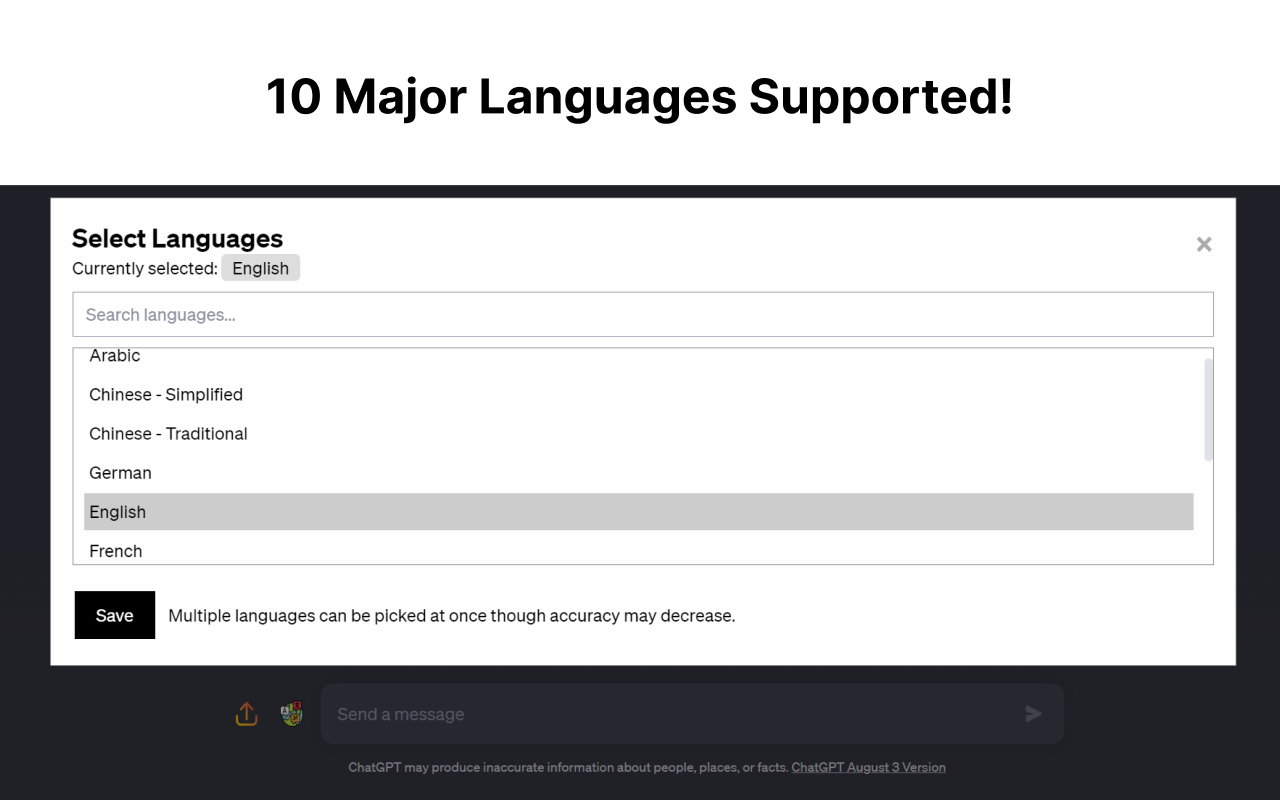
Update: Supports 12+ Major Languages!
For FireFox, once installed, please right click on the extension and enable:
"Always allow on chat.openai.com"
The extension will not work without the permission.
Full Tutorial Video: https://www.youtube.com/watch?v=zob0us4bPc8
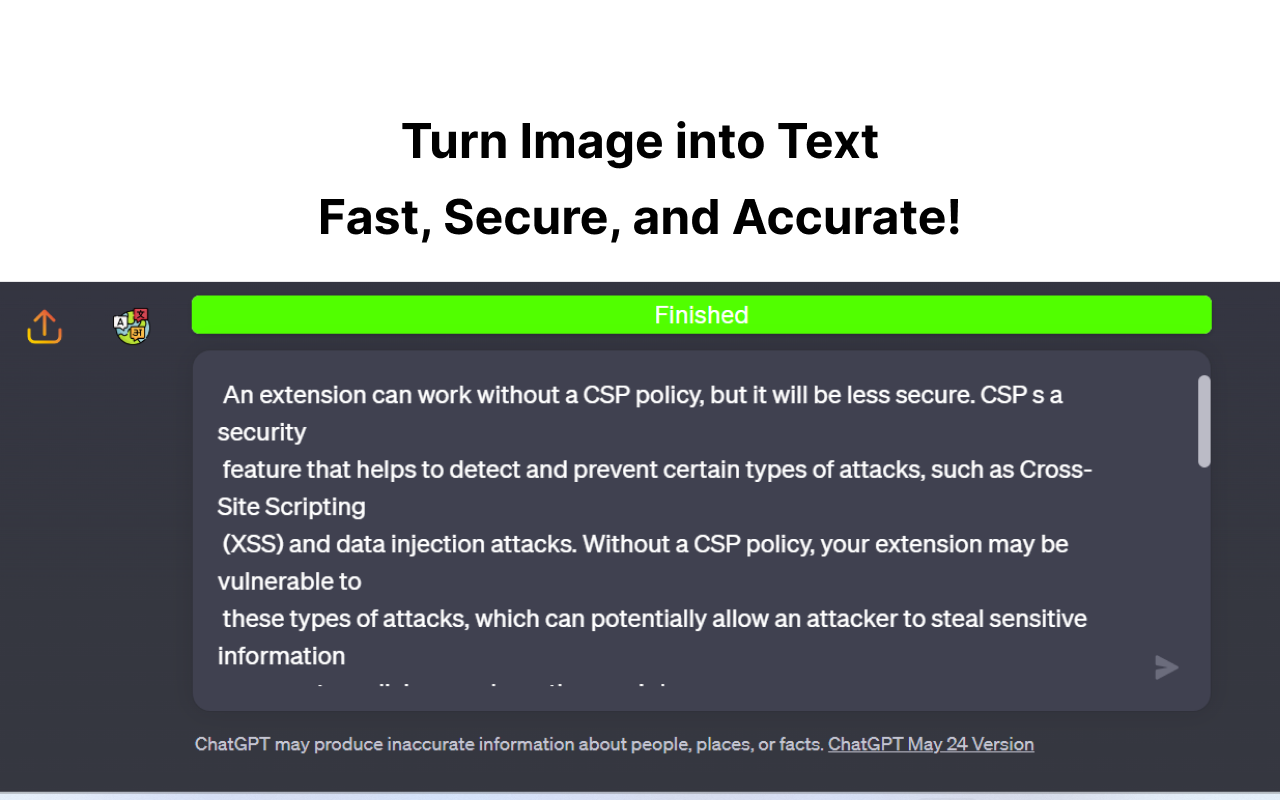
This extension was born out of a need for a fast, quick and intuitive way to get text from images into the textbox for ChatGPT. This extension accomplishes this with a great degree of accuracy and average speeds of ~5 seconds or less.
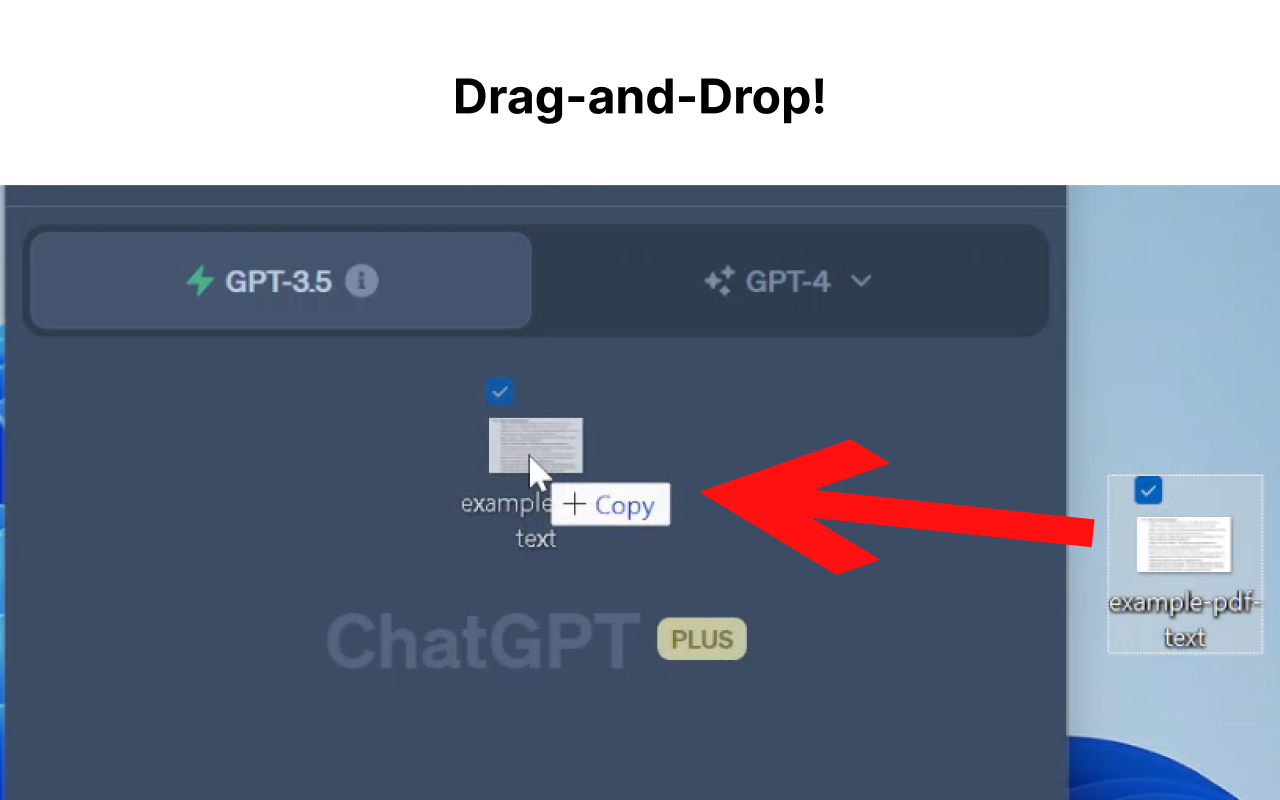
Now, you don't have to switch between multiple tools just for Optical Character Recognition (OCR). With this extension, you can easily upload an image file or drag and drop it for conversion into text, which will automatically populate your ChatGPT textbox.
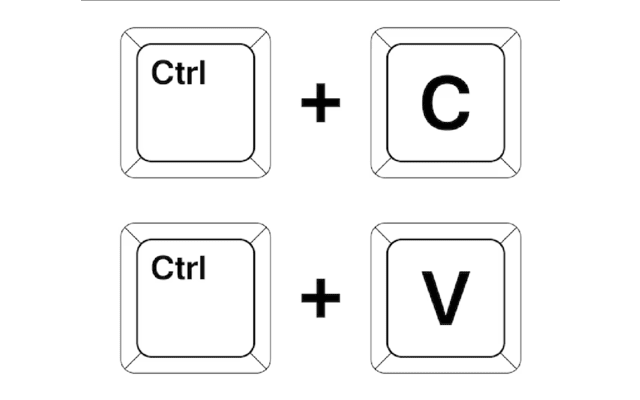
Additionally, if you have a screenshot in your clipboard, you can directly paste (Ctrl+V) it into the textbox. Quick, hassle-free, and highly efficient - this extension is built with a focus on speed, user-friendliness, and most importantly, privacy.
For the Tech Savvy: Powered by Tesseract.js, this extension runs OCR directly in your browser, keeping your data secure as none of your information leaves your device. All the OCR work is performed locally, ensuring maximum privacy.
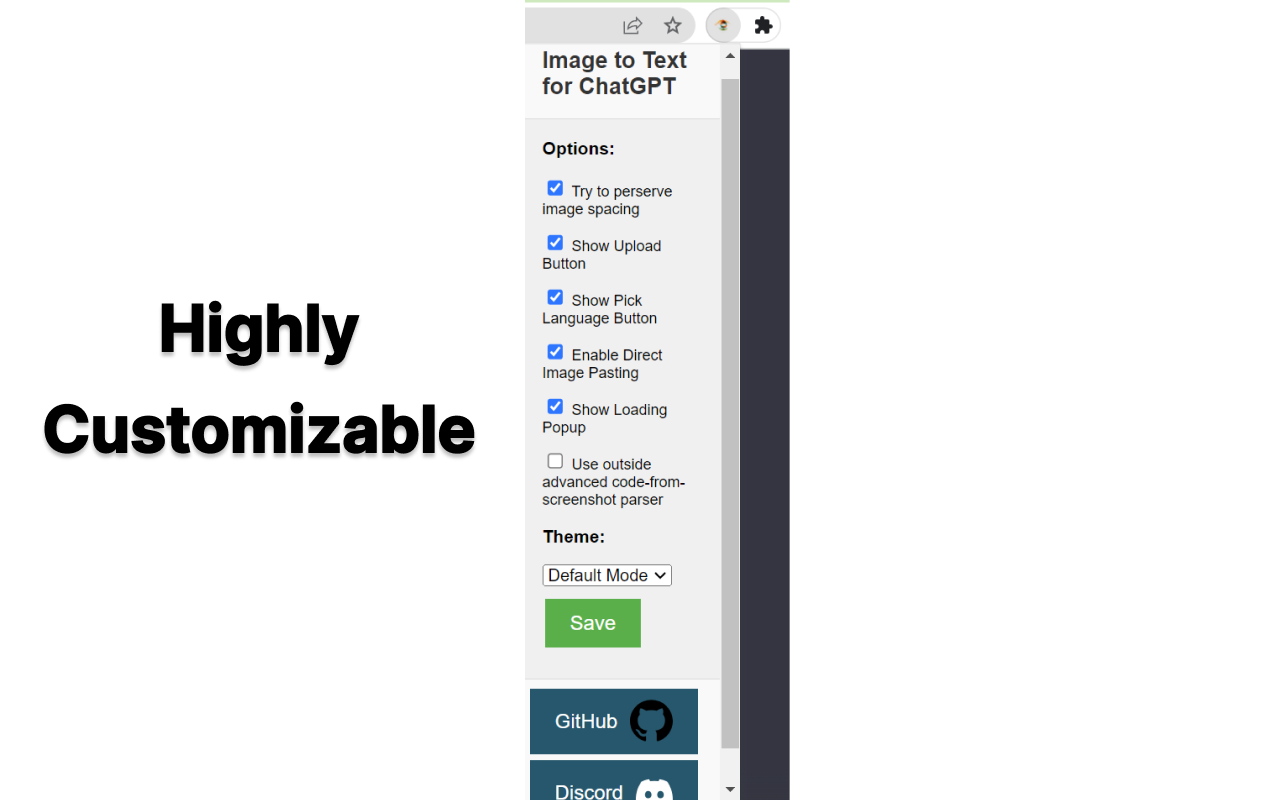
But we understand that sometimes, you may need an extra level of precision or need to retain the original format of the image, especially when dealing with content like Python code. For such instances, we provide an option to enable an embedded third-party solution created by Pieces.app. Check out their service at: https://www.codefromscreenshot.com/
All source code for complete transparency can be found on GitHub at: https://github.com/Tshetrim/Image-To-Text-OCR-extension-for-ChatGPT
Join the Discord to share feedback, errors, or just chat: https://discord.gg/8hnkBhwTJ5
Disclaimer: Please note, if you opt to use the third-party embedded option, your privacy and data handling will be subject to their policy as this extension is not affiliated with them.
Invest in your productivity today with our Chrome GPT extension, and experience the future of text transcription!
Image to Text for ChatGPT 是做什么的
Image to Text for ChatGPT 是一款面向 Firefox 的实用工具类扩展,主要用来解决浏览器里某类具体的小问题。官方对它的介绍是:Add OCR Image to Text to ChatGPT Privacy-centric, user-friendly tool for ChatGPT: Convert image content to editable text instantly. Upload or paste screenshots for real-time OCR. Supports 100+ languages, ensuring productivity & privacy在Firefox 附加组件商店(AMO)上,它当前版本 0.0.1.1,约 33 名用户。
适合什么人用
从功能定位看,Image to Text for ChatGPT 更适合想补上浏览器原生缺失功能的用户。如果你平时只是偶尔遇到相关需求,用浏览器自带功能也能凑合;但如果这件事每天都发生,装一个专门处理它的扩展通常比手动操作省事得多。
怎么安装 Image to Text for ChatGPT
- 打开Firefox 附加组件商店(AMO)上的官方页面;
- 点「添加到浏览器」并确认权限提示;
- 装好后在扩展列表里固定图标,方便随时开关。
本站只做索引与介绍,安装包来自官方商店。如果商店页面提示当前地区不可用,说明该扩展未在你所在区域上架。
常见问题
Image to Text for ChatGPT 是免费的吗?
Image to Text for ChatGPT 在Firefox 附加组件商店(AMO)免费提供下载。它是浏览器扩展,装上就能直接用,不需要注册账号。
Image to Text for ChatGPT 安全吗?
它只申请了 0 项权限,范围比较克制,没有申请「读取所有网站数据」这种大权限。
Image to Text for ChatGPT 支持哪些浏览器?
当前收录的版本来自Firefox 附加组件商店(AMO),适用于 Firefox。同一个扩展在其他商店可能有对应版本,但功能与版本号不一定相同。
怎么卸载 Image to Text for ChatGPT?
在扩展管理页找到 Image to Text for ChatGPT,点移除即可。它在本地保存的设置会一起清掉,不会残留数据。
权限清单 来自 manifest.json 原文
接口权限 1
storage
标签 点标签看同类扩展
DuckDuckGo Privacy Essentials
⚡保护您的数据。支持可选 AI 的私密搜索、私密浏览和广告拦…
Firefox
 Search by Image
A powerful reverse image searc…
Firefox
 Instagram Downloader
Help users download images and…
Firefox
 TinEye Reverse Image Search
Click on any image on the web …
Firefox
 DuckDuckGo No-AI Search
Search privately by default, w…
Firefox
 Image Search Options
A customizable reverse image s…
Firefox
 Startpage Privacy Protection
By installing the free Startpa…
Firefox
 Reverse Image Search
Adds an option to the context …
Firefox