
I2P In Private Browsing EN
idk · Firefox
Uses Container Tabs to set up a browser to use I2P conveniently and safely by setting up an I2P-powered Private Browsing mode, inspired by the similar feature in Brave. Requires an I2P router on the host system.
<all_urls>),意味着它可以读取你在任意站点的页面内容,包括已登录的页面。这是许多扩展正常工作的必要条件,但也值得你确认来源可信。
截图
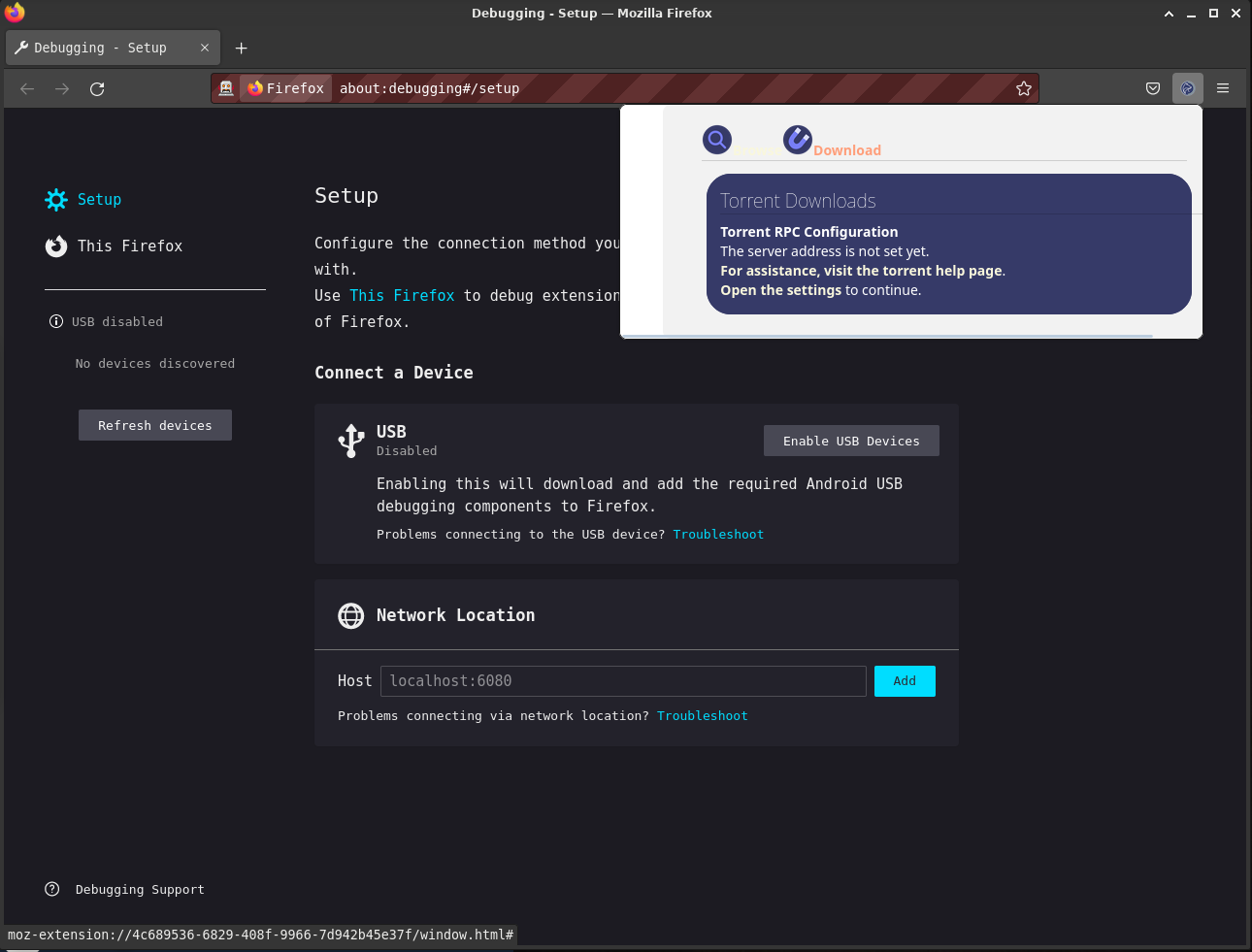


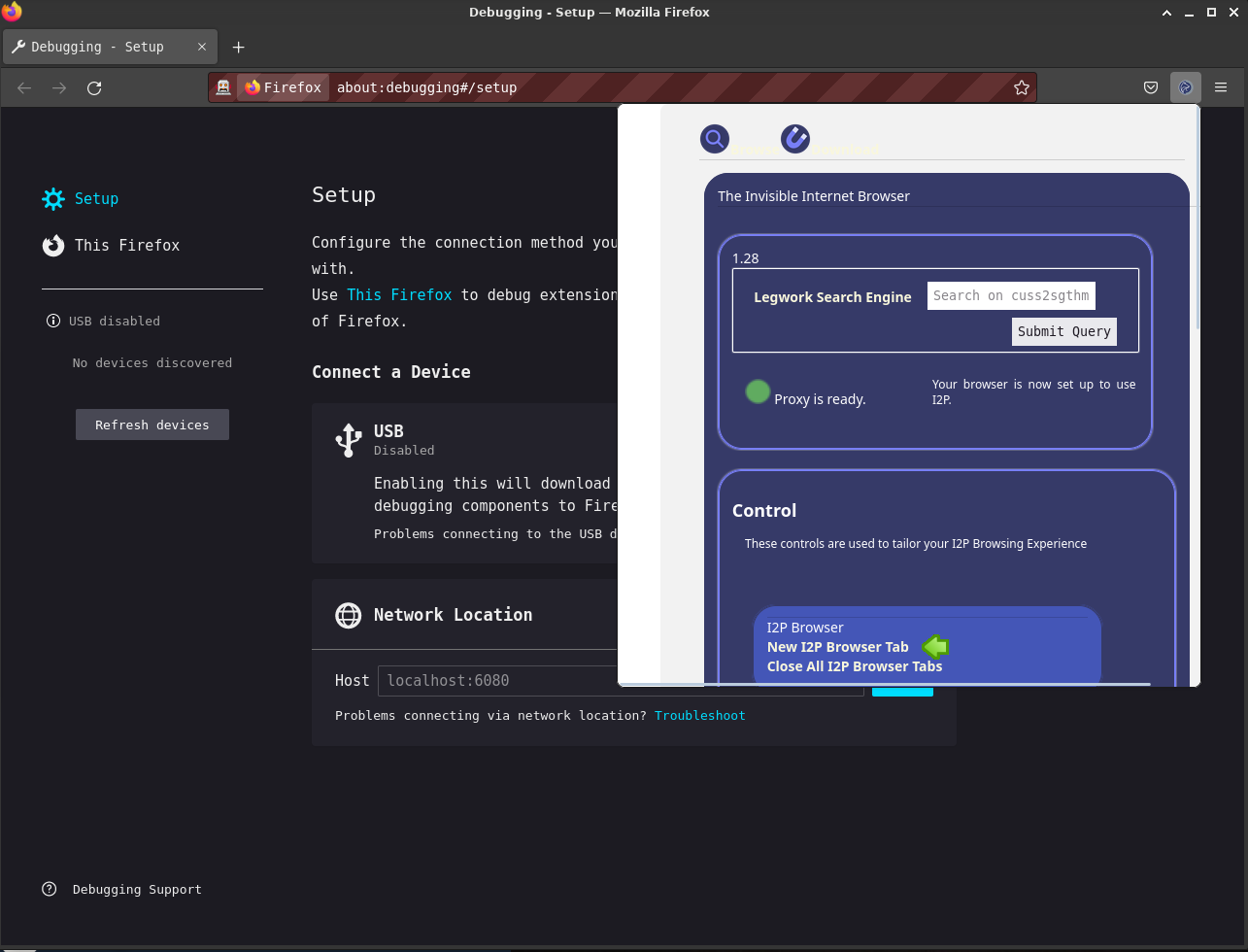
简介
i2psetproxy.js
This is an Experimental webextension which introduces a set of new "Private
Browsing" modes to Firefox-based browsers(Supporting webextensions) that makes
it easier to configure a browser to use I2P securely and adds features for
making I2P applications easier to use. It does this by isolating I2P-specific
settings to Contextual Identities within Firefox, then loading them
automatically when the user requests them. It also adds convenience and
management features specific to I2P like protocol handlers and native messaging
systems.
Features
- [done] Provide a way to launch into an I2P-Specific contextual identity
(container). Intercept requests to .i2p domains and automatically route them
to the I2P container. Isolate the router console from other local
applications by automatically intercepting requests to the router console to
another container. - [done] Indicate the I2P browser is in use visually. Find an
acceptable way to indicate it on Android. - [done] Set the http proxy to use the local I2P proxy automatically.
Provide specific configuration for other types of I2P proxies(SOCKS,
isolating HTTP) - [done] Disable risky webRTC features/offer the option to re-enable
them with the proxy enforced. - [done] Change the color of the browser window to indicate that I2P is in
use - [ready/broken/wip] Provide help in a variety of languages.
- [wip] Monitor the health and readiness of the I2P router it is
instructed to use. Currently the plugin checks whether the HTTP Proxy is
working by fetching an image from "http://proxy.i2p" and displaying a result.
A work-in-progress binding to i2pcontrol is available in ./i2pcontrol, it is
inert at this time. - [Done] Handle router console applications under their own origins and
within their own contextual identity. (1) The router console is automatically
confined to it's own container tab. (2) Use a custom protocol handler to
place each i2p application/plugin under it's own origin, shortening router
console URL's and placing applications under their own origin. - [wip] Handle Torrents by talking to i2psnark-rpc plugin and then
adding them directly into the Firefox downloads drop-downs, menus, etc. If I
can. Right now instead of talking to snark-rpc, it uses a web-based protocl
handler that simply auto-fills the torrent into i2psnark. - [barely started] Isolate traffic by contextual identity to it's own HTTP
Proxy tunnel, each reflecting it's own pseudonymous identity within I2P. The
contextual identities. For now, the contextual identities used to manage
browsing are "I2P Browsing" and "Web Browsing" where I2P Browsing is capable
of using an outproxy but in the case of traffic destined for the clearnet
does not do header rewriting, and Web Browsing falls back to the Proxy
configured in Firefox. The I2P Browsing will be expanded to- I2P Amnesiac Browsing: Use for General Browsing, stores no history and
uses an HTTP Proxy with a very short tunnel-close timeout and no key-reuse. - I2P Social Networking: Use this for logging into social network accounts,
forums, and other interactive asynchronous public communication platforms
where your identity is behaviorally linkable. This has a very long
tunnel-close timeout and key-reuse until specifically invoked. - I2P Blogging: Use this for posting content to the web interface of your
blog or to other similar websites that you create content on.
- I2P Amnesiac Browsing: Use for General Browsing, stores no history and
Super Extra Important Background Info:
This plugin's viability is directly related to the viability of Mozilla and
Tor's work on hardening Firefox itself and of particular interest are the
"Uplift" and "Fusion(Firefox Using Onions)" projects.
Links about Project Uplift
- https://wiki.mozilla.org/Security/Tor_Uplift
- https://wiki.mozilla.org/Security/FirstPartyIsolation
- https://wiki.mozilla.org/Security/Fingerprinting
- https://wiki.mozilla.org/Security/Fennec%2BTor_Project
- https://wiki.mozilla.org/Security/Tor_Uplift/Tracking
Project uplift seems to have largely been accomplished?
Links about Project Fusion
I2P In Private Browsing 是做什么的
I2P In Private Browsing 是一款面向 Firefox 的隐私与安全类扩展,主要用来拦截追踪器、屏蔽广告、管理 Cookie、加固浏览器指纹。官方对它的介绍是:Uses Container Tabs to set up a browser to use I2P conveniently and safely by setting up an I2P-powered Private Browsing mode, inspired by the similar feature in Brave. Requires an I2P router on the host system.在Firefox 附加组件商店(AMO)上,它当前版本 2.8.2,评分 2.79(33 人评价),约 159 名用户。
适合什么人用
从功能定位看,I2P In Private Browsing 更适合在意上网被跟踪、希望减少广告干扰的用户。如果你平时只是偶尔遇到相关需求,用浏览器自带功能也能凑合;但如果这件事每天都发生,装一个专门处理它的扩展通常比手动操作省事得多。需要注意的是它作用于所有网站,装上后建议先观察一两天,确认不影响常用站点的正常使用。
怎么安装 I2P In Private Browsing
- 打开Firefox 附加组件商店(AMO)上的官方页面;
- 点「添加到浏览器」并确认权限提示;
- 装好后在扩展列表里固定图标,方便随时开关。
本站只做索引与介绍,安装包来自官方商店。如果商店页面提示当前地区不可用,说明该扩展未在你所在区域上架。
常见问题
I2P In Private Browsing 是免费的吗?
I2P In Private Browsing 在Firefox 附加组件商店(AMO)免费提供下载。它是浏览器扩展,装上就能直接用,不需要注册账号。
I2P In Private Browsing 安全吗?
它只申请了 0 项权限,范围比较克制,没有申请「读取所有网站数据」这种大权限。
I2P In Private Browsing 支持哪些浏览器?
当前收录的版本来自Firefox 附加组件商店(AMO),适用于 Firefox。同一个扩展在其他商店可能有对应版本,但功能与版本号不一定相同。
怎么卸载 I2P In Private Browsing?
在扩展管理页找到 I2P In Private Browsing,点移除即可。它在本地保存的设置会一起清掉,不会残留数据。
权限清单 来自 manifest.json 原文
站点访问 1
<all_urls>
接口权限 17
alarmsbookmarksbrowsingDatacontextMenuscontextualIdentitiescookieshistorymanagementnotificationsprivacyproxystoragetabsthemewebNavigationwebRequestwebRequestBlocking