
HTML Tables to XLSX Spreadsheets EN
GrabzIt · Firefox
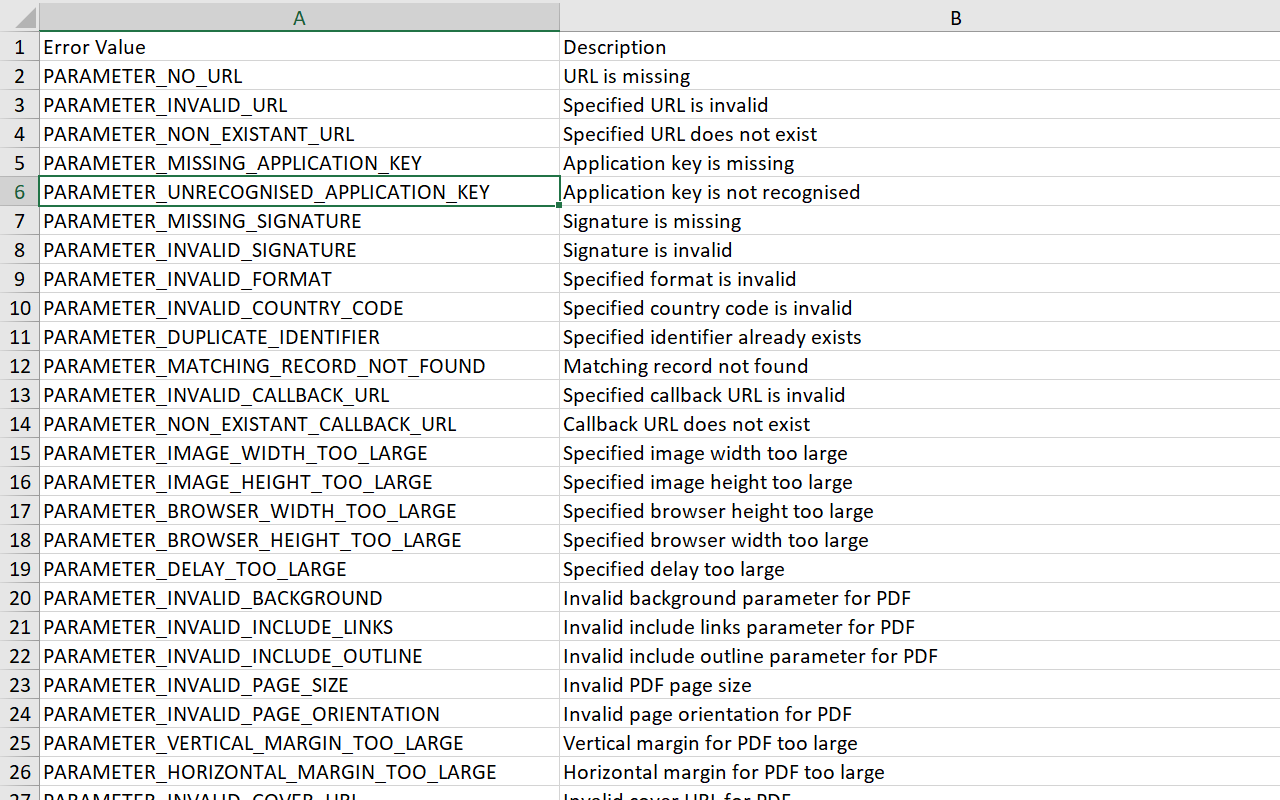
Convert all HTML tables in a web page or local HTML file to a XLSX spreadsheet, with each table placed on a seperate tab.
截图
简介
Stop manually copy-pasting data! Automatically extract HTML tables from any web page and turn them into clean spreadsheets.
Whether you are looking at a local HTML file or a live web page, this extension intelligently finds the tables and perfectly converts them into an XLSX spreadsheet, keeping all your rows and columns neatly intact.
Perfect for:
- Extracting financial data, pricing tables, or sports stats for analysis.
- Pulling research data from sites like Wikipedia into Excel.
- Capturing web directories, contact lists, and product inventories.
- Saving hours of tedious manual data entry and formatting.
How It Works:
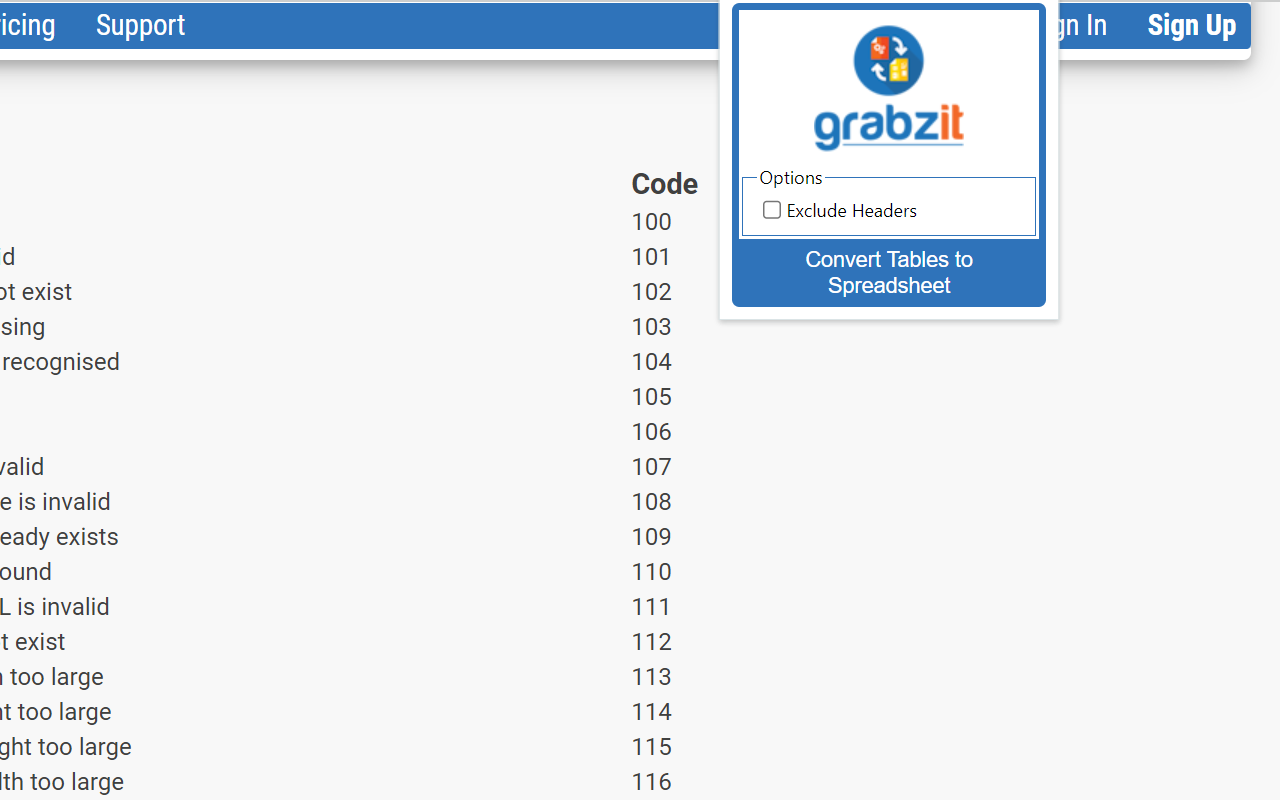
Simply navigate to a webpage containing the table you want, click the extension, and let GrabzIt do the heavy lifting! The tool securely sends the page data to GrabzIt's API, accurately extracts the table structure, and automatically downloads a ready-to-use XLSX spreadsheet straight to your computer.
Getting Started & Pricing:
Once installed, follow the instructions in the extension popup to create your free GrabzIt account and start extracting data.
- Premium Trial: You will automatically start with a 7-day free trial of our Premium tier, giving you full, unrestricted table extractions.
- Free Tier: After your 7-day trial expires, you can continue using the tool for free! (Note: On the free tier, some cell values in your downloaded spreadsheets will be replaced with an upgrade watermark).
Backed by GrabzIt Limited's enterprise-grade infrastructure. Fast, secure, and reliable.
HTML Tables to XLSX Spreadsheets 是做什么的
HTML Tables to XLSX Spreadsheets 是一款面向 Firefox 的实用工具类扩展,主要用来解决浏览器里某类具体的小问题。官方对它的介绍是:Convert all HTML tables in a web page or local HTML file to a XLSX spreadsheet, with each table placed on a seperate tab.在Firefox 附加组件商店(AMO)上,它当前版本 1.2.4,约 45 名用户。
适合什么人用
从功能定位看,HTML Tables to XLSX Spreadsheets 更适合想补上浏览器原生缺失功能的用户。如果你平时只是偶尔遇到相关需求,用浏览器自带功能也能凑合;但如果这件事每天都发生,装一个专门处理它的扩展通常比手动操作省事得多。
怎么安装 HTML Tables to XLSX Spreadsheets
- 打开Firefox 附加组件商店(AMO)上的官方页面;
- 点「添加到浏览器」并确认权限提示;
- 装好后在扩展列表里固定图标,方便随时开关。
本站只做索引与介绍,安装包来自官方商店。如果商店页面提示当前地区不可用,说明该扩展未在你所在区域上架。
常见问题
HTML Tables to XLSX Spreadsheets 是免费的吗?
HTML Tables to XLSX Spreadsheets 在Firefox 附加组件商店(AMO)免费提供下载。它是浏览器扩展,装上就能直接用,不需要注册账号。
HTML Tables to XLSX Spreadsheets 安全吗?
它只申请了 0 项权限,范围比较克制,没有申请「读取所有网站数据」这种大权限。
HTML Tables to XLSX Spreadsheets 支持哪些浏览器?
当前收录的版本来自Firefox 附加组件商店(AMO),适用于 Firefox。同一个扩展在其他商店可能有对应版本,但功能与版本号不一定相同。
怎么卸载 HTML Tables to XLSX Spreadsheets?
在扩展管理页找到 HTML Tables to XLSX Spreadsheets,点移除即可。它在本地保存的设置会一起清掉,不会残留数据。
权限清单 来自 manifest.json 原文
接口权限 4
activeTabdownloadsscriptingstorage