
Google Search Maps Button EN
Publisher54321 · Firefox
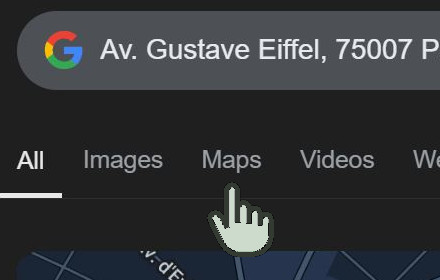
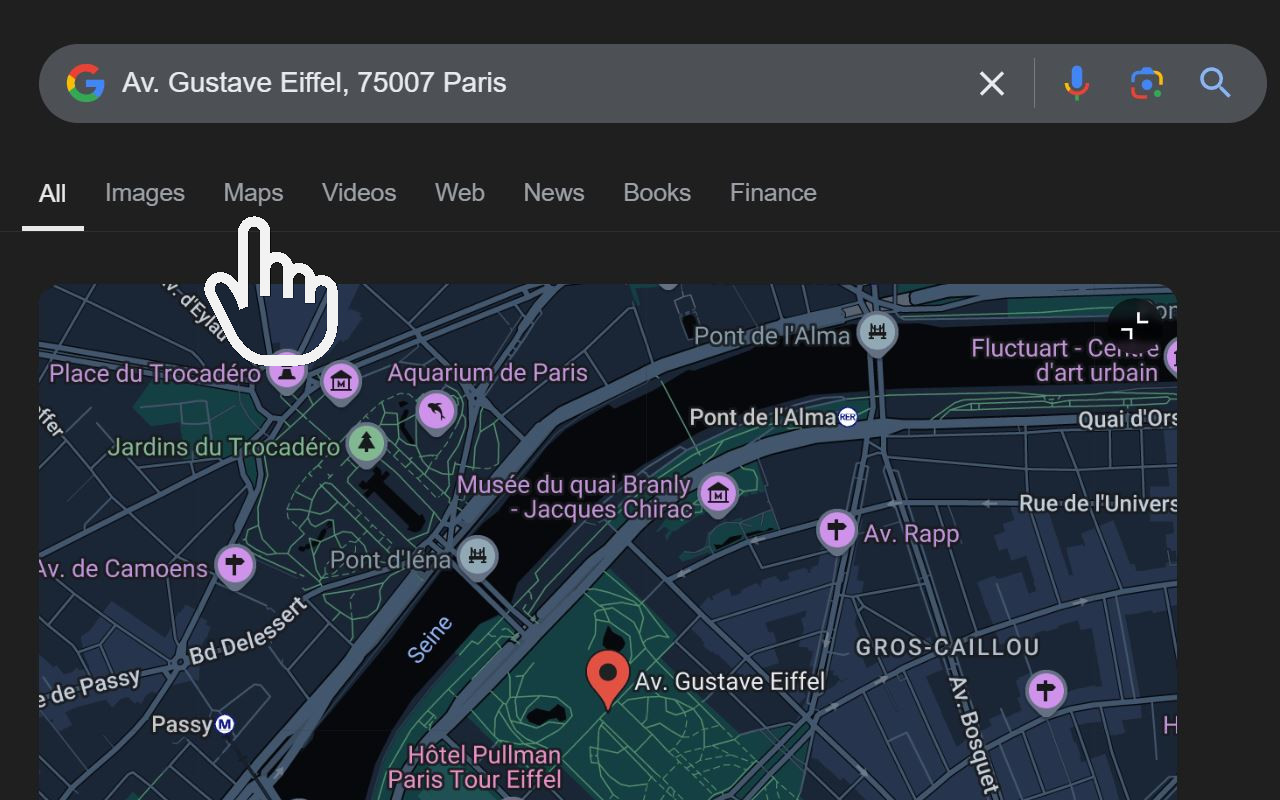
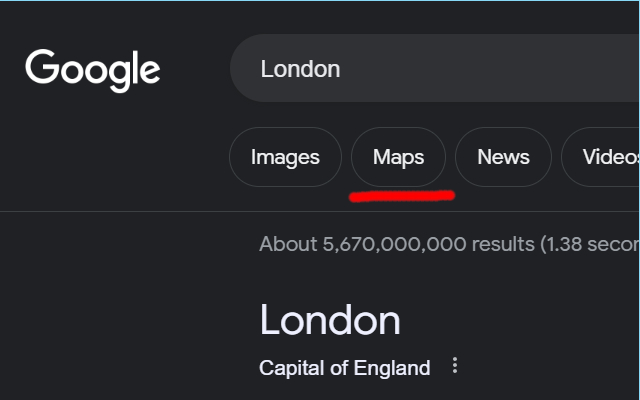
Adds back the Maps button to Google search pages and makes the map images clickable again for seamless navigation.
截图

简介
The "Google Search Maps Button" Firefox add-on reinstates the Google Maps button in the Google Search navigation bar for users in Europe. If you've discovered the Google Maps button gone or missing from your search experience, this add-on is crafted for you.
What it Does: This add-on guarantees one-click access to Google Maps directly from the Google Search page. It further enhances navigation by making map images clickable within search results, greatly improving your online journey.
Why it's Needed: Due to the Digital Markets Act (DMA), aimed at promoting fair competition and innovation, the Google Maps shortcut was eliminated for European users. This tool adeptly restores the convenience that was lost.
Privacy and Security: With a commitment to not saving any user data, the add-on prioritizes your privacy and security.
For anyone noticing the Google Maps button gone from the Google Search navigation bar in Europe, this add-on offers a seamless and effective solution, reintegrating this vital feature into your browsing routine.
Troubleshooting steps if the extension is not working:
1. Check Plugin Status: Make sure that the plugin is enabled.
2. Verify Site Access: Open the details for this add-on and ensure that it has permissions on google domains.
3. Domain List Verification: If the extension is still not working, check if the specific Google domain you are using is listed under Permissions. If your domain isn't listed, as a temporary workaround, you can try accessing "google.com" to see if it works. Please report the missing domain and I will add it to ensure compatibility.
4. Google occasionally conducts A/B testing, implementing variations in page designs and features for select users. If your troubleshooting efforts have led you to this juncture, it is likely that you are encountering one of these experimental layouts, which could be the source of the issue. In such instances, we request that you share the HTML code of the navigation bar with us using inspect.
If you'd like to say thanks, you can do so via PayPal at henripp94@gmail.com. I'm truly grateful for any support, though it's absolutely not necessary or expected.
Google Search Maps Button 是做什么的
Google Search Maps Button 是一款面向 Firefox 的搜索增强类扩展,主要用来补充搜索结果、切换搜索引擎、过滤无效结果。官方对它的介绍是:Adds back the Maps button to Google search pages and makes the map images clickable again for seamless navigation.在Firefox 附加组件商店(AMO)上,它当前版本 1.2.7,评分 4.78(112 人评价),约 31,142 名用户。
适合什么人用
从功能定位看,Google Search Maps Button 更适合每天大量搜索、希望结果更干净准确的用户。如果你平时只是偶尔遇到相关需求,用浏览器自带功能也能凑合;但如果这件事每天都发生,装一个专门处理它的扩展通常比手动操作省事得多。
怎么安装 Google Search Maps Button
- 打开Firefox 附加组件商店(AMO)上的官方页面;
- 点「添加到浏览器」并确认权限提示;
- 装好后在扩展列表里固定图标,方便随时开关。
本站只做索引与介绍,安装包来自官方商店。如果商店页面提示当前地区不可用,说明该扩展未在你所在区域上架。
常见问题
Google Search Maps Button 是免费的吗?
Google Search Maps Button 在Firefox 附加组件商店(AMO)免费提供下载。它是浏览器扩展,装上就能直接用,不需要注册账号。
Google Search Maps Button 安全吗?
它只申请了 0 项权限,范围比较克制,没有申请「读取所有网站数据」这种大权限。
Google Search Maps Button 支持哪些浏览器?
当前收录的版本来自Firefox 附加组件商店(AMO),适用于 Firefox。同一个扩展在其他商店可能有对应版本,但功能与版本号不一定相同。
怎么卸载 Google Search Maps Button?
在扩展管理页找到 Google Search Maps Button,点移除即可。它在本地保存的设置会一起清掉,不会残留数据。
权限清单 来自 manifest.json 原文
站点访问 45
https://www.google.ad/search*https://www.google.at/search*https://www.google.ba/search*https://www.google.be/search*https://www.google.bg/search*https://www.google.by/search*https://www.google.ch/search*https://www.google.co.jp/search*https://www.google.co.uk/search*https://www.google.com.au/search*https://www.google.com.ua/search*https://www.google.com/search*https://www.google.cy/search*https://www.google.cz/search*https://www.google.de/search*https://www.google.dk/search*https://www.google.ee/search*https://www.google.es/search*https://www.google.fi/search*https://www.google.fr/search*https://www.google.gr/search*https://www.google.hr/search*https://www.google.hu/search*https://www.google.ie/search*https://www.google.is/search*https://www.google.it/search*https://www.google.li/search*https://www.google.lt/search*https://www.google.lu/search*https://www.google.lv/search*https://www.google.mc/search*https://www.google.md/search*https://www.google.me/search*https://www.google.mk/search*https://www.google.mt/search*https://www.google.nl/search*https://www.google.no/search*https://www.google.pl/search*https://www.google.pt/search*https://www.google.ro/search*https://www.google.rs/search*https://www.google.se/search*https://www.google.si/search*https://www.google.sk/search*https://www.google.sm/search*
接口权限 1
activeTab