
GIFs for GitHub EN
Nick · Firefox
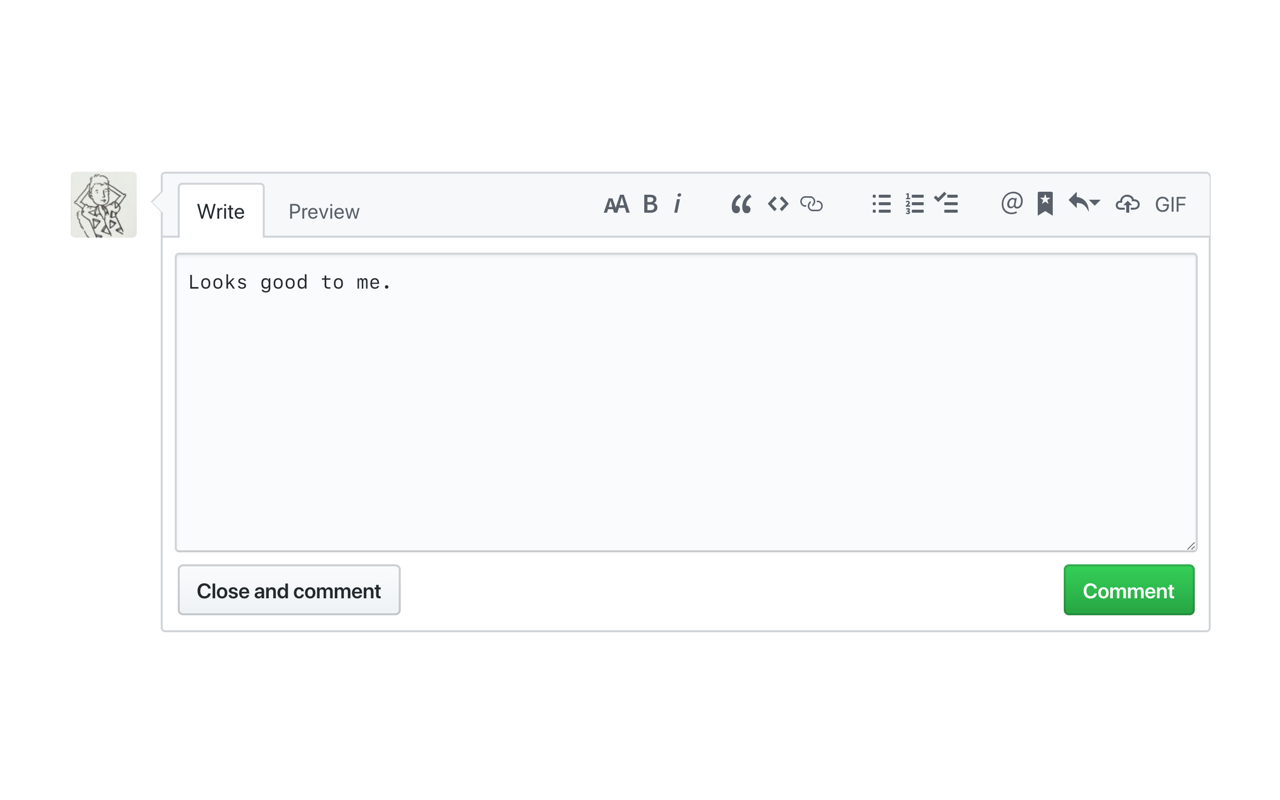
Easily search GIPHY to add a GIF into any Github comment box.
<all_urls>),意味着它可以读取你在任意站点的页面内容,包括已登录的页面。这是许多扩展正常工作的必要条件,但也值得你确认来源可信。
截图
简介
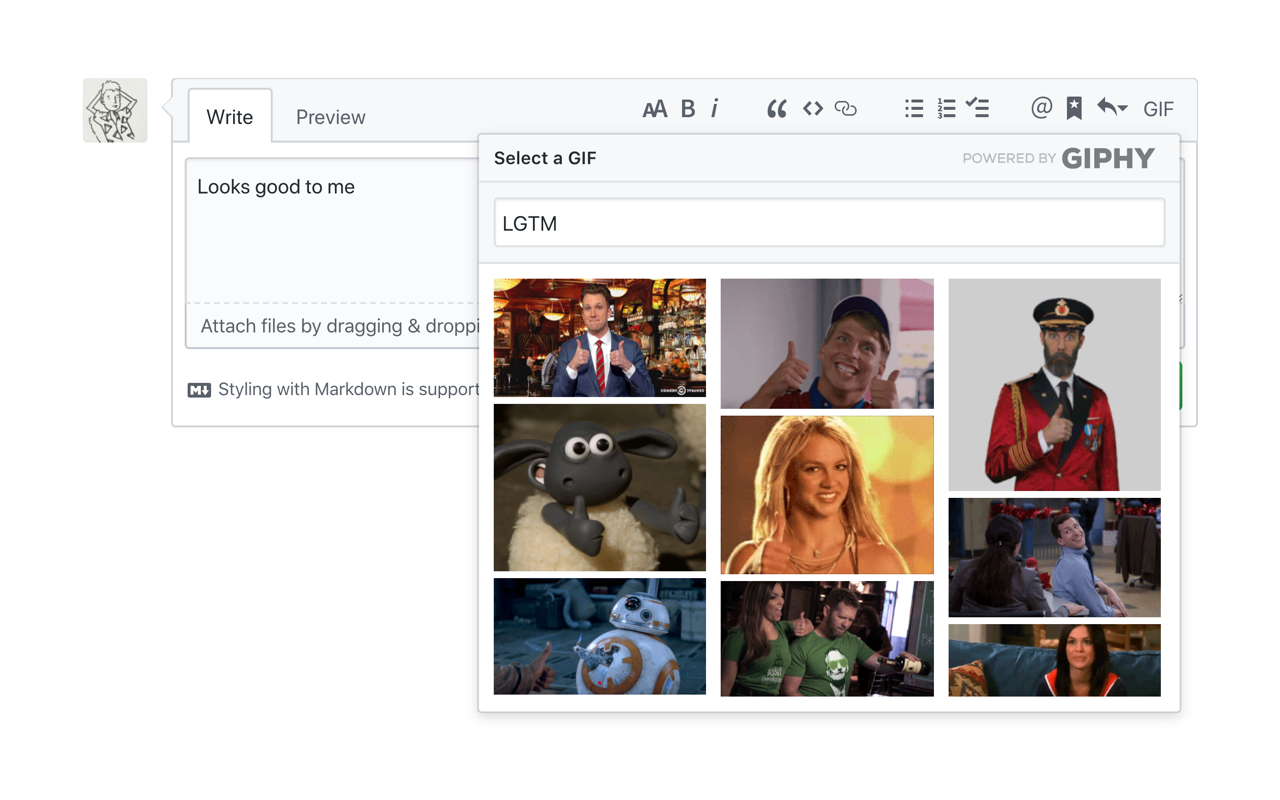
Do you simply *need* GIFs to express yourself in GitHub? All those pull requests, code reviews, issues, and comments... wouldn't life be easier if you could just search and add a GIF in the click of a button? Well, look no further. Now you can search GIPHY straight from any comment box in GitHub, and add a GIF to your wordy masterpiece in a matter of seconds. No more trying to find a GIF that's under 10MB, no more manual tab opening and searching, no more writing your own markdown — just living your best GIF life.
How does it work?
- Click the GIF button in the top right of your comment box
- A GIPHY dropdown will appear on-screen so you can search for your purrfect GIF
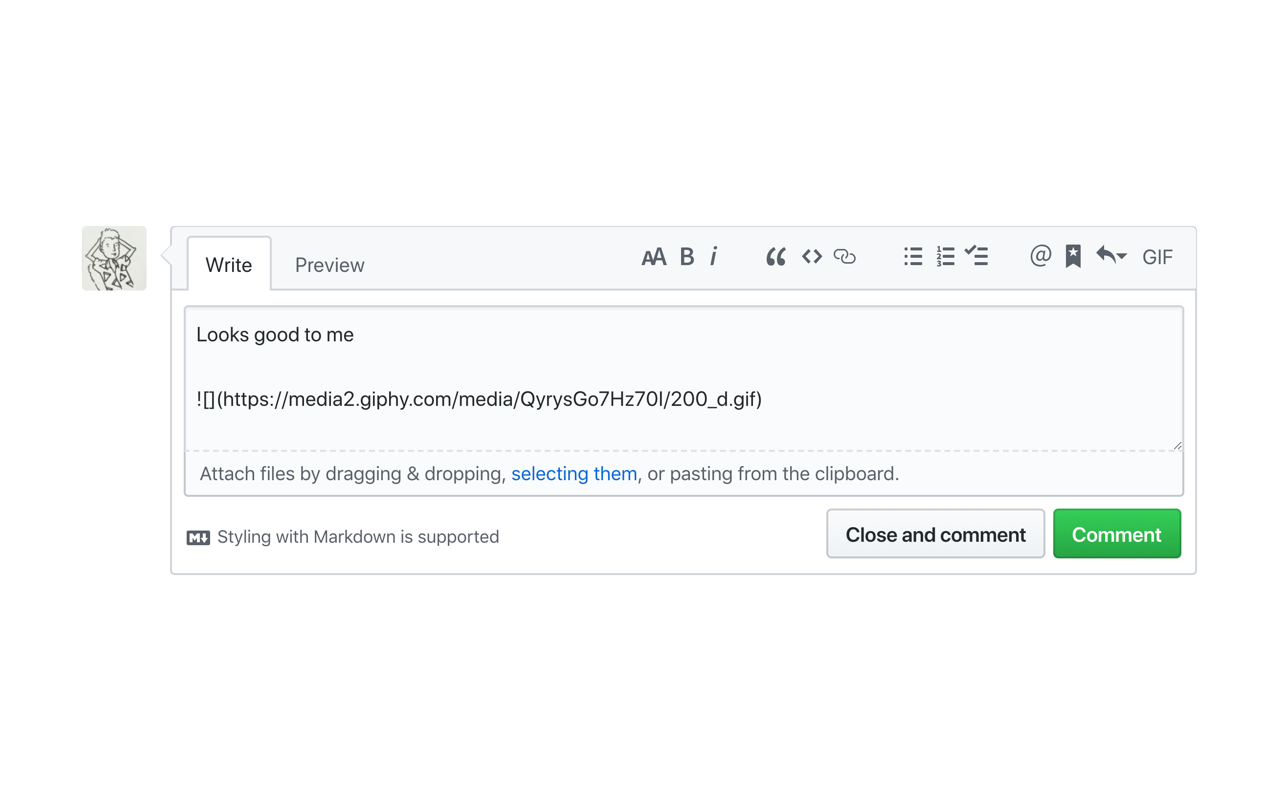
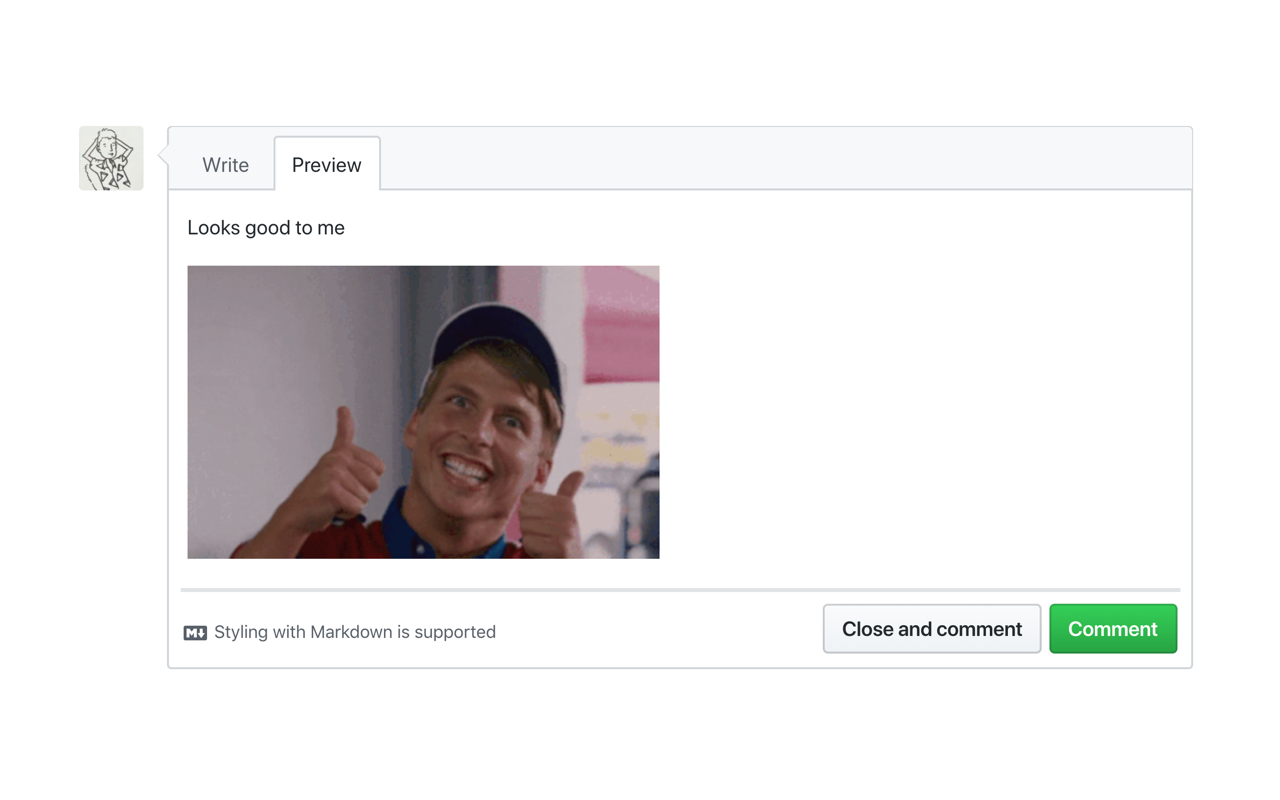
- Select your GIF, and it will appear wherever your cursor is in the text box
- You're done! Send away
See the website for more info.
GIFs for GitHub 是做什么的
GIFs for GitHub 是一款面向 Firefox 的开发者工具类扩展,主要用来调试页面、查看样式与请求、测试接口、辅助前端开发。官方对它的介绍是:Easily search GIPHY to add a GIF into any Github comment box.在Firefox 附加组件商店(AMO)上,它当前版本 26.10.16,评分 5(18 人评价),约 383 名用户。
适合什么人用
从功能定位看,GIFs for GitHub 更适合前端工程师、测试与需要经常查看页面结构的用户。如果你平时只是偶尔遇到相关需求,用浏览器自带功能也能凑合;但如果这件事每天都发生,装一个专门处理它的扩展通常比手动操作省事得多。需要注意的是它作用于所有网站,装上后建议先观察一两天,确认不影响常用站点的正常使用。
怎么安装 GIFs for GitHub
- 打开Firefox 附加组件商店(AMO)上的官方页面;
- 点「添加到浏览器」并确认权限提示;
- 装好后在扩展列表里固定图标,方便随时开关。
本站只做索引与介绍,安装包来自官方商店。如果商店页面提示当前地区不可用,说明该扩展未在你所在区域上架。
常见问题
GIFs for GitHub 是免费的吗?
GIFs for GitHub 在Firefox 附加组件商店(AMO)免费提供下载。它是浏览器扩展,装上就能直接用,不需要注册账号。
GIFs for GitHub 安全吗?
它只申请了 0 项权限,范围比较克制,没有申请「读取所有网站数据」这种大权限。
GIFs for GitHub 支持哪些浏览器?
当前收录的版本来自Firefox 附加组件商店(AMO),适用于 Firefox。同一个扩展在其他商店可能有对应版本,但功能与版本号不一定相同。
怎么卸载 GIFs for GitHub?
在扩展管理页找到 GIFs for GitHub,点移除即可。它在本地保存的设置会一起清掉,不会残留数据。
权限清单 来自 manifest.json 原文
站点访问(可选) 3
<all_urls>http://*/*https://*/*
接口权限 4
activeTabcontextMenusscriptingstorage