
Elink - Bookmark Manager EN
elink · Firefox
Best visual bookmarker for creating content for your Gmail Newsletters, HTML Newsletters, Website/Blog and Social bio links.
<all_urls>),意味着它可以读取你在任意站点的页面内容,包括已登录的页面。这是许多扩展正常工作的必要条件,但也值得你确认来源可信。
截图
简介
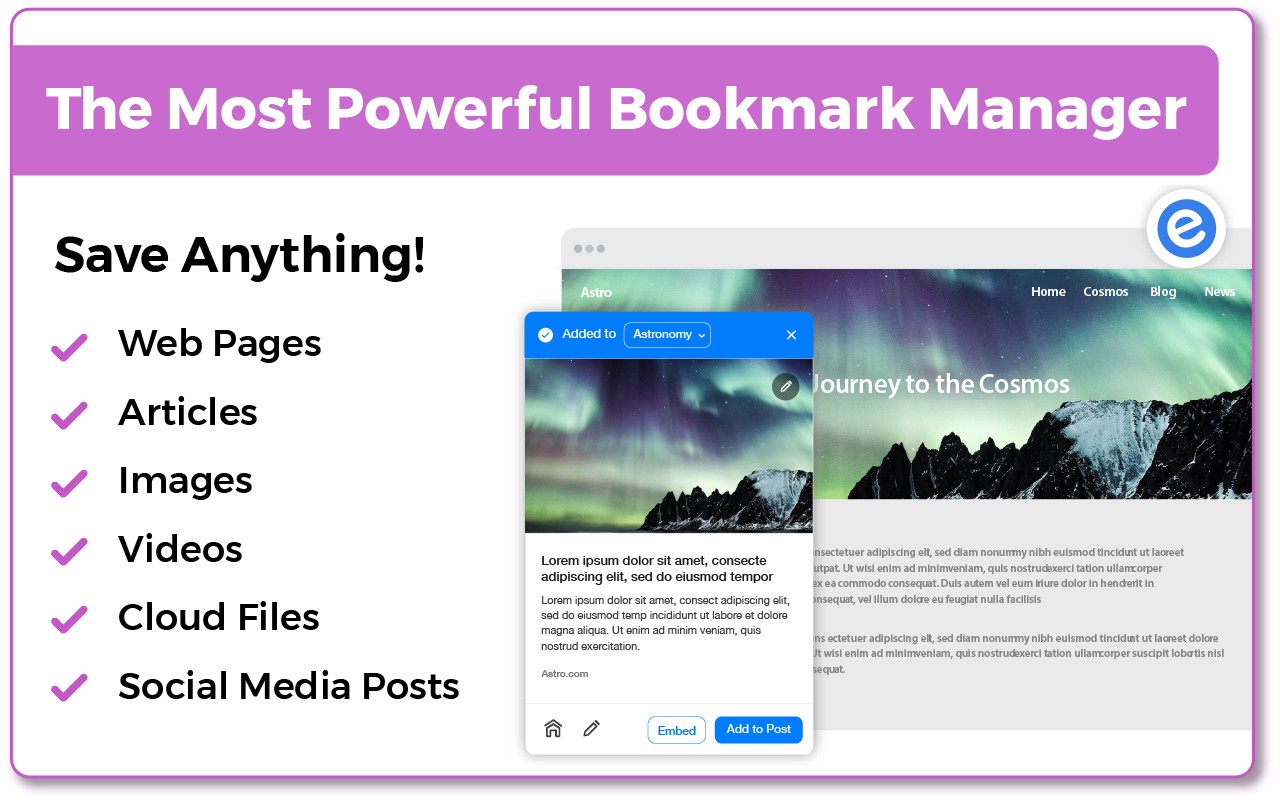
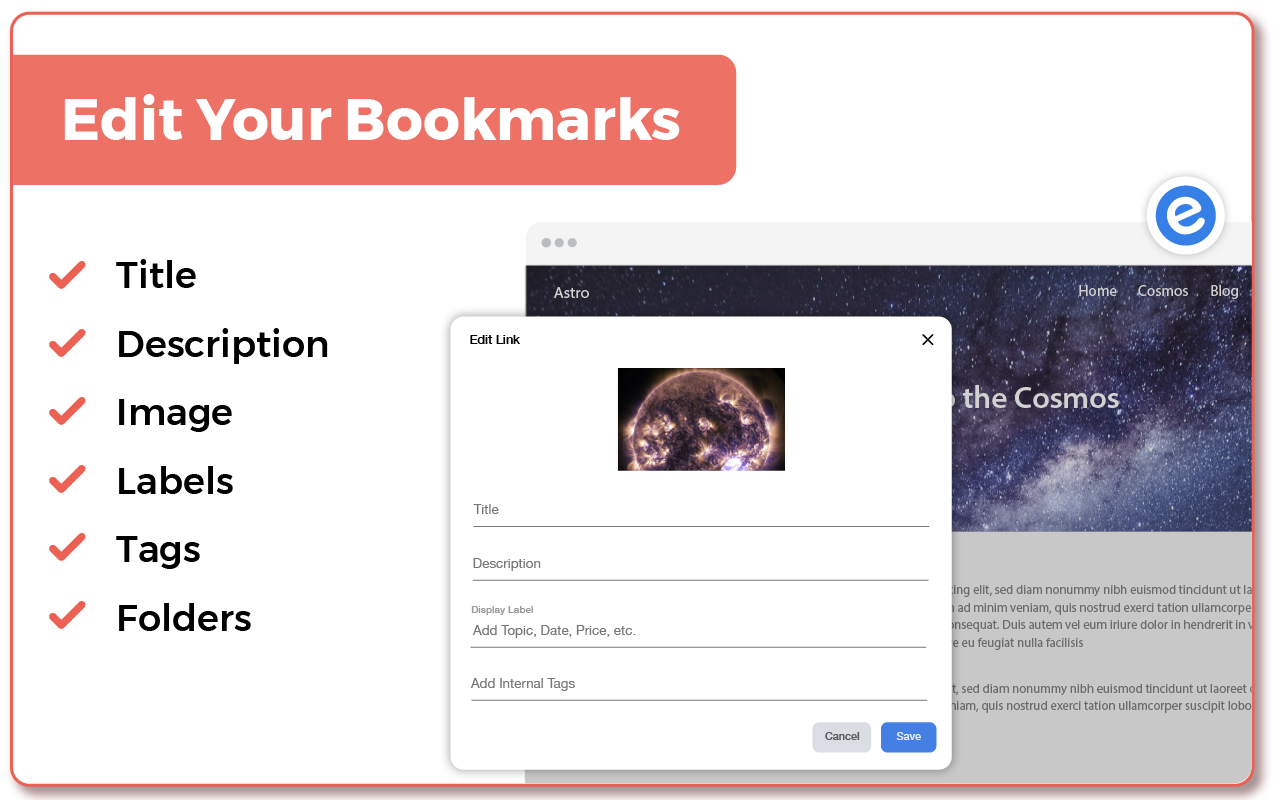
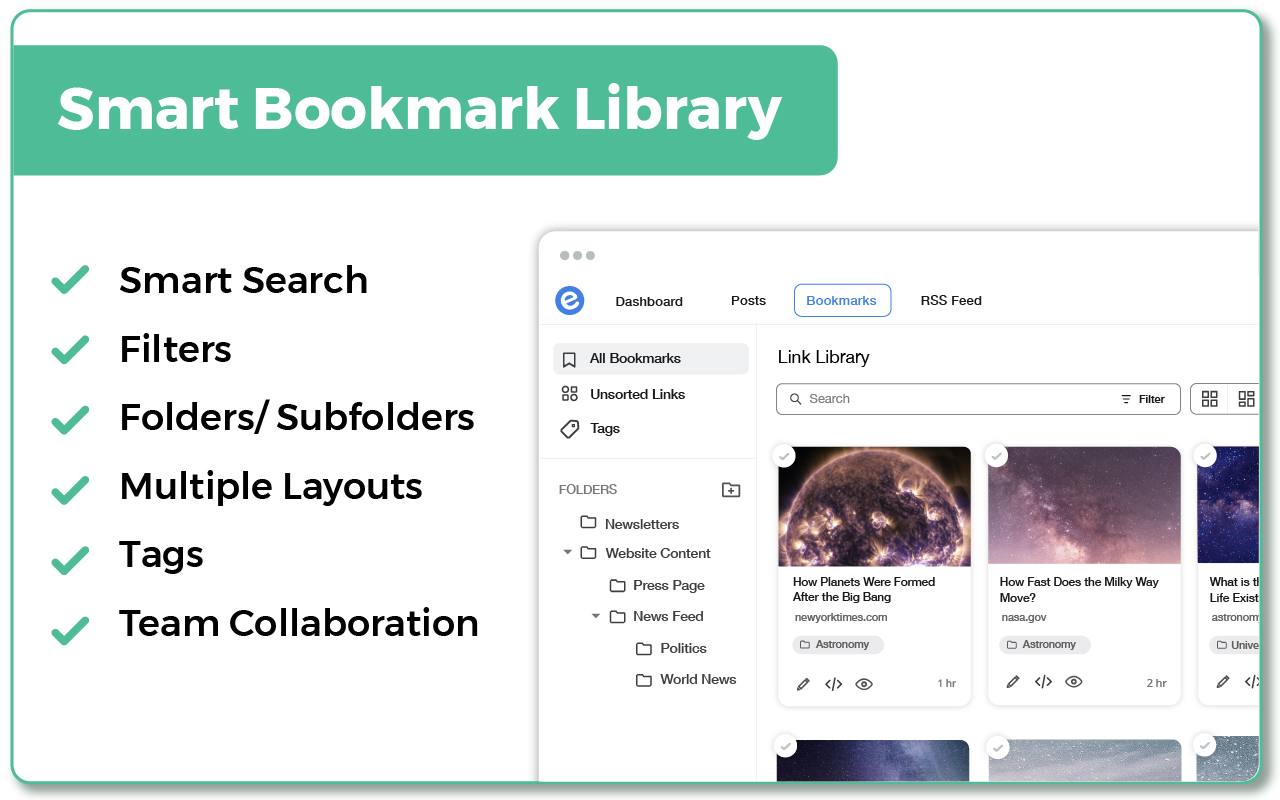
Elink bookmarks extension for Firefox is the best bookmarking tool for saving and organizing visual bookmarks in one central library. When you save a bookmark or a link you can can select an image, capture a screenshot or upload your own image. You can edit the title and description to add your own voice or notes and even bundle links together and share your link collection with others.
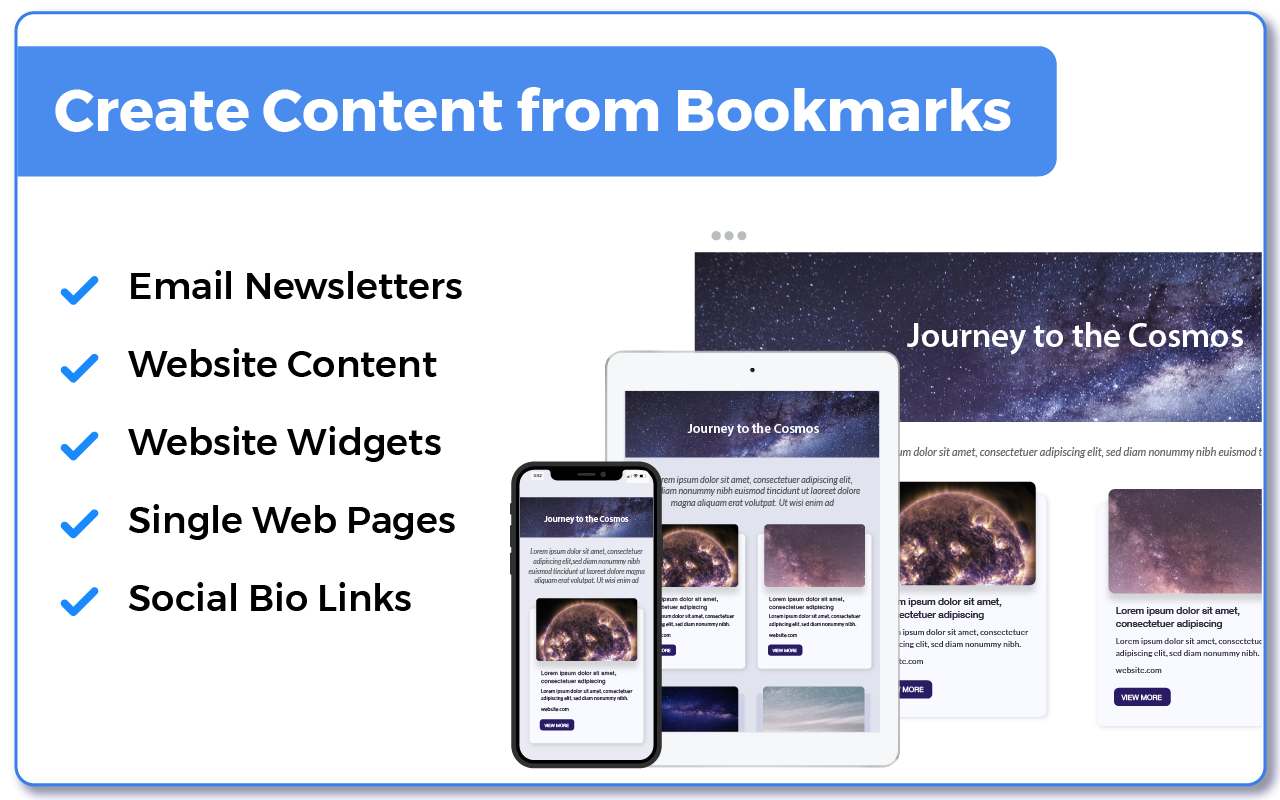
More than 70,000 users use elink everyday to collect and share digital information professionally. From these bookmarks you can create beautiful Gmail newsletters, HTML newsletters, content for your websites and blogs, Social bio links and more. Elink bookmarking tool is a must for everyone.
---------------------------------------------
elink Bookmark Features:
---------------------------------------------
• Simple - Right-click on any web page, link or image and save it as a bookmark with elink’s Firefox Extension. It’s a fast and easy way to collect and organize your bookmarks while you browse.
• Multiple Templates– elink lets you choose from a variety of beautiful templates with single and grid style layouts to display your bookmarks.
• Real-Time Editing – Quickly edit or update any information you have published on the page from your elink dashboard, and it will update in real-time.
• Unlimited elinks - There are no limits to how many elink web pages and newsletters you can create.
• Analytics – You can track engagement levels, referral sources and the location of your audience for each of your elinks.
• Responsive Templates – Our responsive templates make your web page, newsletter, and website embed look great on all devices. Display your bookmarks professionally when sharing with others.
• Bookmark Any Web Content – elink’s powerful tool allows you to curate and share any online content that has a link. Which includes videos, webinars, podcasts articles, pictures, infographics, PDF’s, Google Docs, Dropbox files and more. You can pretty much bookmark anything on the web.
-------------------------------------------------------
How Does elink’s Bookmarking Extension Work?
-------------------------------------------------------
Use elink’s bookmarks icon or right click your mouse to collect any type of web content. You can right-click on any web page, link or image and save it as a bookmark with elink’s Firefox Extension. It’s a fast and easy way to collect and organize anything while you browse! Don’t just save bookmarks for yourself anymore, start collecting and sharing them with your customers, teammates, followers or whoever your audience is.
--------------------------------------------------
What kind of bookmarks can I save?
--------------------------------------------------
• Websites
• Articles
• Videos (YouTube, Vimeo, Ted, etc.)
• Slideshares
• Google Docs
• Dropbox Files
• PDF’s
• Images
• Any content with a weblink can be saved and shared with elink!
• You can even create image galleries by bookmarking photos from your google drive, dropbox etc.
--------------------------------------------------------------
How do I use elink bookmarks to create email newsletters:
--------------------------------------------------------------
Creating email newsletters can be time-consuming. With elink you can quickly curate and turn your elinks into email newsletters in minutes. Simply collect links around any topic and export them to Gmail, MailChimp or copy and paste the HTML code to your 3rd party email platform. elink works with nearly every email provider. You never have to worry about the design of your newsletter and can easily switch between various newsletter templates with a simple click of a button. Share the best online resources, products, tools, videos, news articles and much more with your audience. Curated email newsletters are a fantastic way to communicate with your clients, teammates, and followers. Catch their attention with a stunning email newsletter that you can send in minutes! It’s the fastest way to create a email newsletter on the planet. Elink bookmarks Firefox extension makes it a breeze to save and organize your content for the newsletters while you browse the web.
----------------------------
Can I use elink for content curation?
----------------------------
elink is probably the best tool for your content curation needs. Content curation in simply terms means finding the best content online and then sharing it with your audience in a professional manner. With elink you can save your bookmarks and curate content on the go.
There are tons of content curation tools out there However, there are some key features you must look for when choosing the right platform:
How easy to use is the content curation tool?
How is the curated content presented?
Can you add your notes to the content you're curating?
How can you share your curated content?
The ease of use and the ability to present content in various formats makes elink the best content curation tool for any industry.
----------------------------
Who can use elink bookmarks for curation?
----------------------------
elink.io is great content curation for any industry – tech, retail, finance, health, real-estate, travel, legal, manufacturing, arts, construction, education, agriculture, governments, etc.
elink.io is great for content curation nearly in every profession: marketers, management, techies, brokers, administrators, human resources, accountants, lawyers, educators, engineers, insurance agents, etc.
Even though <a href="https://prod.outgoing.prod.webservices.mozgcp.net/v1/46e3aa6a8452904d8235d0618e9b7bad112469a2573d5e6c3e2ea78fe45266f4/http%3A//elink.io" rel=…
Elink - Bookmark Manager 是做什么的
Elink - Bookmark Manager 是一款面向 Firefox 的资讯订阅类扩展,主要用来订阅 RSS、聚合新闻、跟踪博客更新。官方对它的介绍是:Best visual bookmarker for creating content for your Gmail Newsletters, HTML Newsletters, Website/Blog and Social bio links.在Firefox 附加组件商店(AMO)上,它当前版本 3.1.1,评分 2.8(10 人评价),约 83 名用户。
适合什么人用
从功能定位看,Elink - Bookmark Manager 更适合想摆脱算法推荐、自己掌控信息源的用户。如果你平时只是偶尔遇到相关需求,用浏览器自带功能也能凑合;但如果这件事每天都发生,装一个专门处理它的扩展通常比手动操作省事得多。需要注意的是它作用于所有网站,装上后建议先观察一两天,确认不影响常用站点的正常使用。
怎么安装 Elink - Bookmark Manager
- 打开Firefox 附加组件商店(AMO)上的官方页面;
- 点「添加到浏览器」并确认权限提示;
- 装好后在扩展列表里固定图标,方便随时开关。
本站只做索引与介绍,安装包来自官方商店。如果商店页面提示当前地区不可用,说明该扩展未在你所在区域上架。
常见问题
Elink - Bookmark Manager 是免费的吗?
Elink - Bookmark Manager 在Firefox 附加组件商店(AMO)免费提供下载。它是浏览器扩展,装上就能直接用,不需要注册账号。
Elink - Bookmark Manager 安全吗?
它只申请了 0 项权限,范围比较克制,没有申请「读取所有网站数据」这种大权限。
Elink - Bookmark Manager 支持哪些浏览器?
当前收录的版本来自Firefox 附加组件商店(AMO),适用于 Firefox。同一个扩展在其他商店可能有对应版本,但功能与版本号不一定相同。
怎么卸载 Elink - Bookmark Manager?
在扩展管理页找到 Elink - Bookmark Manager,点移除即可。它在本地保存的设置会一起清掉,不会残留数据。
权限清单 来自 manifest.json 原文
站点访问 4
*://*/*<all_urls>http://*/*https://*/*
接口权限 3
activeTabcontextMenustabs