
Dragon Bookkeeper EN
dragcavelivingpediahelper · Firefox
Keeps track of progress in Dragcave.net and helps you identify eggs you many need to complete a full scroll.
截图
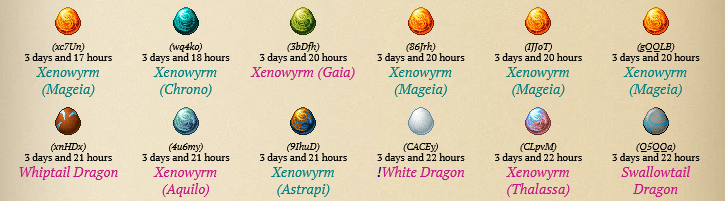

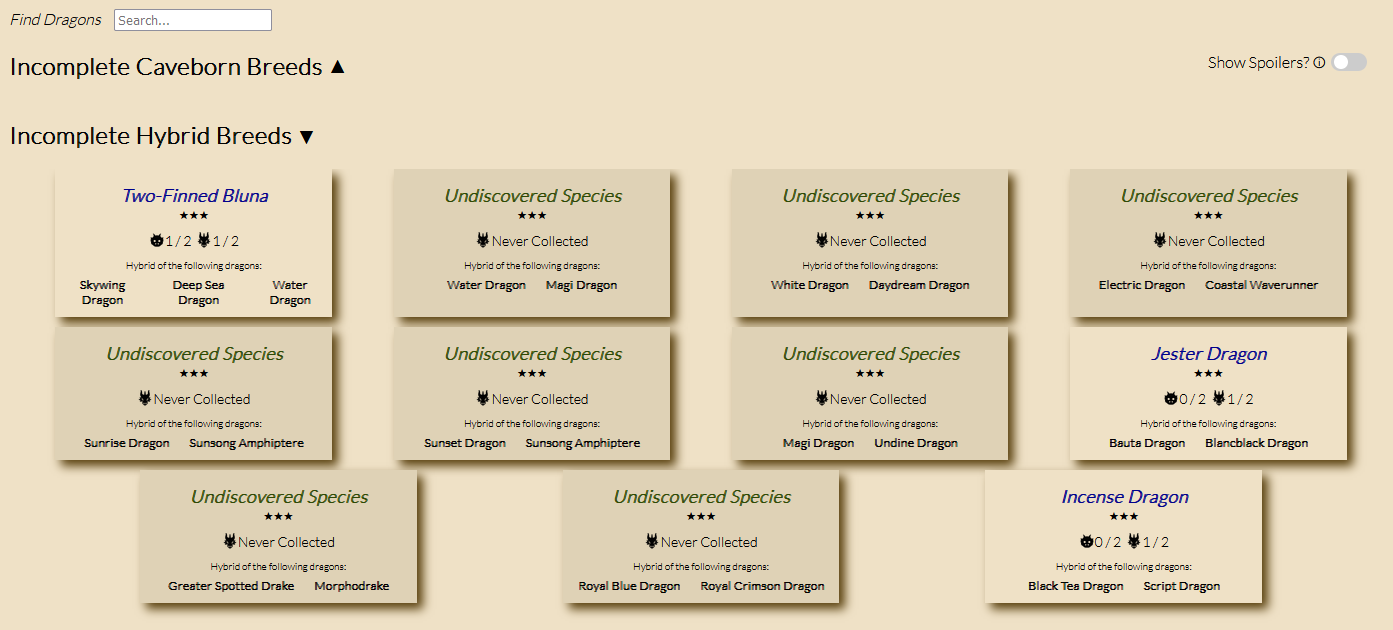
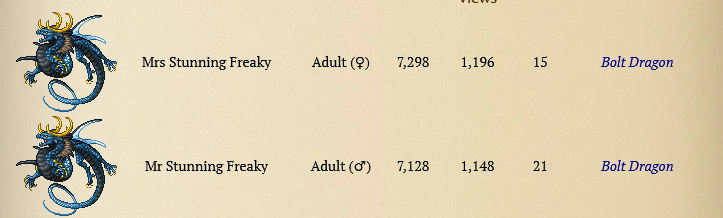
简介
Want to complete a "living dex" on your dragcave scroll? Tired of scrolling through pages of wikis and memorizing or writing down 300+ species including obscure sprites. This will let you know, at a glance, the names of the dragons you're missing as well as your progress in your current collection for each species. Currently it's the only tool capable of performing this task.
This extension will add labels with the names of dragons you own and are currently collecting. These labels have colors that distinguish their current collection status and can also be hovered to give more detailed information on that breed, including their variants, breeding mechanics and existing hybrids.
Also includes a summary page which lists all breeds and lets you keep everything spoiler free if you so desire until you have collected the breed before.
We try to update quickly upon new releases.
There is now a chrome version on their Web Store.
Dragon Bookkeeper 是做什么的
Dragon Bookkeeper 是一款面向 Firefox 的游戏娱乐类扩展,主要用来增强游戏社区功能、显示额外数据。官方对它的介绍是:Keeps track of progress in Dragcave.net and helps you identify eggs you many need to complete a full scroll.在Firefox 附加组件商店(AMO)上,它当前版本 0.9.3,评分 4(6 人评价),约 50 名用户。
适合什么人用
从功能定位看,Dragon Bookkeeper 更适合游戏玩家与游戏社区常客。如果你平时只是偶尔遇到相关需求,用浏览器自带功能也能凑合;但如果这件事每天都发生,装一个专门处理它的扩展通常比手动操作省事得多。
怎么安装 Dragon Bookkeeper
- 打开Firefox 附加组件商店(AMO)上的官方页面;
- 点「添加到浏览器」并确认权限提示;
- 装好后在扩展列表里固定图标,方便随时开关。
本站只做索引与介绍,安装包来自官方商店。如果商店页面提示当前地区不可用,说明该扩展未在你所在区域上架。
常见问题
Dragon Bookkeeper 是免费的吗?
Dragon Bookkeeper 在Firefox 附加组件商店(AMO)免费提供下载。它是浏览器扩展,装上就能直接用,不需要注册账号。
Dragon Bookkeeper 安全吗?
它只申请了 0 项权限,范围比较克制,没有申请「读取所有网站数据」这种大权限。
Dragon Bookkeeper 支持哪些浏览器?
当前收录的版本来自Firefox 附加组件商店(AMO),适用于 Firefox。同一个扩展在其他商店可能有对应版本,但功能与版本号不一定相同。
怎么卸载 Dragon Bookkeeper?
在扩展管理页找到 Dragon Bookkeeper,点移除即可。它在本地保存的设置会一起清掉,不会残留数据。
权限清单 来自 manifest.json 原文
接口权限 1
storage