
Custom Video Speed for YouTube™ EN
Thomas Povinelli · Firefox
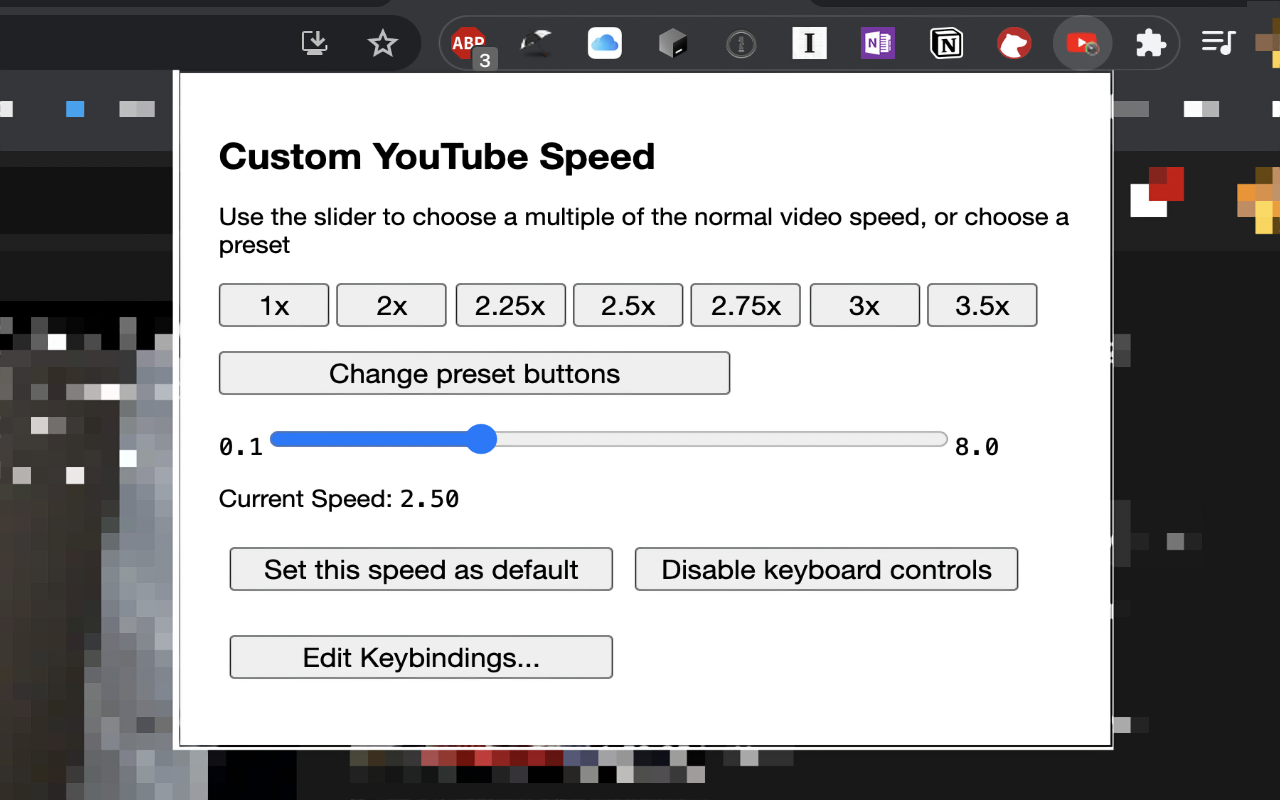
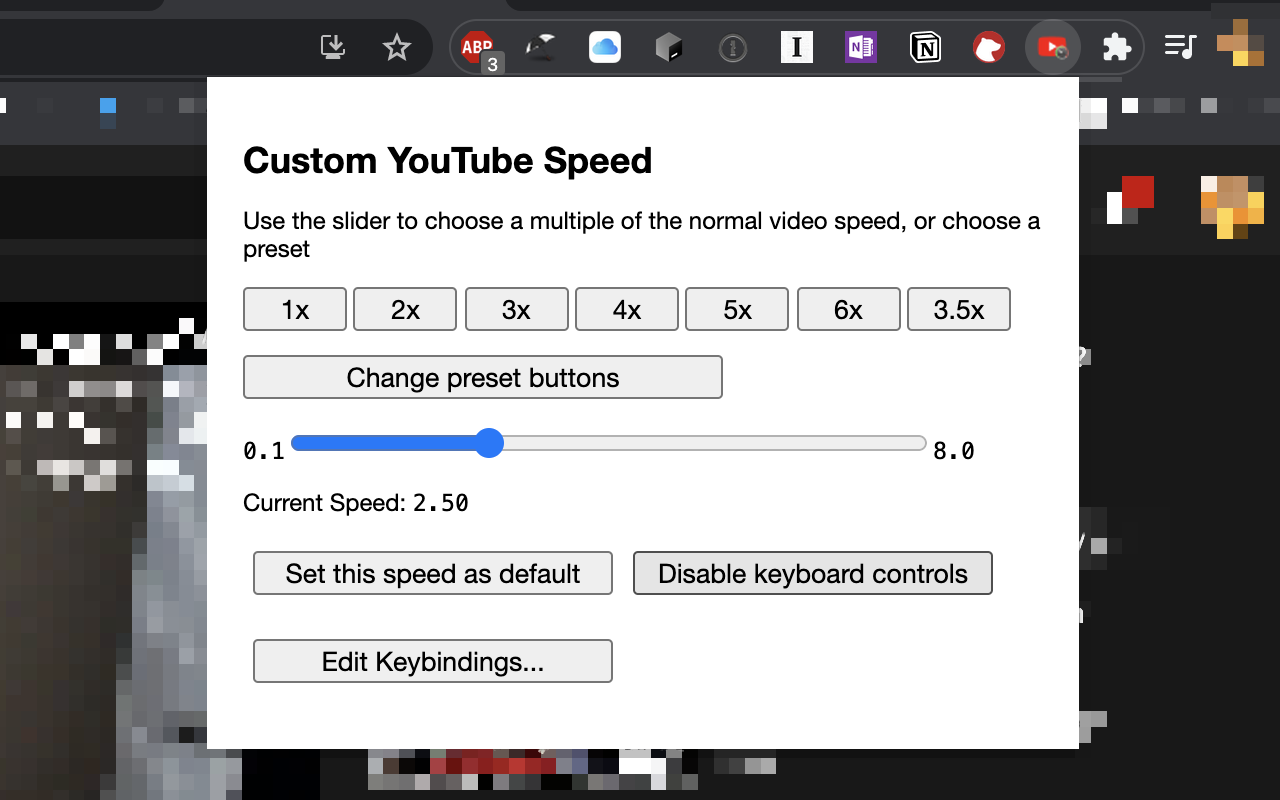
change the current & default speed of YouTube™ videos by steps of 0.1 from 0.1 up to 8.0 using sliders, buttons, and/or the keyboard
截图

简介
7.1.0 BUG FIX UPDATE!
Fixed an issue where a user could not save their options on the preferences page. Also getting ready for manifest v3. This should not affect the users of the extension at all, but manifest v3 is the next version of the WebExtensions API and will be current for Firefox soon.
7.0.0 Update!
The extension will now ignore your key presses if you are typing in a text box! You can finally write comments with punctuation without having it mess with your speed settings. You can turn on the old behavior if you would like in the options page.
6.1.3 Update!
Changed name and description to comply with Google's guidelines
6.1.2 UPDATE!
Changed icon to comply with guidelines
6.1.1 UPDATE!
Replaced Icon due to guidelines
6.1.0 UPDATE!
Contributions from @jclaveau on GitHub to enable features in embedded YouTube™s and iframes from YouTube™.
6.0.0 UPDATE!
This is a breaking change. In an effort to make the extension work as closely as possible to how it was in 5.1.0 provided no options are changed, the following things were done
1. 'keypress' was changed to 'keydown' this due to how macOS reports codes in keypress. This should be transparent to the users
2. The options page no longer uses `keyCode` it now uses `key`. `keyCode` is deprecated and inconsistent between platforms and more opaque to use.
3. `event.preventDefault()` is now an option and no longer forced on. Not calling preventDefault() is the old behavior of 5.1.0 so this decision is so that the extension more closely works like 5.1.0 if no key bindings are changed
This will make the extension act more like it did before 5.2.0. It does however break the keyboard shortcuts that people might have set until now
5.2.0 UPDATE!
NEW FEATURE: Change the keyboard shortcuts for the app! You can now change the keys that control the extension. Below (in the description) you can see the default keys used to control the extension. You can use the new options page to change which keys do what. There is also (though there has been for a while) the option to disable keyboard controls entirely if you prefer.
---
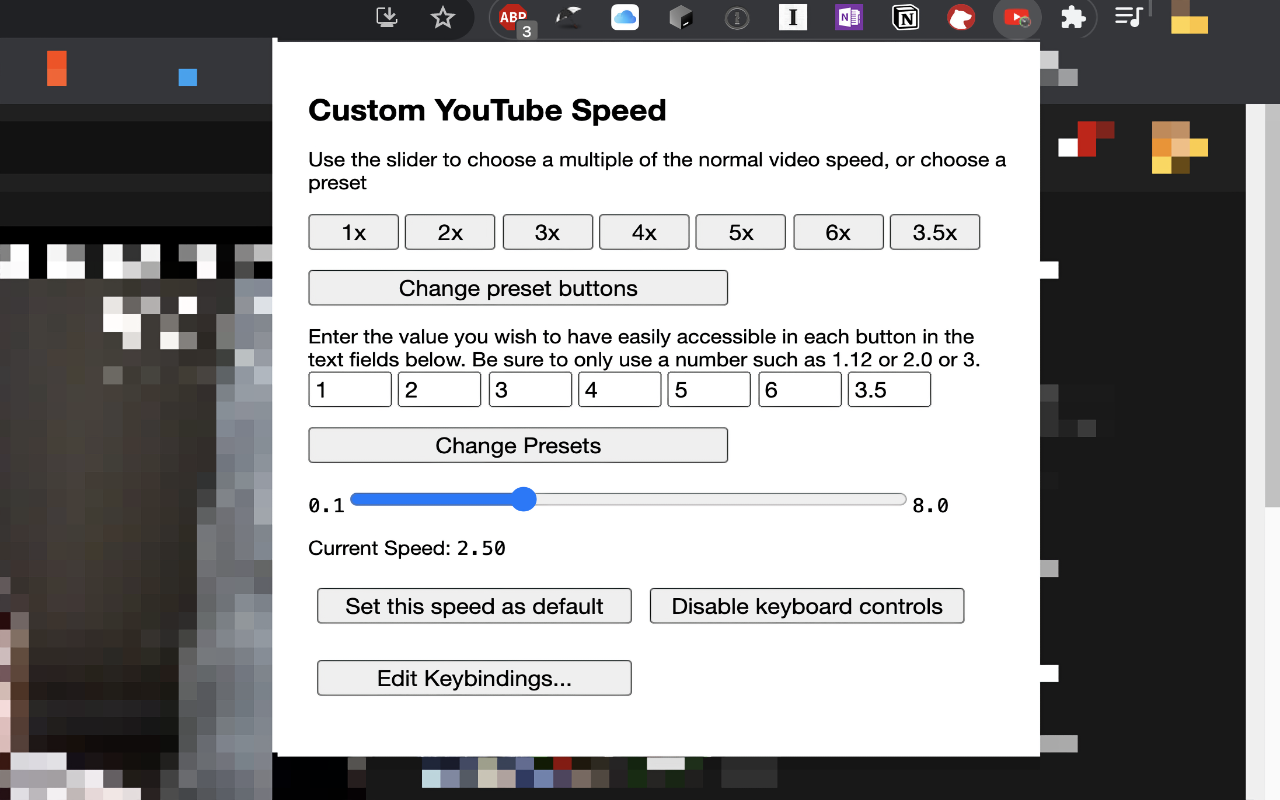
In 5.1.0: This update has all of your favorite features of the last update PLUS now you can change the values of the buttons in the extension to whatever value you want so you have easy access to your favorite speed settings.
---
RECENTLY UPDATED!!! BUGS FIXED!! I noticed that when ads play it resets the speed the video. I have added a mechanism that ensures the speed is always moving at the current setting when the video is playing even after an ad interrupts it!!
---
This extension lets you change the speed of YouTube™ videos in a more granular way than the default options in the player. The player on YouTube let's you change the speed to 0.25x, 0.5x, 0.75x, 1x, 1.25x, 1.5x, 1.75x, and 2.0x the normal speed. This extension lets you change the speed of playback to between 0.1x to 8.0x normal speed by steps of 1.0, 0.5, 0.1, or 0.05.
Once you find a speed you like, you can also save it as the default speed which all YouTube™ videos will play at when opening.
You can also program up to 7 "preset speeds" that allow you to simply click a button and set the speed of the YouTube™ video to your stored preset.
By default this extension adds a the ability to control the speed of a YouTube™ video and some playback with keyboard shortcuts.
The '+' and '-' keys to change the speed by 0.1 and to the '*' and '/' keys change the speed in increments of 1.0.
If you hold shift while pressing these, '+' and '-' move in steps of 0.05 and '*' and '/' move in steps of 0.5.
It also assigns '`' to reset the speed to 1.0x normal speed.
Finally, it uses '[' and ']' to move through the video in time steps proportional to the speed of the video, rather than in increments of 5 or 10 seconds.
These shortcuts *can* be disabled on demand if you prefer not to have them and can be re-enabled at any time
I made this extension for fun and because it really made my YouTube experience better. I published it because I thought it might be useful for other people as well. I cannot promise every single YouTube™ page and video will work perfectly with this extension. YouTube™ has a lot of places like gaming, educational playlists, livestreams, etc.
This extension is open source on GitHub (see website) link, and I am open to suggestions, issues, and fixes but I cannot make any promises about what I will do with those things if i receive them.
Custom Video Speed for YouTube™ 是做什么的
Custom Video Speed for YouTube™ 是一款面向 Firefox 的实用工具类扩展,主要用来解决浏览器里某类具体的小问题。官方对它的介绍是:change the current & default speed of YouTube™ videos by steps of 0.1 from 0.1 up to 8.0 using sliders, buttons, and/or the keyboard在Firefox 附加组件商店(AMO)上,它当前版本 7.1.0,评分 4.73(11 人评价),约 322 名用户。
适合什么人用
从功能定位看,Custom Video Speed for YouTube™ 更适合想补上浏览器原生缺失功能的用户。如果你平时只是偶尔遇到相关需求,用浏览器自带功能也能凑合;但如果这件事每天都发生,装一个专门处理它的扩展通常比手动操作省事得多。
怎么安装 Custom Video Speed for YouTube™
- 打开Firefox 附加组件商店(AMO)上的官方页面;
- 点「添加到浏览器」并确认权限提示;
- 装好后在扩展列表里固定图标,方便随时开关。
本站只做索引与介绍,安装包来自官方商店。如果商店页面提示当前地区不可用,说明该扩展未在你所在区域上架。
常见问题
Custom Video Speed for YouTube™ 是免费的吗?
Custom Video Speed for YouTube™ 在Firefox 附加组件商店(AMO)免费提供下载。它是浏览器扩展,装上就能直接用,不需要注册账号。
Custom Video Speed for YouTube™ 安全吗?
它只申请了 0 项权限,范围比较克制,没有申请「读取所有网站数据」这种大权限。
Custom Video Speed for YouTube™ 支持哪些浏览器?
当前收录的版本来自Firefox 附加组件商店(AMO),适用于 Firefox。同一个扩展在其他商店可能有对应版本,但功能与版本号不一定相同。
怎么卸载 Custom Video Speed for YouTube™?
在扩展管理页找到 Custom Video Speed for YouTube™,点移除即可。它在本地保存的设置会一起清掉,不会残留数据。
权限清单 来自 manifest.json 原文
接口权限 1
storage