
Mateus EN
Mateus Melo · Firefox
Gives cstimer.net a plus!
截图

简介
Gives csTimer a plus!
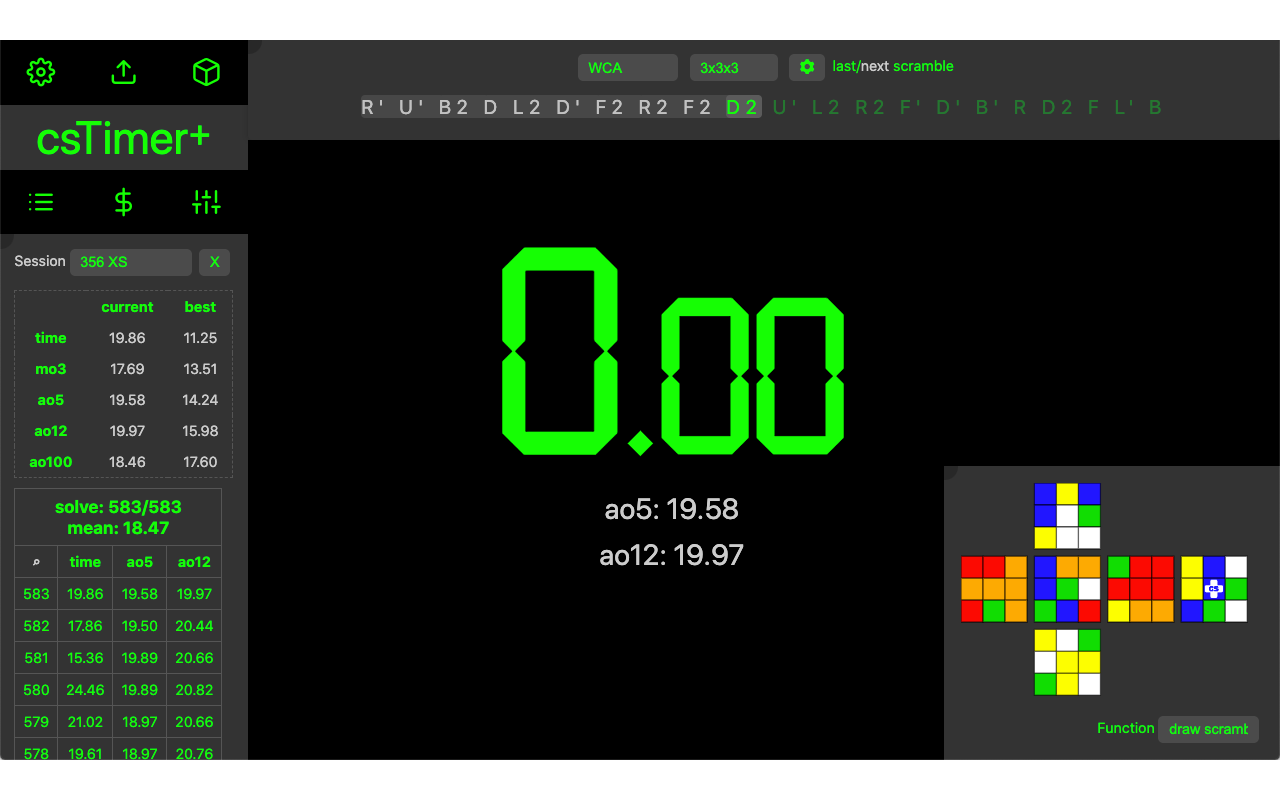
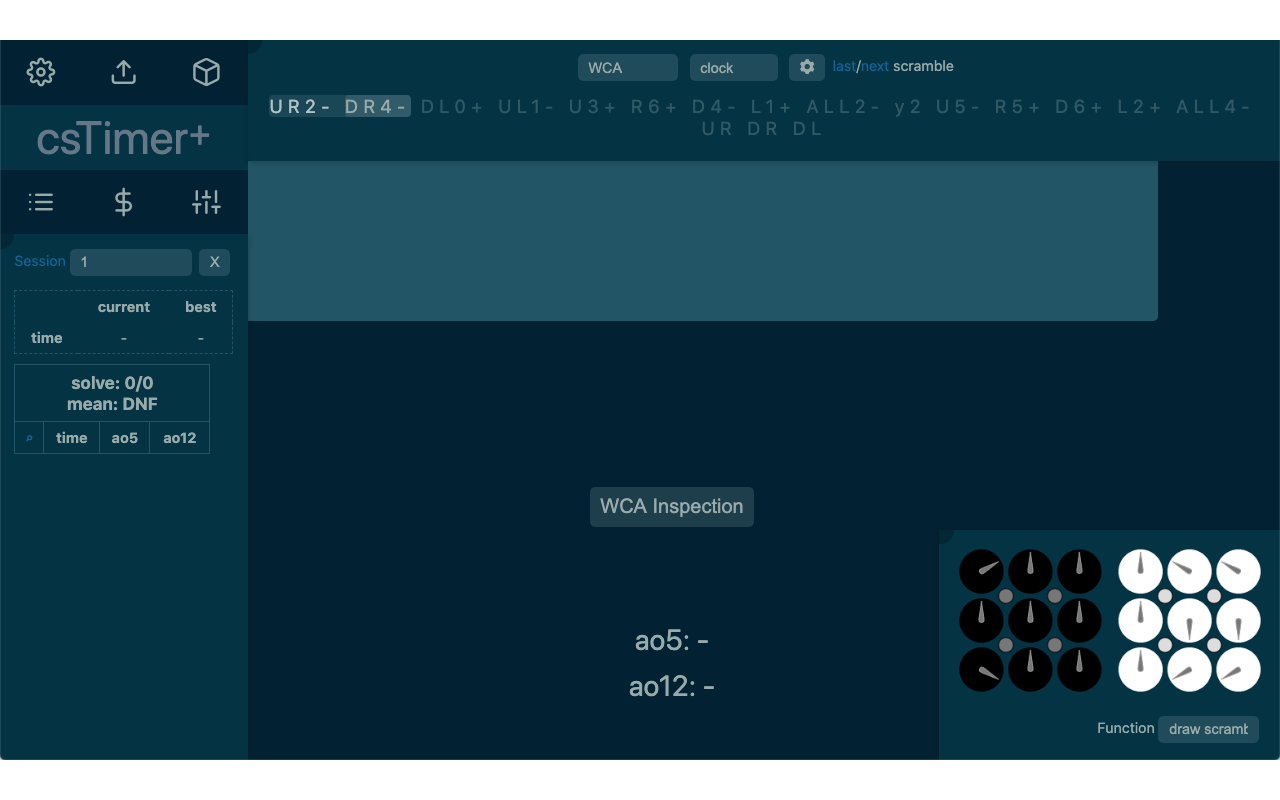
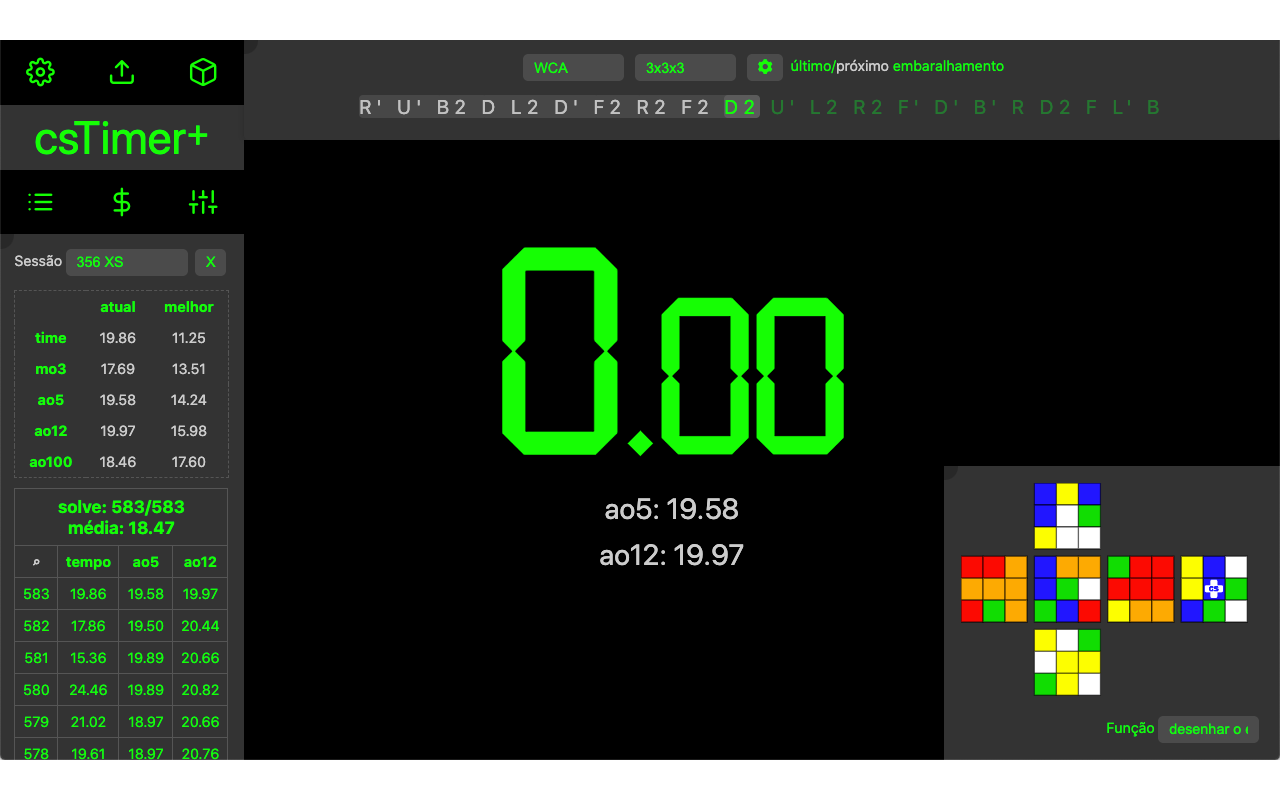
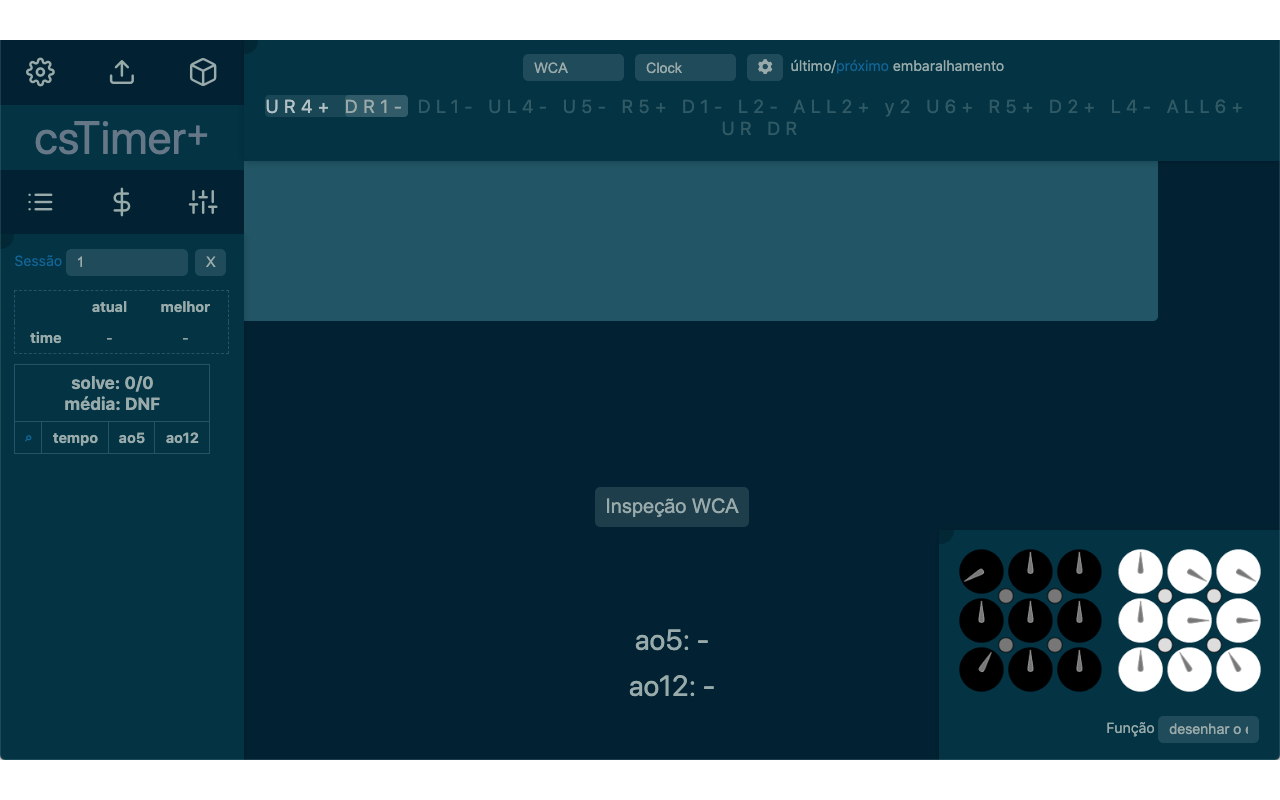
With this extension, you'll be able to enjoy csTimer like never before! Unlock new features like partial scrambles, multi puzzle image view, new inspection voices (currently in portuguese) and a LOT more!
When you're done installing, simply reload the csTimer window and you're set: we wish you great solves!
If you wish to translate this extension to your native language, go to https://github.com/cstimerplus/translate and help us out!
====================== UPDATES ======================
See what's new in v.1.2.7
1- Our limited christmas themes "giftwrap" and "icecube" will debut on December 24th in your local time. Merry Christmas!
2- Added FTO image preview with support for color customization and step-by-step scrambles! This is a courtesy of @euphwes on GitHub!
3- Added a secret code for a brazilian youtuber.
v.1.2.6
1- Added a window to redeem secret codes, by pressing the keys SHIFT + C:
- This feature was designed with content creators in mind, so that they can deliver custom experiences for their fans.
- To celebrate this feature's launch, you can use the code MONO to unlock 2 new color themes!
- Keep an eye on our upcoming updates for more secret codes!
2- Added a preview feature for csTimer's colors while being edited manually.
v.1.2.6.1: small patch to fix a bug where dragging puzzle colors would visually change the theme.
v.1.2.5
1- Added french translation, courtesy of user AlexandreOndet on GitHub!
2- Added a new brazilian voice.
v.1.2.4
1- Changed FTO (Other > FTO) default scramble size from 25 to 30.
2- Fixed the csTimer logo area with plus UI, now having a fixed width in desktop mode.
v.1.2.3
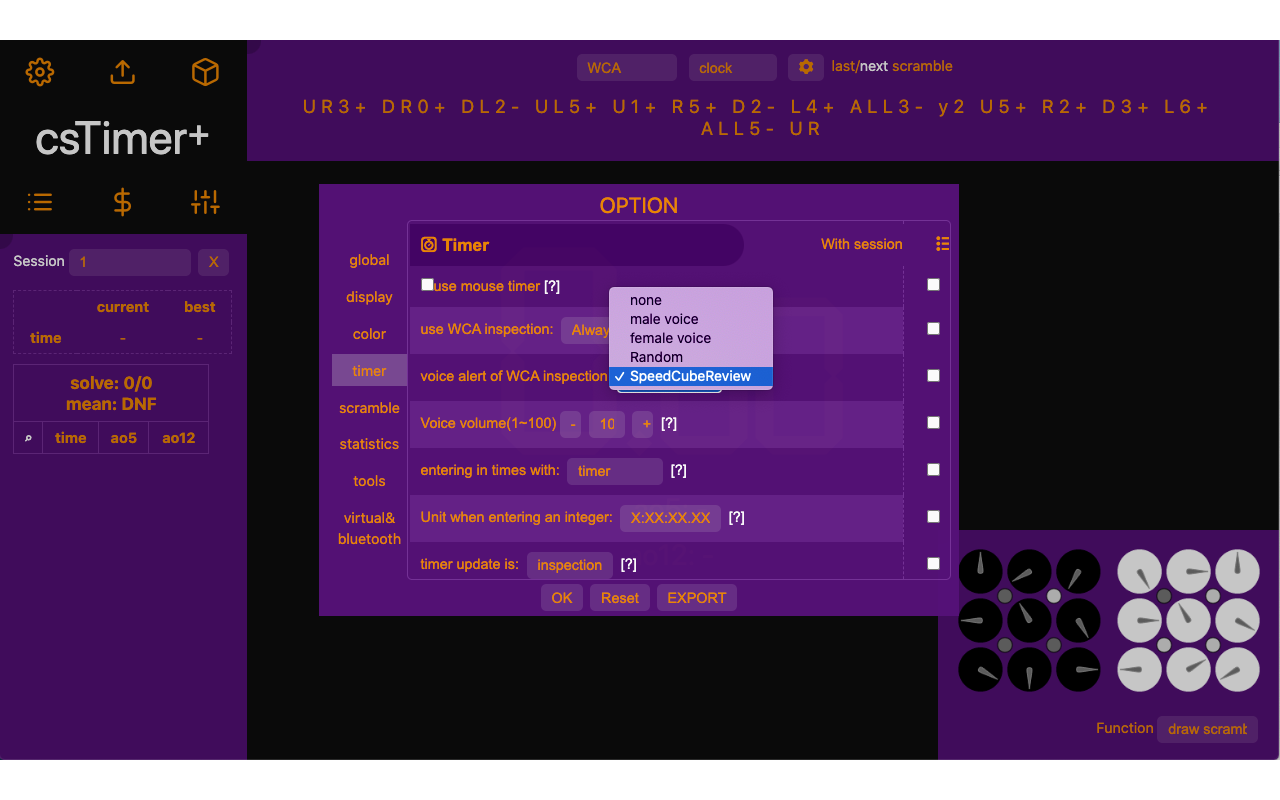
1- Added support for international inspection voices, and we're thrilled to announce that Shawn (SpeedCubeReview), is our first member of the english cast!
2- Added toggles for languages to personalize your inspection voices even further.
3- Added new logo stickers, 2 new brazilian voices and a local theme.
v.1.2.2
1- Reduced UI mode by pressing SHIFT + R.
2- Added a silent mode option for BLD (removes DNF, +2 voices).
3- Added an option to toggle WCA Inspection button in typing mode.
4- Shortcuts for entering times: typing (SHIFT + I), stackmat (SHIFT + S) and normal timer (SHIFT + T)
5- Tweaks and fixes to the UI.
v.1.2.1
1- Added the limited edition Halloween theme, make your csTimer even spookier!
2- Added an option to customize NxN cube logo's.
3- Added Square-2' scramble image (#165) and its color personalization feature!
4- Fixed a bug that rolled back clock's custom colors.
v.1.2.0
1- This is the beginning of our global expansion: from now on, all of our texts can be translated to every language supported by csTimer! Go to https://github.com/cstimerplus/translate if you wish to contribute.
2- UI improvements on windows and icons.
3- Added custom colors support to clock!
Mateus 是做什么的
Mateus 是一款面向 Firefox 的语言辅助类扩展,主要用来划词翻译、语法校对、词典查询。官方对它的介绍是:Gives cstimer.net a plus!在Firefox 附加组件商店(AMO)上,它当前版本 1.3.3,评分 5(5 人评价),约 197 名用户。
适合什么人用
从功能定位看,Mateus 更适合需要阅读外文资料或写英文内容的用户。如果你平时只是偶尔遇到相关需求,用浏览器自带功能也能凑合;但如果这件事每天都发生,装一个专门处理它的扩展通常比手动操作省事得多。
怎么安装 Mateus
- 打开Firefox 附加组件商店(AMO)上的官方页面;
- 点「添加到浏览器」并确认权限提示;
- 装好后在扩展列表里固定图标,方便随时开关。
本站只做索引与介绍,安装包来自官方商店。如果商店页面提示当前地区不可用,说明该扩展未在你所在区域上架。
常见问题
Mateus 是免费的吗?
Mateus 在Firefox 附加组件商店(AMO)免费提供下载。它是浏览器扩展,装上就能直接用,不需要注册账号。
Mateus 安全吗?
它只申请了 0 项权限,范围比较克制,没有申请「读取所有网站数据」这种大权限。
Mateus 支持哪些浏览器?
当前收录的版本来自Firefox 附加组件商店(AMO),适用于 Firefox。同一个扩展在其他商店可能有对应版本,但功能与版本号不一定相同。
怎么卸载 Mateus?
在扩展管理页找到 Mateus,点移除即可。它在本地保存的设置会一起清掉,不会残留数据。
权限清单 来自 manifest.json 原文
未解析到权限条目。