
AWBW Enhancements EN
saltor · Firefox
Replay keyboard shortcuts and moveplanner quality of life enhancements for Advance Wars By Web.
截图
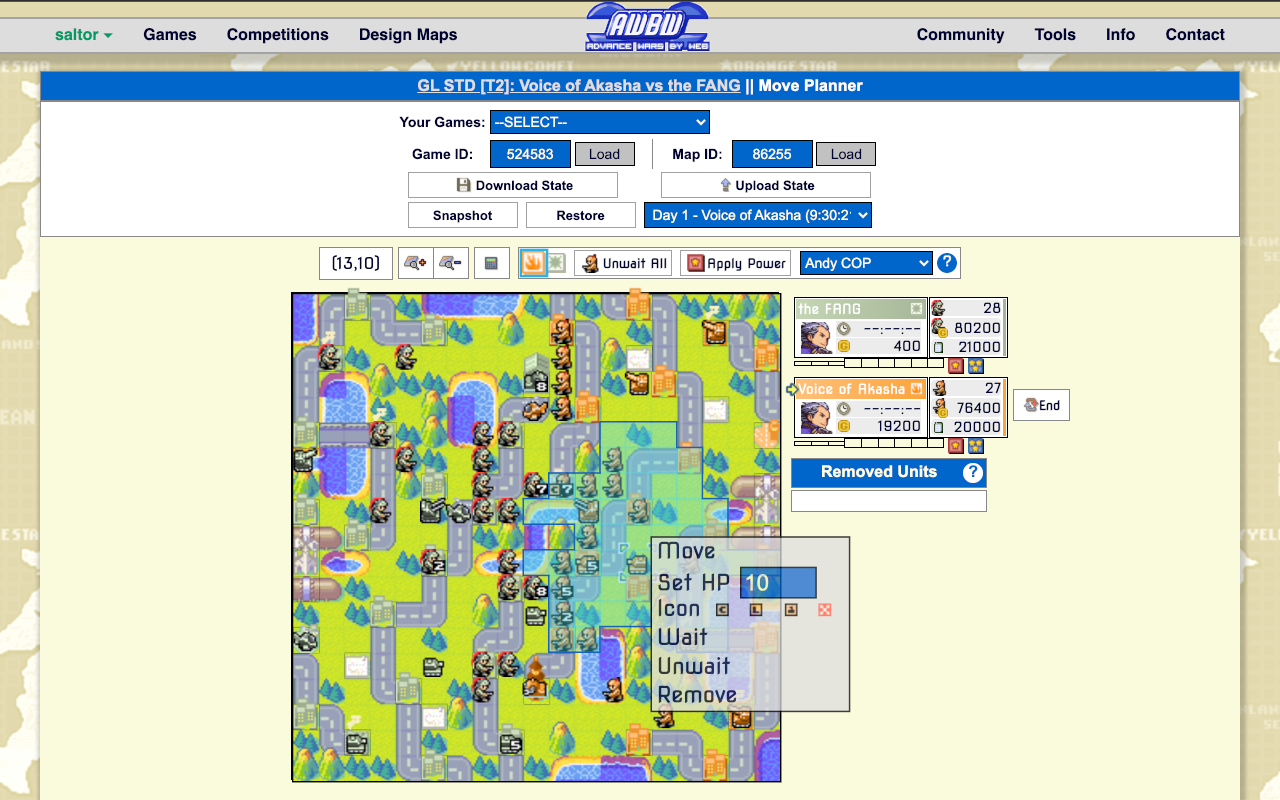

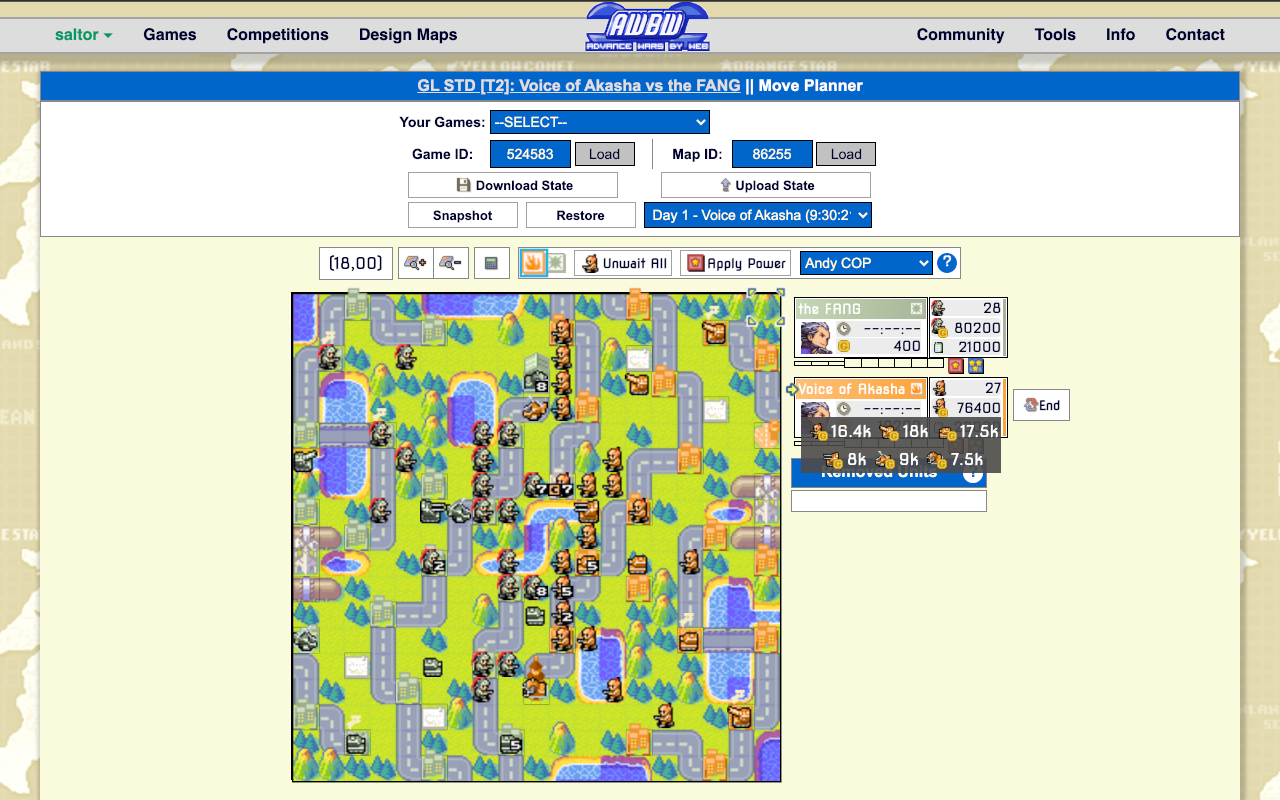
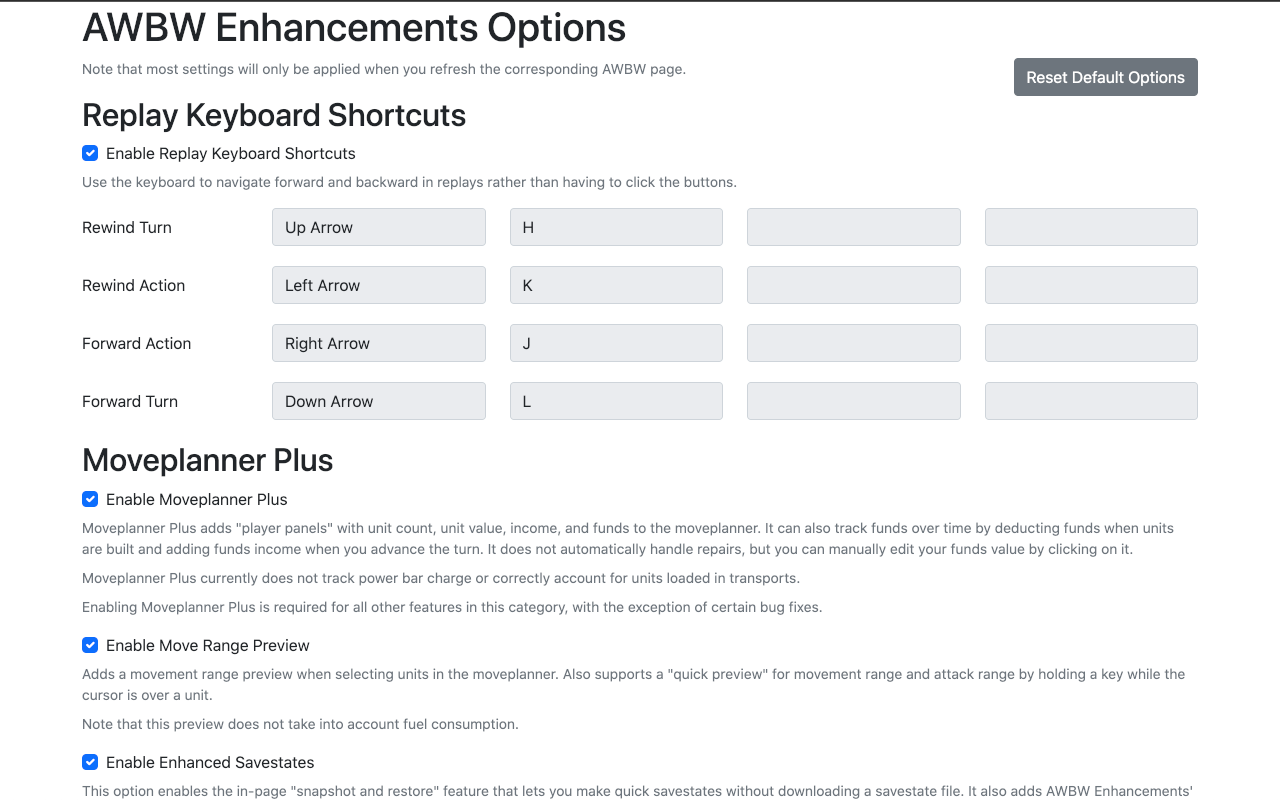
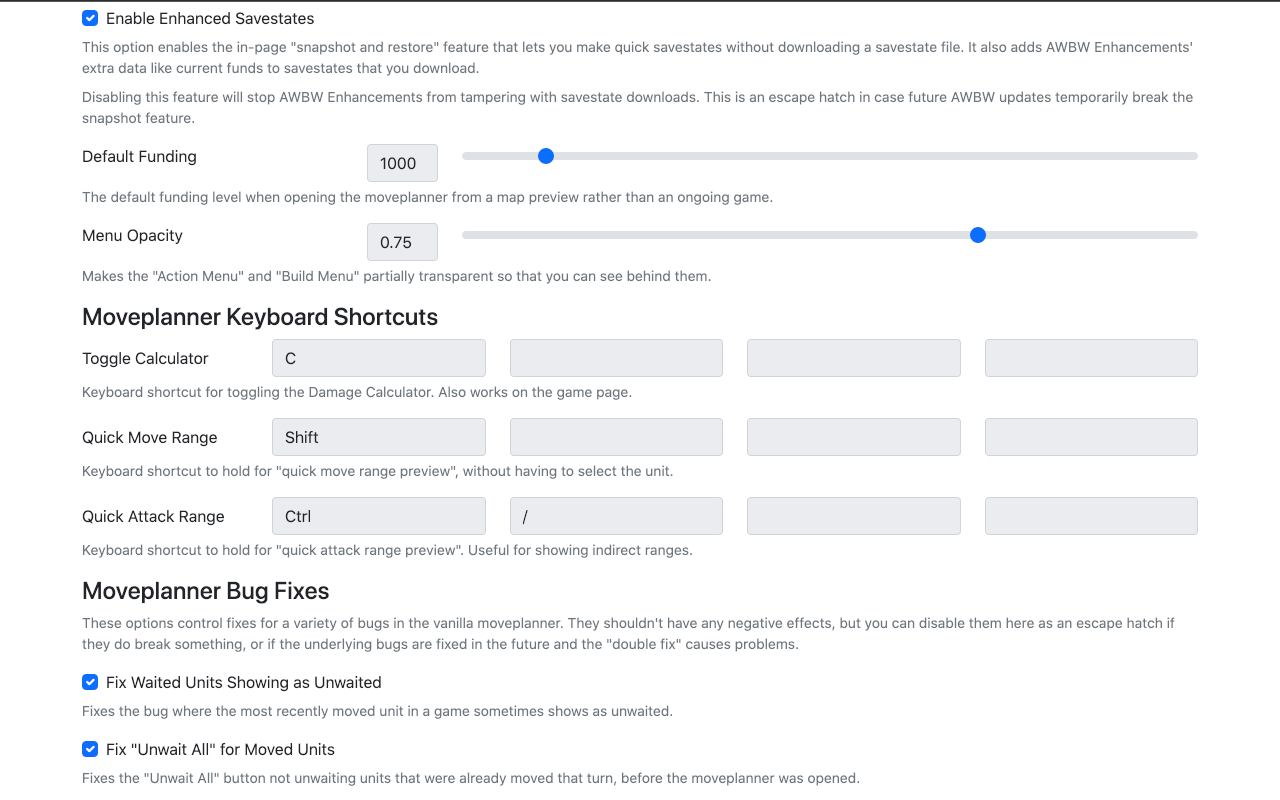
简介
Functionality includes:
1. Configurable keyboard shortcuts for replays.
2. Several quality of life improvements to the move planner ("Moveplanner Plus"), including:
a. Movement range previews for the selected unit.
b. Savestate "quick save" snapshots that let you snapshot and restore states without having to download a full savestate file.
c. Automatic tracking of unit count, unit value, income, and funds in per-player panels, like on the game screen. This includes automatically deducting funds for unit builds and simulating income for future turns.
d. Configurable opacity for the "action menu" and "build menu".
e. Configurable keyboard shortcuts for toggling the damage calculator.
3. Fixes for certain bugs in the vanilla move planner. These include:
1. The bug where the most recently moved unit sometimes displays as unwaited in the move planner.
2. The bug where already-moved units sometimes do not unwait with the "Unwait All" button.
3. The bug where the damage calculator cannot select units that were built on the move planner page.
4. The visual bug where capture icons are displayed for infantry that have already finished capturing.
5. The visual bugs where black boat sprites and Sonja "?" HP break when a savestate is uploaded.
Feel free to request additional functionality via a github issue or by contacting me (saltor#4306) in the AWBW discord :)
AWBW Enhancements 是做什么的
AWBW Enhancements 是一款面向 Firefox 的游戏娱乐类扩展,主要用来增强游戏社区功能、显示额外数据。官方对它的介绍是:Replay keyboard shortcuts and moveplanner quality of life enhancements for Advance Wars By Web.在Firefox 附加组件商店(AMO)上,它当前版本 2024.5.22.0,评分 4.75(4 人评价),约 349 名用户。
适合什么人用
从功能定位看,AWBW Enhancements 更适合游戏玩家与游戏社区常客。如果你平时只是偶尔遇到相关需求,用浏览器自带功能也能凑合;但如果这件事每天都发生,装一个专门处理它的扩展通常比手动操作省事得多。
怎么安装 AWBW Enhancements
- 打开Firefox 附加组件商店(AMO)上的官方页面;
- 点「添加到浏览器」并确认权限提示;
- 装好后在扩展列表里固定图标,方便随时开关。
本站只做索引与介绍,安装包来自官方商店。如果商店页面提示当前地区不可用,说明该扩展未在你所在区域上架。
常见问题
AWBW Enhancements 是免费的吗?
AWBW Enhancements 在Firefox 附加组件商店(AMO)免费提供下载。它是浏览器扩展,装上就能直接用,不需要注册账号。
AWBW Enhancements 安全吗?
它只申请了 0 项权限,范围比较克制,没有申请「读取所有网站数据」这种大权限。
AWBW Enhancements 支持哪些浏览器?
当前收录的版本来自Firefox 附加组件商店(AMO),适用于 Firefox。同一个扩展在其他商店可能有对应版本,但功能与版本号不一定相同。
怎么卸载 AWBW Enhancements?
在扩展管理页找到 AWBW Enhancements,点移除即可。它在本地保存的设置会一起清掉,不会残留数据。
权限清单 来自 manifest.json 原文
接口权限 1
storage