 uBlock Origin
一款高效的网络请求过滤工具,占用极低的内存和 CPU。
Firefox

Authenticator App EN
2Stable · Firefox
Secure and fast two-factor authentication app
3.1/5
17 人评分
1.3千用户
v1.2.6当前版本
权限提示
该扩展申请访问所有网站(
<all_urls>),意味着它可以读取你在任意站点的页面内容,包括已登录的页面。这是许多扩展正常工作的必要条件,但也值得你确认来源可信。
截图
简介
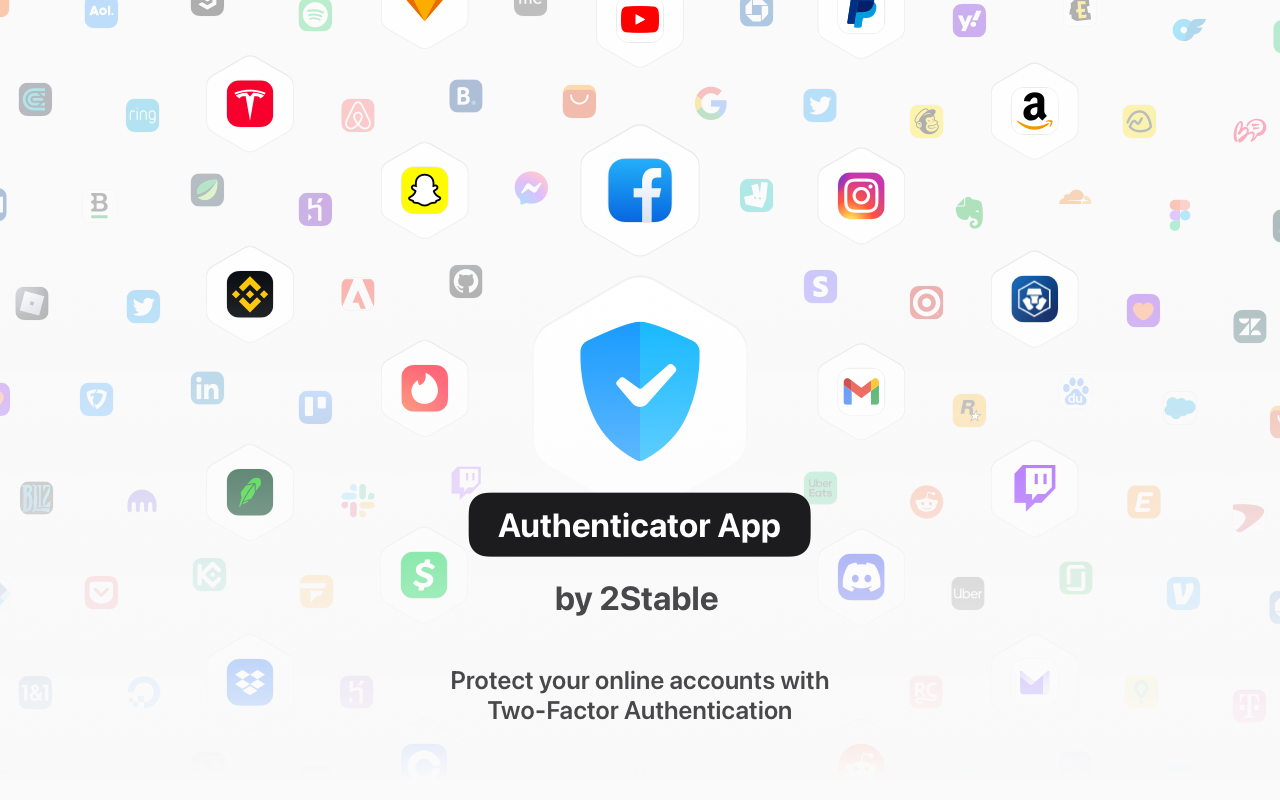
Now you can securely autofill your 2FA codes with Authenticator App by 2Stable Browser Extension. With the new Authenticator App browser extension, you are 1 click away from login in to your accounts. Fast and secure!
To pair your Authenticator App with Authenticator App Browser Extension just follow these steps:
- Download Authenticator App on your desktop device.
- Download Authenticator App Browser Extension.
- Open Authenticator App on your Mac and go to the settings in the top left corner.
- Find "Browser Extension" and follow the instructions from the screen.
Why you need to use Authenticator App by 2Stable?
Features:
- Secure & Private Encryption
Your data is always encrypted, even in iCloud. Only you have access to your two-factor authentication data. - Encrypted Backup
Create an encrypted backup of your codes to ensure seamless recovery in case you lose or upgrade your device. - Automatic Synchronization Across Apple Devices
Enjoy real-time synchronization of your accounts across all your Apple devices, including iPhone, iPad, Mac and Apple Watch. - Groups
Organize your accounts into groups for a cleaner setup. Share your groups with others and control access with flexible permissions. - Quick Access with Widget
Access your 2FA codes instantly from the Home Screen with the Authenticator Widget, providing faster authentication. - Offline Two-Factor Authentication
Generate secure codes even when your device is offline or in airplane mode. Your accounts remain protected no matter your connection status. - Multi Import
Easily import accounts and 2FA codes from other authenticators like Google Authenticator, password managers, and files. - Native Apple Experience
Enjoy a seamless experience on all Apple devices, with features like dark mode, intuitive gestures, and automatic data sync. - All Popular Accounts
Authenticator App supports major platforms like Microsoft, Google, Facebook, Amazon, Instagram, Coinbase, Roblox, and thousands more. It’s the perfect solution whether you’re looking for an Authenticator App for Microsoft, an Authenticator App for Facebook, or an Authentication App for Instagram. - We’re Here to Help
We constantly improve our app, don't hesitate to contact us at support@2stable.com to request a missing feature or an improvement.
Authenticator App 是做什么的
Authenticator App 是一款面向 Firefox 的隐私与安全类扩展,主要用来拦截追踪器、屏蔽广告、管理 Cookie、加固浏览器指纹。官方对它的介绍是:Secure and fast two-factor authentication app在Firefox 附加组件商店(AMO)上,它当前版本 1.2.6,评分 3.06(17 人评价),约 1,341 名用户。
适合什么人用
从功能定位看,Authenticator App 更适合在意上网被跟踪、希望减少广告干扰的用户。如果你平时只是偶尔遇到相关需求,用浏览器自带功能也能凑合;但如果这件事每天都发生,装一个专门处理它的扩展通常比手动操作省事得多。需要注意的是它作用于所有网站,装上后建议先观察一两天,确认不影响常用站点的正常使用。
怎么安装 Authenticator App
- 打开Firefox 附加组件商店(AMO)上的官方页面;
- 点「添加到浏览器」并确认权限提示;
- 装好后在扩展列表里固定图标,方便随时开关。
本站只做索引与介绍,安装包来自官方商店。如果商店页面提示当前地区不可用,说明该扩展未在你所在区域上架。
常见问题
Authenticator App 是免费的吗?
Authenticator App 在Firefox 附加组件商店(AMO)免费提供下载。它是浏览器扩展,装上就能直接用,不需要注册账号。
Authenticator App 安全吗?
它只申请了 0 项权限,范围比较克制,没有申请「读取所有网站数据」这种大权限。
Authenticator App 支持哪些浏览器?
当前收录的版本来自Firefox 附加组件商店(AMO),适用于 Firefox。同一个扩展在其他商店可能有对应版本,但功能与版本号不一定相同。
怎么卸载 Authenticator App?
在扩展管理页找到 Authenticator App,点移除即可。它在本地保存的设置会一起清掉,不会残留数据。
权限清单 来自 manifest.json 原文
站点访问 1
<all_urls>
接口权限 4
clipboardWritecontextMenusstoragetabs
标签 点标签看同类扩展
uBlock Origin
一款高效的网络请求过滤工具,占用极低的内存和 CPU。
Firefox
 AdGuard AdBlocker
AdGuard 广告拦截器可有效的拦截所有网页上的所有类型的…
Firefox
 AdBlocker Ultimate
Completely remove ALL ads. No …
Firefox
 Bitwarden – 免费密码管理器
安全免费的跨平台密码管理器
Firefox
 Malwarebytes Browser Guard
Fast and safe browsing that pr…
Firefox
 Firefox Multi-Account Containers
Firefox Multi-Account Containe…
Firefox
 LastPass Password Manager
LastPass是一款让您的上网浏览更便捷更安全的免费在线密…
Firefox
 1Password: Password Manager
The best way to experience 1Pa…
Firefox