 Facebook Container
Prevent Facebook from tracking…
Firefox

AdBlox - 广告拦截器
AdBlox · Firefox
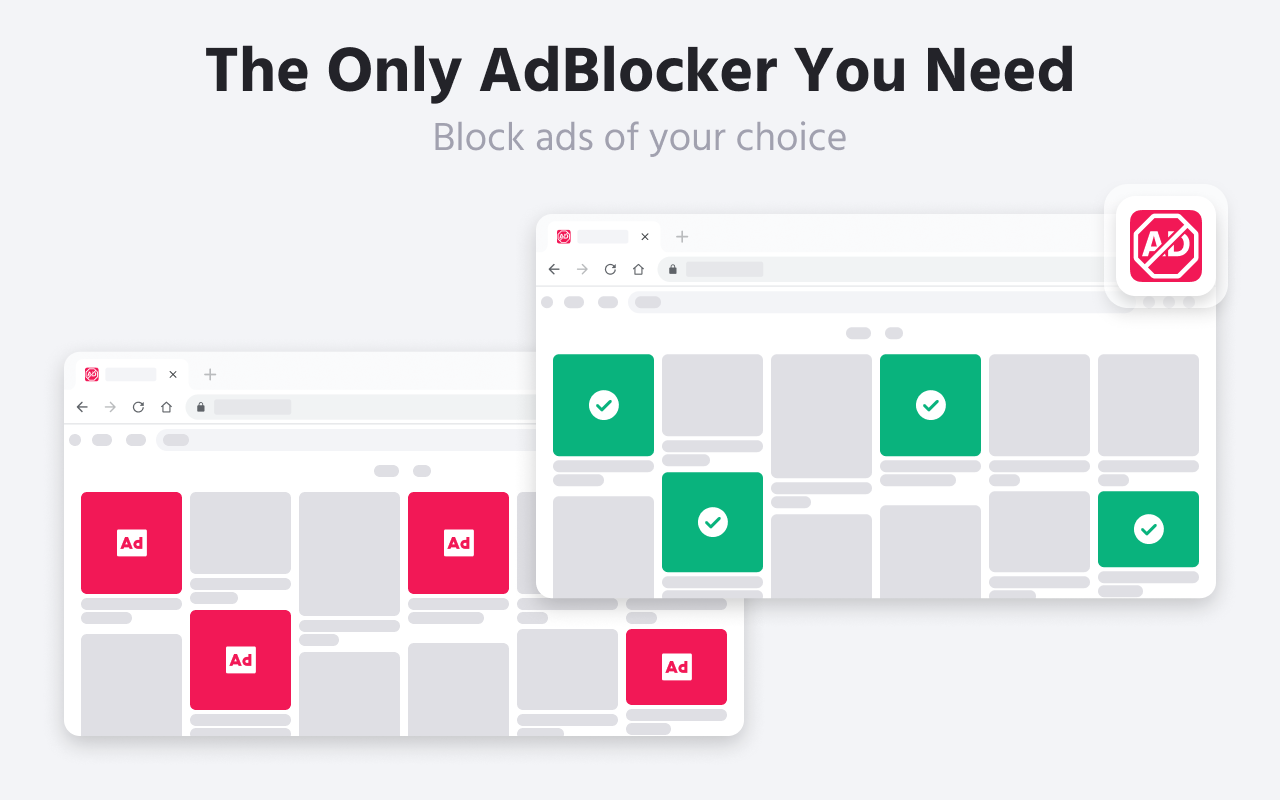
简单,免费,功能全面的广告拦截器:在YouTube,Facebook,Twitch和m上阻止广告,为您提供无缝的浏览体验。
3.0/5
2 人评分
1.7千用户
v1.9.8当前版本
权限提示
该扩展申请访问所有网站(
<all_urls>),意味着它可以读取你在任意站点的页面内容,包括已登录的页面。这是许多扩展正常工作的必要条件,但也值得你确认来源可信。
截图
简介
Ultimate Ad Blocker is a strong adblocking tool that stops all kinds of ads, including pre-rolls, pop-ups, banners, text ads. Our Ad Blocker also keeps you safe from online dangers such as malware, phishing, and tracking.
Ultimate Ad Blocker uses less memory than other adblock extensions! Can handle most adblock circumvention scripts. Has stylish and modern interface that makes it easy to use. Ready to get an uninterrupted online experience? Discover the best ad blocker for Chrome.
FEATURES AD BLOCKER EXTENSION
Installing AdBlocker helps you browse the web faster and without any breaks. It gets rid of annoying ads that can make your online time slow. The AdBlocker is easy to use, letting you choose exactly how you want to block ads, so you have full control over how you surf the web.
Would you like to learn more about how an AdBlocker can improve your time on the internet? Find out about a completely free ad-blocking tool that you can download and use. Explore all the ways it can protect and enhance your browsing experience!
* Get adblocker for free! It stops annoying ads like pop-ups, banners, and autoplay videos. It's completely free to use.
* This adblock tool not only stops annoying ads but also makes web pages load faster.
* It keeps companies from tracking what you do online and selling your information without your permission.
* It blocks harmful ads that could contain viruses or phishing scams. This helps keep you safe from malicious ads and dangerous websites.
* Unlike other ad blockers, this one won't mistakenly block websites you like, such as your bank. It works well, even if you use a VPN.
This adblocker is always updated to keep up with new advertising techniques, ensuring you're always protected. It's free and works with popular browsers!
Download AdBlocker for free and enjoy a distraction-free web experience. Get all the protection you need and more.
INSTALLATION GUIDE FOR AD BLOCKER EXTENSION
* In the Web Store, use the search bar to find “Ad Blocker”. Carefully choose the correct extension based on the developer's name and user ratings.
* Click on the Ad Blocker extension in the search results, then click “Add to Chrome” and confirm by selecting “Add extension” in the pop-up window.
* Once installed, click the adblocker icon in Chrome’s extension area (top right corner) to open its menu.
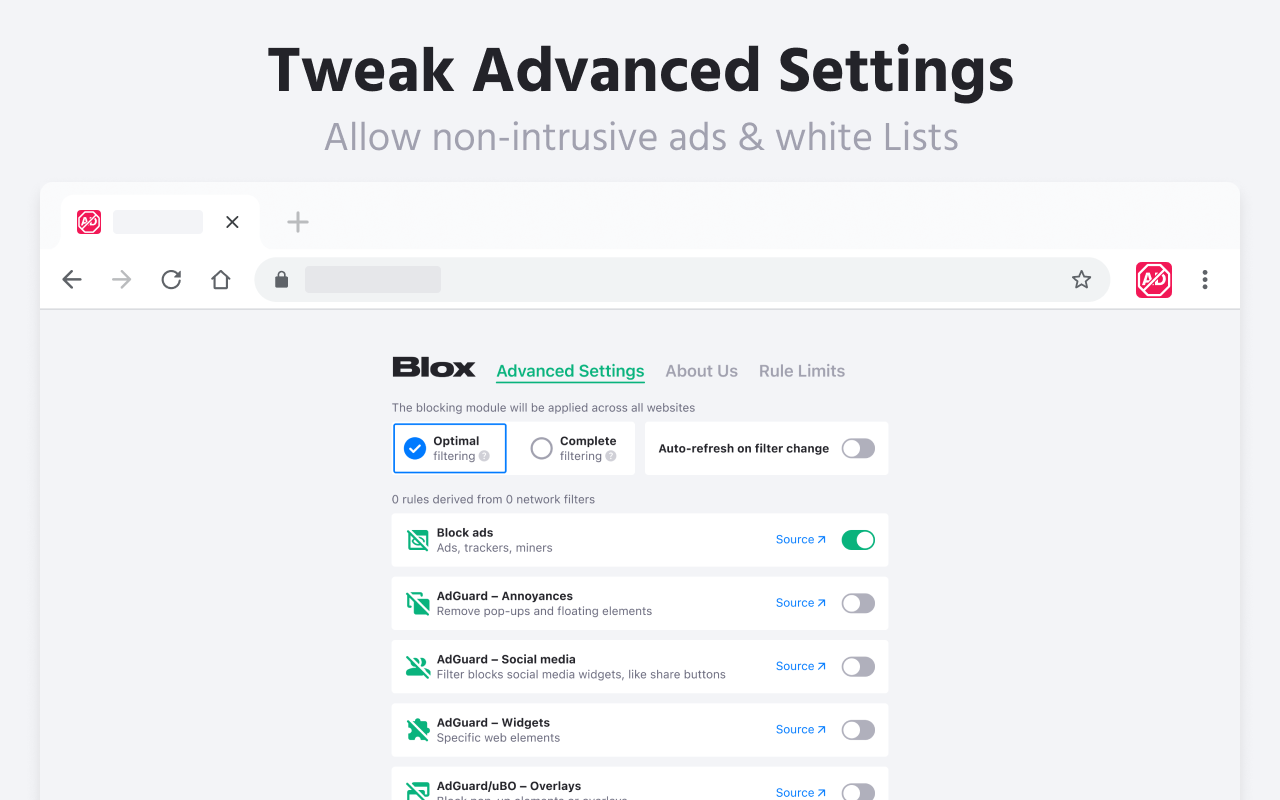
* In the menu, select “Options” or “Settings” to adjust the adblocker according to your preferences, such as creating a whitelist or modifying filter settings.
BLOCK ADS WITH ADBLOCK TOOL
This adblock too doesn't just speed up your browsing; it also protects you from malicious ads and enhances your online experience by removing all types of ads. Streamline your internet use with Ad Blocker, your comprehensive adblock solution! Download the Ad Blocker extension to enjoy an ad-free browsing experience:
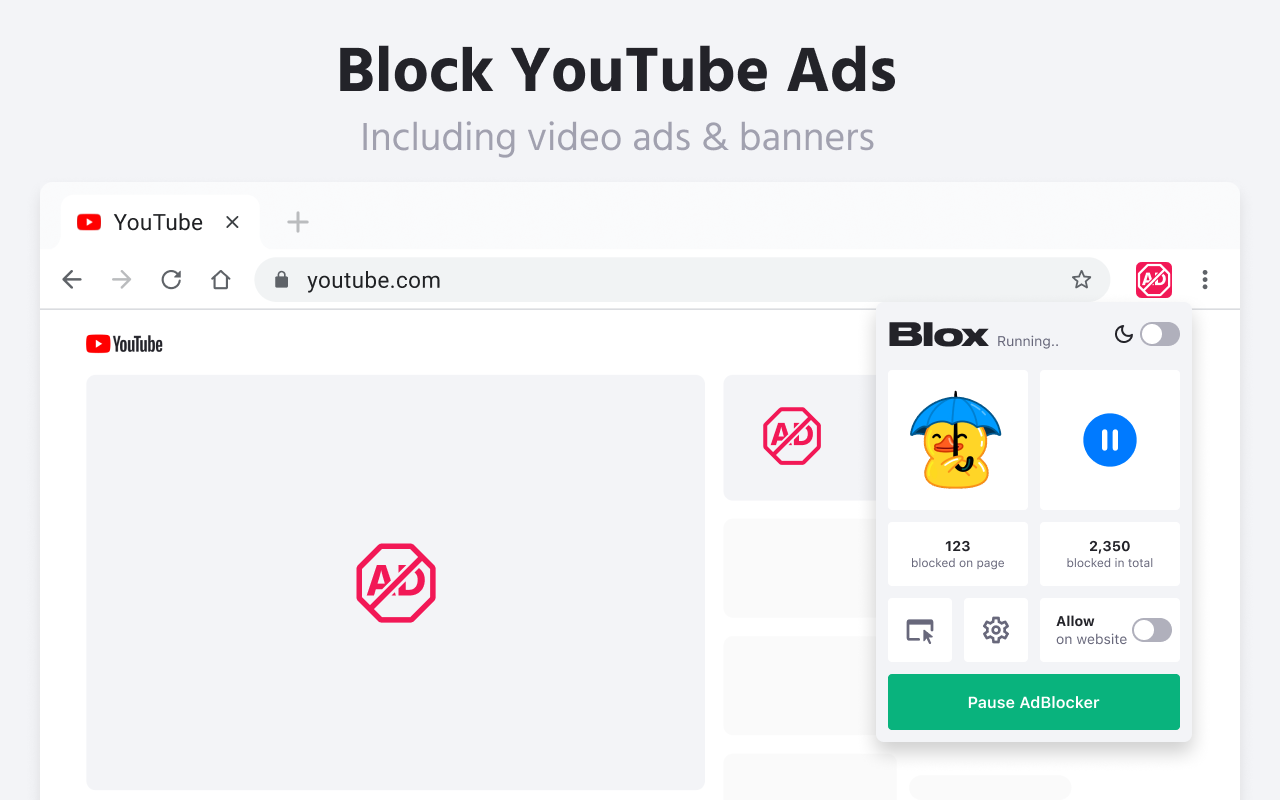
★ YouTube adblock solution: Watch your favorite YouTube videos without interruptions. Ad Blocker ensures you won't be bothered by annoying YouTube pop-up ads.
★ Facebook adblock solution: Enhance your Facebook viewing by blocking distracting banners and ads. Experience smoother streaming with Ad Blocker on Facebook.
★ No More Social Media Ads: Eliminate ads on popular social media platforms like Instagram, Twitter, and LinkedIn with Ad Blocker. It's also effective for blocking Facebook ads.
★ Block All Annoying Ads: Get rid of pop-ups, banners, autoplay video ads, expandable ads, and interstitial ads. Ad Blocker provides a seamless browsing experience, removing even those ads deemed "acceptable."
Our AdBlocker not only blocks ads, trackers for safer browsing but also offers complete online protection. From YouTube and Facebook to social media platforms, AdBlocker ensures an ad-free and improved online experience.
AdBlox - 广告拦截器 是做什么的
AdBlox - 广告拦截器 是一款面向 Firefox 的隐私与安全类扩展,主要用来拦截追踪器、屏蔽广告、管理 Cookie、加固浏览器指纹。官方对它的介绍是:简单,免费,功能全面的广告拦截器:在YouTube,Facebook,Twitch和m上阻止广告,为您提供无缝的浏览体验。在Firefox 附加组件商店(AMO)上,它当前版本 1.9.8,评分 3(2 人评价),约 1,655 名用户。
适合什么人用
从功能定位看,AdBlox - 广告拦截器 更适合在意上网被跟踪、希望减少广告干扰的用户。如果你平时只是偶尔遇到相关需求,用浏览器自带功能也能凑合;但如果这件事每天都发生,装一个专门处理它的扩展通常比手动操作省事得多。需要注意的是它作用于所有网站,装上后建议先观察一两天,确认不影响常用站点的正常使用。
怎么安装 AdBlox - 广告拦截器
- 打开Firefox 附加组件商店(AMO)上的官方页面;
- 点「添加到浏览器」并确认权限提示;
- 装好后在扩展列表里固定图标,方便随时开关。
本站只做索引与介绍,安装包来自官方商店。如果商店页面提示当前地区不可用,说明该扩展未在你所在区域上架。
常见问题
AdBlox - 广告拦截器 是免费的吗?
AdBlox - 广告拦截器 在Firefox 附加组件商店(AMO)免费提供下载。它是浏览器扩展,装上就能直接用,不需要注册账号。
AdBlox - 广告拦截器 安全吗?
它只申请了 0 项权限,范围比较克制,没有申请「读取所有网站数据」这种大权限。
AdBlox - 广告拦截器 支持哪些浏览器?
当前收录的版本来自Firefox 附加组件商店(AMO),适用于 Firefox。同一个扩展在其他商店可能有对应版本,但功能与版本号不一定相同。
怎么卸载 AdBlox - 广告拦截器?
在扩展管理页找到 AdBlox - 广告拦截器,点移除即可。它在本地保存的设置会一起清掉,不会残留数据。
权限清单 来自 manifest.json 原文
站点访问 2
http://*/*https://*/*
站点访问(可选) 1
<all_urls>
接口权限 5
activeTabdeclarativeNetRequestscriptingstoragewebRequest
标签 点标签看同类扩展
Facebook Container
Prevent Facebook from tracking…
Firefox
 整页截图工具 — FireShot
FireShot 可捕获整页截图、可见区域以及超出屏幕范围的…
Firefox
 Global Speed: 视频速度控制
设置视频和音频的默认速度。
Firefox
 FastProxy - Россия
Простой способ обхода блокиров…
Firefox
 Raindrop.io
All-in-one bookmark manager
Firefox
 Feedbro
Advanced Feed Reader - Read ne…
Firefox
 Privacy Extension For WhatsApp™ Web
The Privacy Extension For What…
Firefox
 Emoji
It permits just with a single …
Firefox