
X Media Downloader – 批量下载Twitter/X图片和视频
echobot.dev · EEdge MV3
一键批量下载X/Twitter个人资料或推文中的图片、视频和GIF。创作者和归档者的高效媒体工具。简单快捷!
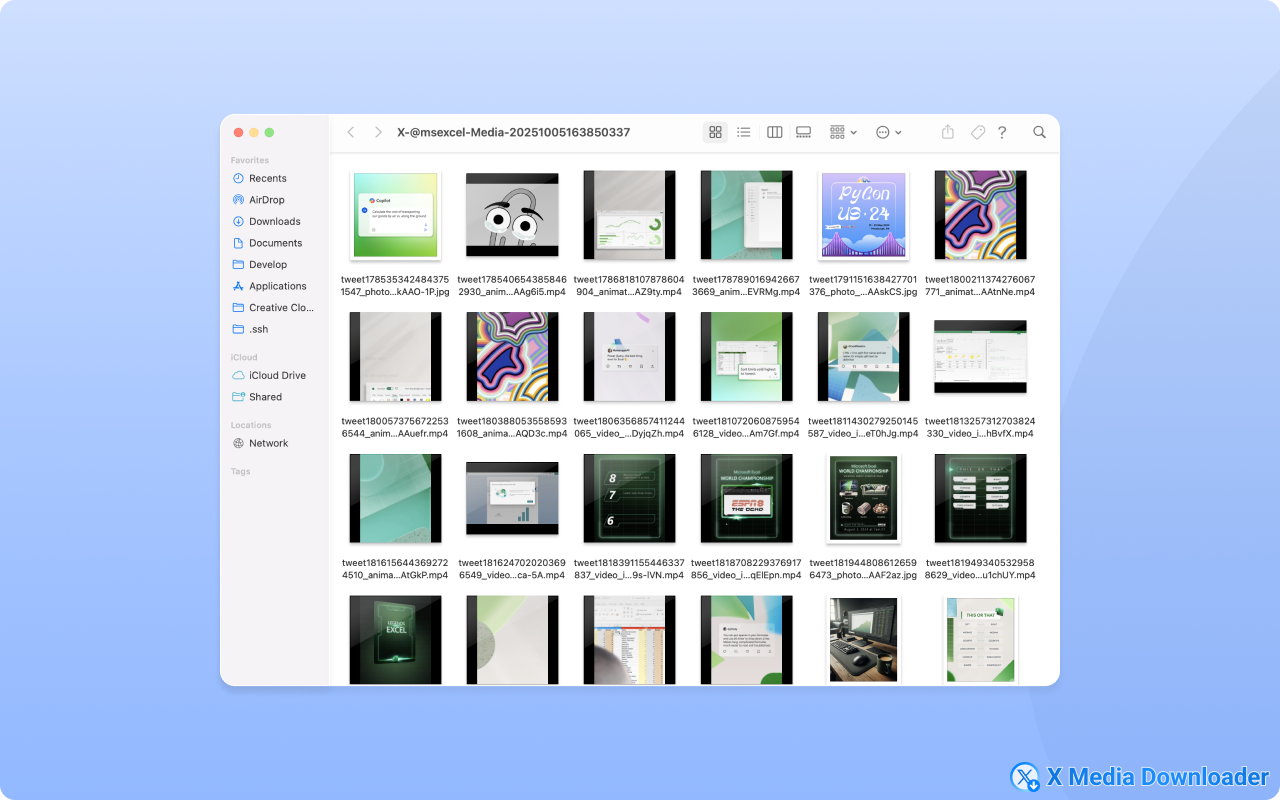
截图
简介
Effortlessly download images, videos, and GIFs from X/Twitter with a single click. Our extension is the ultimate tool for batch downloading all media from user profiles or saving content from individual tweets, making it simple to build your personal media archive.
✨ Key Features
- 🚀 One-Click Downloads: Instantly save any media from X/Twitter without hassle.
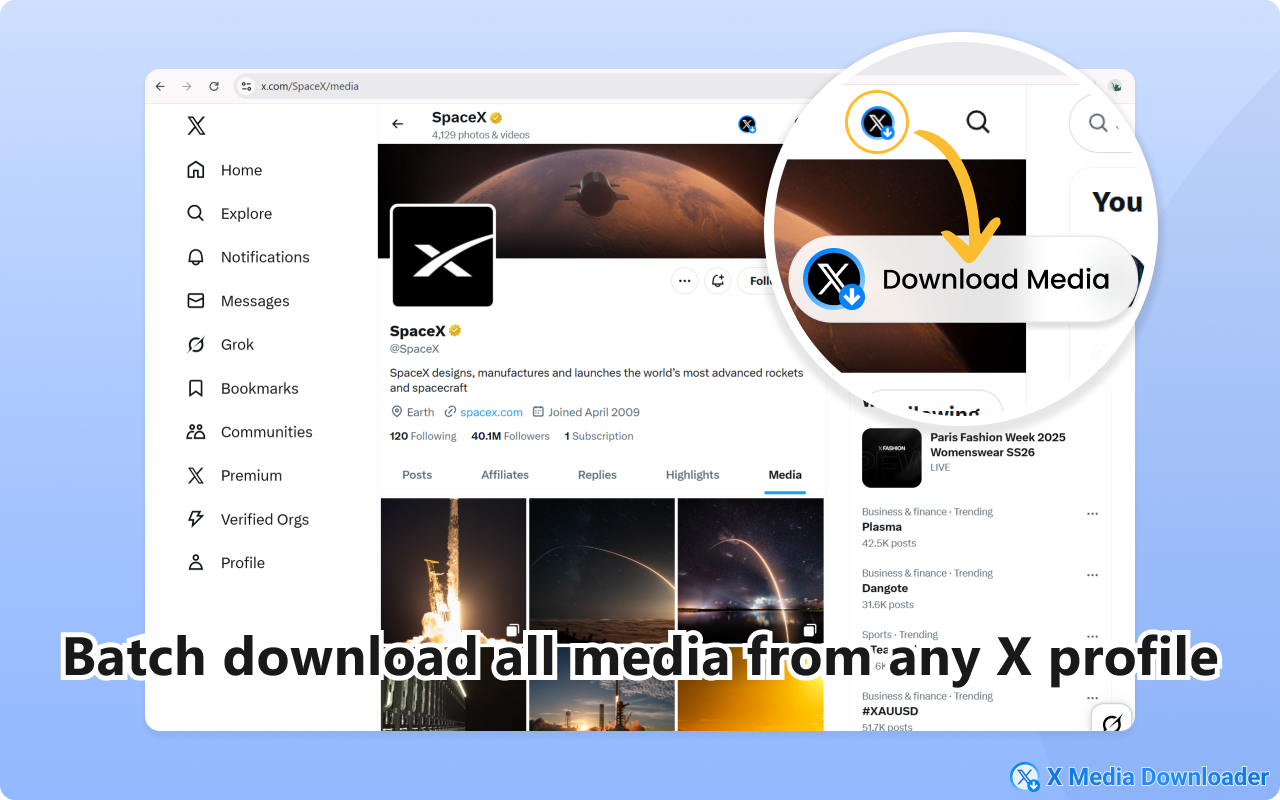
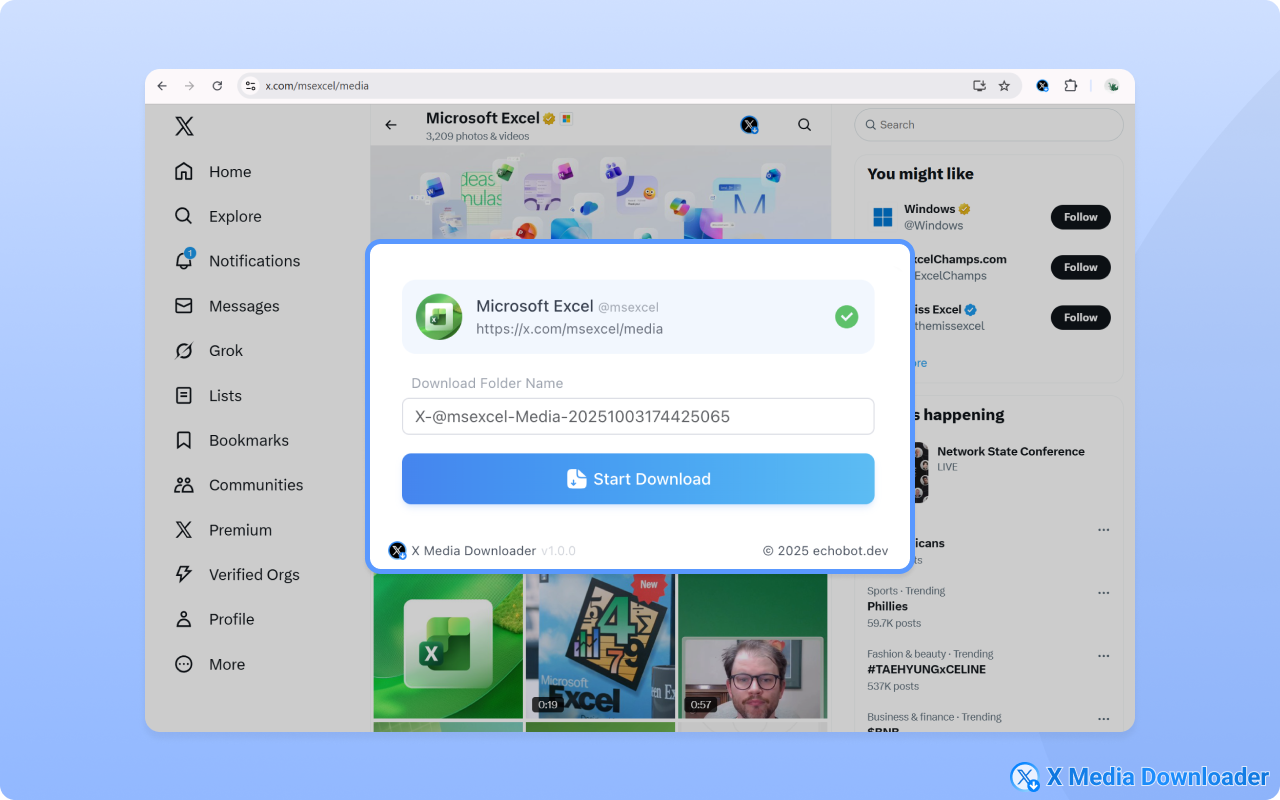
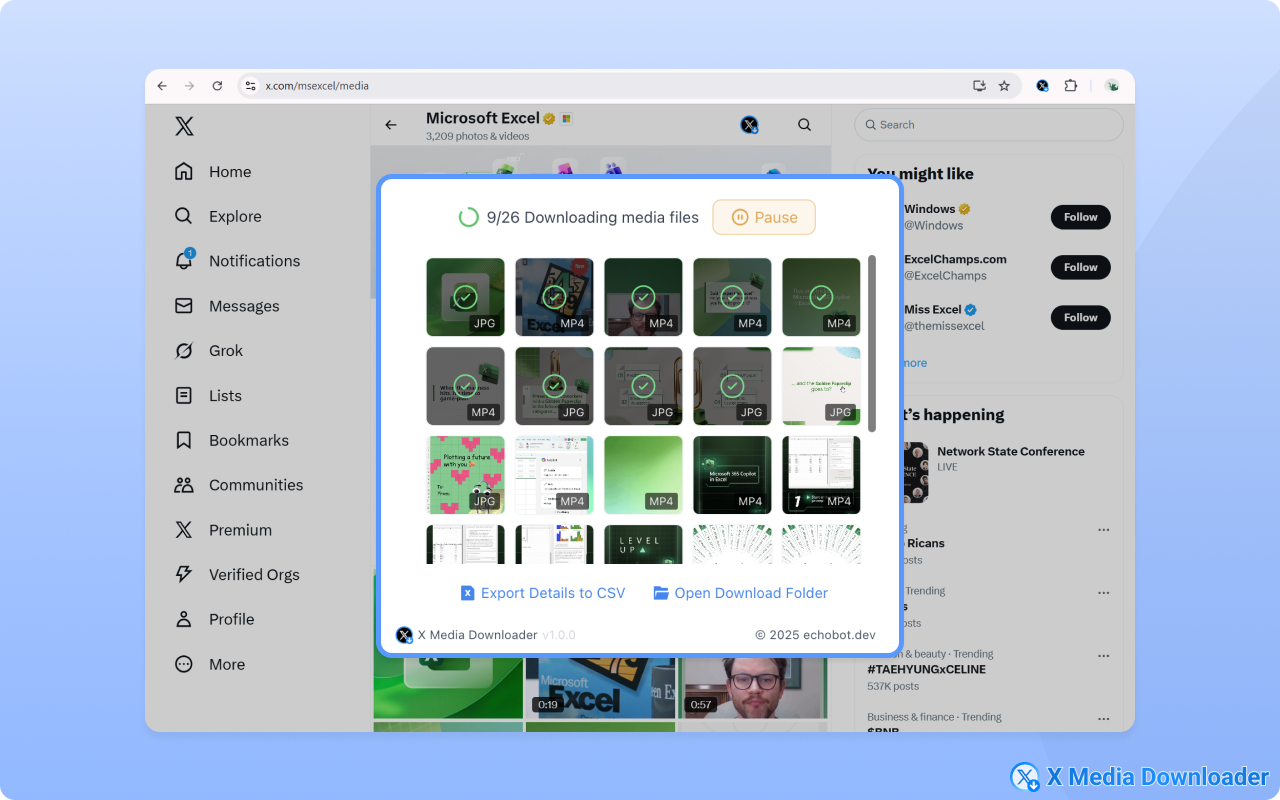
- 📂 Batch Profile Downloader: Download all images and videos from any user's profile page in one go.
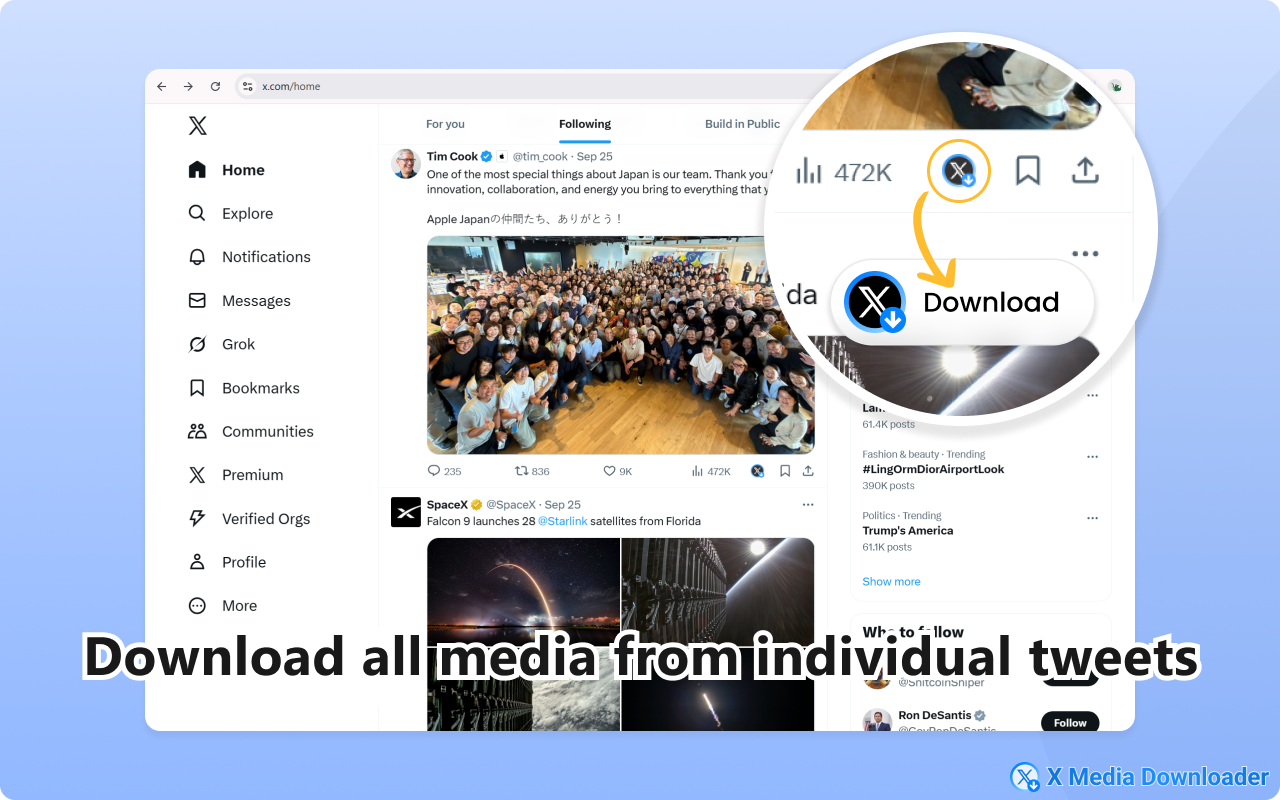
- 📄 Individual Tweet Saver: Easily grab all media attached to a single tweet.
- 🖼️ High-Quality Media: Save videos and images in the best available resolution.
- 🗂️ Organized Archives: Automatically create folders for each download session to keep your media neatly organized.
- 🎨 Seamless Integration: Our download buttons are intuitively integrated into the X/Twitter interface for a native feel.
🛠️ How to Use
1. For Profile Media: Navigate to any user's profile page on X/Twitter. You'll see a prominent "Download" button appear near the profile header. Click it to start downloading all media from that user.
2. For Tweet Media: On any individual tweet, a download icon will appear alongside the like and retweet buttons. Click it to save all media from that specific tweet.
🎯 Perfect For
- Content Creators: Quickly gather material for reaction videos, compilations, or analysis.
- Social Media Managers: Archive brand mentions, user-generated content, or competitor activity.
- Archivists & Researchers: Build datasets or preserve important moments from X/Twitter.
- Casual Users: Save your favorite memes, wallpapers, and video clips for offline viewing.
💡 Usage Scenarios
- Building a Mood Board: Download all artistic images from your favorite illustrator's profile.
- Event Archiving: Save all photos and videos from a specific event hashtag or conference speaker.
- Personal Backup: Keep a personal copy of all the media you've ever posted.
- Offline Entertainment: Save funny video clips and GIFs to watch on the go without an internet connection.
🔒 Privacy Notice
Your privacy is our priority. X Media Downloader operates entirely on your local machine. We do not collect, store, or transmit any of your personal data, browsing history, or download activity.
💳 In-App purchase
- We offer a free plan. Upgrade to paid to unlock all premium features.
⚠️ Important Disclaimer
This extension is an independent project and is not officially affiliated with, endorsed by, or associated with X Corp. or Twitter. Please respect copyright laws and the intellectual property rights of others when downloading content. The responsibility for the downloaded content lies solely with the user.
X Media Downloader – 批量下载Twitter/X图片和视频 是做什么的
X Media Downloader – 批量下载Twitter/X图片和视频 是一款面向 Edge 的效率工具类扩展,主要用来管住注意力、屏蔽干扰站点、记录时间。官方对它的介绍是:一键批量下载X/Twitter个人资料或推文中的图片、视频和GIF。创作者和归档者的高效媒体工具。简单快捷!在微软 Edge 加载项商店上,它当前版本 1.0.0,评分 2.3(3 人评价),约 991 名用户。
适合什么人用
从功能定位看,X Media Downloader – 批量下载Twitter/X图片和视频 更适合想专注工作学习、减少无效刷网页的用户。如果你平时只是偶尔遇到相关需求,用浏览器自带功能也能凑合;但如果这件事每天都发生,装一个专门处理它的扩展通常比手动操作省事得多。
怎么安装 X Media Downloader – 批量下载Twitter/X图片和视频
- 打开微软 Edge 加载项商店上的官方页面;
- 点「添加到浏览器」并确认权限提示;
- 装好后在扩展列表里固定图标,方便随时开关。
本站只做索引与介绍,安装包来自官方商店。如果商店页面提示当前地区不可用,说明该扩展未在你所在区域上架。
常见问题
X Media Downloader – 批量下载Twitter/X图片和视频 是免费的吗?
X Media Downloader – 批量下载Twitter/X图片和视频 在微软 Edge 加载项商店免费提供下载。它是浏览器扩展,装上就能直接用,不需要注册账号。
X Media Downloader – 批量下载Twitter/X图片和视频 安全吗?
它只申请了 0 项权限,范围比较克制,没有申请「读取所有网站数据」这种大权限。
X Media Downloader – 批量下载Twitter/X图片和视频 支持哪些浏览器?
当前收录的版本来自微软 Edge 加载项商店,适用于 Edge。同一个扩展在其他商店可能有对应版本,但功能与版本号不一定相同。
怎么卸载 X Media Downloader – 批量下载Twitter/X图片和视频?
在扩展管理页找到 X Media Downloader – 批量下载Twitter/X图片和视频,点移除即可。它在本地保存的设置会一起清掉,不会残留数据。
权限清单 来自 manifest.json 原文
接口权限 3
downloadsstoragewebRequest