
X Comments Exporter - Export Twitter Comments EN
Browser Agents · EEdge MV3
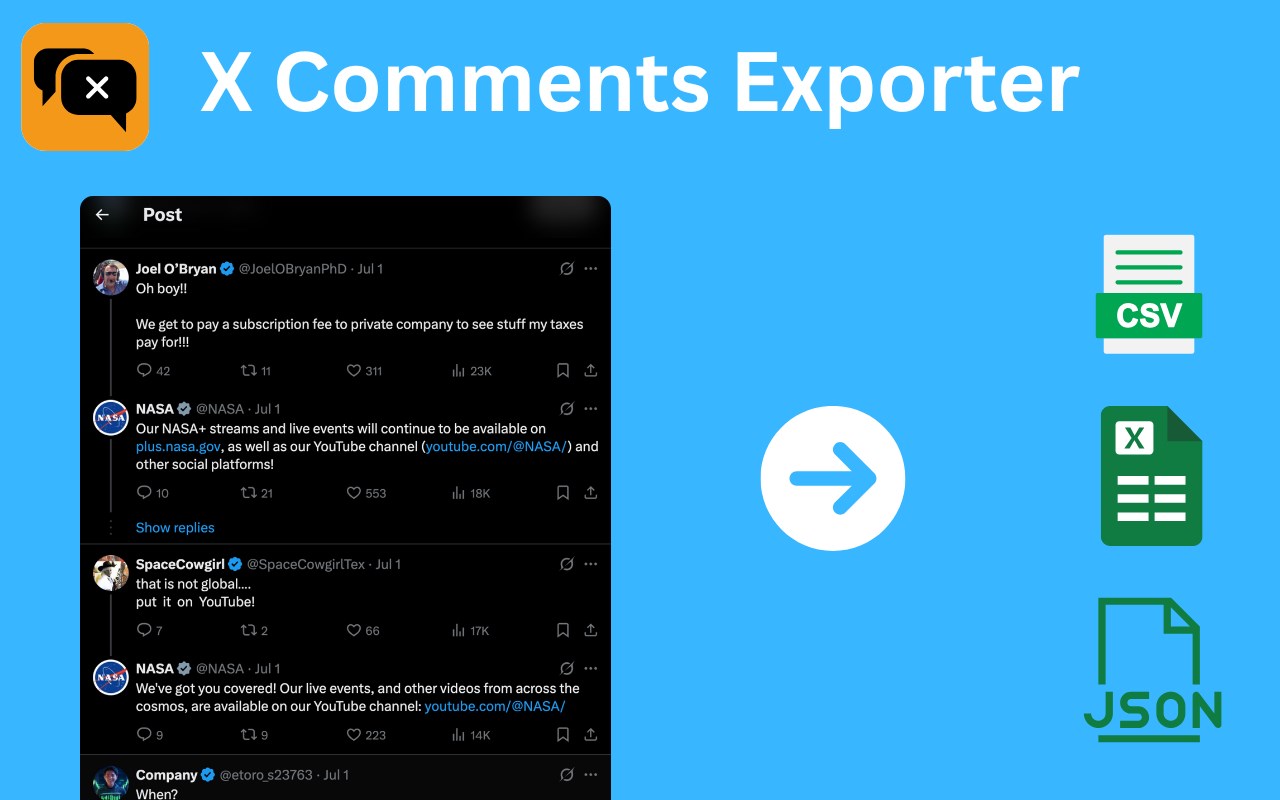
Download X (Twitter) replies in one click. X Comments Exporter makes reply scraping easy for research, backup, and insights.
截图

简介
🚀 X Comments Exporter – Download X (Twitter) Replies for Research, Analysis & Archiving
Do you need to analyze replies to an X (Twitter) post for market research, sentiment analysis, or conversation archiving?
With X Comments Exporter, you can effortlessly scrape and download all replies to any public X post in just a few seconds — no technical skills required! 🔍📥
💡 What is X Comments Exporter?
X Comments Exporter is a extension that allows you to export comments (replies) from X.com (formerly Twitter) quickly and securely. Whether you’re a data scientist, academic researcher, digital marketer, or just curious about online discussions, this tool gives you full access to real-time reply data — ready for deeper analysis in your preferred format.
✅ No sign-in required
✅ One-click download
✅ Local-first privacy model
🔑 Key Features at a Glance
1. ⚡ One-Click Reply Export
Say goodbye to manually scrolling through hundreds of replies. With a single click, collect all comments under any X post. Ideal for:
• Trending topic analysis
• Customer feedback mining
• Political discourse tracking
• Influencer engagement monitoring
2. 📁 Export to CSV, JSON, or XLSX
Whether you’re working in Excel, Google Sheets, Python, or R — you can choose the format that works best for your workflow. Export formats include:
• 📊 CSV – Great for spreadsheets & simple data views
• 🧾 JSON – Developer-friendly for APIs & apps
• 📈 XLSX – Perfect for advanced analysis in Excel
3. 📊 Designed for Social Listening & Analytics
Easily collect public replies to analyze:
• Sentiment trends 🧠
• Hashtag usage and engagement 🔖
• Audience opinions and concerns 💬
• Meme propagation and virality 📈
4. 🌐 Seamless Browser Integration
The extension adds a download icon directly beneath X posts. It feels native, works intuitively, and stays out of your way until you need it.
5. 🔒 Data Privacy Built-In
We don’t track you. We don’t store your data. Everything is processed directly on your device.
✅ No server-side logging
✅ No third-party sharing
✅ 100% local processing
🧭 How to Use X Comments Exporter
Getting started is easy. Here’s how:
1. 🔎 Go to any public X (Twitter) post on x.com that has replies.
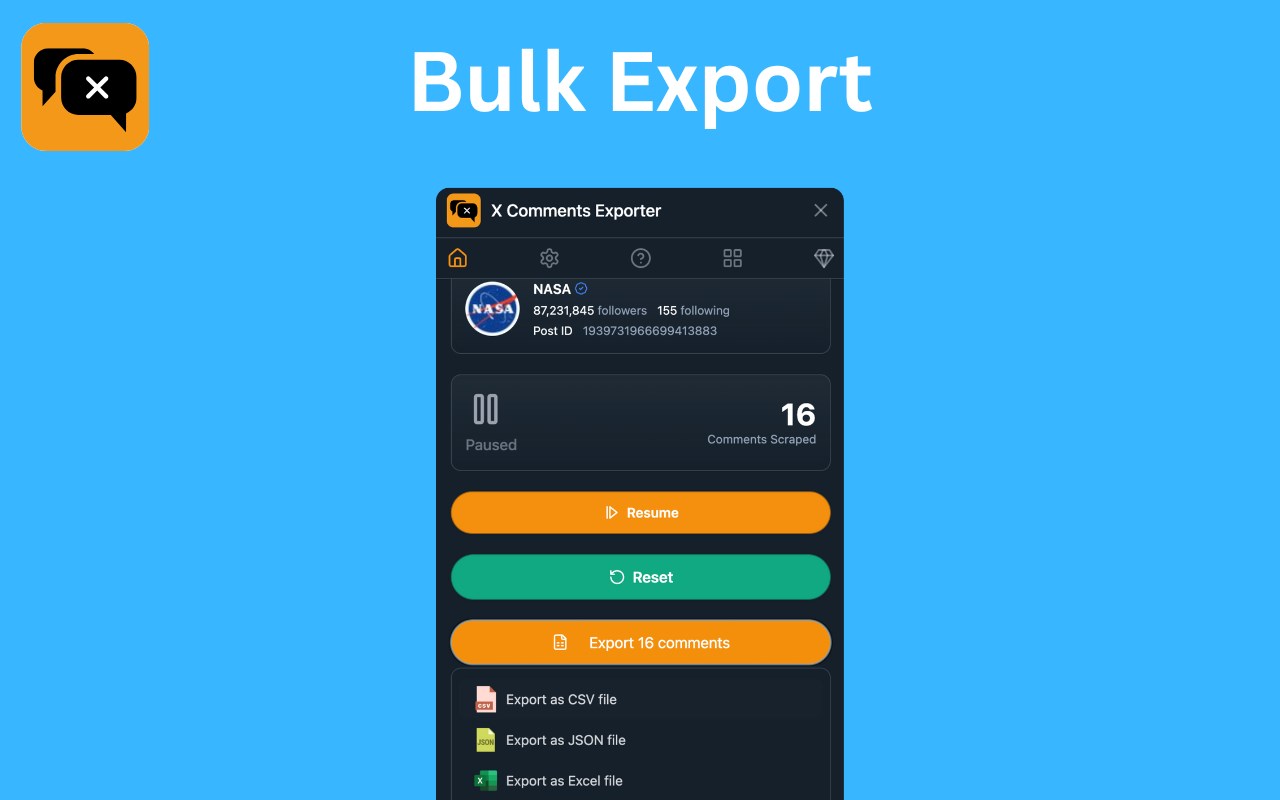
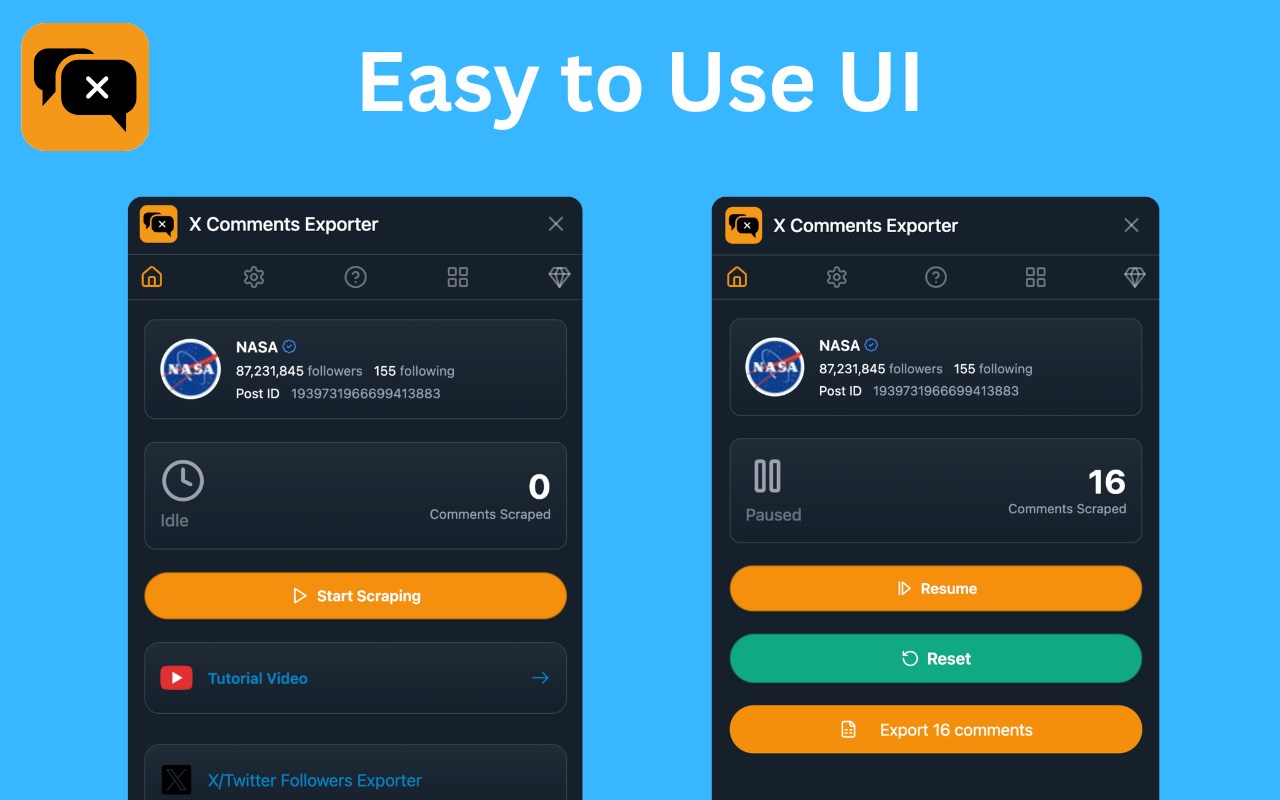
2. 🧲 Open the extension and click the “Start Scraping” button.
3. 🕐 Watch real-time scraping progress via a pop-up window.
4. ✅ Once complete, click "Export Comments" to save your file.
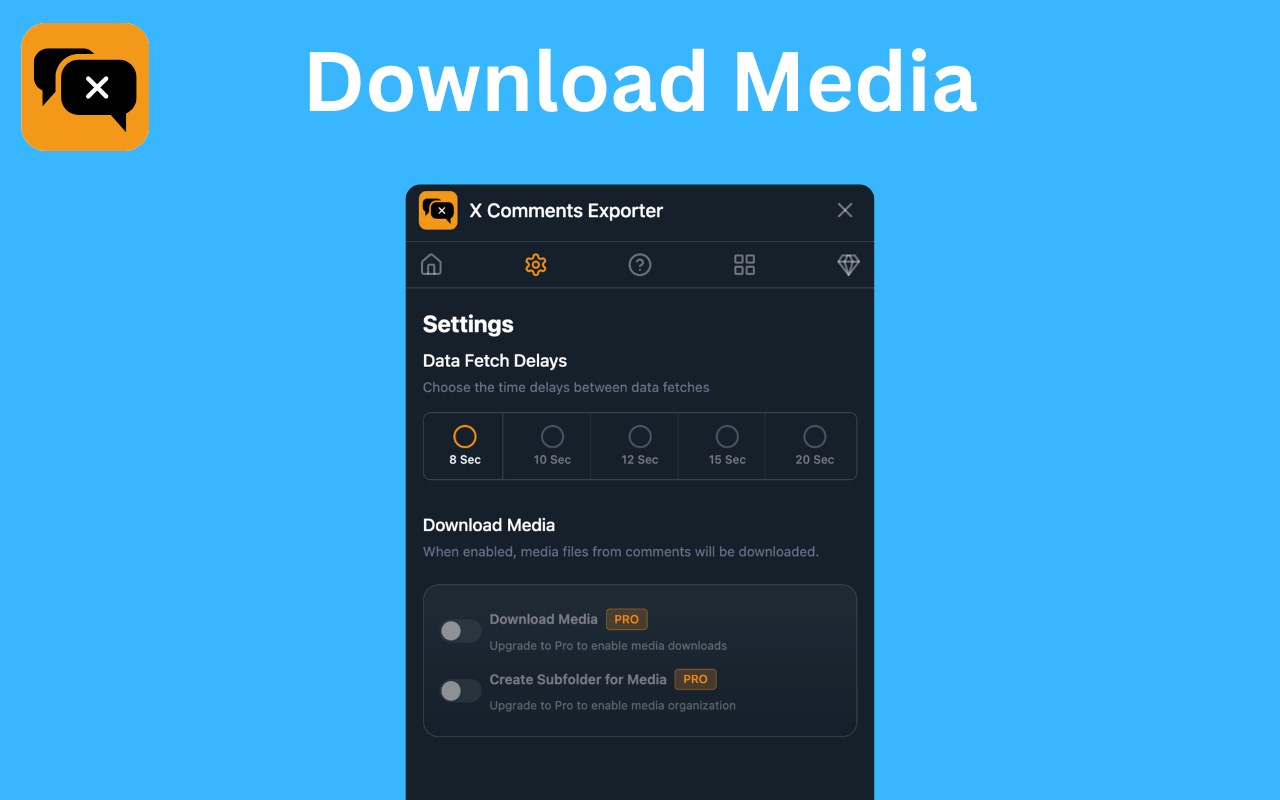
5. ⚙️ Want to change the file format? Open the extension from the toolbar, hit the gear icon, and choose CSV, JSON, or XLSX.
It’s that simple!
🧠 Who Is It For?
This extension is perfect for:
• 👨🎓 Researchers & Academics doing content or discourse analysis
• 📊 Marketers & Agencies tracking campaign replies and audience feedback
• 🏛️ Journalists & Analysts investigating online trends or political sentiment
• 🧰 Developers & Builders building apps that use X comment data
• 🗃️ Archivists & Writers documenting important online conversations
🎯 Benefits and Use Cases
Looking for keywords? X Comments Exporter covers use cases like:
• Download X (Twitter) replies
• Export Twitter thread replies
• Scrape X comments
• Archive Twitter conversations
• Twitter sentiment analysis tool
• Social media data extractor
• X comment scraper extension
• Export X data to CSV or Excel
🔐 We Take Privacy Seriously
Your data never leaves your computer.
✔️ Local-only processing
✔️ No server-side storage
✔️ Full GDPR compliance
This ensures full confidentiality for users dealing with sensitive research or private datasets.
💎 Go Pro
Upgrade to Pro and enjoy:
- Unlimited comments export
- Download comments media
- Priority support
🧾 Disclaimer
X Comments Exporter is an independent browser extension developed by a third party.
It is not affiliated with, endorsed by, or officially connected to X Corp (formerly Twitter) in any way.
All trademarks and copyrights belong to their respective owners.
🌟 Start Exporting X Replies Today
Don’t waste hours scrolling.
Let X Comments Exporter handle the heavy lifting — so you can focus on what really matters: insights, not logistics. 🧠📈
👉 Add the extension to your browser now and take control of your X data.
X Comments Exporter - Export Twitter Comments 是做什么的
X Comments Exporter - Export Twitter Comments 是一款面向 Edge 的效率工具类扩展,主要用来管住注意力、屏蔽干扰站点、记录时间。官方对它的介绍是:Download X (Twitter) replies in one click. X Comments Exporter makes reply scraping easy for research, backup, and insights.在微软 Edge 加载项商店上,它当前版本 1.5.0,约 18 名用户。
适合什么人用
从功能定位看,X Comments Exporter - Export Twitter Comments 更适合想专注工作学习、减少无效刷网页的用户。如果你平时只是偶尔遇到相关需求,用浏览器自带功能也能凑合;但如果这件事每天都发生,装一个专门处理它的扩展通常比手动操作省事得多。
怎么安装 X Comments Exporter - Export Twitter Comments
- 打开微软 Edge 加载项商店上的官方页面;
- 点「添加到浏览器」并确认权限提示;
- 装好后在扩展列表里固定图标,方便随时开关。
本站只做索引与介绍,安装包来自官方商店。如果商店页面提示当前地区不可用,说明该扩展未在你所在区域上架。
常见问题
X Comments Exporter - Export Twitter Comments 是免费的吗?
X Comments Exporter - Export Twitter Comments 在微软 Edge 加载项商店免费提供下载。它是浏览器扩展,装上就能直接用,不需要注册账号。
X Comments Exporter - Export Twitter Comments 安全吗?
它只申请了 0 项权限,范围比较克制,没有申请「读取所有网站数据」这种大权限。
X Comments Exporter - Export Twitter Comments 支持哪些浏览器?
当前收录的版本来自微软 Edge 加载项商店,适用于 Edge。同一个扩展在其他商店可能有对应版本,但功能与版本号不一定相同。
怎么卸载 X Comments Exporter - Export Twitter Comments?
在扩展管理页找到 X Comments Exporter - Export Twitter Comments,点移除即可。它在本地保存的设置会一起清掉,不会残留数据。
权限清单 来自 manifest.json 原文
接口权限 5
activeTabdownloadsstoragetabswebRequest