
X-Comfort-Browser
小学后生 · EEdge MV3
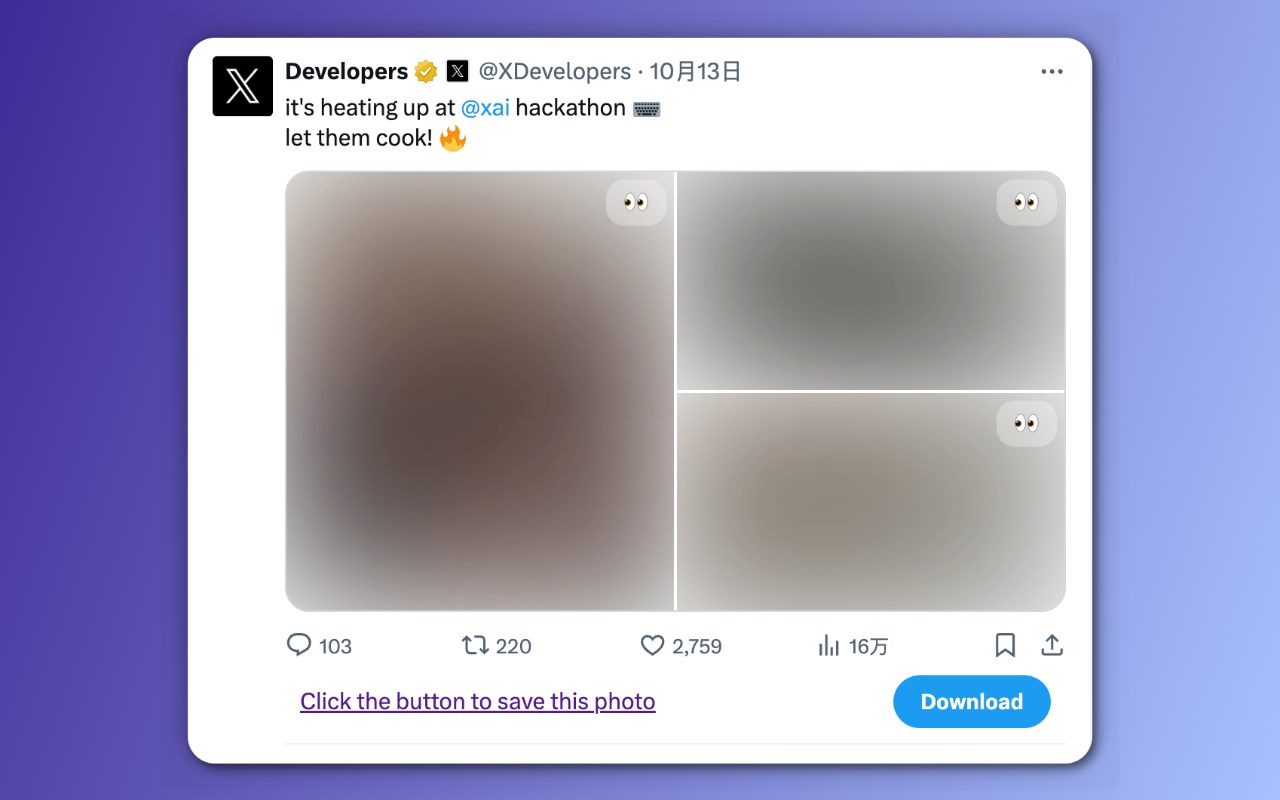
用于浏览内容平台(推特、知乎)时,模糊媒体资源,移除广告。专注信息获取,减少视觉干扰,获得互联网噪音下的注意力主动权,同时避免公共场合出现尴尬的场景。
截图

简介
用于浏览内容平台时(推特、知乎),模糊图片及视频,屏蔽广告。专注于信息获取,减少视觉干扰,获得互联网噪音下的注意力主动权,同时避免公共场合出现尴尬的场景。
在浏览内容平台时,大量无关联的配图容易造成注意力的分散,使得信息获取的过程受到干扰,无法专注。另外像推特这样内容开放的平台容易出现不适的图片,在公共场合不适合浏览。图片的滥用和视频的干扰,形成了一种噪音,使得纯文字的阅读能力和信息的表达深度在这视觉的转移运动中逐渐削弱。
✨ 功能特性
1、平台广告屏蔽。
2、获得更多的注意力主动权。
3、减少噪音内容造成的视觉干扰。
4、避免公共场合突然出现的不适图片造成尴尬。
🌐支持平台:推特、知乎
————————————
Blurs images and videos and removes ads when browsing content platforms, enabling focused information access with reduced visual distractions. Gain control over attention amidst internet noise while avoiding awkward situations in public spaces.
When browsing content platforms, numerous unrelated images can easily lead to distraction, disrupting the process of information acquisition and making it difficult to stay focused. Open-content platforms like Twitter may display inappropriate images, making them unsuitable for public viewing. The overuse of images and intrusive videos creates visual noise, gradually weakening the ability to engage with text-only content and diminishing the depth of information conveyed amidst these visual shifts.
✨ Feature
1、Remove platform ads.
2、Gain more control over your attention.
3、Reduce visual distractions caused by noisy content.
4、Avoid awkward situations caused by inappropriate images appearing in public.
🌐Support: X(Twitter)、Zhihu
X-Comfort-Browser 是做什么的
X-Comfort-Browser 是一款面向 Edge 的效率工具类扩展,主要用来管住注意力、屏蔽干扰站点、记录时间。官方对它的介绍是:用于浏览内容平台(推特、知乎)时,模糊媒体资源,移除广告。专注信息获取,减少视觉干扰,获得互联网噪音下的注意力主动权,同时避免公共场合出现尴尬的场景。在微软 Edge 加载项商店上,它当前版本 1.5,评分 5(1 人评价),约 107 名用户。
适合什么人用
从功能定位看,X-Comfort-Browser 更适合想专注工作学习、减少无效刷网页的用户。如果你平时只是偶尔遇到相关需求,用浏览器自带功能也能凑合;但如果这件事每天都发生,装一个专门处理它的扩展通常比手动操作省事得多。
怎么安装 X-Comfort-Browser
- 打开微软 Edge 加载项商店上的官方页面;
- 点「添加到浏览器」并确认权限提示;
- 装好后在扩展列表里固定图标,方便随时开关。
本站只做索引与介绍,安装包来自官方商店。如果商店页面提示当前地区不可用,说明该扩展未在你所在区域上架。
常见问题
X-Comfort-Browser 是免费的吗?
X-Comfort-Browser 在微软 Edge 加载项商店免费提供下载。它是浏览器扩展,装上就能直接用,不需要注册账号。
X-Comfort-Browser 安全吗?
它只申请了 0 项权限,范围比较克制,没有申请「读取所有网站数据」这种大权限。
X-Comfort-Browser 支持哪些浏览器?
当前收录的版本来自微软 Edge 加载项商店,适用于 Edge。同一个扩展在其他商店可能有对应版本,但功能与版本号不一定相同。
怎么卸载 X-Comfort-Browser?
在扩展管理页找到 X-Comfort-Browser,点移除即可。它在本地保存的设置会一起清掉,不会残留数据。
权限清单 来自 manifest.json 原文
接口权限 1
storage