
X Bookmarks Exporter - Export Twitter Bookmarks EN
Browser Agents · EEdge MV3
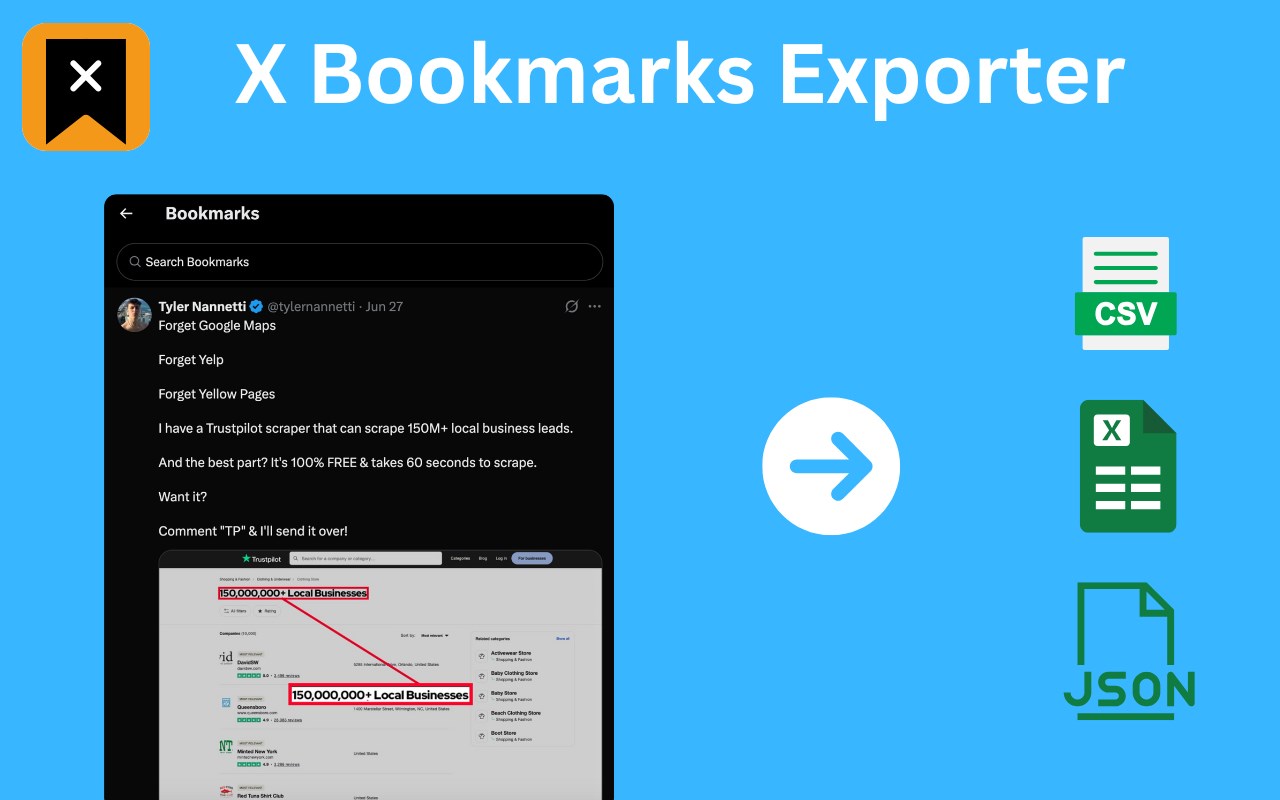
Download X (Twitter) bookmarks instantly as CSV, JSON, or XLSX. One-click export for backup, offline access, or sharing.
截图

简介
📌 X Bookmarks Exporter – Export & Download Your Twitter/X Bookmarks with Ease
Tired of losing track of your saved posts on X (formerly Twitter)?
X Bookmarks Exporter is the ultimate tool to download, back up, and manage your X bookmarks effortlessly. Whether you’re bookmarking insightful threads, viral tweets, or important media, this extension helps you export everything to your computer in seconds — no tech skills required!
✨ What Is X Bookmarks Exporter?
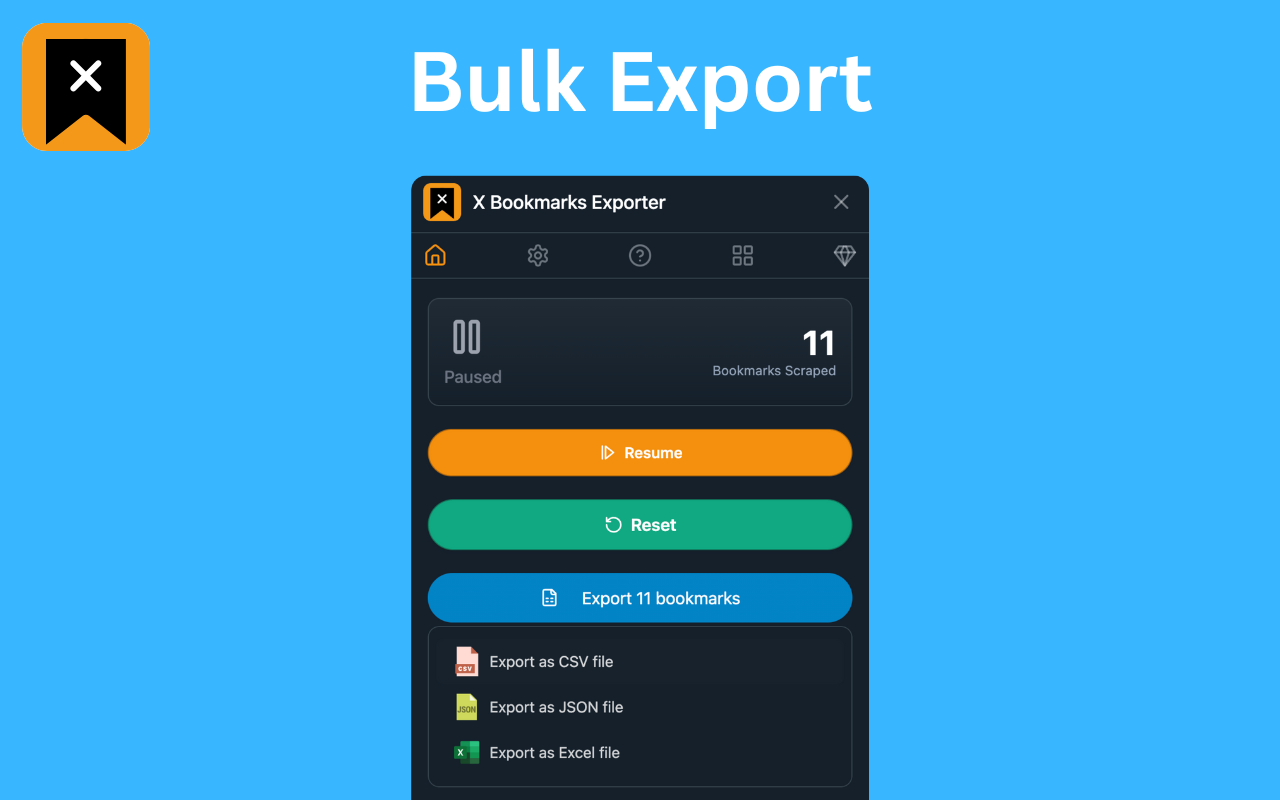
X Bookmarks Exporter is a fast, secure, and privacy-focused extension that lets you export your bookmarks from X (Twitter) in one click. Save your favorite posts in easy-to-use formats like CSV, JSON, and Excel (XLSX), so you can organize, search, or archive them however you want.
Unlike Twitter’s limited interface, this tool gives you full control over your bookmarks — including the ability to download images and videos from bookmarked posts!
🔑 Key Features
✅ 1. One-Click Export
Export all your X bookmarks instantly — no need to scroll or copy-paste manually. Just click the button and watch your saved tweets get processed.
📂 2. Multiple File Format Support
Choose how you want your data:
• CSV for spreadsheet lovers
• JSON for developers and automation workflows
• XLSX (Excel) for business users and advanced sorting/filtering
🖼️ 3. Media Downloads (NEW!)
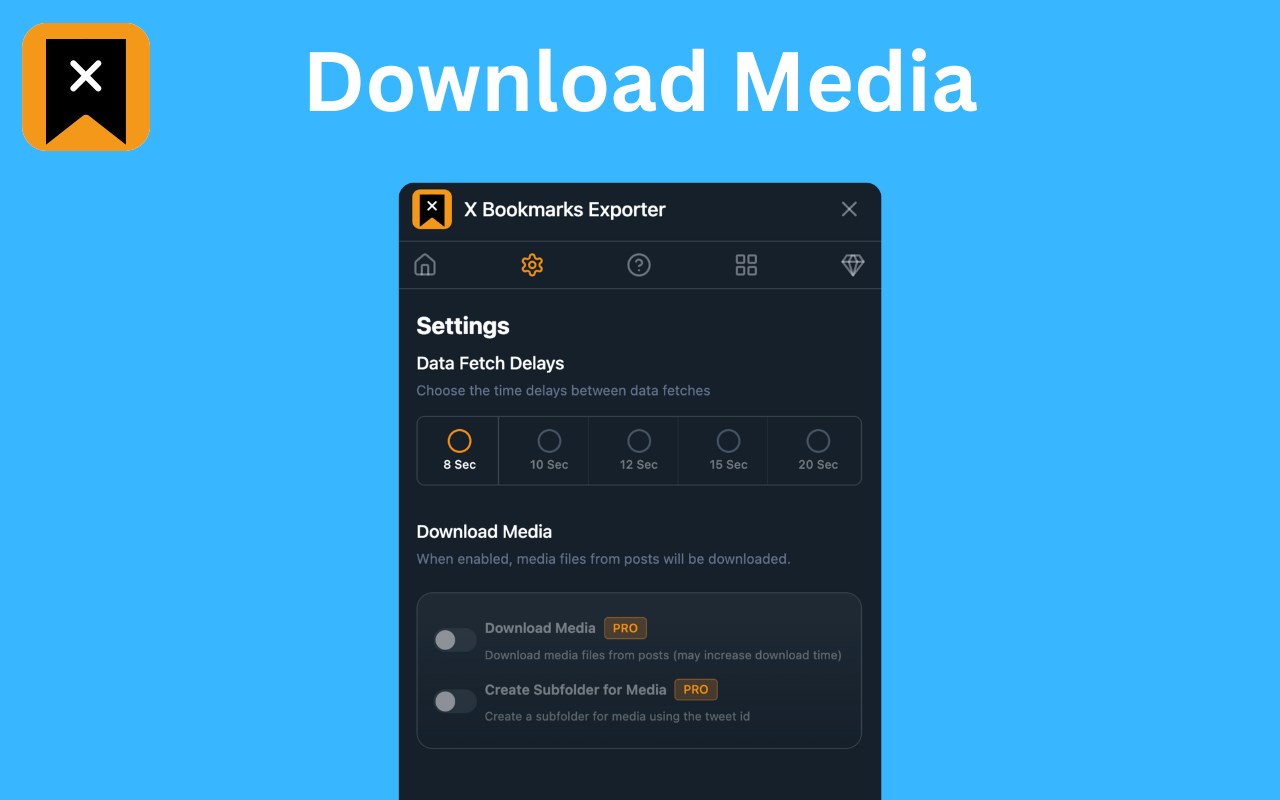
Want to keep the images and videos from your bookmarks? Simply enable the Download Media option to save all embedded media with your export.
🔒 4. Fully Local & Private
Your data never leaves your browser. No data is uploaded, stored, or tracked. All processing happens on your device for 100% security and peace of mind.
🧠 5. Smart for Power Users
Perfect for:
• 🧑🎓 Researchers saving insightful threads
• 📝 Writers collecting references
• 📈 Marketers archiving campaign inspiration
• 👩💻 Developers building tools using saved tweet data
• 🗃️ Archivists keeping personal records
🚀 How to Use X Bookmarks Exporter
Using the extension is super simple:
1. 🌐 Visit your X Bookmarks page: https://x.com/i/bookmarks
2. ⚙️ Optional: Enable “Download Media” in the extension settings
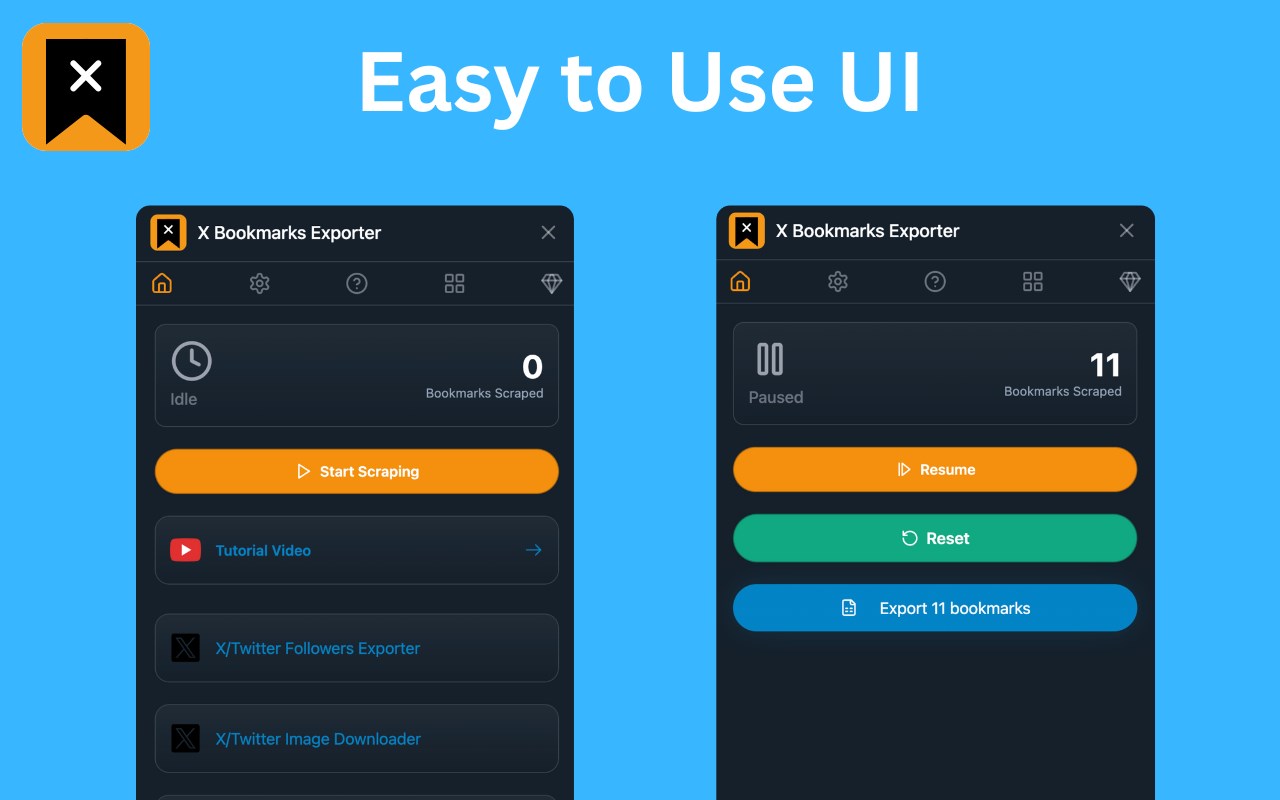
3. 🔽 Open the extension and click the “Start” button
4. ⏳ Watch the export progress in a popup window
5. 💾 When complete, click “Download” again to save the file in your chosen format
You can select your preferred format (CSV, JSON, XLSX) in the extension’s settings by clicking the icon in your browser toolbar.
🔍 Why Export Your Twitter/X Bookmarks?
Many users rely on X Bookmarks to keep track of important content — but the platform provides no built-in export option. This extension solves that problem by giving you a reliable backup of everything you’ve saved.
Benefits:
• 🧾 Create searchable, local archives
• 📊 Organize bookmarks in spreadsheets
• 💡 Use saved content for research, content creation, or personal growth
• 🔄 Sync your data across platforms
• 🧼 Clean up your bookmarks without fear of losing anything
💬 Frequently Asked Questions (FAQs)
❓ Is it safe to use?
Yes! Your data stays on your device. The extension doesn’t collect, transmit, or store anything — period.
❓ Can I download media?
Yes! Simply enable the “Download Media” option in the extension before exporting. This includes images, GIFs, and videos embedded in your bookmarked tweets.
❓ Does this work with private accounts or protected tweets?
Only if you’re logged into X and can view those bookmarks yourself. The extension only has access to what your browser can see.
❓ Is this an official tool by Twitter or X Corp?
No. This is an independent third-party tool not affiliated with or endorsed by X Corp.
💎 Upgrade to Pro – Unlock Everything
For just $9.90, go Pro and enjoy:
• 📥 Unlimited bookmarks export
• 🖼️ Download bookmark media
• ⚙️ Priority support
🛡️ Privacy Comes First
We believe your data belongs to you. That’s why X Bookmarks Exporter works 100% locally in your browser — no servers, no data harvesting, no tracking. Your bookmarks are yours alone.
⚠️ Legal Disclaimer
This extension is an independent product and is not affiliated, associated, authorized, or endorsed by X Corp or Twitter Inc. All trademarks are property of their respective owners.
✅ Start Exporting Now
Don’t risk losing access to your valuable bookmarks.
Get X Bookmarks Exporter today and create your own personal archive of saved content — media and all!
🧲 Download now and take back control of your X bookmarks!
X Bookmarks Exporter - Export Twitter Bookmarks 是做什么的
X Bookmarks Exporter - Export Twitter Bookmarks 是一款面向 Edge 的效率工具类扩展,主要用来管住注意力、屏蔽干扰站点、记录时间。官方对它的介绍是:Download X (Twitter) bookmarks instantly as CSV, JSON, or XLSX. One-click export for backup, offline access, or sharing.在微软 Edge 加载项商店上,它当前版本 2.1.0,约 22 名用户。
适合什么人用
从功能定位看,X Bookmarks Exporter - Export Twitter Bookmarks 更适合想专注工作学习、减少无效刷网页的用户。如果你平时只是偶尔遇到相关需求,用浏览器自带功能也能凑合;但如果这件事每天都发生,装一个专门处理它的扩展通常比手动操作省事得多。
怎么安装 X Bookmarks Exporter - Export Twitter Bookmarks
- 打开微软 Edge 加载项商店上的官方页面;
- 点「添加到浏览器」并确认权限提示;
- 装好后在扩展列表里固定图标,方便随时开关。
本站只做索引与介绍,安装包来自官方商店。如果商店页面提示当前地区不可用,说明该扩展未在你所在区域上架。
常见问题
X Bookmarks Exporter - Export Twitter Bookmarks 是免费的吗?
X Bookmarks Exporter - Export Twitter Bookmarks 在微软 Edge 加载项商店免费提供下载。它是浏览器扩展,装上就能直接用,不需要注册账号。
X Bookmarks Exporter - Export Twitter Bookmarks 安全吗?
它只申请了 0 项权限,范围比较克制,没有申请「读取所有网站数据」这种大权限。
X Bookmarks Exporter - Export Twitter Bookmarks 支持哪些浏览器?
当前收录的版本来自微软 Edge 加载项商店,适用于 Edge。同一个扩展在其他商店可能有对应版本,但功能与版本号不一定相同。
怎么卸载 X Bookmarks Exporter - Export Twitter Bookmarks?
在扩展管理页找到 X Bookmarks Exporter - Export Twitter Bookmarks,点移除即可。它在本地保存的设置会一起清掉,不会残留数据。
权限清单 来自 manifest.json 原文
接口权限 5
activeTabdownloadsstoragetabswebRequest