
Webpage to Video EN
GrabzIt Limited · EEdge MV3
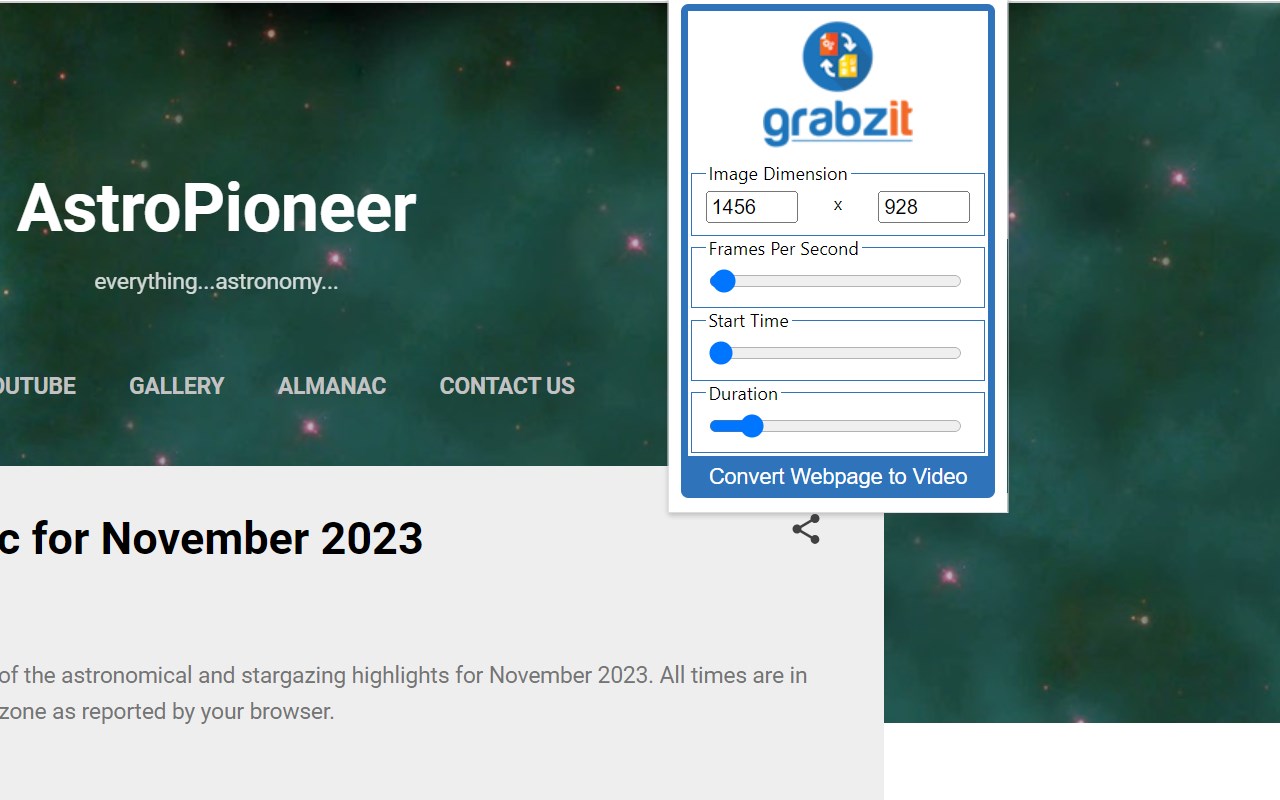
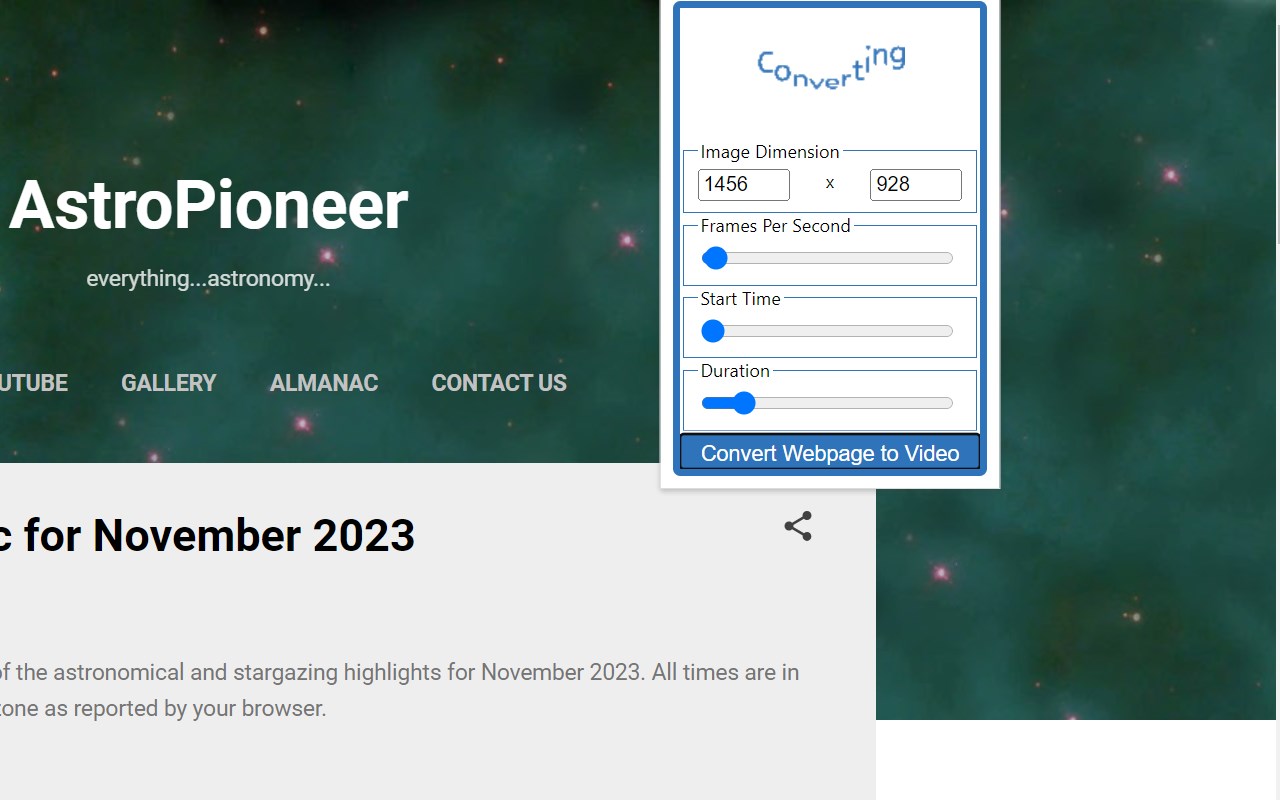
Converts web pages or local HTML files you are currently looking at into videos. The videos are produced in the mp4 (H264) format.
截图

简介
Don't just capture a static snapshot of a webpage—record how it moves and changes over time! Quickly convert any webpage or local HTML file into a high-quality MP4 video. This is the perfect solution for capturing dynamic content that standard screenshot tools simply cannot catch.
Perfect for:
- Capturing CSS animations and dynamic web designs for portfolios.
- Recording interactive charts, graphs, and live data dashboards.
- Documenting visual bugs or UI/UX issues for developers.
- Archiving webpages with moving elements or embedded media.
How It Works:
This extension securely reads the content of your current web page and sends it to GrabzIt's API for conversion. The final MP4 video is automatically displayed right in your browser window, where it can be easily previewed, played, and downloaded to your computer.
Getting Started & Pricing:
Once installed, simply follow the instructions in the extension popup to create your free GrabzIt account and start converting.
- Free Tier: Core webpage-to-video conversions are free forever.
- Premium Features: You will automatically start with a free trial of our Premium tier. Afterward, you can optionally upgrade to automatically hide cookie notices, increase your monthly conversion allowance, and unlock advanced capture settings.
Backed by GrabzIt Limited's enterprise-grade infrastructure. Fast, secure, and reliable.
Webpage to Video 是做什么的
Webpage to Video 是一款面向 Edge 的效率工具类扩展,主要用来管住注意力、屏蔽干扰站点、记录时间。官方对它的介绍是:Converts web pages or local HTML files you are currently looking at into videos. The videos are produced in the mp4 (H264) format.在微软 Edge 加载项商店上,它当前版本 1.2.1,评分 3(1 人评价),约 378 名用户。
适合什么人用
从功能定位看,Webpage to Video 更适合想专注工作学习、减少无效刷网页的用户。如果你平时只是偶尔遇到相关需求,用浏览器自带功能也能凑合;但如果这件事每天都发生,装一个专门处理它的扩展通常比手动操作省事得多。
怎么安装 Webpage to Video
- 打开微软 Edge 加载项商店上的官方页面;
- 点「添加到浏览器」并确认权限提示;
- 装好后在扩展列表里固定图标,方便随时开关。
本站只做索引与介绍,安装包来自官方商店。如果商店页面提示当前地区不可用,说明该扩展未在你所在区域上架。
常见问题
Webpage to Video 是免费的吗?
Webpage to Video 在微软 Edge 加载项商店免费提供下载。它是浏览器扩展,装上就能直接用,不需要注册账号。
Webpage to Video 安全吗?
它只申请了 0 项权限,范围比较克制,没有申请「读取所有网站数据」这种大权限。
Webpage to Video 支持哪些浏览器?
当前收录的版本来自微软 Edge 加载项商店,适用于 Edge。同一个扩展在其他商店可能有对应版本,但功能与版本号不一定相同。
怎么卸载 Webpage to Video?
在扩展管理页找到 Webpage to Video,点移除即可。它在本地保存的设置会一起清掉,不会残留数据。
权限清单 来自 manifest.json 原文
站点访问(可选) 1
file:///*
接口权限 4
activeTabdownloadsscriptingstorage
其他商店也有这款
同一款扩展在不同浏览器下的版本,权限与更新节奏可能不同
