
Webbye - Data Extraction, automation & AI Analysis EN
Jefferson Boukary · EEdge MV3
AI-Agent powered data extraction and analysis. Retrieve data from web pages, transform it using AI chat and more
截图


简介
Webbye is the ultimate AI-Agent powered tool for web data extraction, analysis, and automation. With a simple click, you can turn any webpage into structured data, gain insights with a built-in AI chat, and export your findings in popular formats like Excel, CSV, and JSON. You can even use it to extract leads. No coding is required.
Whether you're a market researcher, a data analyst, or a business owner, Webbye provides the speed and intelligence you need to make data-driven decisions.
Webbye is free to install with a bonus credit of 150 credits, after which you must upgrade to a monthly subscription of $35 to continue using all features. Additional credits can be purchased in extension when the regular subscription is used up for 10USD to unlock full-scale features like bulk extraction and extended AI-powered analysis.
Key Features
One-Click Data Extraction: Instantly extract tables, lists, and other key information from any webpage without any setup.
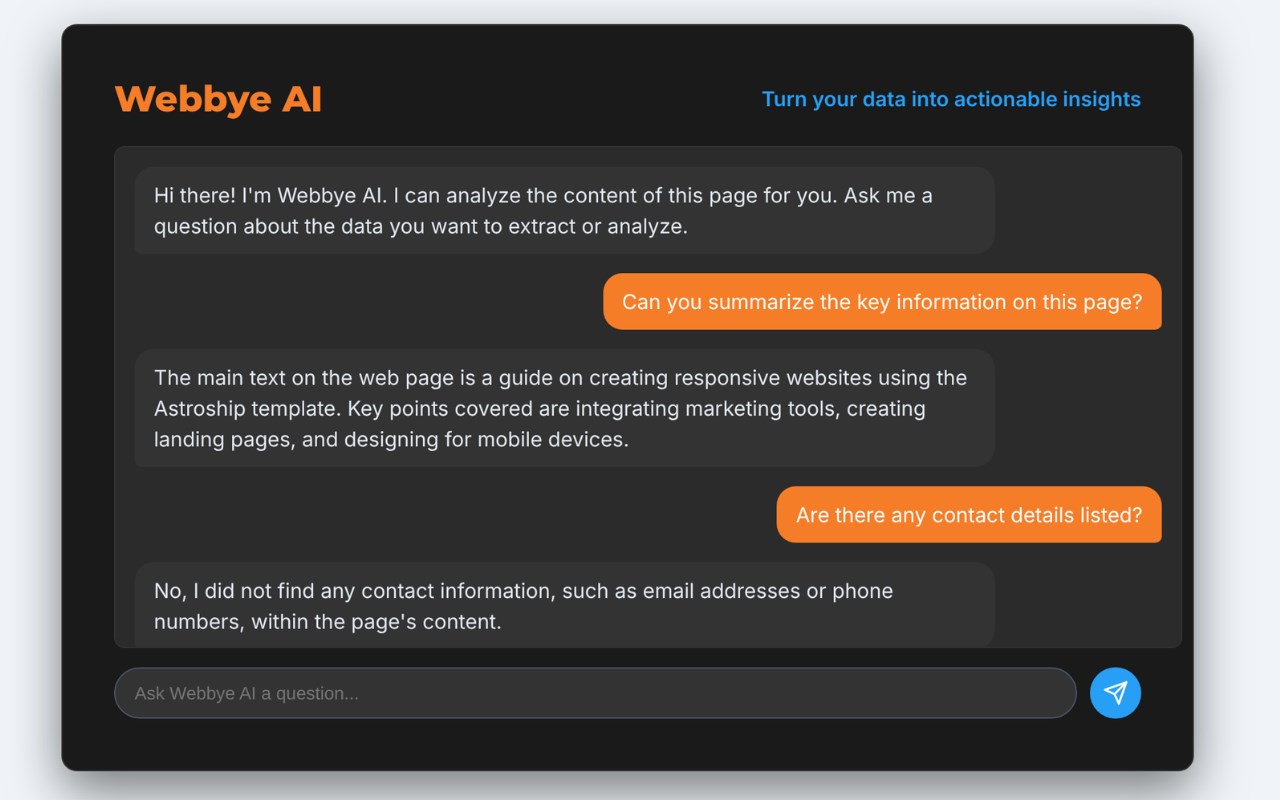
AI-Powered Analysis: Use our integrated AI chat to ask questions about the data you've extracted. Get summaries, classify information, or transform data into a custom format.
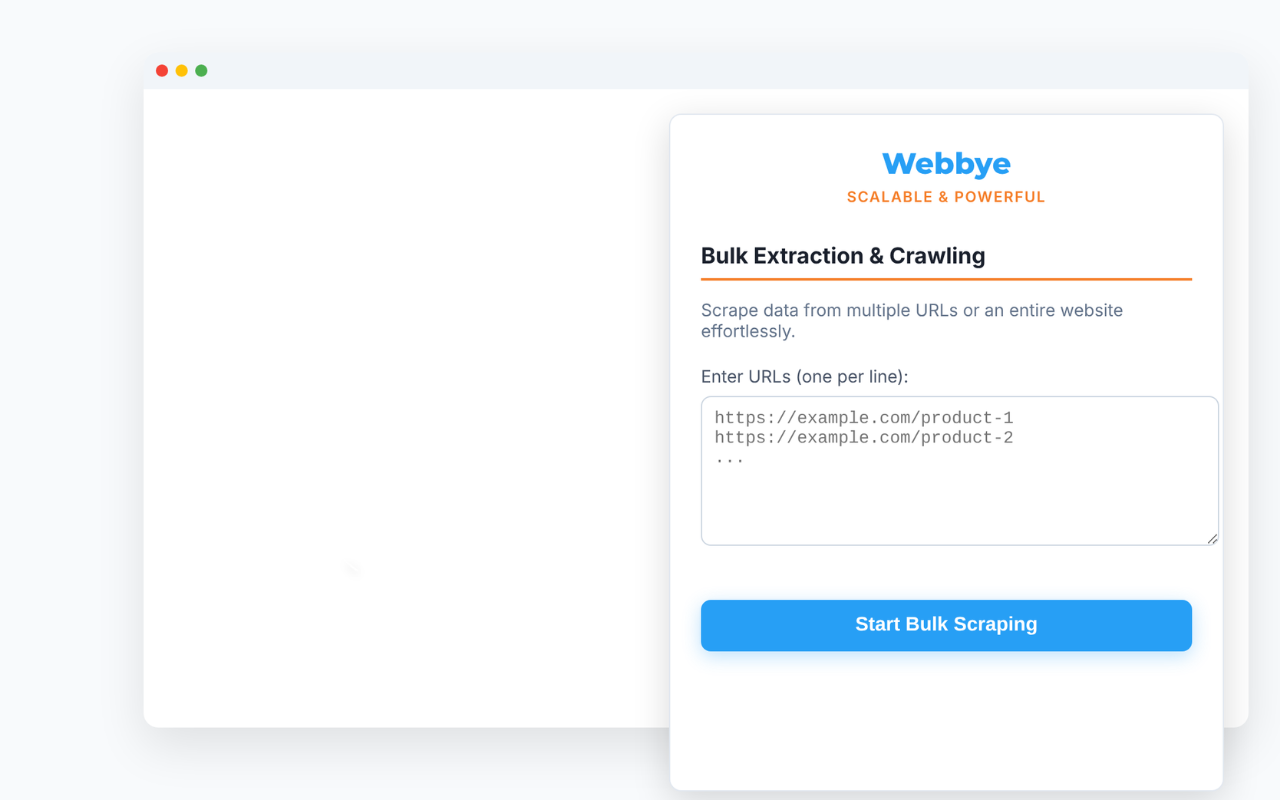
Bulk Extraction & Crawling: Scrape data from multiple URLs at once or crawl entire websites to gather information at scale.
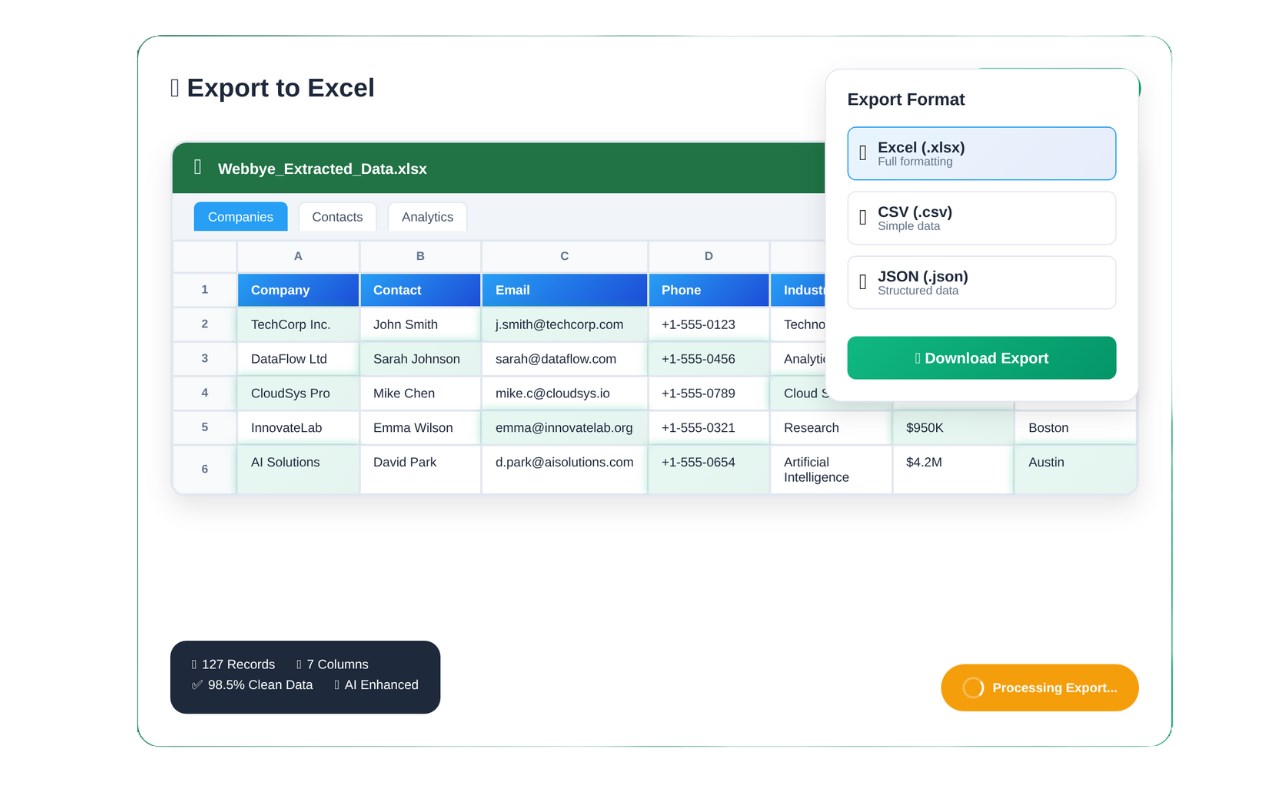
Effortless Export: Download your data in the format you need:
Excel (.xlsx): For a clean, organized, and ready-to-use spreadsheet.
CSV (.csv): The universal format for data sharing.
JSON (.json): Ideal for developers and structured data applications.
Easy-to-Use Interface: Designed for everyone, from data novices to professionals. Our intuitive UI makes data extraction simple and efficient.
Data Automation: Set up automated scraping tasks to keep your datasets up-to-date with fresh information.
How it Works
Click & Extract: Navigate to any webpage and click the Webbye icon. The extension will automatically detect and extract all available data.
Chat with AI: Ask our AI-Agent to analyze the data. Ask for a summary of a product list, a list of emails, or a simple breakdown of information.
Export & Go: Choose your preferred format and export your data in seconds.
Who is this for?
Market Researchers: Gather competitive intelligence, product data, and market trends.
Students & Academics: Collect data for research papers and projects.
E-commerce Owners: Scrape product details, prices, and reviews from competitor websites.
Sales & Marketing Teams: Build lead lists and find new business opportunities.
Analysts & Developers: Quickly gather structured data for reports and applications.
Unlock the power of web data without the complexity. Install Webbye today and start turning data into knowledge.
Webbye - Data Extraction, automation & AI Analysis 是做什么的
Webbye - Data Extraction, automation & AI Analysis 是一款面向 Edge 的搜索增强类扩展,主要用来补充搜索结果、切换搜索引擎、过滤无效结果。官方对它的介绍是:AI-Agent powered data extraction and analysis. Retrieve data from web pages, transform it using AI chat and more在微软 Edge 加载项商店上,它当前版本 1.1.6,约 14 名用户。
适合什么人用
从功能定位看,Webbye - Data Extraction, automation & AI Analysis 更适合每天大量搜索、希望结果更干净准确的用户。如果你平时只是偶尔遇到相关需求,用浏览器自带功能也能凑合;但如果这件事每天都发生,装一个专门处理它的扩展通常比手动操作省事得多。
怎么安装 Webbye - Data Extraction, automation & AI Analysis
- 打开微软 Edge 加载项商店上的官方页面;
- 点「添加到浏览器」并确认权限提示;
- 装好后在扩展列表里固定图标,方便随时开关。
本站只做索引与介绍,安装包来自官方商店。如果商店页面提示当前地区不可用,说明该扩展未在你所在区域上架。
常见问题
Webbye - Data Extraction, automation & AI Analysis 是免费的吗?
Webbye - Data Extraction, automation & AI Analysis 在微软 Edge 加载项商店免费提供下载。它是浏览器扩展,装上就能直接用,不需要注册账号。
Webbye - Data Extraction, automation & AI Analysis 安全吗?
它只申请了 0 项权限,范围比较克制,没有申请「读取所有网站数据」这种大权限。
Webbye - Data Extraction, automation & AI Analysis 支持哪些浏览器?
当前收录的版本来自微软 Edge 加载项商店,适用于 Edge。同一个扩展在其他商店可能有对应版本,但功能与版本号不一定相同。
怎么卸载 Webbye - Data Extraction, automation & AI Analysis?
在扩展管理页找到 Webbye - Data Extraction, automation & AI Analysis,点移除即可。它在本地保存的设置会一起清掉,不会残留数据。
权限清单 来自 manifest.json 原文
接口权限 3
activeTabstoragetabs