
Web Text Expander: Text Shortcuts & Snippets EN
Jevgenij Zhukov · EEdge MV3
Work smarter and type faster with text shortcuts! Use text expander to turn text snippets into words or sentences anywhere online
<all_urls>),意味着它可以读取你在任意站点的页面内容,包括已登录的页面。这是许多扩展正常工作的必要条件,但也值得你确认来源可信。
截图


简介
Elevate Your Productivity with Web Text Expander: Text Shortcuts & Snippets!
Are you tired of repetitive typing while browsing the web? Our Web Text Expander Edge extension is here to make your daily tasks smoother and more efficient. This extension is your ultimate companion for quick access to text snippets and effortless text expansion.
❓ What is a text expander?
A text expander is a powerful and efficient extension that simplifies typing tasks. It allows you to create shortcuts or abbreviations for frequently used words, phrases, or whole paragraphs. When you type these shortcuts, the text expansion tool automatically changes them into the full content, saving you time.
Whether you're responding to emails, filling out forms, or working on various web-based tasks, our free text expander Edge extension streamlines your workflow, making your digital life more efficient and productive.
🚀 How to use Web Text Expander: Text Shortcuts & Snippets?
1. Install our text expander in Edge.
2. Create your shortcut and enter the corresponding expanded message in the dashboard
3. When you need to use the snippet, just type your shortcut, and the message will expand automatically.
4. Open the extension to quickly add, edit, and delete text shortcuts.
⭐ Features:
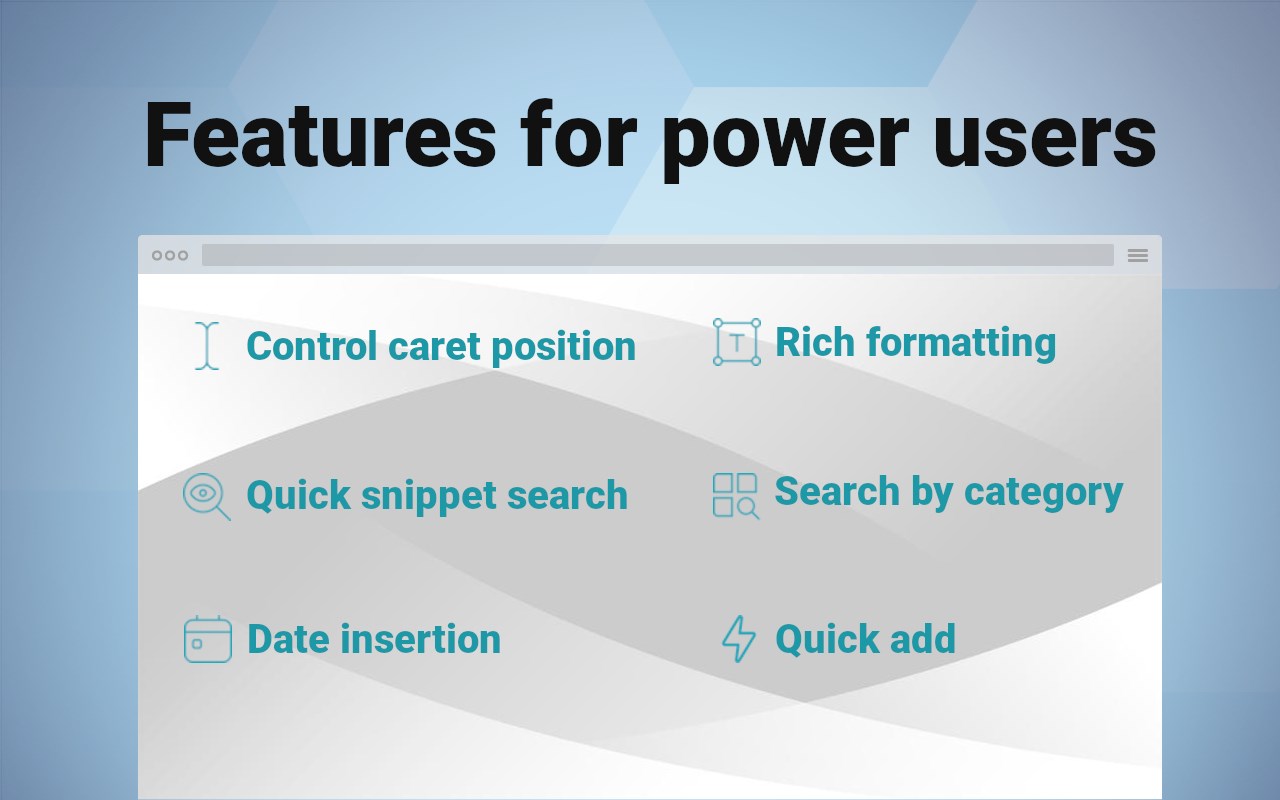
- Text snippets
- Instant shortcut expansion
- Filtering by tags
- Current date placeholders
- Caret position control
- Quick add
- Quick search
- Insertion of the current date/time
- Designed for Edge browser
- Gmail snippets integration
- User-friendly
- Private and secure
❇️Highlights
💡 Unleash the Power of Text Snippets
Seamlessly create, manage, and utilize text shortcuts. Say goodbye to typing out the same phrases or addresses repeatedly. With shortcuts, your frequently used phrases are at your fingertips. This feature alone can save you hours!
💡 Auto Text Expander
Works like magic: automatically detects your pre-defined snippet, instantly inserting your message. No delays. No additional actions.
💡 Universal Web Compatibility
Whether you're composing emails, filling out forms, or updating social media, Web Text Expander is ready to assist. It seamlessly integrates into your Edge browser, providing a consistent and user-friendly experience across most websites.
💡 Filtering by Tags
Efficiently organize and manage your text snippets with our filtering by tags feature. Assign tags to your snippets for easy categorization, allowing you to quickly find the right snippet when you need it. Whether you have hundreds of snippets or just a few, tags make it simple to keep everything organized and accessible.
💡 Insertion of the Current Date/Time
Save time on routine tasks with the ability to insert the current date and time into your snippets automatically. Perfect for time-stamping emails, forms, or logs, this feature ensures that you always have up-to-date information without manually typing it out. Just create a snippet with the date/time placeholder, and let the extension do the rest.
💡 Control of the caret position after expansion
Position the caret precisely where you need it once a snippet is expanded. Using a special placeholder within your snippet, the extension will automatically place the cursor at the designated spot, allowing you to start typing right where it matters. This feature eliminates the need to reposition your cursor manually, enabling faster and more efficient workflows.
💡 Quick Search Box
Easily locate the shortcuts and expanded texts you need with the intuitive quick search box. Simply type a keyword, and the extension will instantly surface matching snippets, ensuring you find the right one in seconds. Insert the snippet seamlessly with a single button press.
💡 Quick add
Add a shortcut instantly from any webpage with just a right-click. This feature lets you create text expander shortcuts on the fly, so you never lose your flow.
💡 Gmail Snippets Integration
Integrate your Gmail snippets into our Edge extension. Speed up your email communication and enhance your productivity while using Gmail.
💡 Effortless Integration
No need to spend hours learning complex software. You'll be up and running in just a few clicks, saving precious time.
💡 Privacy and Security
We take your privacy seriously. Your data is stored securely and never shared with third parties.
🖍 Use Cases: Unlock the Potential of Text Shortcuts
Web Text Expander isn't just a convenient tool; it's a game-changer for various scenarios in your digital life. Here are some real-world examples of how you can leverage this Edge extension for maximum efficiency:
📌 Email Communication
In professional life, quick and accurate email responses are crucial. You can set shortcuts for frequently used email templates, signatures, or responses. No more copying and pasting - just a few keystrokes, and your message is ready.
📌 Managing Prompts for LLMs
If you often work with AI tools like ChatGPT or Gemini, text shortcuts can make prompt management much easier. You can save your best-performing prompts, style guides, or structured queries as shortcuts. Instead of rewriting the same context every time you start a new chat, just type a few characters and your full prompt appears instantly. This keeps your workflow consistent across different AI platforms and saves time.
📌 Online Forms and Surveys
Filling out online forms and surveys can be tedious, especially when they ask for the same information repeatedly. Use shortcuts to input your name, address, or other details.
📌 Code and Programming
Web developers and programmers can streamline their workflow using shortcuts for frequently used code snippets. This minimizes the chances of errors and accelerates the coding process.
📌 Social Media Management
Whether you're a social media professional or an avid user, craft consistent and engaging messages across various platforms (LinkedIn, Facebook, WhatsApp Web, and others) with snippets for hashtags, replies, or product promotions.
…
Web Text Expander: Text Shortcuts & Snippets 是做什么的
Web Text Expander: Text Shortcuts & Snippets 是一款面向 Edge 的效率工具类扩展,主要用来管住注意力、屏蔽干扰站点、记录时间。官方对它的介绍是:Work smarter and type faster with text shortcuts! Use text expander to turn text snippets into words or sentences anywhere online在微软 Edge 加载项商店上,它当前版本 2026.8.2.0,评分 5(2 人评价),约 293 名用户。
适合什么人用
从功能定位看,Web Text Expander: Text Shortcuts & Snippets 更适合想专注工作学习、减少无效刷网页的用户。如果你平时只是偶尔遇到相关需求,用浏览器自带功能也能凑合;但如果这件事每天都发生,装一个专门处理它的扩展通常比手动操作省事得多。需要注意的是它作用于所有网站,装上后建议先观察一两天,确认不影响常用站点的正常使用。
怎么安装 Web Text Expander: Text Shortcuts & Snippets
- 打开微软 Edge 加载项商店上的官方页面;
- 点「添加到浏览器」并确认权限提示;
- 装好后在扩展列表里固定图标,方便随时开关。
本站只做索引与介绍,安装包来自官方商店。如果商店页面提示当前地区不可用,说明该扩展未在你所在区域上架。
常见问题
Web Text Expander: Text Shortcuts & Snippets 是免费的吗?
Web Text Expander: Text Shortcuts & Snippets 在微软 Edge 加载项商店免费提供下载。它是浏览器扩展,装上就能直接用,不需要注册账号。
Web Text Expander: Text Shortcuts & Snippets 安全吗?
它只申请了 0 项权限,范围比较克制,没有申请「读取所有网站数据」这种大权限。
Web Text Expander: Text Shortcuts & Snippets 支持哪些浏览器?
当前收录的版本来自微软 Edge 加载项商店,适用于 Edge。同一个扩展在其他商店可能有对应版本,但功能与版本号不一定相同。
怎么卸载 Web Text Expander: Text Shortcuts & Snippets?
在扩展管理页找到 Web Text Expander: Text Shortcuts & Snippets,点移除即可。它在本地保存的设置会一起清掉,不会残留数据。
权限清单 来自 manifest.json 原文
站点访问(可选) 1
*://*/*
接口权限 8
alarmsclipboardReadclipboardWritecontextMenusoffscreenscriptingstorageunlimitedStorage
接口权限(可选) 1
downloads