
Web Archive Viewer – Wayback & Site History EN
SessionManager.net · EEdge MV3
Search the Internet Archive and web archives, explore website history, compare old pages, and recover deleted content.
截图
简介
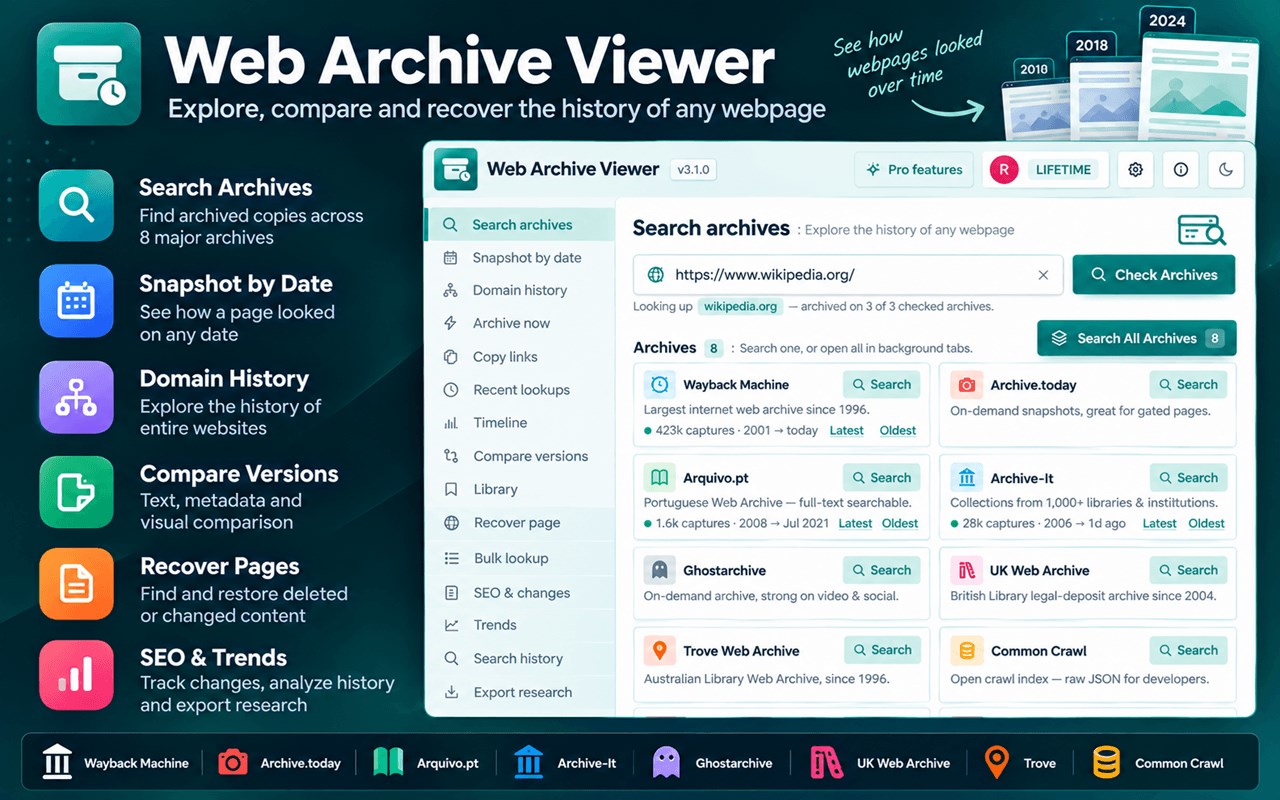
Explore the history of the web with Web Archive Viewer — a powerful web archive and website history research tool for finding, comparing, recovering, analyzing, and organizing historical webpages. Search the Internet Archive's Wayback Machine together with several other public web archives from one extension. Check a single archive or all of them at once, see capture dates and counts, and open historical snapshots in one click.
🌐 Website: https://webinternetarchive.com/
🔒 Privacy First — No tracking. No data selling. Your data is always private to you.
🔎 Search & Website History
Find old versions of websites and webpages, investigate how sites evolved, and locate captures from specific dates.
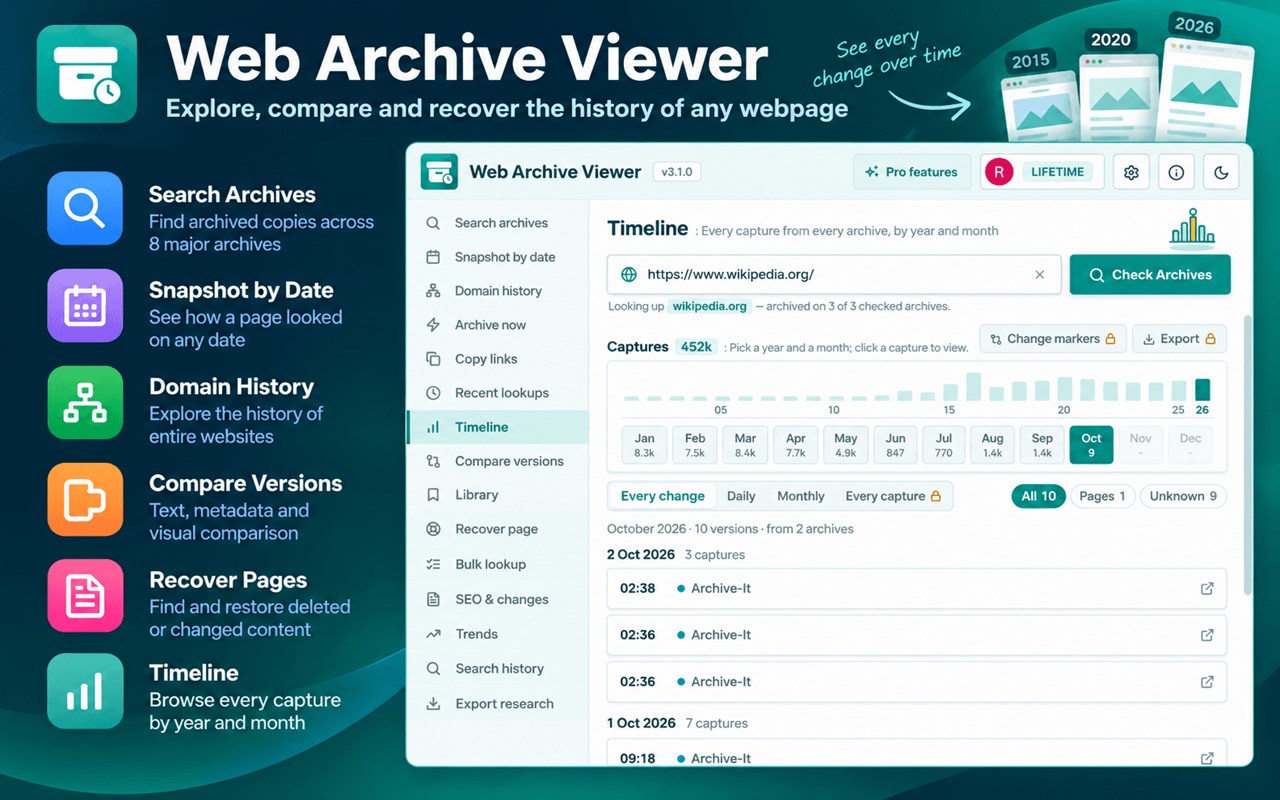
* Snapshot by Date — find the closest archived version to any date.
* Timeline — explore captures by year, month, and day, identify changes, filter capture types, and export results.
* Domain History — explore historical URLs, subdomains, pages, files, redirects, and errors across a website.
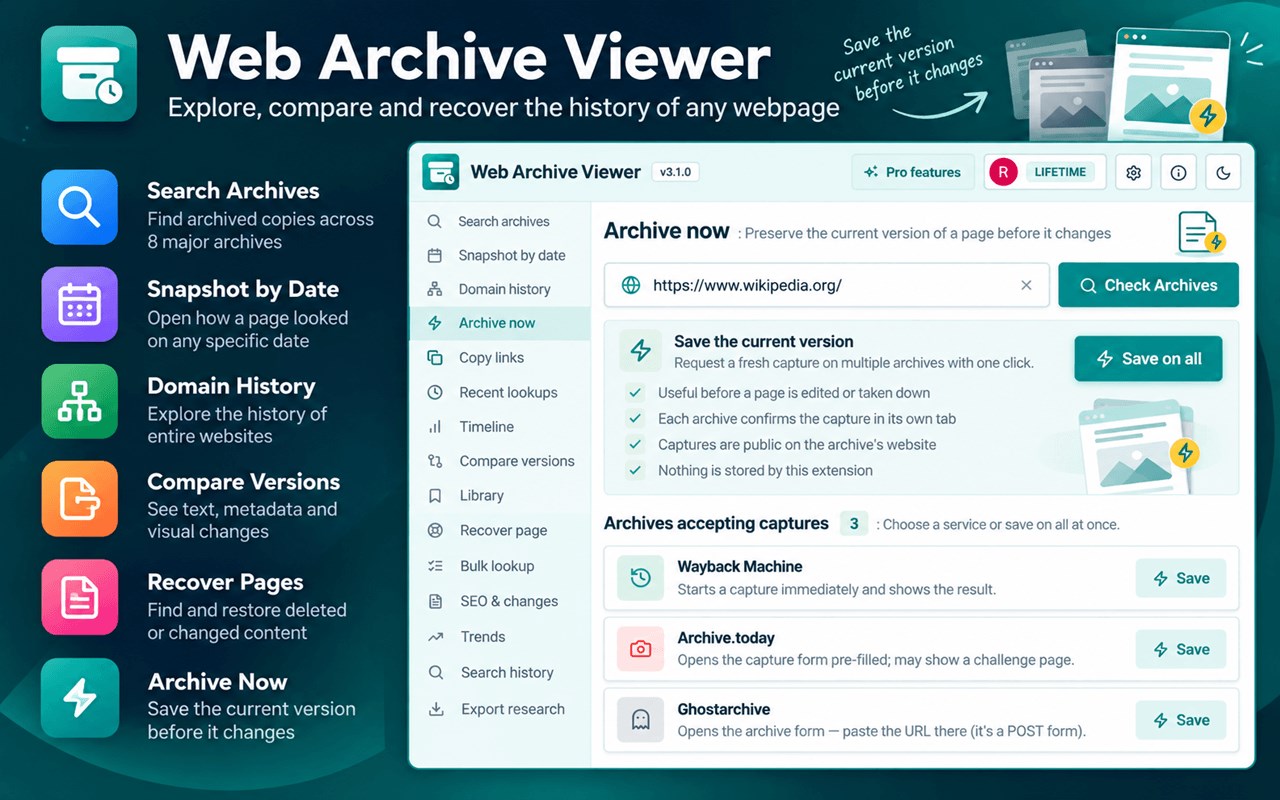
* Archive Now — request a fresh capture through supported archive services.
* Copy Links & Recent Lookups — quickly save archive links and return to previously researched URLs.
🔄 Compare & Recover
Compare Versions shows what changed between historical snapshots, including text, metadata, headings, links, word counts, prices, and content similarity. Visual comparison provides side-by-side screenshots, overlays, and pixel-level differences.
Recover Page searches available archives for surviving copies of deleted, changed, or unavailable webpages. Pro users can check live status, identify useful captures, extract readable content, and save findings to their Library.
🔍 Historical Search & SEO
Search archived webpages for specific words or phrases and discover when information appeared, disappeared, or changed.
SEO & Changes provides historical data including:
* Page titles, descriptions & canonical URLs
* H1/H2 headings and heading counts
* Word and link counts
* Content similarity and changes
* Price and metadata changes
* Historical excerpts
Historical Trends helps analyze how website content and other available metrics changed over time — useful for SEO research, competitor research, content analysis, and website history.
📚 Research, Bulk Lookup & Reports
Organize your findings with the Research Library, including collections, notes, tags, archive references, and citations in APA, MLA, Chicago, BibTeX, and Wikipedia formats.
Pro users can also:
* Bulk Lookup — investigate up to 1,000 URLs for archive availability and live status.
* Evidence Reports — create shareable reports containing historical captures, archive links, change summaries, metadata, links, and excerpts.
* Export Research — export available research as CSV, JSON, Markdown, or HTML.
🆓 Free & Pro
The free version provides powerful tools for finding and opening archived webpages, searching multiple web archives, exploring website history, checking snapshots by date, and more.
Pro unlocks advanced comparison, visual comparison, URL intelligence, page recovery, bulk research, historical SEO, historical content search, trends, research library, evidence reports, and advanced export features.
👥 Built For
Web Archive Viewer is useful for web researchers, SEO professionals, developers, journalists, students, academics, historians, digital marketers, website owners, and anyone who wants to find an old website, view a previous version of a webpage, recover deleted information, or understand how a website changed over time.
🔒 Private by Design
The extension asks for the activeTab permission only. It never reads pages you visit, never tracks you, and contains no analytics. Archive lookups go through our own API at webinternetarchive.com, which caches public archive data and stores no page content. Sign-in is optional (Google) and only needed for Pro.
Web Archive Viewer works with independent public web archive services and is not affiliated with, endorsed by, or produced by the Internet Archive or any other archive service.
Support: https://webinternetarchive.com/contact
Web Archive Viewer – Wayback & Site History 是做什么的
Web Archive Viewer – Wayback & Site History 是一款面向 Edge 的搜索增强类扩展,主要用来补充搜索结果、切换搜索引擎、过滤无效结果。官方对它的介绍是:Search the Internet Archive and web archives, explore website history, compare old pages, and recover deleted content.在微软 Edge 加载项商店上,它当前版本 3.2.0,约 28 名用户。
适合什么人用
从功能定位看,Web Archive Viewer – Wayback & Site History 更适合每天大量搜索、希望结果更干净准确的用户。如果你平时只是偶尔遇到相关需求,用浏览器自带功能也能凑合;但如果这件事每天都发生,装一个专门处理它的扩展通常比手动操作省事得多。
怎么安装 Web Archive Viewer – Wayback & Site History
- 打开微软 Edge 加载项商店上的官方页面;
- 点「添加到浏览器」并确认权限提示;
- 装好后在扩展列表里固定图标,方便随时开关。
本站只做索引与介绍,安装包来自官方商店。如果商店页面提示当前地区不可用,说明该扩展未在你所在区域上架。
常见问题
Web Archive Viewer – Wayback & Site History 是免费的吗?
Web Archive Viewer – Wayback & Site History 在微软 Edge 加载项商店免费提供下载。它是浏览器扩展,装上就能直接用,不需要注册账号。
Web Archive Viewer – Wayback & Site History 安全吗?
它只申请了 0 项权限,范围比较克制,没有申请「读取所有网站数据」这种大权限。
Web Archive Viewer – Wayback & Site History 支持哪些浏览器?
当前收录的版本来自微软 Edge 加载项商店,适用于 Edge。同一个扩展在其他商店可能有对应版本,但功能与版本号不一定相同。
怎么卸载 Web Archive Viewer – Wayback & Site History?
在扩展管理页找到 Web Archive Viewer – Wayback & Site History,点移除即可。它在本地保存的设置会一起清掉,不会残留数据。
权限清单 来自 manifest.json 原文
接口权限 4
activeTabalarmsscriptingstorage