
Tweetback: AI Twitter/X Assistant for Replies, Posts & Monitoring EN
Tweetback · EEdge MV3
Draft better replies, create posts, train custom writing styles, monitor keywords, and manage X watchlists using your AI provider.
截图
简介
Tweetback is an AI Twitter/X assistant for writing better replies, creating posts faster, monitoring conversations, and staying active on X without sounding generic.
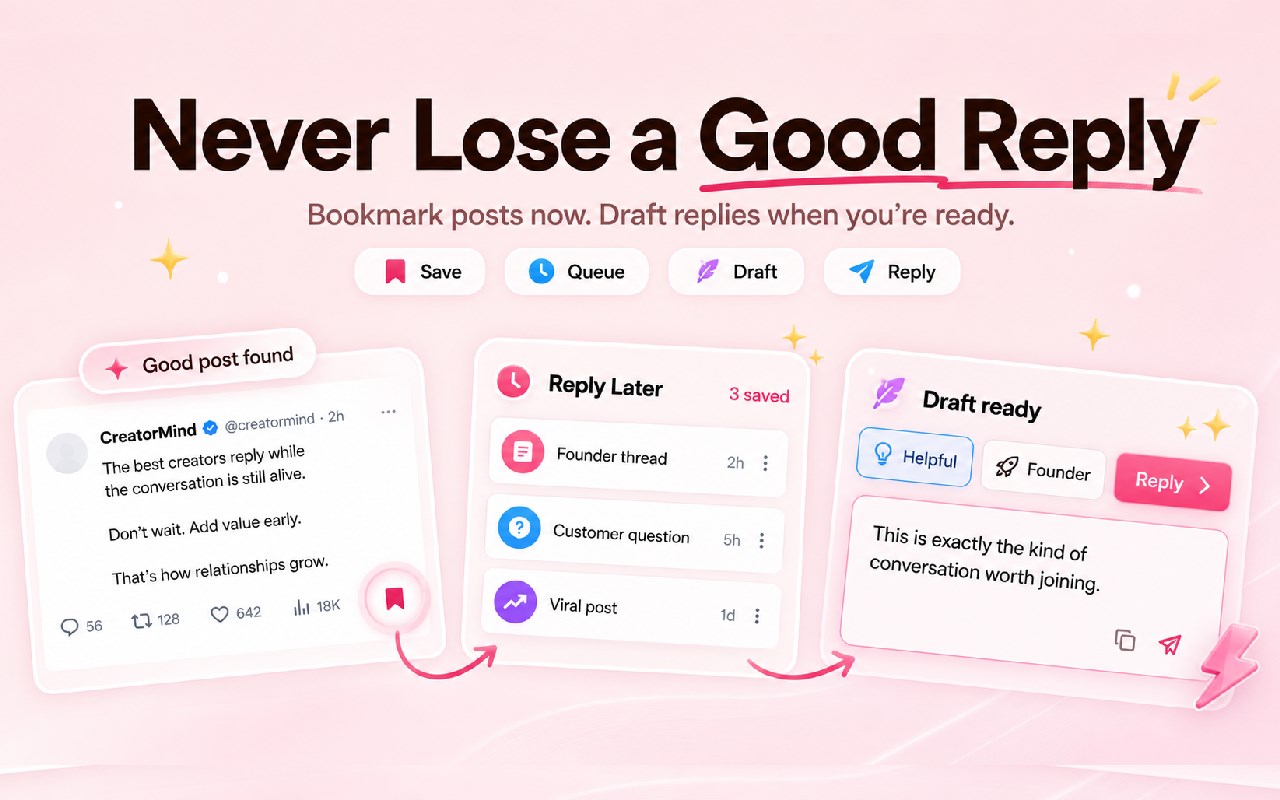
Stop copying tweets into ChatGPT. Tweetback works directly inside X.com, helping creators, founders, indie hackers, marketers, researchers, and teams draft contextual replies, write original posts, train custom writing styles, generate visuals, track keywords, and manage account watchlists from one focused workflow.
Whether you are building an audience, networking with prospects, tracking industry conversations, or replying to your community, Tweetback helps you create thoughtful, on-brand content while staying in control.
⚡ Key Features
🔹 AI reply generator for X/Twitter
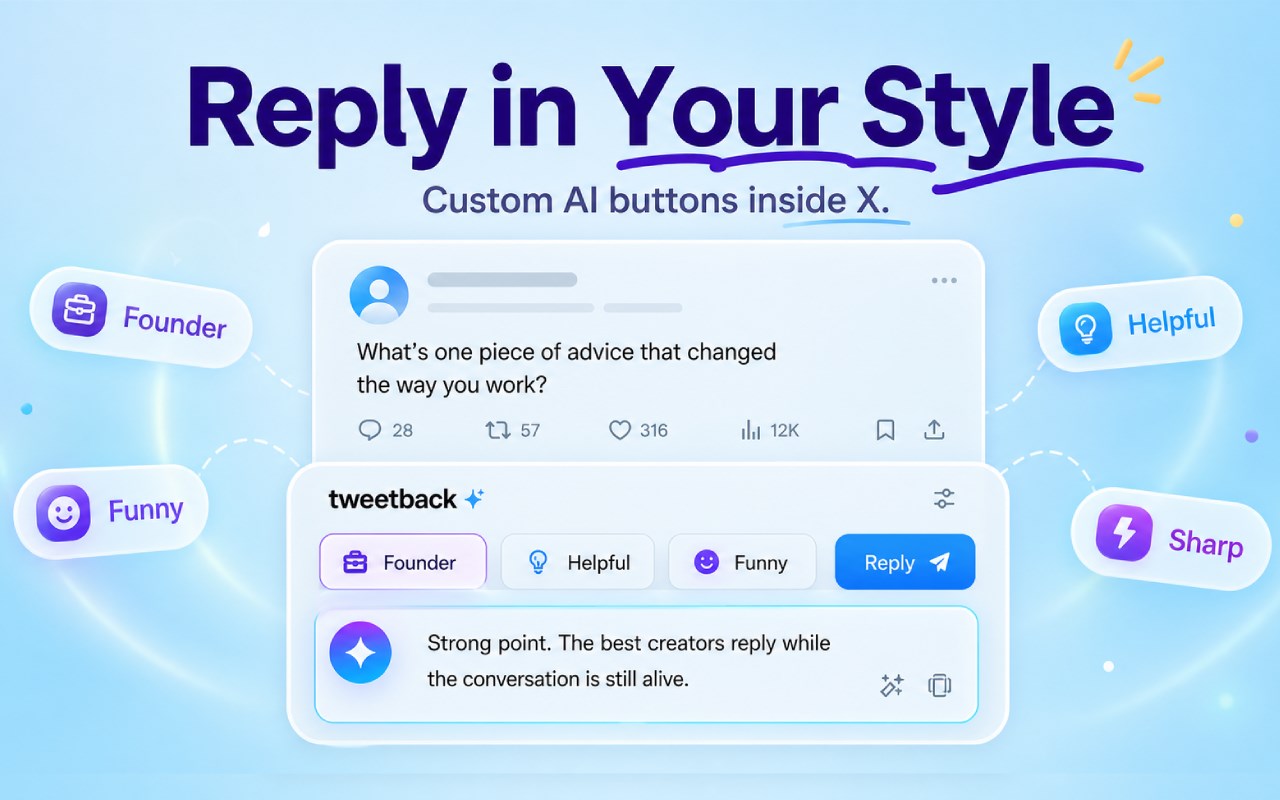
Generate contextual reply drafts directly under posts on X. Choose a tone, style, or prompt and create replies that match the conversation.
🔹 AI tweet and post writer
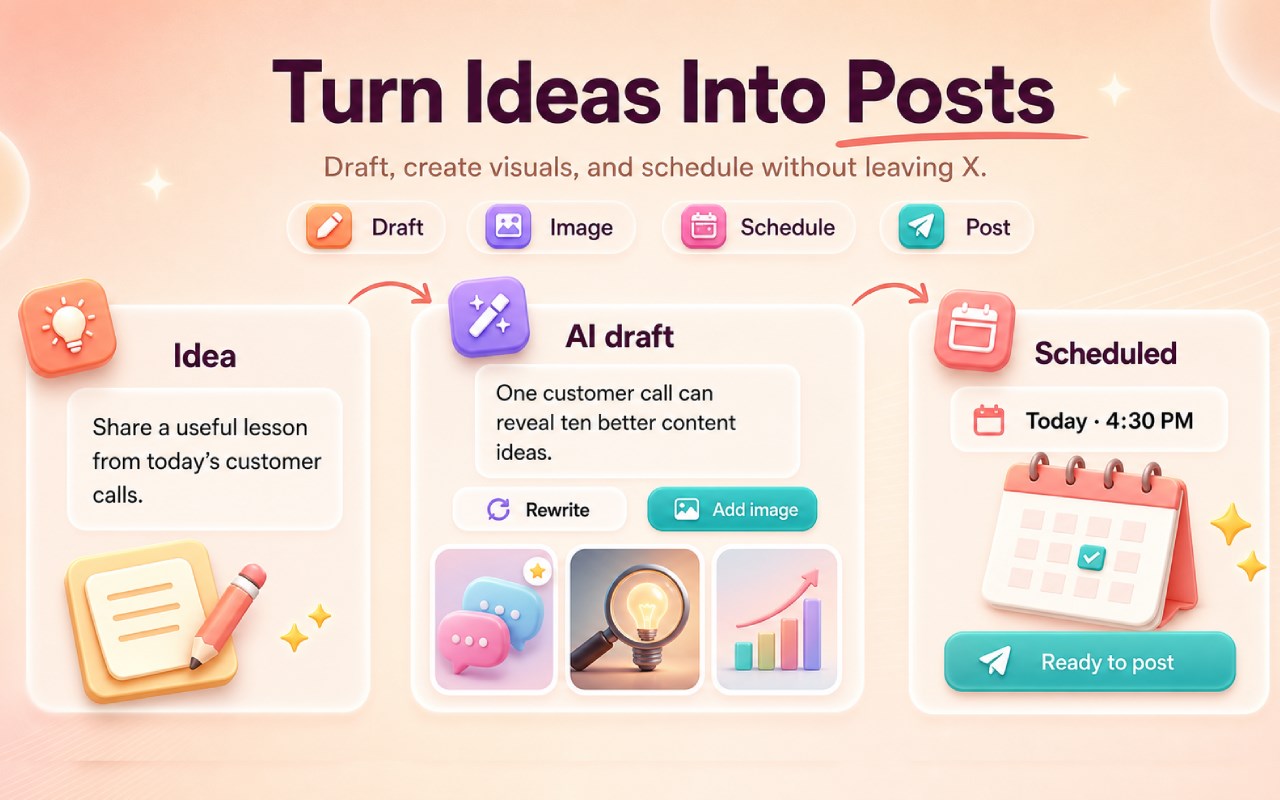
Write original posts from topics, ideas, links, or prompts directly inside the X composer. Create hooks, threads, short posts, announcements, and engagement-focused content without switching tabs.
🔹 Custom writing style training
Train Tweetback on any public X profile to create replies and posts that match a specific voice, tone, structure, and style. Keep your content recognizable, consistent, and human.
🔹 Keyword monitoring
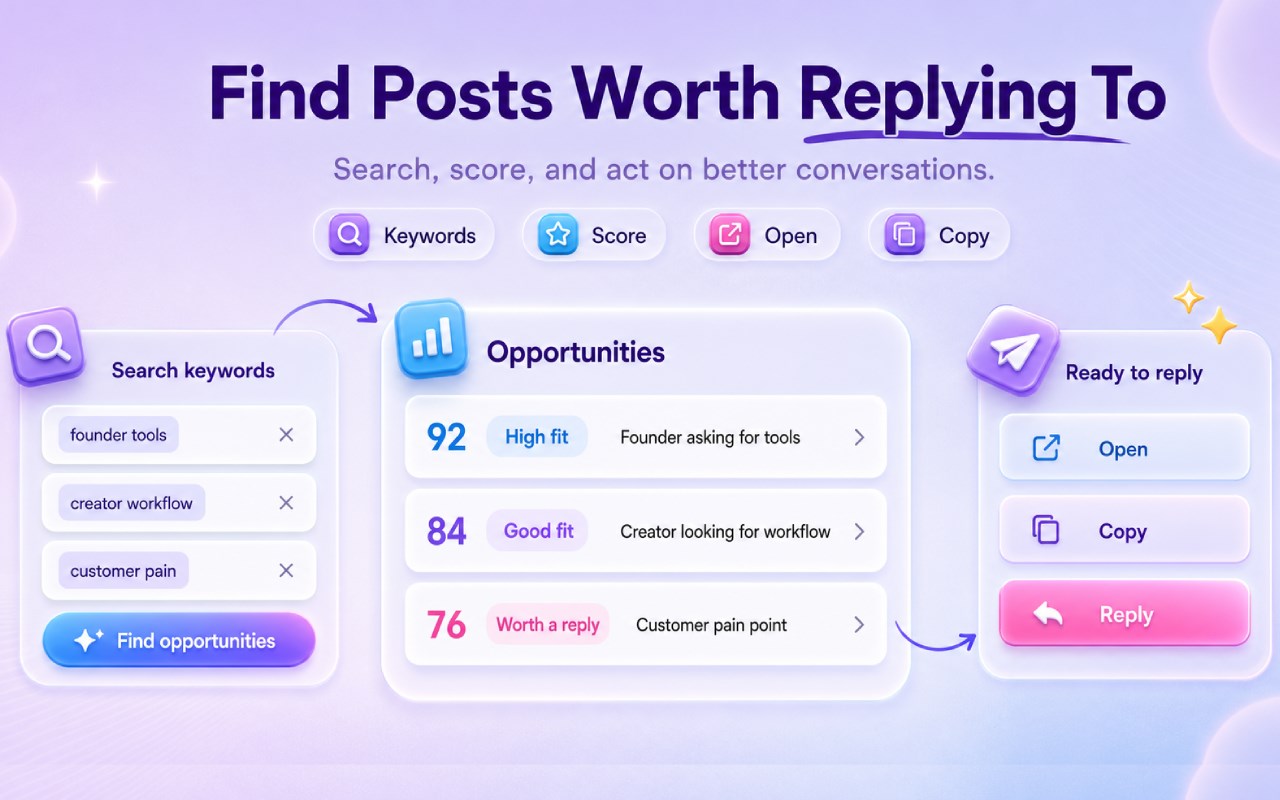
Track keywords, topics, competitors, product mentions, industry terms, or customer pain points. Find relevant conversations and draft timely responses faster.
🔹 Account watchlists
Follow important accounts, monitor their latest posts, and quickly generate structured replies. Great for networking, founder-led growth, community building, research, and relationship-based selling.
🔹 Text and image generation
Create written content and AI-generated visuals for stronger posts, richer replies, and more engaging content on X.
🔹 Bring your own AI provider
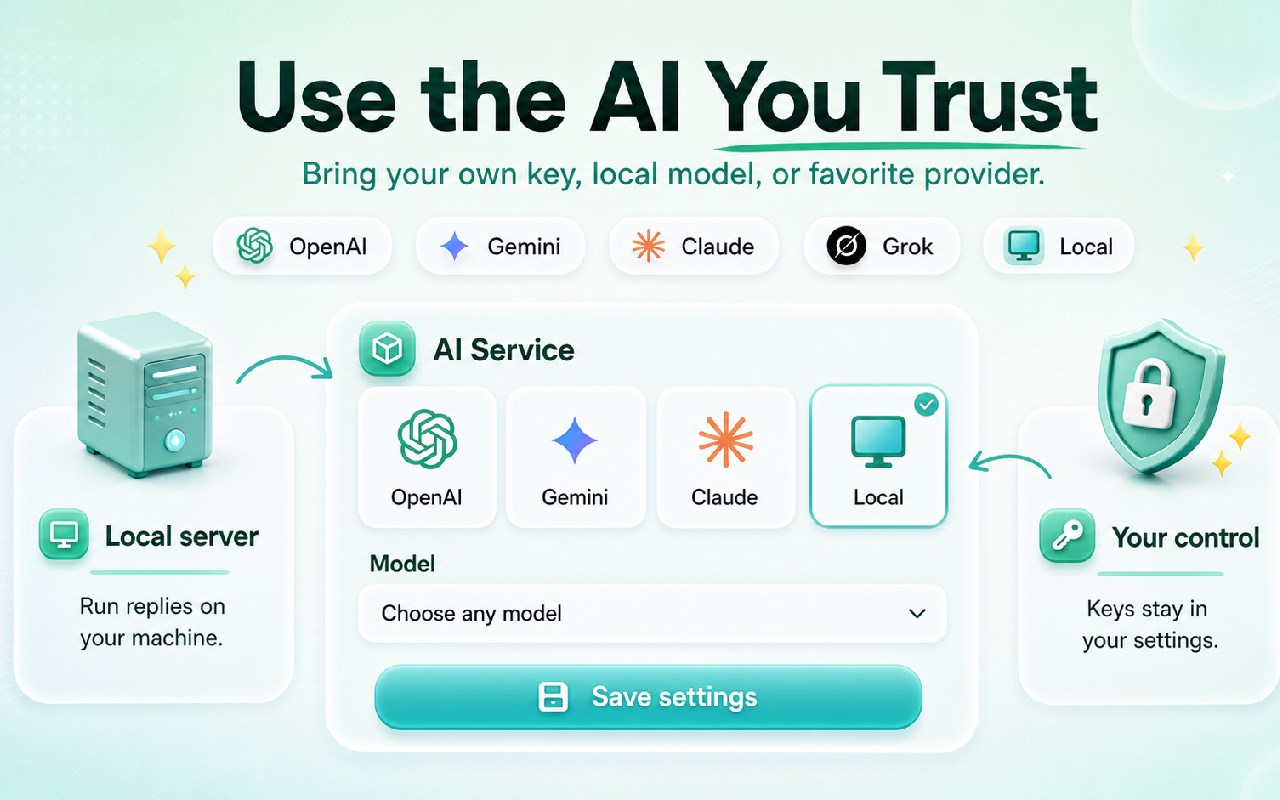
Use your own AI provider and API key. Choose the model that fits your workflow, quality needs, speed, and budget.
🔹 User-controlled automation
Set up workflows for monitoring, drafting, and reviewing replies. Tweetback is designed to keep you in control, with manual review options before publishing.
🎯 Why use Tweetback?
✔️ Save time: Draft replies and posts directly on X without copying content into another AI chatbot.
✔️ Sound more human: Use custom writing styles and profile-based tone training to avoid generic AI responses.
✔️ Build your audience: Find relevant conversations, reply consistently, and strengthen relationships.
✔️ Stay organized: Monitor keywords, accounts, and search results from one focused X workflow.
✔️ Control your AI costs: Bring your own provider instead of being locked into one fixed AI subscription.
✔️ Built specifically for X: Tweetback is not a generic chatbot. It is designed around real Twitter/X workflows: replies, posts, watchlists, keyword tracking, and creator engagement.
🛠️ How Tweetback works
1️⃣ Install Tweetback and pin it to your Edge toolbar.
2️⃣ Connect your preferred AI provider using your API key.
3️⃣ Open X.com and use the Tweetback buttons under posts or inside the composer.
4️⃣ Draft replies, create posts, train writing styles, monitor keywords, and build account watchlists.
5️⃣ Review, edit, and publish when your content is ready.
👥 Best for
• Founders growing a personal brand
• Indie hackers building in public
• Marketers managing social engagement
• Creators who want to post consistently
• Researchers tracking topics and accounts
• Sales teams monitoring relevant conversations
• Community builders managing more conversations without losing their voice
❓ Frequently Asked Questions
Is Tweetback an AI Twitter reply generator?
Yes. Tweetback helps you generate contextual AI reply drafts directly on X/Twitter.
Can Tweetback write original tweets and posts?
Yes. You can create original posts, hooks, announcements, short-form content, and topic-based posts from inside the X composer.
Can I train Tweetback on my writing style?
Yes. Tweetback can learn from public X profiles so your drafts match a specific tone, structure, and style.
Does Tweetback require a separate AI subscription?
No. Tweetback uses a Bring Your Own Provider model. Connect your preferred AI provider with your own API key and choose the model you want to use.
Does Tweetback work on X.com?
Yes. Tweetback is designed specifically for the modern X.com experience.
Will my replies sound robotic?
Tweetback helps you create natural, contextual replies using custom prompts, trained styles, and manual editing so your content stays authentic.
Can Tweetback monitor keywords and accounts?
Yes. You can track keywords, searches, and selected accounts to find relevant conversations and draft responses faster.
🚀 Get started
Install Tweetback, connect your AI provider, open X.com, and start writing better replies and posts directly inside your Twitter/X workflow.
Tweetback: AI Twitter/X Assistant for Replies, Posts & Monitoring 是做什么的
Tweetback: AI Twitter/X Assistant for Replies, Posts & Monitoring 是一款面向 Edge 的实用工具类扩展,主要用来解决浏览器里某类具体的小问题。官方对它的介绍是:Draft better replies, create posts, train custom writing styles, monitor keywords, and manage X watchlists using your AI provider.在微软 Edge 加载项商店上,它当前版本 1.10,约 2 名用户。
适合什么人用
从功能定位看,Tweetback: AI Twitter/X Assistant for Replies, Posts & Monitoring 更适合想补上浏览器原生缺失功能的用户。如果你平时只是偶尔遇到相关需求,用浏览器自带功能也能凑合;但如果这件事每天都发生,装一个专门处理它的扩展通常比手动操作省事得多。
怎么安装 Tweetback: AI Twitter/X Assistant for Replies, Posts & Monitoring
- 打开微软 Edge 加载项商店上的官方页面;
- 点「添加到浏览器」并确认权限提示;
- 装好后在扩展列表里固定图标,方便随时开关。
本站只做索引与介绍,安装包来自官方商店。如果商店页面提示当前地区不可用,说明该扩展未在你所在区域上架。
常见问题
Tweetback: AI Twitter/X Assistant for Replies, Posts & Monitoring 是免费的吗?
Tweetback: AI Twitter/X Assistant for Replies, Posts & Monitoring 在微软 Edge 加载项商店免费提供下载。它是浏览器扩展,装上就能直接用,不需要注册账号。
Tweetback: AI Twitter/X Assistant for Replies, Posts & Monitoring 安全吗?
它只申请了 0 项权限,范围比较克制,没有申请「读取所有网站数据」这种大权限。
Tweetback: AI Twitter/X Assistant for Replies, Posts & Monitoring 支持哪些浏览器?
当前收录的版本来自微软 Edge 加载项商店,适用于 Edge。同一个扩展在其他商店可能有对应版本,但功能与版本号不一定相同。
怎么卸载 Tweetback: AI Twitter/X Assistant for Replies, Posts & Monitoring?
在扩展管理页找到 Tweetback: AI Twitter/X Assistant for Replies, Posts & Monitoring,点移除即可。它在本地保存的设置会一起清掉,不会残留数据。
权限清单 来自 manifest.json 原文
接口权限 8
activeTabalarmsidentityoffscreenscriptingstoragetabCaptureunlimitedStorage