
TrickyBird Web Proxy EN
TrickyBird · EEdge MV3
A web proxy for one browser tab. When a page will not open, TrickyBird fetches it for you and opens it in that tab.
截图
简介
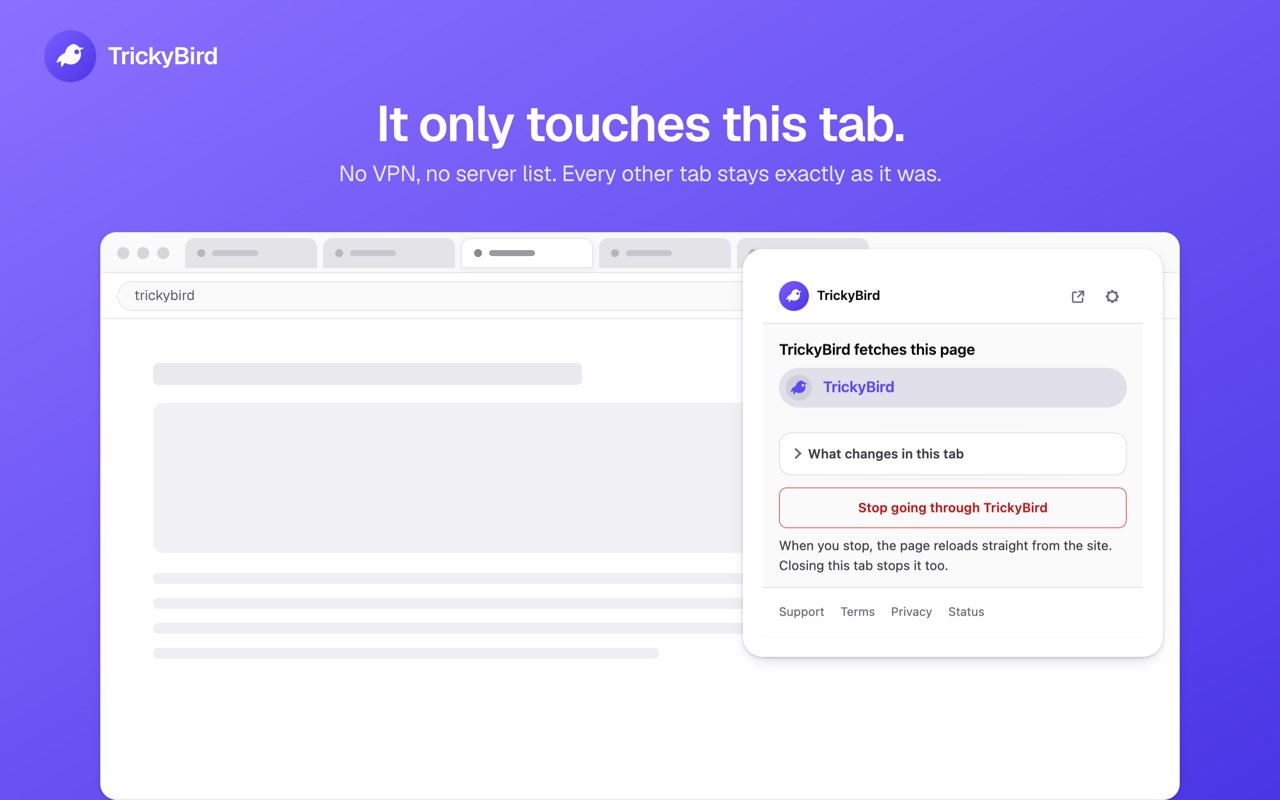
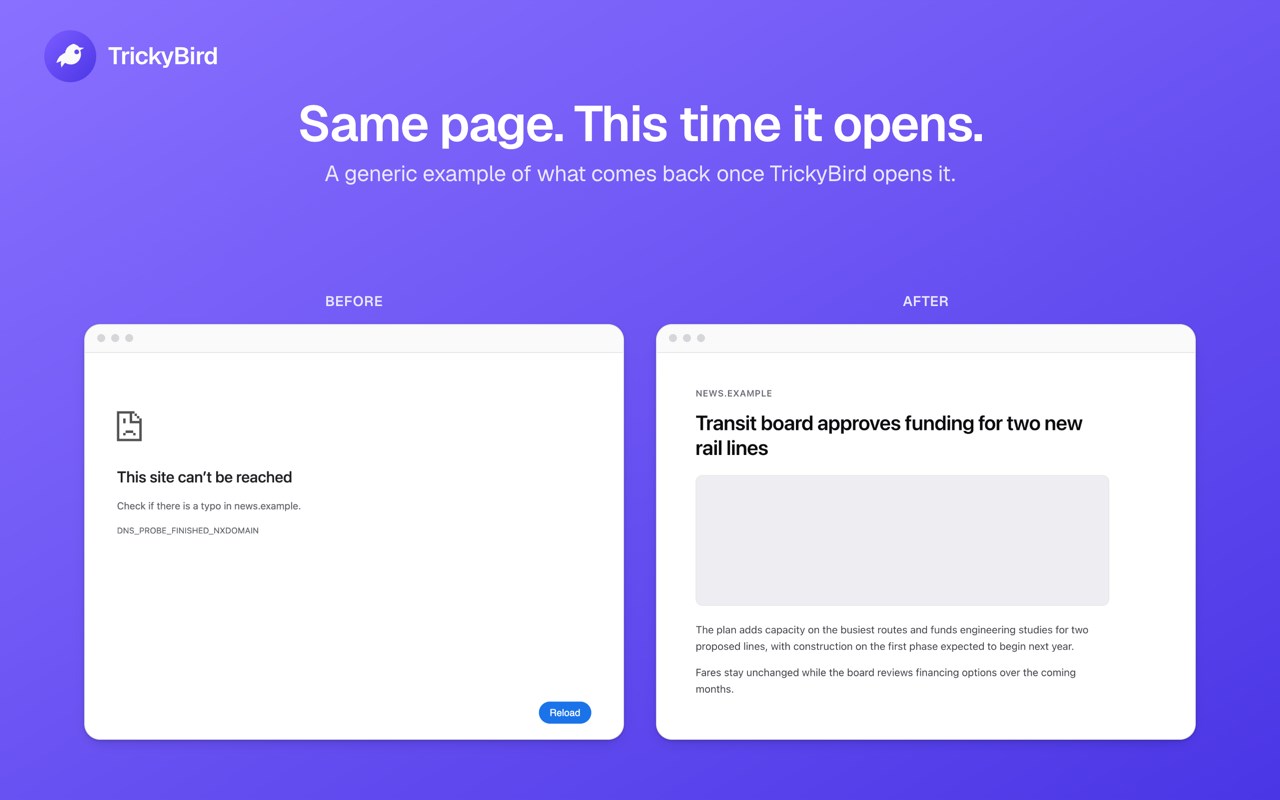
A page won't open, on a network you don't run. TrickyBird is a web proxy for 1 tab: our servers fetch that page and hand it back to you, and every other tab goes out to the internet the ordinary way.
How to open a page
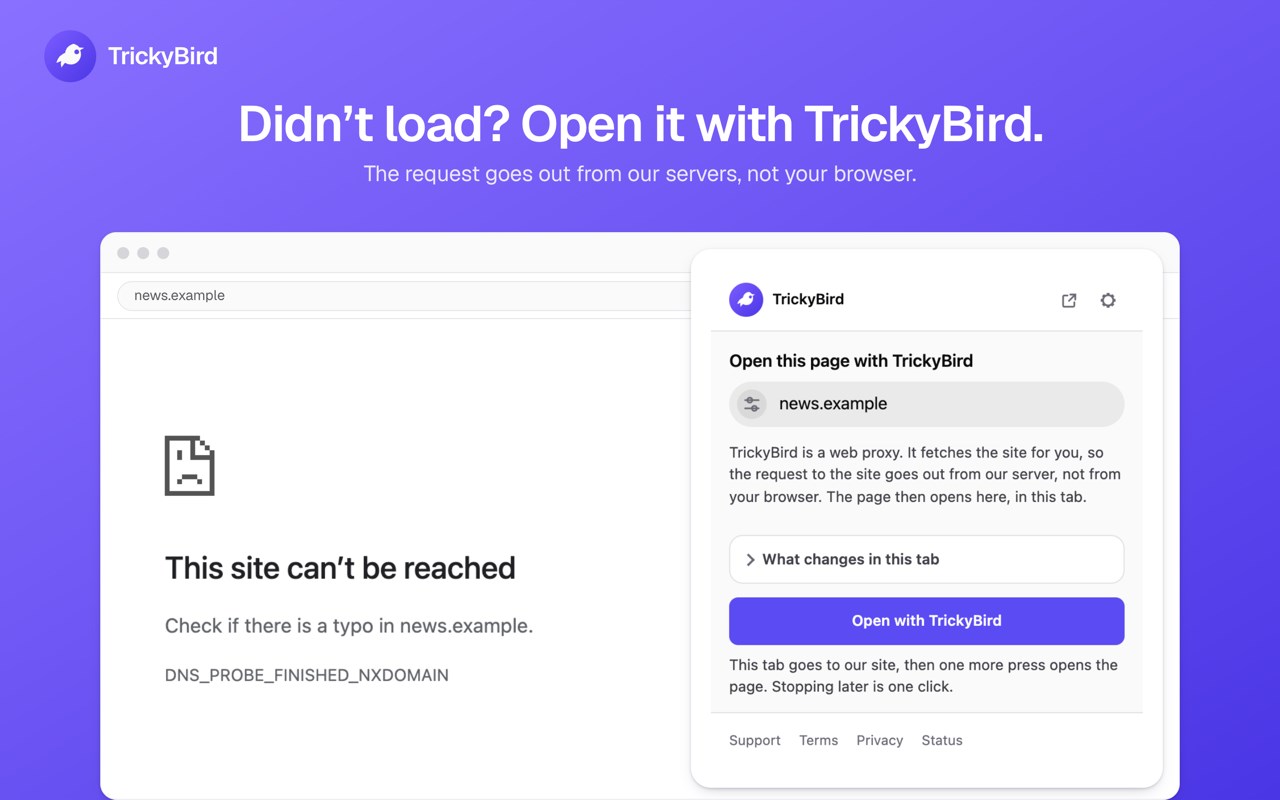
- Press the toolbar icon, or right-click and choose Open with TrickyBird.
- The tab goes to our site with the address already in the field. Press once more and it opens there.
- If our servers ever stop answering, the rest of your browser doesn't notice.
What changes in that tab
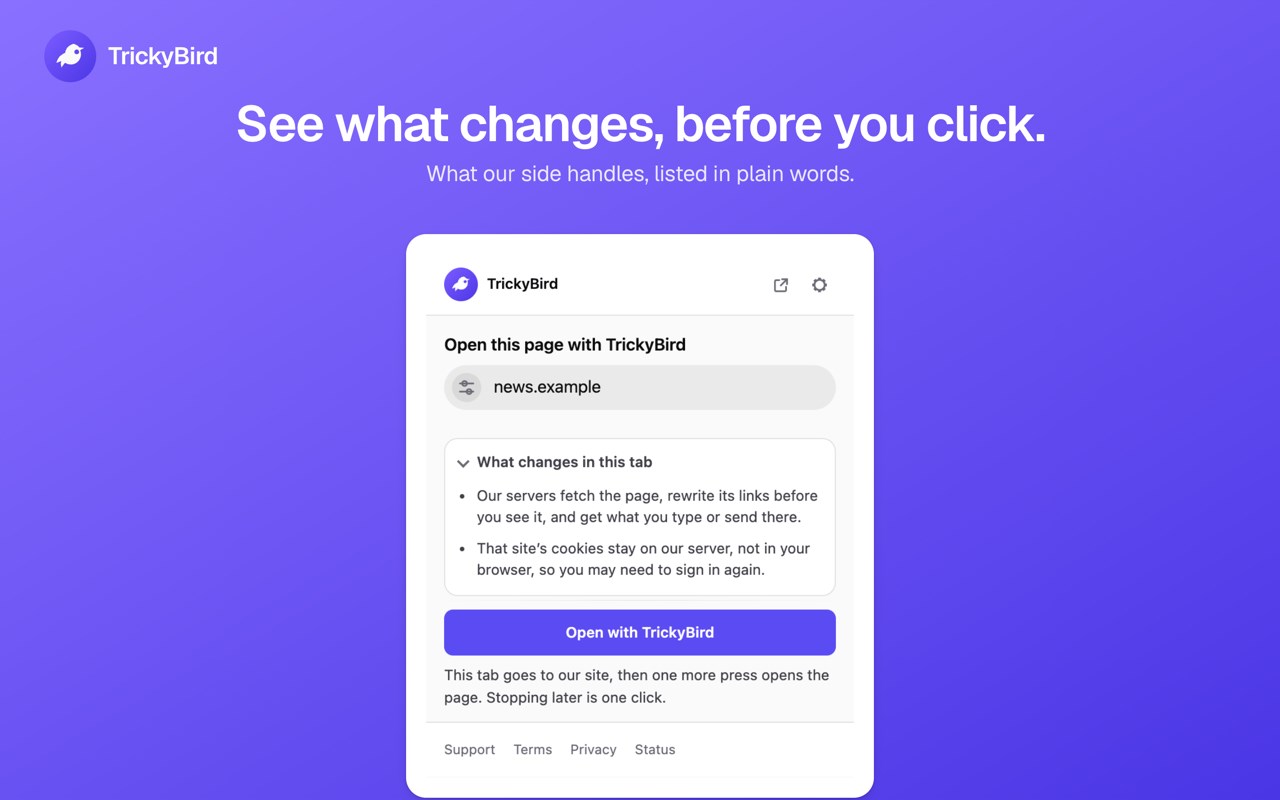
Our servers fetch the page and rewrite it before your browser sees it, so they handle all of it: the address, the headers, what you type into a form, and the cookies the site sets.
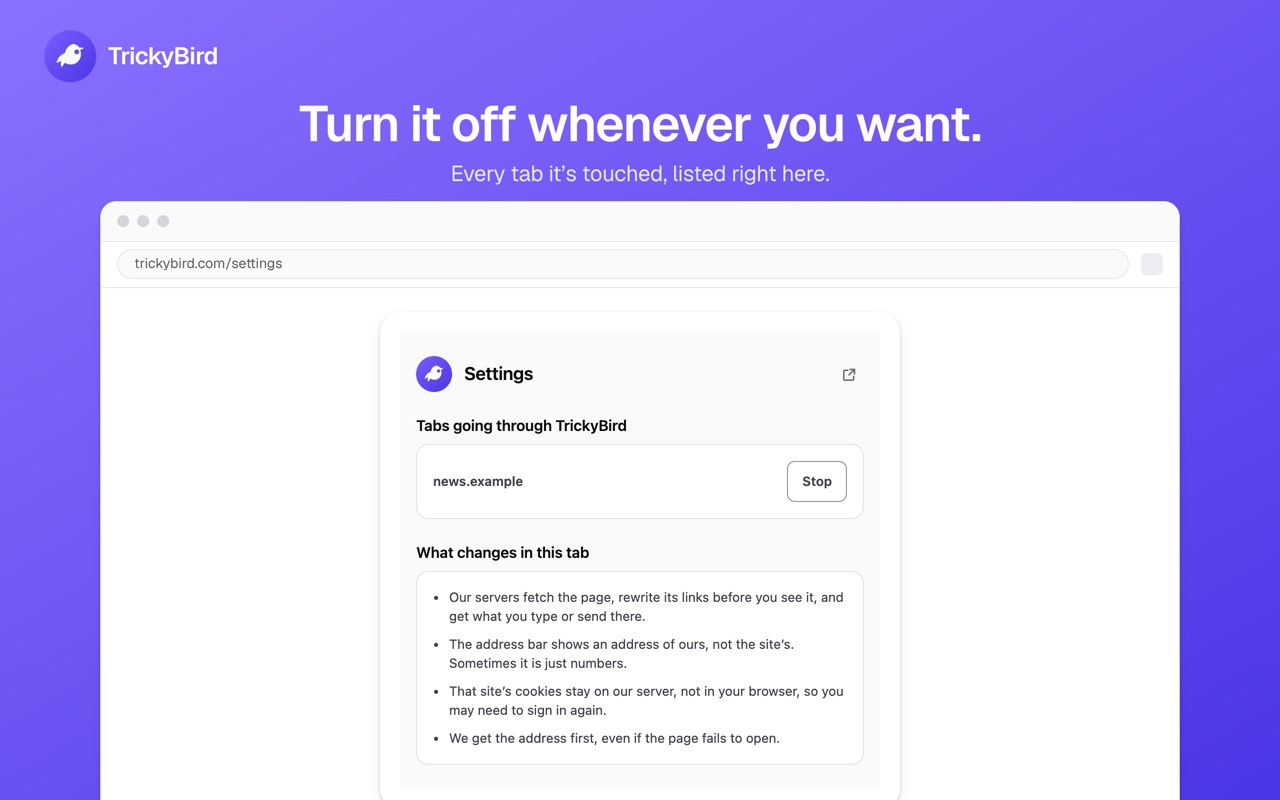
- The address bar shows one of our own addresses instead of the site's. It won't carry the site's name, and it won't always look the same; sometimes it is just numbers.
- A bookmark or a copied link from that tab points at us, not at the page.
- That site's cookies are held on our server, filed under your session, rather than in your browser under the site's name, so you may need to sign in again. They are dropped about an hour after the session goes quiet.
- Every other tab is left exactly as it was.
What it asks your browser for
No access to any site you open, at install or later. Opening a page needs access to nothing, because our site starts the session and the extension only moves the tab into it. A screen inside the extension lists the tabs going through TrickyBird right now, each with a button that stops that one.
One thing is optional and starts off: switch on the offer to reopen a page that failed to load, and your browser asks you for that permission at the moment you switch it on. The extension uses it only to notice the failure and to clear the offer once a page loads.
Will it work on the site you need?
That depends on the site, and how completely a site works through a proxy varies. Some sites load fully; some play video but will not sign in yet. Before anything is routed, the extension checks the address in the tab and tells you when that page cannot go through TrickyBird at all: a browser page, a file on your computer, or an address inside your local network. For an ordinary site it does not predict what will work, and the way to find out is to open it. A store page is written once, and how much of a site comes through moves when the site changes, so a list of sites printed here would go stale.
What we keep
There is no account, so there is no name, email, or profile for any of this to attach to. TrickyBird keeps a small access log for at most 48 hours. The log writes 1 line for every request the proxy makes on your behalf, so it holds the hostname of each site or service a page loads from, not only the address you typed, together with a shortened form of your IP address and basic response details. It has no field for a page address, a search, a cookie, or anything you type, so none of those can reach the file.
What it will not do
- It is not a VPN. There is no country list, no server picker, and no master switch, because a master switch is the thing that takes a whole browser down when it fails.
- 1 tab goes through us at a time: turn on a second and the first tab loses its session, so finish what you were doing before you switch.
- It is not for getting past a paywall, a sign-in wall, an age check, or the licensing on a video, and it does not try.
- Sign-in buttons that hand you to another company's account do not come through in a routed tab, and the large subscription video catalogs are out of scope.
- For the page itself, the site sees our address instead of yours, with one exception: WebRTC runs on a path we do not intercept, so a page that uses it can still read your real address.
- It runs on a computer, and there is no phone version.
No signup
There is nothing to sign up for. A signup page is one more page your network can refuse to open, and putting one in front of a page you already cannot reach would be a strange way to help
TrickyBird Web Proxy 是做什么的
TrickyBird Web Proxy 是一款面向 Edge 的效率工具类扩展,主要用来管住注意力、屏蔽干扰站点、记录时间。官方对它的介绍是:A web proxy for one browser tab. When a page will not open, TrickyBird fetches it for you and opens it in that tab.在微软 Edge 加载项商店上,它当前版本 1.2.4,约 25 名用户。
适合什么人用
从功能定位看,TrickyBird Web Proxy 更适合想专注工作学习、减少无效刷网页的用户。如果你平时只是偶尔遇到相关需求,用浏览器自带功能也能凑合;但如果这件事每天都发生,装一个专门处理它的扩展通常比手动操作省事得多。
怎么安装 TrickyBird Web Proxy
- 打开微软 Edge 加载项商店上的官方页面;
- 点「添加到浏览器」并确认权限提示;
- 装好后在扩展列表里固定图标,方便随时开关。
本站只做索引与介绍,安装包来自官方商店。如果商店页面提示当前地区不可用,说明该扩展未在你所在区域上架。
常见问题
TrickyBird Web Proxy 是免费的吗?
TrickyBird Web Proxy 在微软 Edge 加载项商店免费提供下载。它是浏览器扩展,装上就能直接用,不需要注册账号。
TrickyBird Web Proxy 安全吗?
它只申请了 0 项权限,范围比较克制,没有申请「读取所有网站数据」这种大权限。
TrickyBird Web Proxy 支持哪些浏览器?
当前收录的版本来自微软 Edge 加载项商店,适用于 Edge。同一个扩展在其他商店可能有对应版本,但功能与版本号不一定相同。
怎么卸载 TrickyBird Web Proxy?
在扩展管理页找到 TrickyBird Web Proxy,点移除即可。它在本地保存的设置会一起清掉,不会残留数据。
权限清单 来自 manifest.json 原文
接口权限 4
activeTabcontextMenusdeclarativeNetRequeststorage
接口权限(可选) 1
webNavigation