
Traffic Torch Tools EN
Traffic Torch - SEO & GEO Audit Toolkit · EEdge MV3
Quick toolbar access to Traffic Torch SEO, UX, AEO & AI tools. Current page URL pre-filled. NUSA, Lighthouse Plus & more.
截图

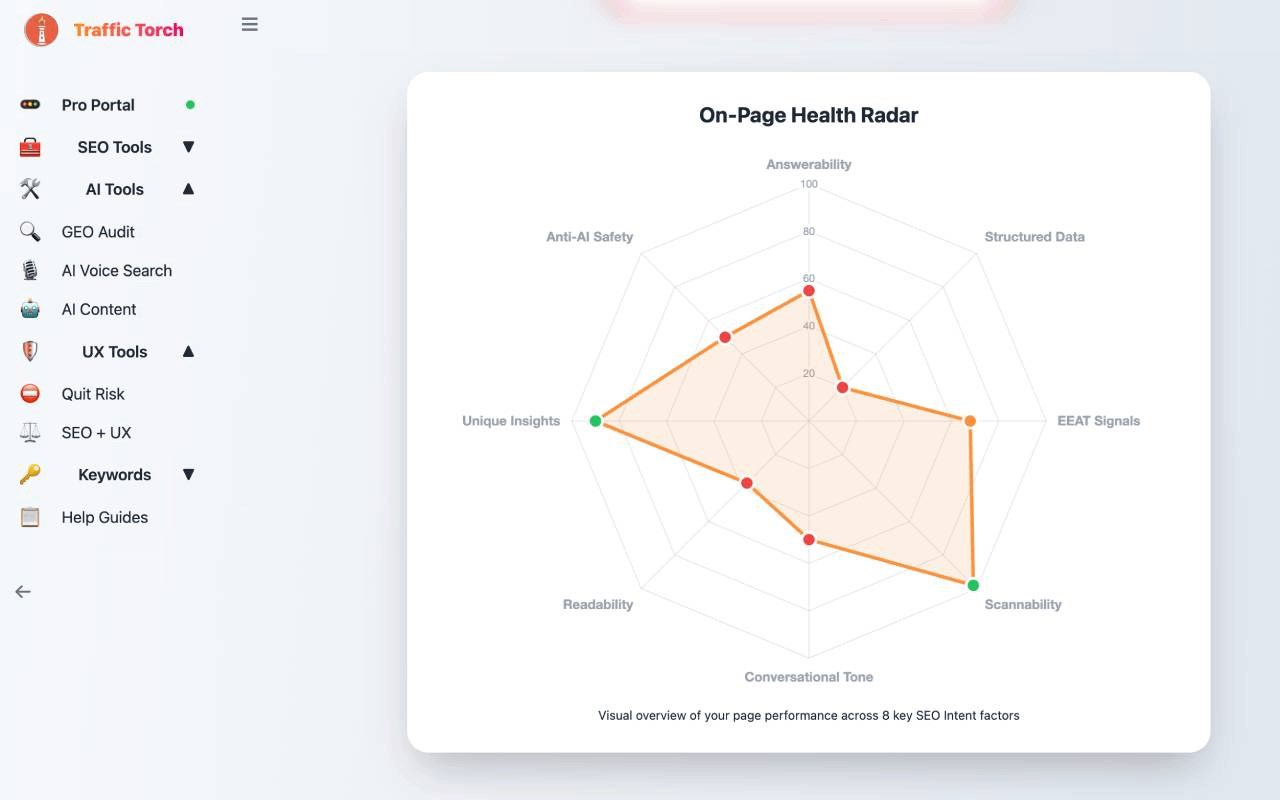
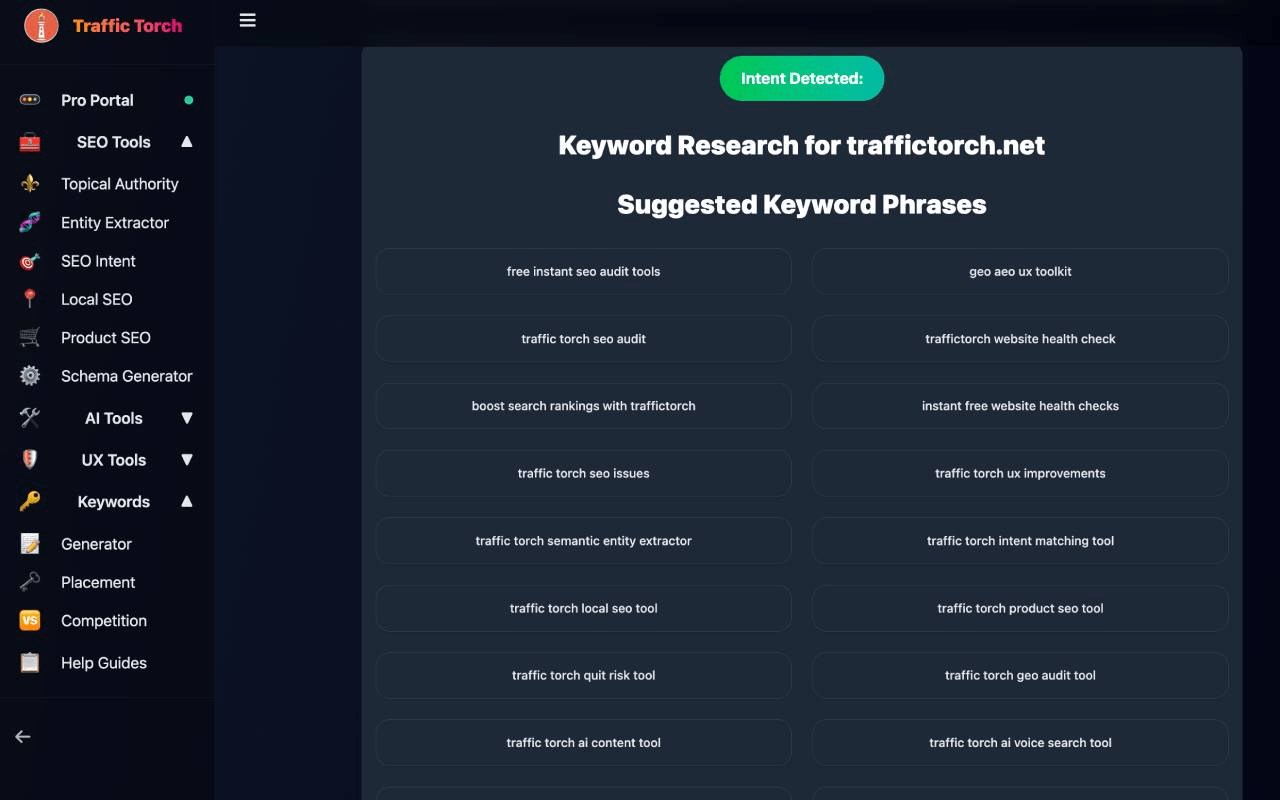
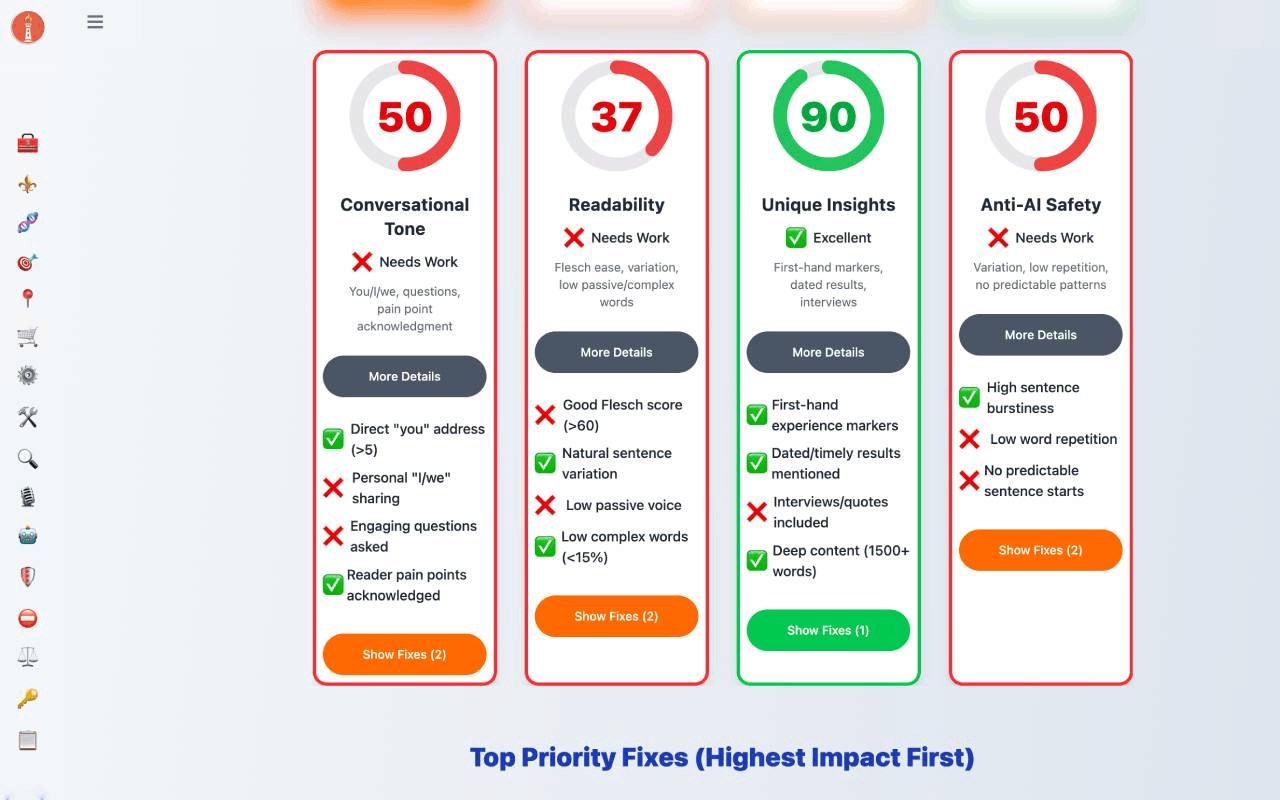
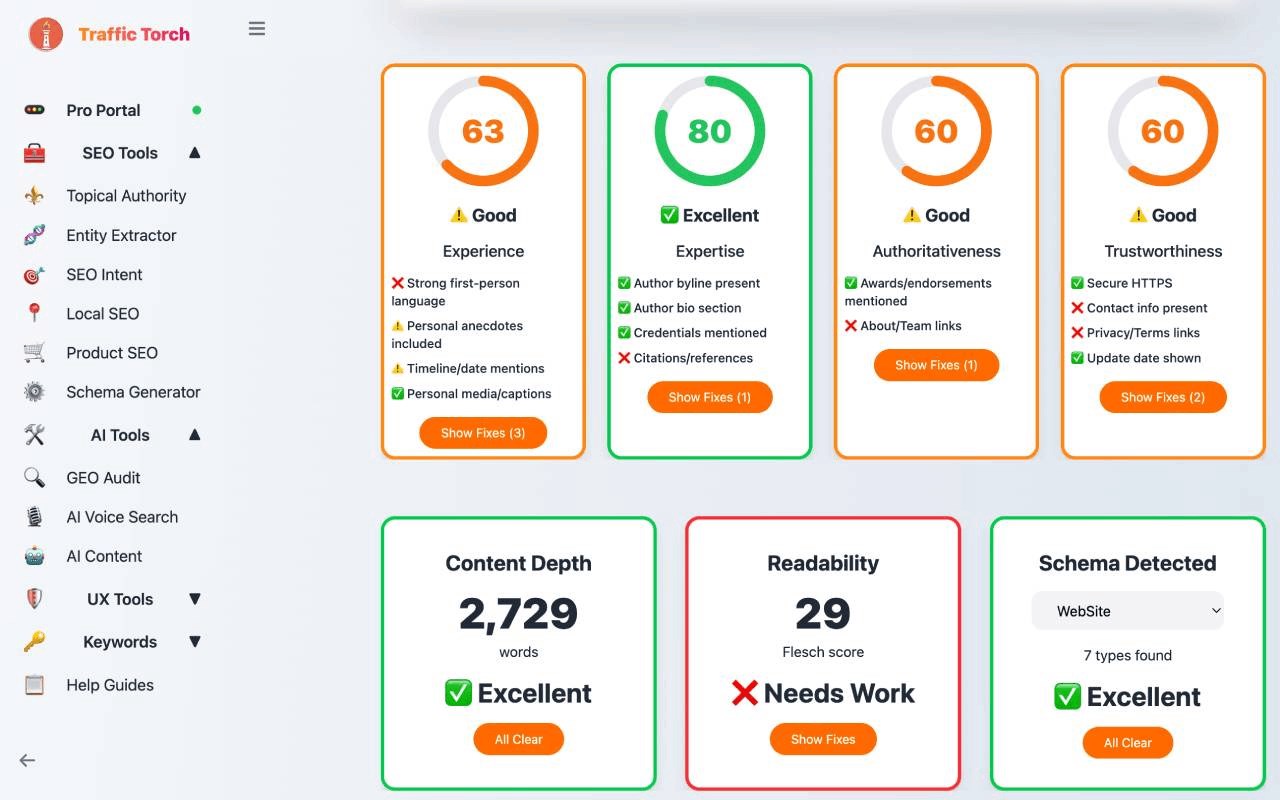
简介
Traffic Torch Tools is a cutting-edge browser extension that places a powerful suite of SEO, user experience (UX), content, and AI audit utilities right at your fingertips. Designed with efficiency and ease of use in mind, it offers an elegant and responsive popup interface that acts as your instant access point to in-depth website diagnostics and optimization tools. If you are an SEO professional, content strategist, digital marketer, UX designer, or website manager, Traffic Torch Tools streamlines your workflow by providing quick and contextual insights directly from your browser without interrupting your ongoing activities.
This extension features a sleek, user-friendly popup that neatly organizes links to fourteen specialized web-based tools, each focused on a critical aspect of website performance and digital strategy. From topical authority audits and SEO entity extraction to AI search optimization and schema markup generation, Traffic Torch Tools equips you with a comprehensive toolbox for analyzing and refining every element of your site. Thanks to its intelligent integration, the extension automatically captures the URL from your active tab and transfers it to the selected tool, enabling immediate and contextual diagnostics without manual input.
The design prioritizes visual comfort and adaptability by supporting both light and dark modes that adjust automatically based on your system preferences. The popup loads quickly and ensures a smooth user experience, perfect for extended use. When you launch any tool, it opens in a new browser tab, helping keep your workspace clean and organized so you can focus on your tasks without distraction.
Traffic Torch Tools eliminates the hassle of juggling multiple platforms, URLs, and logins by consolidating essential SEO, UX, geographic (GEO), and AI auditing resources into a single, accessible toolbar extension. With just a click, you are equipped to analyze, optimize, and elevate your website’s performance, maximizing efficiency and driving better results.
Key Features:
- One-Click Access to Advanced Audit Tools: Quickly open a variety of SEO, UX, GEO, and AI optimization utilities directly from a well-organized popup menu.
- Smart URL Transfer: The current tab’s URL is automatically pre-filled into the selected tool, providing contextual and immediate assessments.
- Topical Authority Audit: Evaluate your website’s topical structure and depth to enhance SEO strategies and strengthen content relevance.
- SEO Entity Extractor: Identify semantic entities and relationships within your content to support sophisticated on-page optimization tactics.
- AI Search & Voice Search Optimization: Specialized tools designed to optimize for AI-powered and voice search platforms, keeping you ahead in emerging search trends.
- Comprehensive SEO & UX Toolset: Access tools that cover keyword research, search intent analysis, schema markup creation, local SEO, product SEO, and quit-risk analytics.
- Help Guides & Support Resources: Integrated expert guides provide valuable insights on AI, UX, SEO best practices, and implementation advice to help you get the most out of each tool.
How It Works:
1. Install the Traffic Torch Tools extension from your browser’s extension store.
2. Click the Traffic Torch icon located in your browser toolbar to open the popup interface.
3. Browse the list of available audit and optimization tools, each clearly labeled with an icon and description.
4. Select a desired tool such as “Topical Authority Audit” or “SEO Entity Extractor” by clicking its link.
5. The chosen tool opens in a new browser tab, with the URL of your current tab automatically transferred for immediate audit.
6. Use the tool to conduct diagnostics, analyses, or optimizations tailored to the source page.
7. At any point, consult the provided expert help guides to deepen your understanding or troubleshoot challenges.
Privacy: - No personal data collected. This extension only accesses your current tab’s URL and does not store, transmit, or gather any personal user data.
Traffic Torch Tools 是做什么的
Traffic Torch Tools 是一款面向 Edge 的实用工具类扩展,主要用来解决浏览器里某类具体的小问题。官方对它的介绍是:Quick toolbar access to Traffic Torch SEO, UX, AEO & AI tools. Current page URL pre-filled. NUSA, Lighthouse Plus & more.在微软 Edge 加载项商店上,它当前版本 1.1.0,约 10 名用户。
适合什么人用
从功能定位看,Traffic Torch Tools 更适合想补上浏览器原生缺失功能的用户。如果你平时只是偶尔遇到相关需求,用浏览器自带功能也能凑合;但如果这件事每天都发生,装一个专门处理它的扩展通常比手动操作省事得多。
怎么安装 Traffic Torch Tools
- 打开微软 Edge 加载项商店上的官方页面;
- 点「添加到浏览器」并确认权限提示;
- 装好后在扩展列表里固定图标,方便随时开关。
本站只做索引与介绍,安装包来自官方商店。如果商店页面提示当前地区不可用,说明该扩展未在你所在区域上架。
常见问题
Traffic Torch Tools 是免费的吗?
Traffic Torch Tools 在微软 Edge 加载项商店免费提供下载。它是浏览器扩展,装上就能直接用,不需要注册账号。
Traffic Torch Tools 安全吗?
它只申请了 0 项权限,范围比较克制,没有申请「读取所有网站数据」这种大权限。
Traffic Torch Tools 支持哪些浏览器?
当前收录的版本来自微软 Edge 加载项商店,适用于 Edge。同一个扩展在其他商店可能有对应版本,但功能与版本号不一定相同。
怎么卸载 Traffic Torch Tools?
在扩展管理页找到 Traffic Torch Tools,点移除即可。它在本地保存的设置会一起清掉,不会残留数据。
权限清单 来自 manifest.json 原文
接口权限 1
activeTab