
Total Password EN
Total AV · EEdge MV3
Store your passwords safely and securely - Total Password makes life easier!
<all_urls>),意味着它可以读取你在任意站点的页面内容,包括已登录的页面。这是许多扩展正常工作的必要条件,但也值得你确认来源可信。
截图
简介
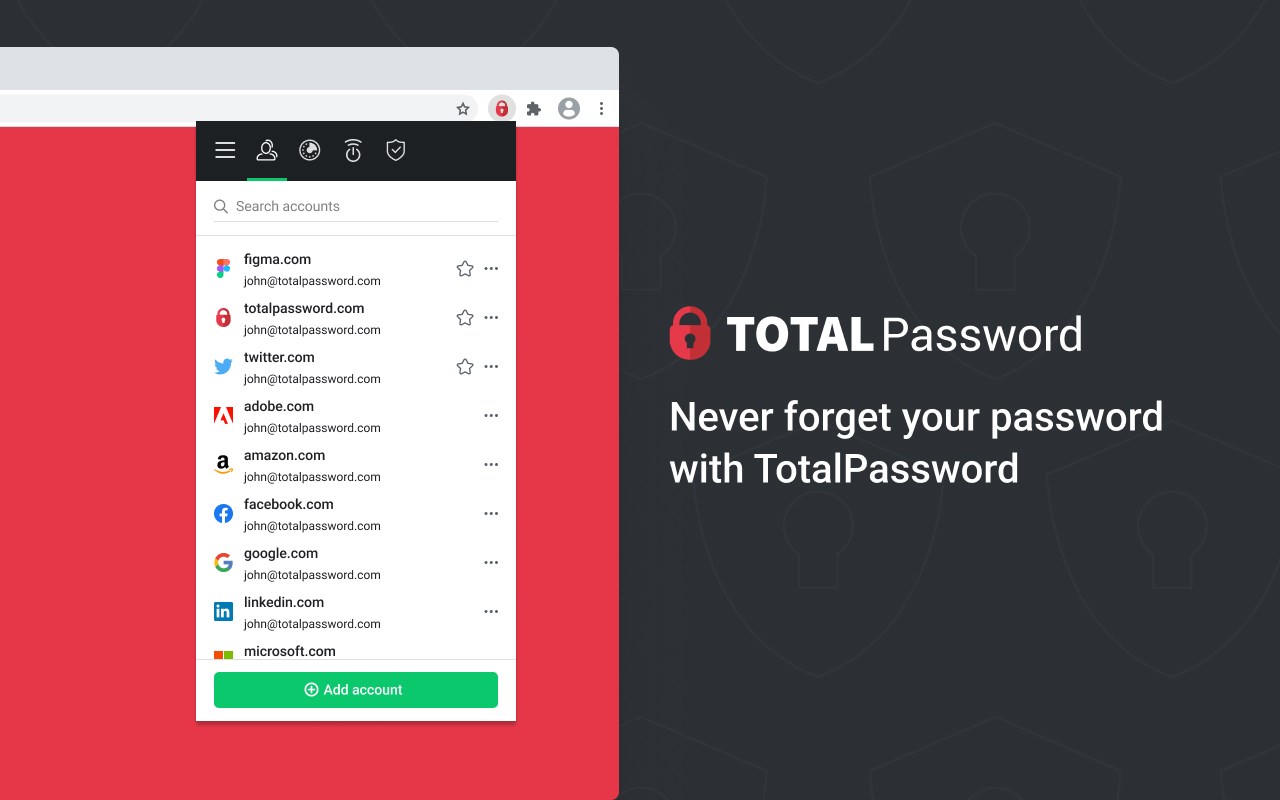
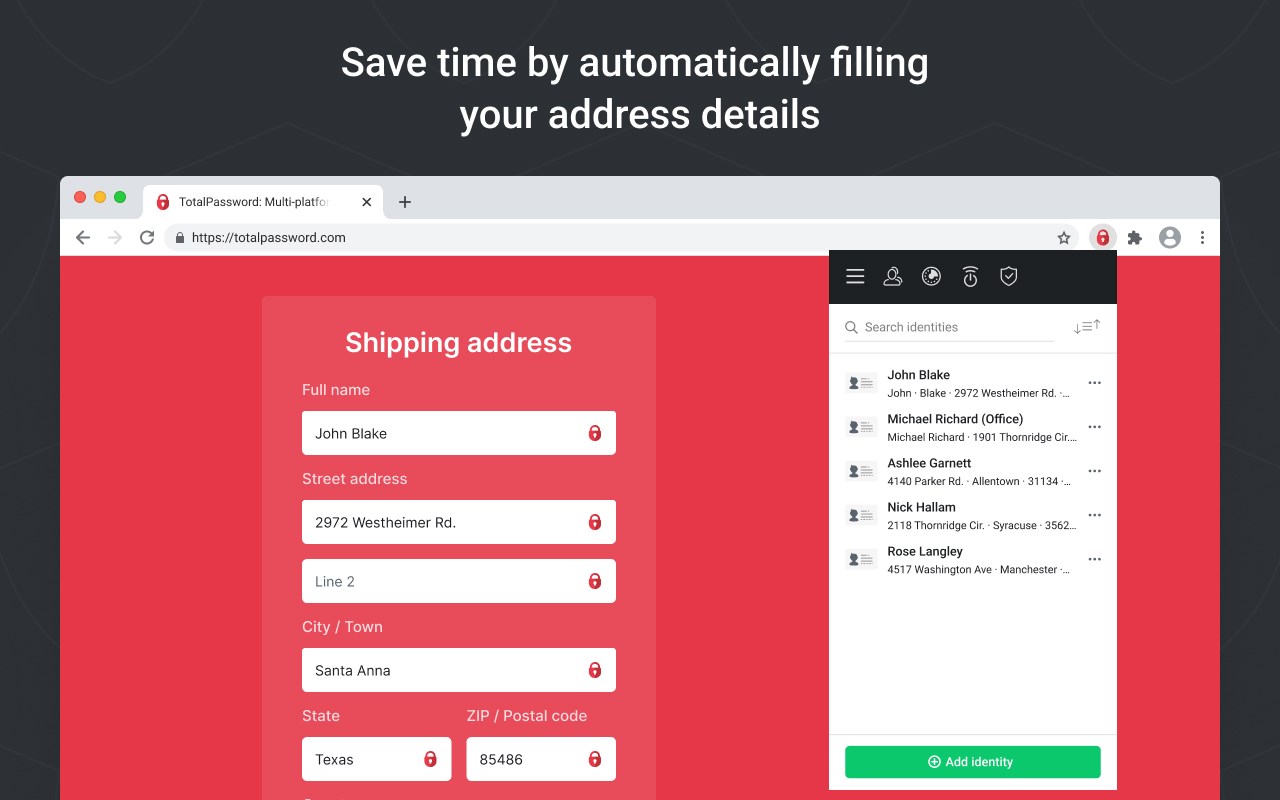
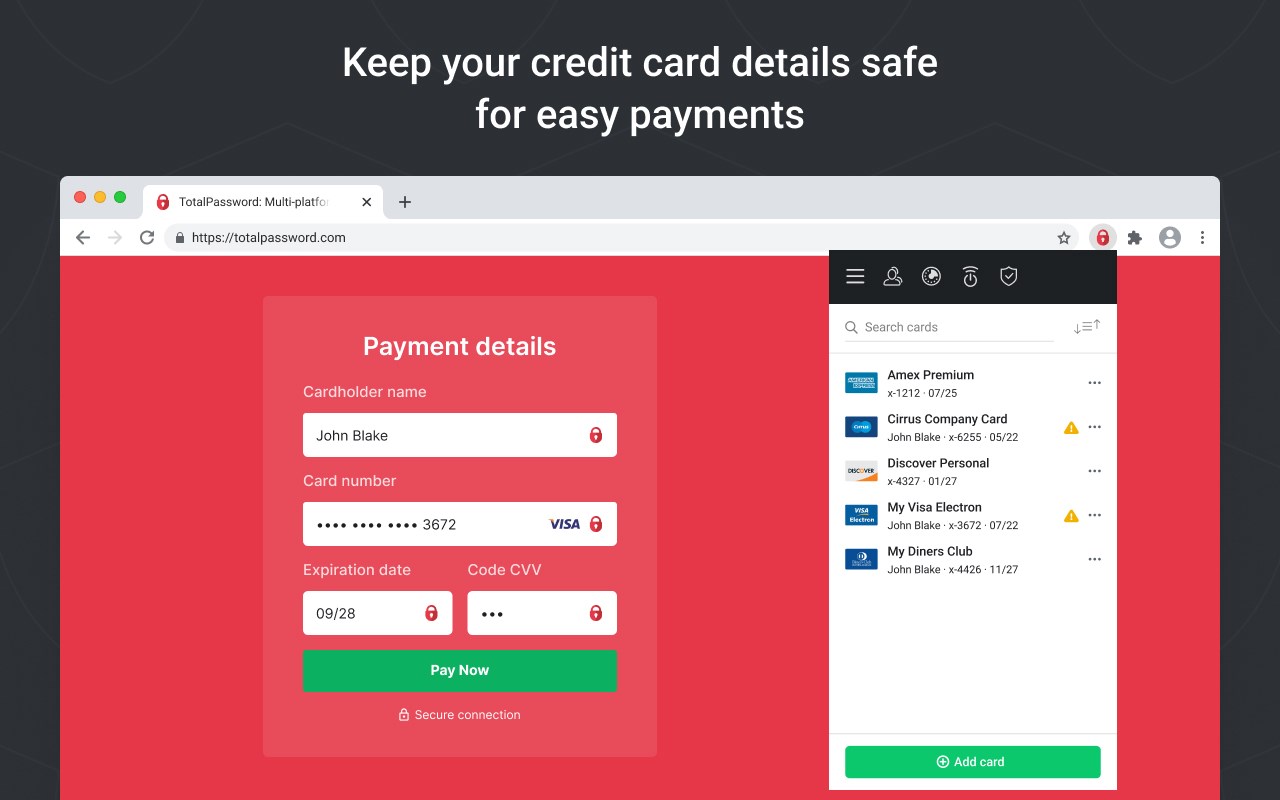
Total Password is the solution for protecting your online identity. Safely store all of your passwords, credit card information and identities in an encrypted vault, which you can access within seconds, making it easier to keep your online accounts safe. When it comes to security, we have you covered.
Hackers are regularly attacking major websites to try and steal email addresses and passwords that are signed up to access those websites. The moment they get hold of them, they try them on hundreds of other websites too - within a matter of seconds, they can see if the exposed email addresses and passwords work on popular social media or email websites. Total Password is your first line of defense against this.
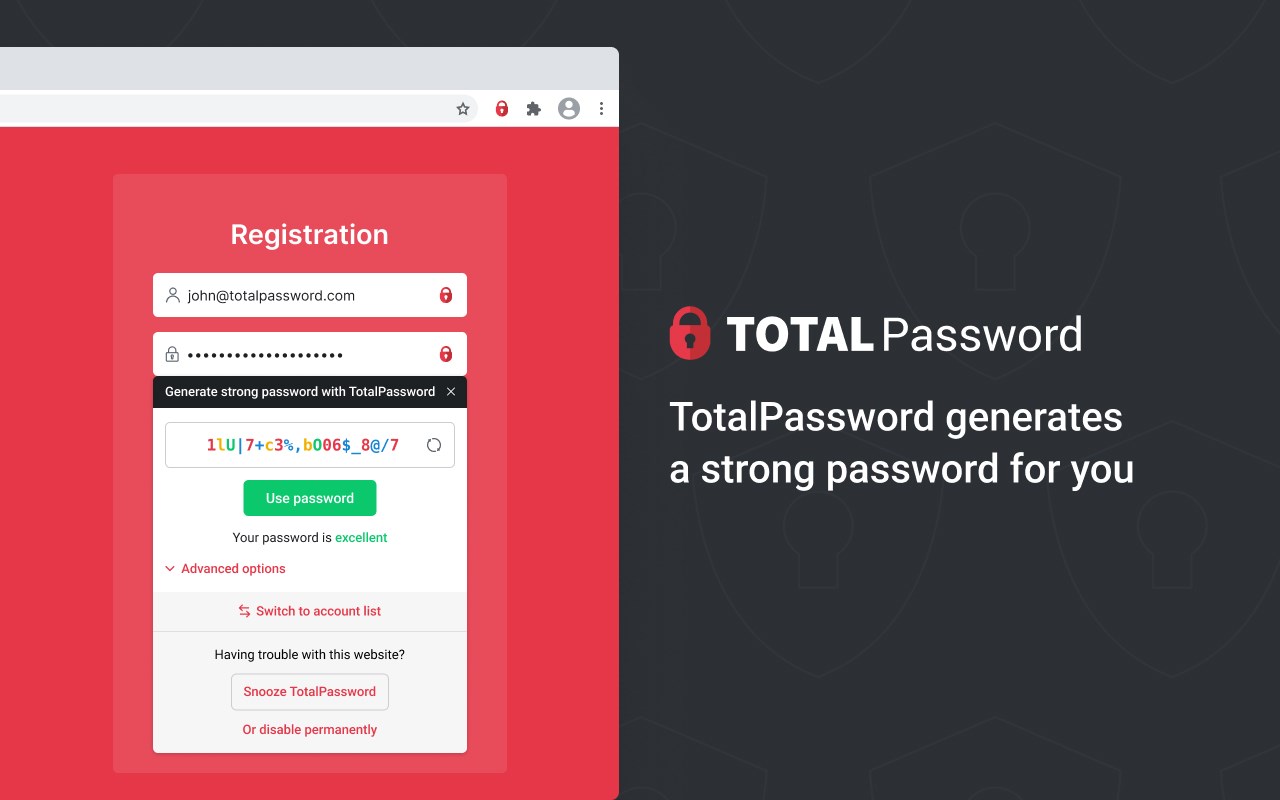
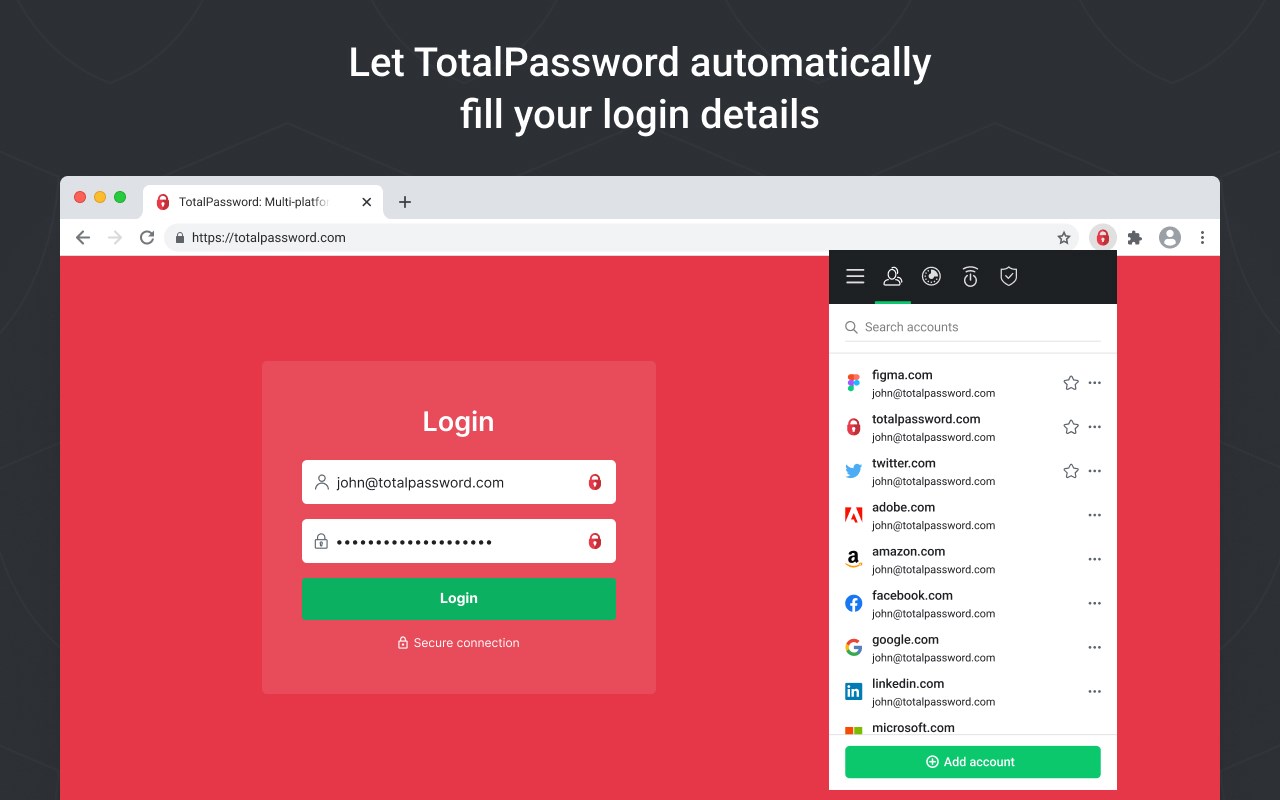
We can put a stop to this identity theft threat. Each time you sign up to a website, and create a password, Total Password can generate a completely random, unique, long and unguessable one for you. We then store it securely for you, and automatically use it to log you in when you next visit the website. The only password you need to remember is the master - this provides access to all your unique passwords for each and every website.
You can sync your Total Password account across all of your devices, meaning you don’t need to worry about forgetting a password again.
Already using a password manager? No problem! You can easily import stored passwords from browsers or standalone password managers.
Check out all of our features below:
Secure, Encrypted storage
Passwords added to Total Password are securely stored in an encrypted cloud. Rest assured we utilize the Advanced Encryption Standard (AES) with a key size of 256 bits (AES-256). In simple terms, this means no person or machine could decrypt data stored in Total Password.
Unique Password Generator
With a single click Total Password can generate a secure and unique password for you with as many characters as you choose. It is so important to utilize the password generator, as opposed to choosing ones that you can remember. Words, and even words with letters replaced with numbers are inherently insecure, easily guessed and susceptible to brute force attacks. Avoid identity theft, use Total Password’s Password Generator.
Automatic sync between devices
Using Total Password to set unique passwords for each and every website means you need them on all your devices. It’s available as an extension on all major browsers as well as an app for iPhone, iPad and Android devices. If you add a new password on desktop, rest assured it will sync across to be available on mobile, or vice versa. Your up to date encrypted storage of websites, logins, passwords, credit cards and secure notes is available on all your devices.
Two-factor authentication
Two-factor, or 2FA, is the next level in security. What this means is that there are 2 factors to access your passwords, the first being your master password and the 2nd being a one-time code sent to your mobile device the moment you try to login. By enabling 2FA, this means even if your master password was guessed, an intruder wouldn’t be able to access your passwords, as they wouldn’t have your mobile device for the 2nd factor authorisation.
Security Reports
Stay up to date with password and data breaches. Using our Security Report feature, you can check all of your passwords against breaches worldwide and change them to a new, secure password quickly.
Remote logout
Within Total Password you can see all the devices and browsers you’re logged into. You have full control to remove any devices with a single click, meaning you needn’t worry if you’ve left yourself logged in on a shared computer.
We collect your IP address on initial installation in order to allocate your free trial access without requiring any personal information. You will only be required to provide personal details such as your name, email address & payment credentials should you wish to activate a premium subscription.
Further details of both our terms & privacy policies can be found below:
Terms: https://www.totalpassword.com/terms
Privacy: https://www.totalpassword.com/privacy
Further details can be found on on pricing page https://www.totalpassword.com/pricing
Total Password will not store or log your data, your privacy is our priority.
This service is sold by Total Security Limited.
Total Password 是做什么的
Total Password 是一款面向 Edge 的效率工具类扩展,主要用来管住注意力、屏蔽干扰站点、记录时间。官方对它的介绍是:Store your passwords safely and securely - Total Password makes life easier!在微软 Edge 加载项商店上,它当前版本 1.2.0,评分 2.4(66 人评价),约 16,803 名用户。
适合什么人用
从功能定位看,Total Password 更适合想专注工作学习、减少无效刷网页的用户。如果你平时只是偶尔遇到相关需求,用浏览器自带功能也能凑合;但如果这件事每天都发生,装一个专门处理它的扩展通常比手动操作省事得多。需要注意的是它作用于所有网站,装上后建议先观察一两天,确认不影响常用站点的正常使用。
怎么安装 Total Password
- 打开微软 Edge 加载项商店上的官方页面;
- 点「添加到浏览器」并确认权限提示;
- 装好后在扩展列表里固定图标,方便随时开关。
本站只做索引与介绍,安装包来自官方商店。如果商店页面提示当前地区不可用,说明该扩展未在你所在区域上架。
常见问题
Total Password 是免费的吗?
Total Password 在微软 Edge 加载项商店免费提供下载。它是浏览器扩展,装上就能直接用,不需要注册账号。
Total Password 安全吗?
它只申请了 0 项权限,范围比较克制,没有申请「读取所有网站数据」这种大权限。
Total Password 支持哪些浏览器?
当前收录的版本来自微软 Edge 加载项商店,适用于 Edge。同一个扩展在其他商店可能有对应版本,但功能与版本号不一定相同。
怎么卸载 Total Password?
在扩展管理页找到 Total Password,点移除即可。它在本地保存的设置会一起清掉,不会残留数据。
权限清单 来自 manifest.json 原文
站点访问(可选) 1
<all_urls>
接口权限 8
activeTabbookmarksbrowsingDataclipboardWritecookiesstoragetabsunlimitedStorage
接口权限(可选) 2
contextMenusprivacy