
Textero AI: Your Personal AI-Powered Writing & Research Assistant EN
A-Help Limited · EEdge MV3
Textero is an AI-powered writing assistant that helps you create high-quality content faster and easier.
截图


简介
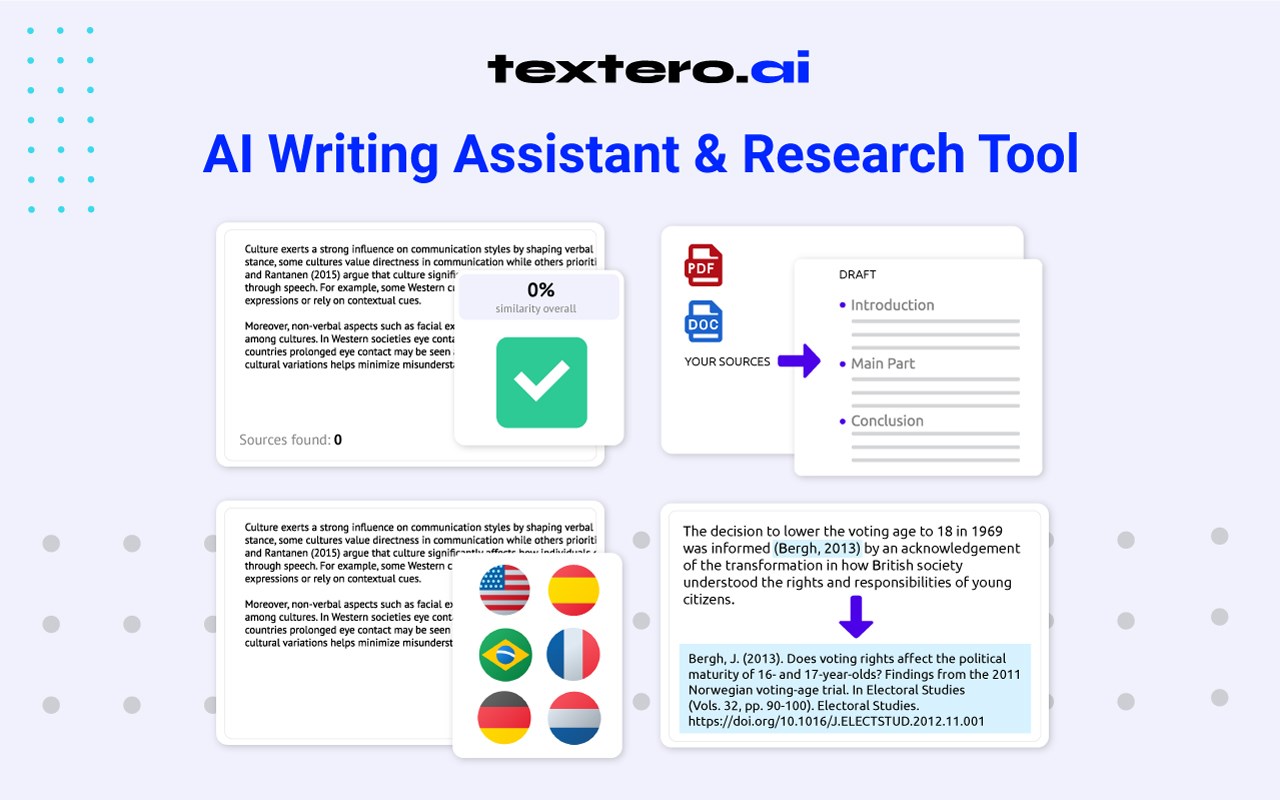
Textero is an AI-powered writing assistant that helps you create high-quality content faster and easier. With Textero AI, you can get fresh ideas, find references, check grammar, summarize, and more—all for free.
With just a few clicks, you can turn your drafts into clear and well-structured texts, using tools to edit papers just inside the side panel of your browser. See what Textero can do for you:
➤ AI Research Assistant: Access a large database of academic references for trustworthy sources.
➤ Essay Topic Finder: Easily generate engaging topics and research titles.
➤ Grammar Checker: Review your texts for grammatical errors and style improvements.
➤ AI Summarizer: Extract main points and create summaries in seconds.
➤ Paraphraser: Use 7 paraphrasing modes to make your texts easier to read and free from plagiarism.
➤ Essay Grader: Get instant feedback on your papers to improve them.
Textero offers more than just writing and editing tools. It also ensures your work is unique and plagiarism-free:
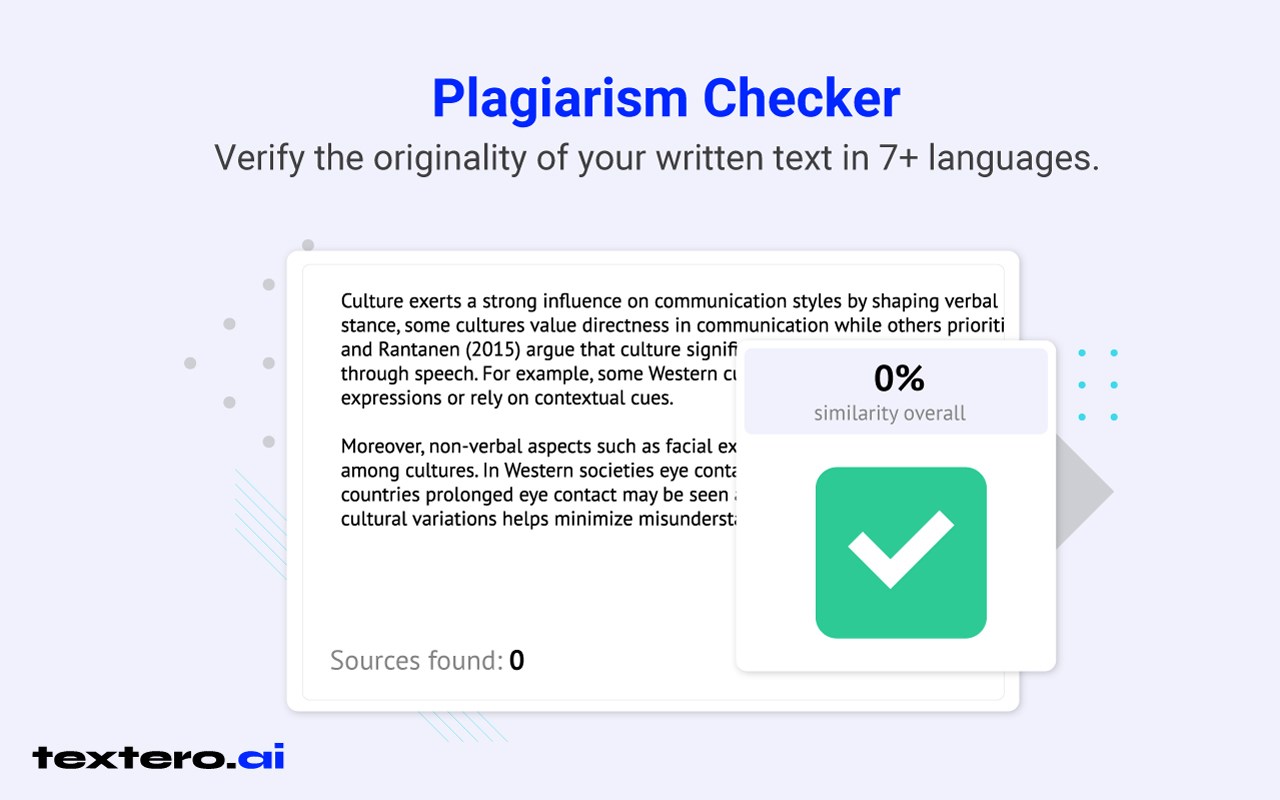
➤ Plagiarism Checker: Verify the originality of your written text in 7+ languages.
➤ AI Detector: Identify content created by ChatGPT, Claude, and Bard.
5 reasons to choose Textero AI:
✅ Comprehensive AI writing tools: Receive detailed help at every stage of your writing process.
✅ Data security: Be sure your info and drafts are safe with advanced encryption and regular security checks.
✅ Real references: Get accurate citations from a database of over 215 million sources.
✅ Customizable text: Choose your paper type and writing style to suit your needs perfectly.
✅ Multilingual support: Create drafts in English, German, Italian, and more.
How Textero AI for browser works:
First, click the “Add to Chrome” button. Once the writing tool is added to your browser, you can access our summarizer, try the research assistant, start a grammar check, and more.That’s it! You can start saving time immediately!
Feel free to share your experience or follow us for useful content here:
◾ Twitter (X): https://x.com/texteroai
◾ LinkedIn: https://www.linkedin.com/company/textero-ai
◾ Instagram: https://www.instagram.com/texteroai/
◾ Tiktok: https://www.tiktok.com/@textero.ai
Textero AI: Your Personal AI-Powered Writing & Research Assistant 是做什么的
Textero AI: Your Personal AI-Powered Writing & Research Assistant 是一款面向 Edge 的效率工具类扩展,主要用来管住注意力、屏蔽干扰站点、记录时间。官方对它的介绍是:Textero is an AI-powered writing assistant that helps you create high-quality content faster and easier.在微软 Edge 加载项商店上,它当前版本 1.1.1,约 26 名用户。
适合什么人用
从功能定位看,Textero AI: Your Personal AI-Powered Writing & Research Assistant 更适合想专注工作学习、减少无效刷网页的用户。如果你平时只是偶尔遇到相关需求,用浏览器自带功能也能凑合;但如果这件事每天都发生,装一个专门处理它的扩展通常比手动操作省事得多。
怎么安装 Textero AI: Your Personal AI-Powered Writing & Research Assistant
- 打开微软 Edge 加载项商店上的官方页面;
- 点「添加到浏览器」并确认权限提示;
- 装好后在扩展列表里固定图标,方便随时开关。
本站只做索引与介绍,安装包来自官方商店。如果商店页面提示当前地区不可用,说明该扩展未在你所在区域上架。
常见问题
Textero AI: Your Personal AI-Powered Writing & Research Assistant 是免费的吗?
Textero AI: Your Personal AI-Powered Writing & Research Assistant 在微软 Edge 加载项商店免费提供下载。它是浏览器扩展,装上就能直接用,不需要注册账号。
Textero AI: Your Personal AI-Powered Writing & Research Assistant 安全吗?
它只申请了 0 项权限,范围比较克制,没有申请「读取所有网站数据」这种大权限。
Textero AI: Your Personal AI-Powered Writing & Research Assistant 支持哪些浏览器?
当前收录的版本来自微软 Edge 加载项商店,适用于 Edge。同一个扩展在其他商店可能有对应版本,但功能与版本号不一定相同。
怎么卸载 Textero AI: Your Personal AI-Powered Writing & Research Assistant?
在扩展管理页找到 Textero AI: Your Personal AI-Powered Writing & Research Assistant,点移除即可。它在本地保存的设置会一起清掉,不会残留数据。
权限清单 来自 manifest.json 原文
接口权限 2
sidePanelstorage