
Temp Mail - Disposable Temporary Email EN
kernelpicnic · EEdge MV3
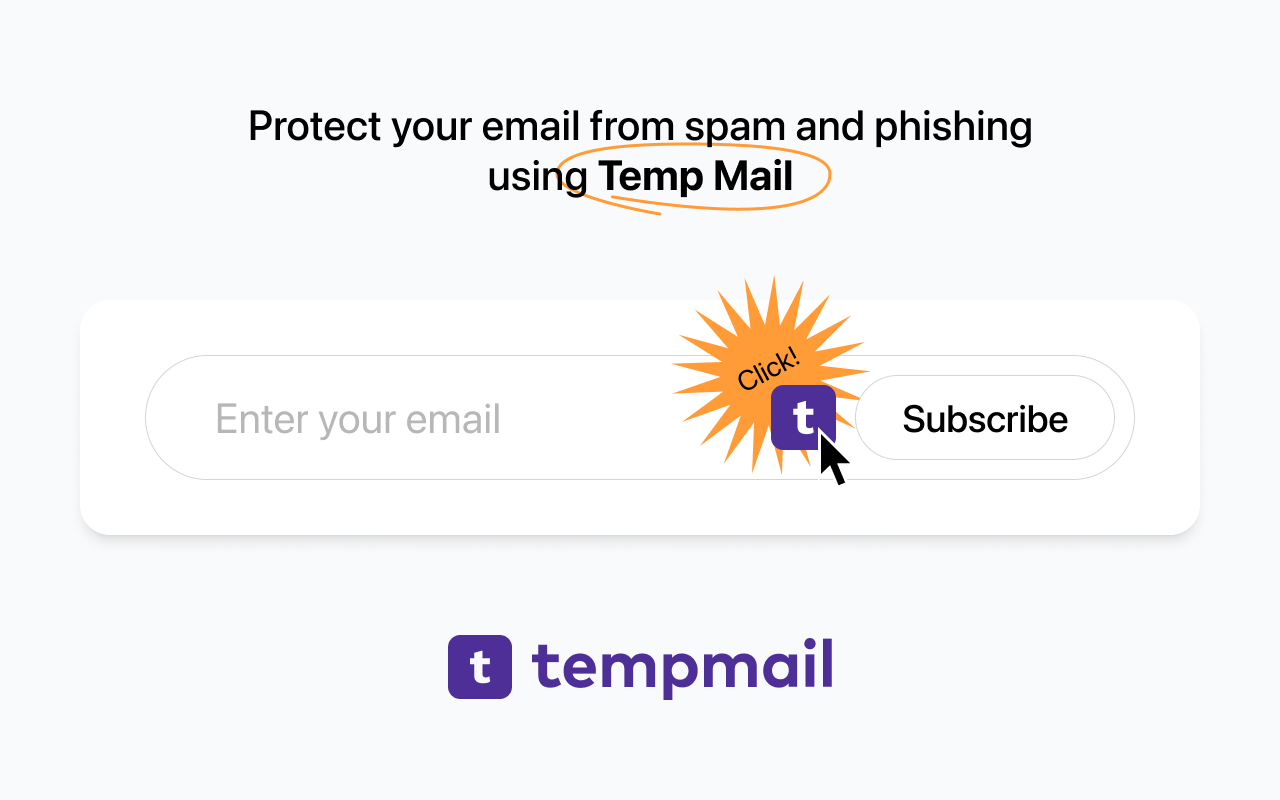
Temp Mail allows you to easily keep your email address clean and safe from spam and hackers by providing you temporary email
截图
简介
Temp Mail – Disposable Temporary Email Extension
Temp Mail is a powerful browser extension designed to safeguard your personal email address from spam, phishing attacks, unauthorized data collection, and potential hackers. Perfect for situations such as signing up on unfamiliar websites, accessing free trials, or avoiding cluttered inboxes, Temp Mail provides instantly generated, disposable email addresses that allow you to remain anonymous and protect your privacy online. It features a clean, user-friendly interface integrated directly into your browser, ensuring you never have to expose your real email address when registering for online services.
This extension seamlessly connects with the official Temp Mail service, catering especially to privacy-conscious users who want quick and effortless access to temporary inboxes via browser popups or context menus. You can create secure, anonymous email addresses on demand that receive real-time emails, including verification messages and attachments. Once finished, you can discard the temporary address and all its content with a single click, eliminating any digital trace.
Temp Mail helps you avoid the flood of unwanted promotional emails, defend against targeted cyberattacks, and generally reduce your online footprint. Its one-click operation is ideal for evaluating websites, signing up for newsletters, or any scenario where privacy and anonymity are desired. No registration or configuration is required—simply install the extension, click to generate an address, and start using it immediately. Easily copy generated addresses to your clipboard, view incoming messages instantly, and enjoy hassle-free protection for your digital identity.
Built with modern security practices, the extension runs on an isolated service worker within sandboxed environments, ensuring your real email address is never exposed. Advanced users can take advantage of customizable settings to control how temporary emails are generated or retained. Notifications keep you informed about new emails and attachments as soon as they arrive. The options panel lets you fine-tune notifications, set preferences for auto-generation of new addresses, and configure privacy controls.
With Temp Mail, you can say goodbye to spam, advertising emails, and unwanted digital tracking—maintain full control of temporary inboxes directly from your browser and browse with peace of mind.
Key Features:
- Instantly generate secure, disposable email addresses with a single click.
- Real-time inbox display for receiving verification codes, newsletters, and messages without delay.
- Integrated browser popup with intuitive controls for copying email addresses, deleting them, and accessing inbox messages.
- Context menu support for swift email generation or direct clipboard copying while filling out web forms.
- Notification alerts for incoming messages and attachments to ensure you never miss important emails.
- Total separation from your personal email identity—temporary addresses and messages can be discarded anytime without leaving traces.
- Customizable options panel to manage notifications, auto-renewal of addresses, and privacy settings.
How It Works:
1. Install the Temp Mail extension from your browser’s extension store.
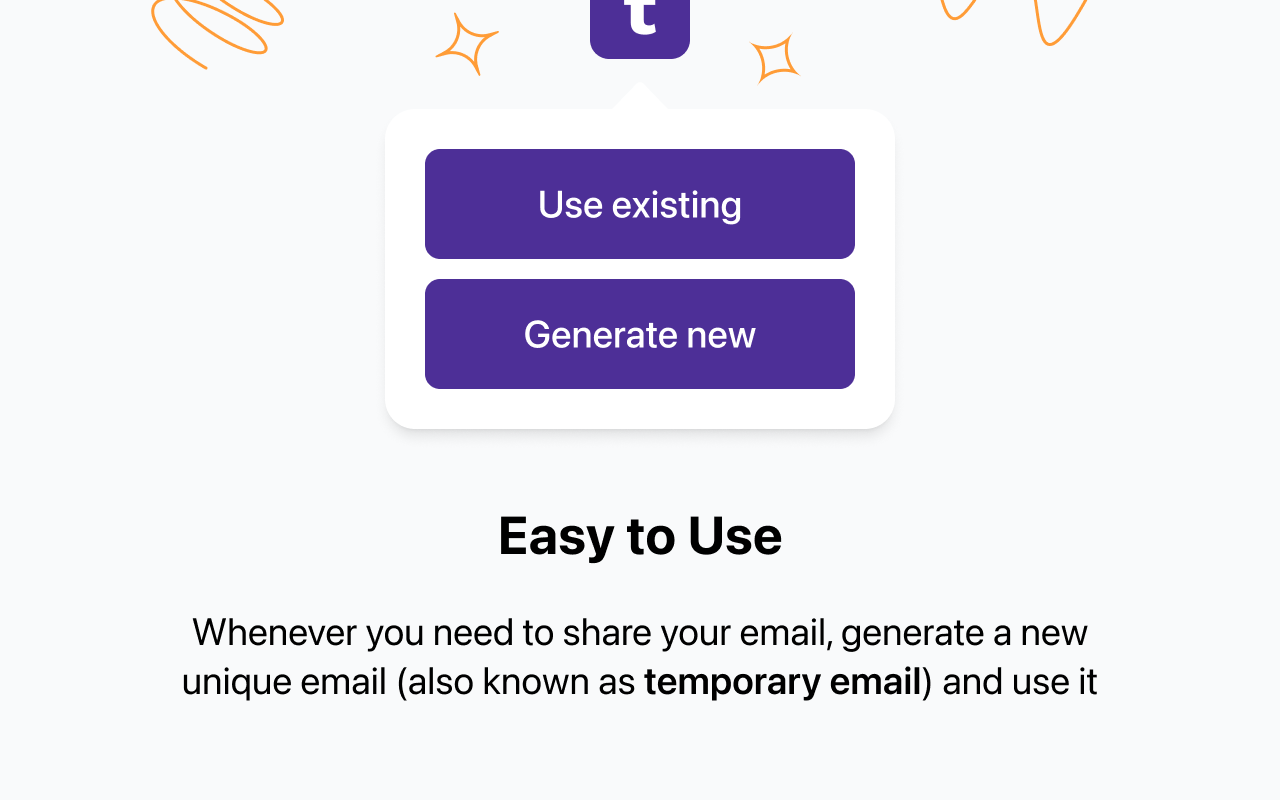
2. Click the extension icon to open the streamlined popup user interface.
3. Receive a randomly generated disposable email address immediately, ready for use.
4. Paste this address into any online registration or signup form where an email is required.
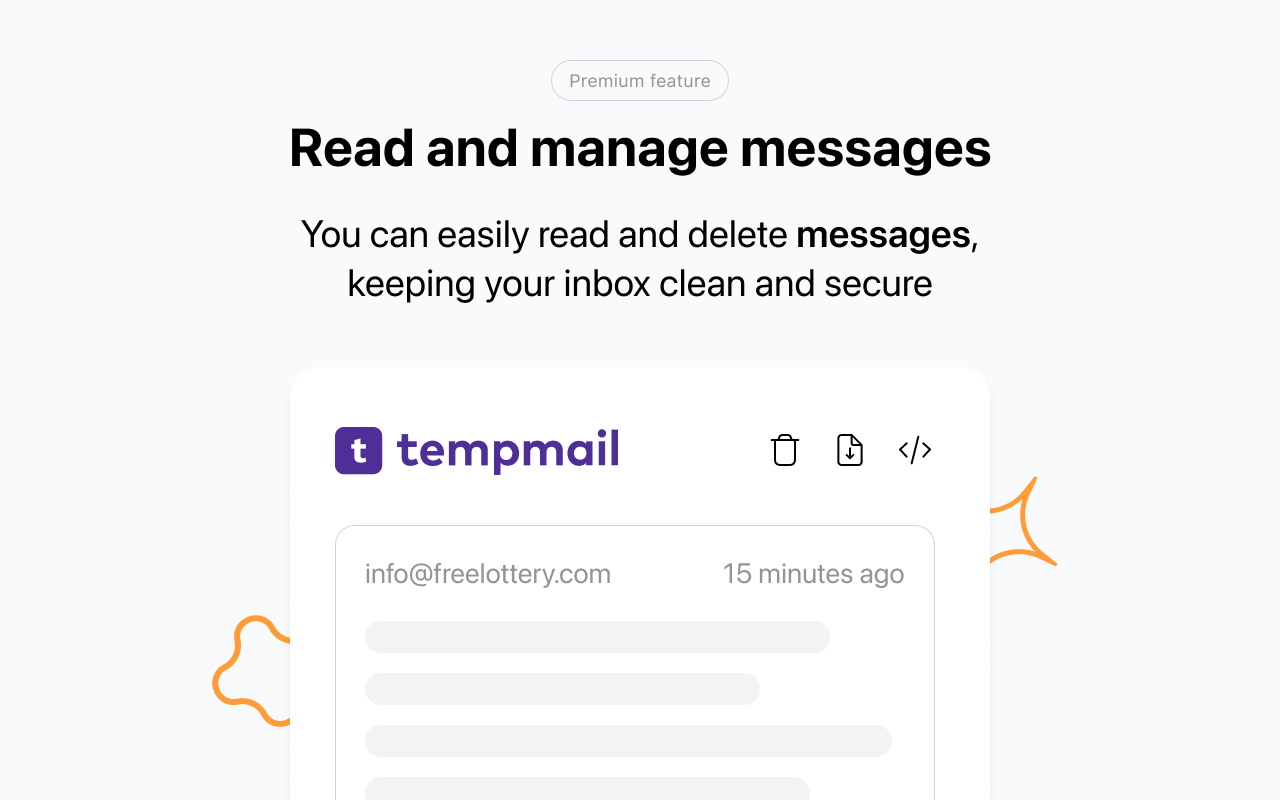
5. Monitor incoming emails in real time via the popup inbox panel; copy, refresh, or delete addresses easily with one click.
6. Access the settings page to personalize notification preferences and configure automatic address renewal.
7. Use context menu options for quick creation or copying of email addresses during web browsing and form completion.
Privacy: - No personal data collected. Temp Mail does not link disposable addresses to your real identity. Each temporary email address and its contents are isolated, private, and ephemeral. For full details, please refer to our privacy policy.
Temp Mail - Disposable Temporary Email 是做什么的
Temp Mail - Disposable Temporary Email 是一款面向 Edge 的效率工具类扩展,主要用来管住注意力、屏蔽干扰站点、记录时间。官方对它的介绍是:Temp Mail allows you to easily keep your email address clean and safe from spam and hackers by providing you temporary email在微软 Edge 加载项商店上,它当前版本 2.1.9,评分 4.2(8 人评价),约 12,329 名用户。
适合什么人用
从功能定位看,Temp Mail - Disposable Temporary Email 更适合想专注工作学习、减少无效刷网页的用户。如果你平时只是偶尔遇到相关需求,用浏览器自带功能也能凑合;但如果这件事每天都发生,装一个专门处理它的扩展通常比手动操作省事得多。
怎么安装 Temp Mail - Disposable Temporary Email
- 打开微软 Edge 加载项商店上的官方页面;
- 点「添加到浏览器」并确认权限提示;
- 装好后在扩展列表里固定图标,方便随时开关。
本站只做索引与介绍,安装包来自官方商店。如果商店页面提示当前地区不可用,说明该扩展未在你所在区域上架。
常见问题
Temp Mail - Disposable Temporary Email 是免费的吗?
Temp Mail - Disposable Temporary Email 在微软 Edge 加载项商店免费提供下载。它是浏览器扩展,装上就能直接用,不需要注册账号。
Temp Mail - Disposable Temporary Email 安全吗?
它只申请了 0 项权限,范围比较克制,没有申请「读取所有网站数据」这种大权限。
Temp Mail - Disposable Temporary Email 支持哪些浏览器?
当前收录的版本来自微软 Edge 加载项商店,适用于 Edge。同一个扩展在其他商店可能有对应版本,但功能与版本号不一定相同。
怎么卸载 Temp Mail - Disposable Temporary Email?
在扩展管理页找到 Temp Mail - Disposable Temporary Email,点移除即可。它在本地保存的设置会一起清掉,不会残留数据。
权限清单 来自 manifest.json 原文
接口权限 4
contextMenusnotificationsstoragetabs
其他商店也有这款
同一款扩展在不同浏览器下的版本,权限与更新节奏可能不同
